WiFi TCP/UDP Controller
NEXT PROTOTYPES
4.0 ★
store rating
50,000+
downloads
Free
In this app, you can configure wireless TCP and UDP commands to control PLC devices on your local network. Includes backup options and customizable buttons for communication setup.
AppRecs review analysis
AppRecs rating 4.0. Trustworthiness 0 out of 100. Review manipulation risk 0 out of 100. Based on a review sample analyzed.
★★★★☆
4.0
AppRecs Rating
Ratings breakdown
5 star
65%
4 star
10%
3 star
7%
2 star
0%
1 star
18%
What to know
✓
High user satisfaction
75% of sampled ratings are 4+ stars (4.0★ average)
✓
Authentic reviews
Natural distribution, no red flags
About WiFi TCP/UDP Controller
Made for the devices with more than 3 inches screen size.
Please change the button size to fit your device screen size.
(PREFERENCE - OPTION - Button Size)
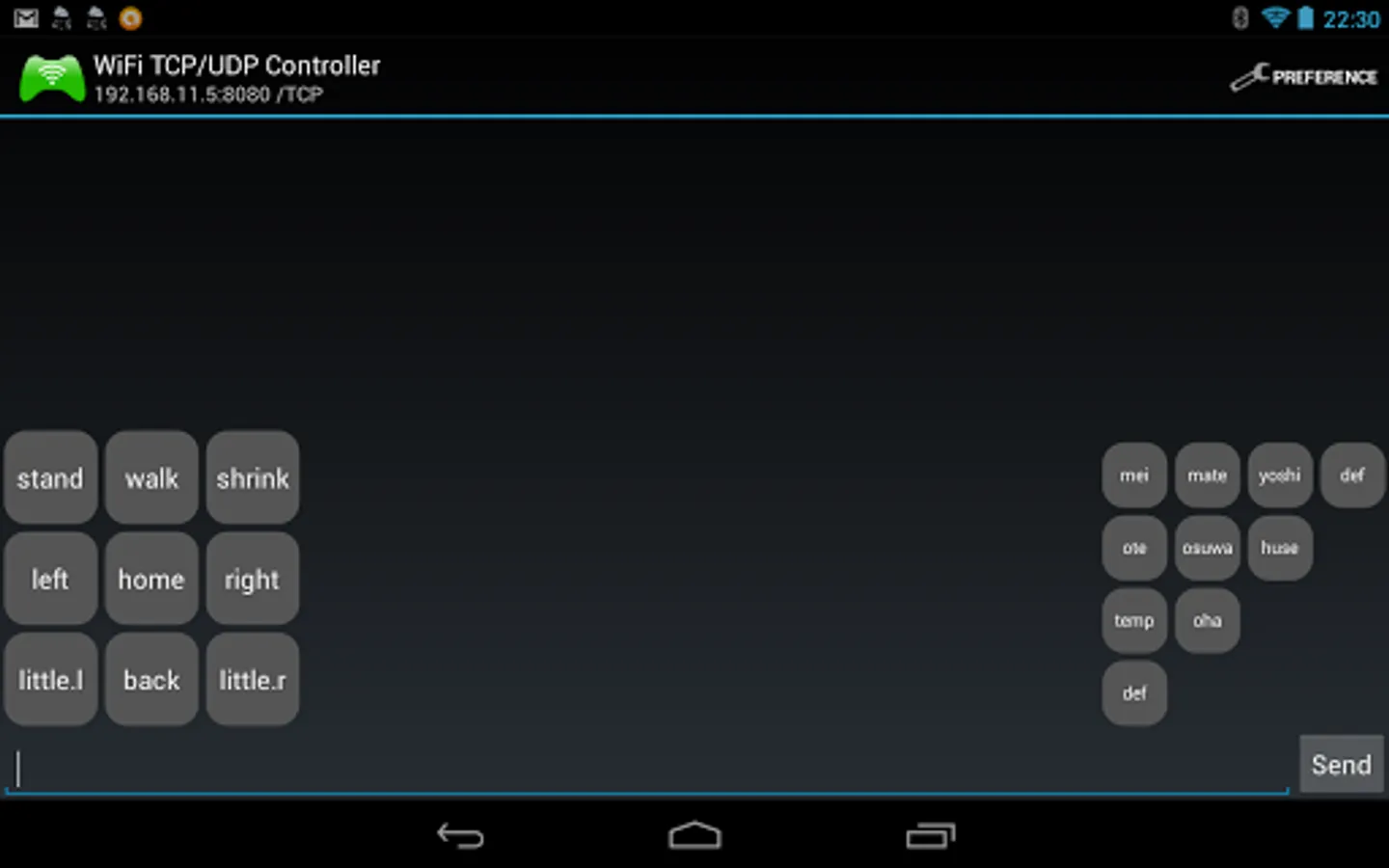
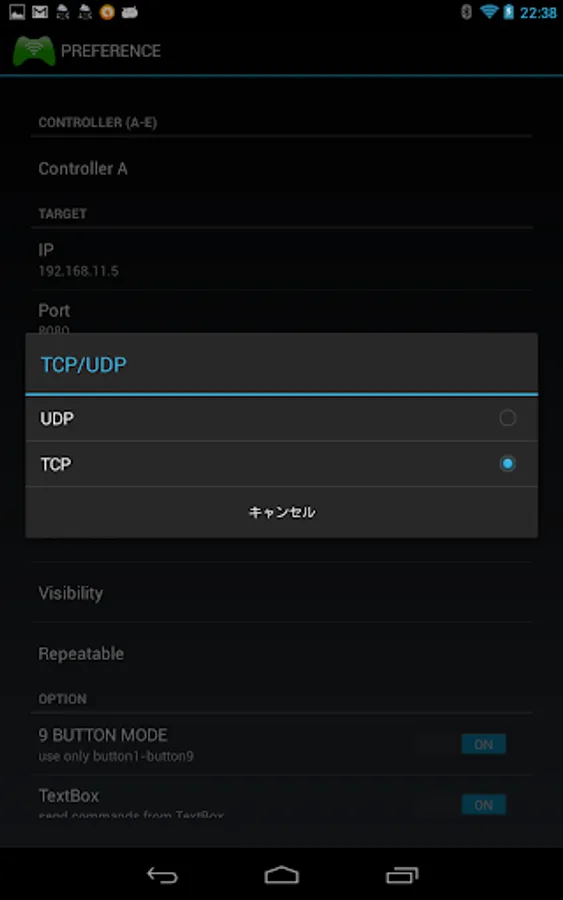
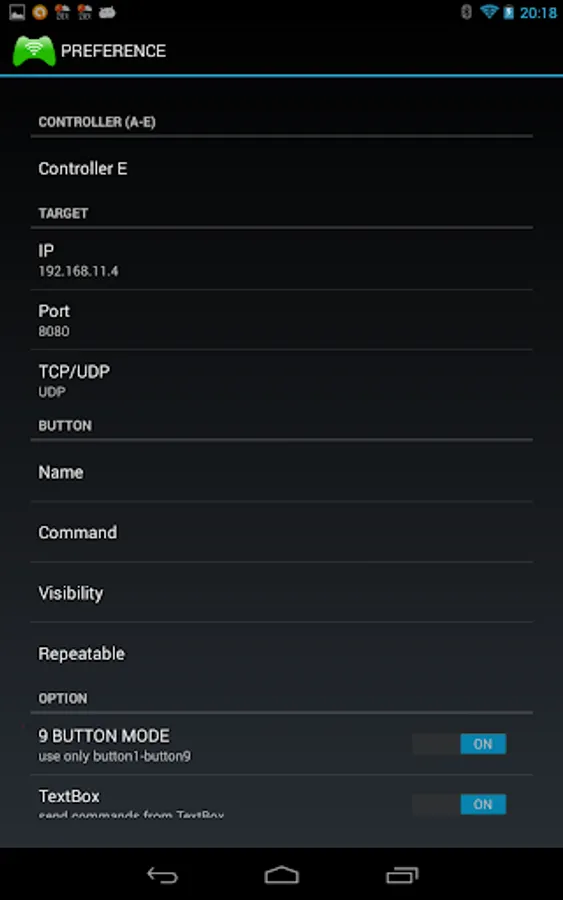
For wireless TCP & UDP communication in your local network.
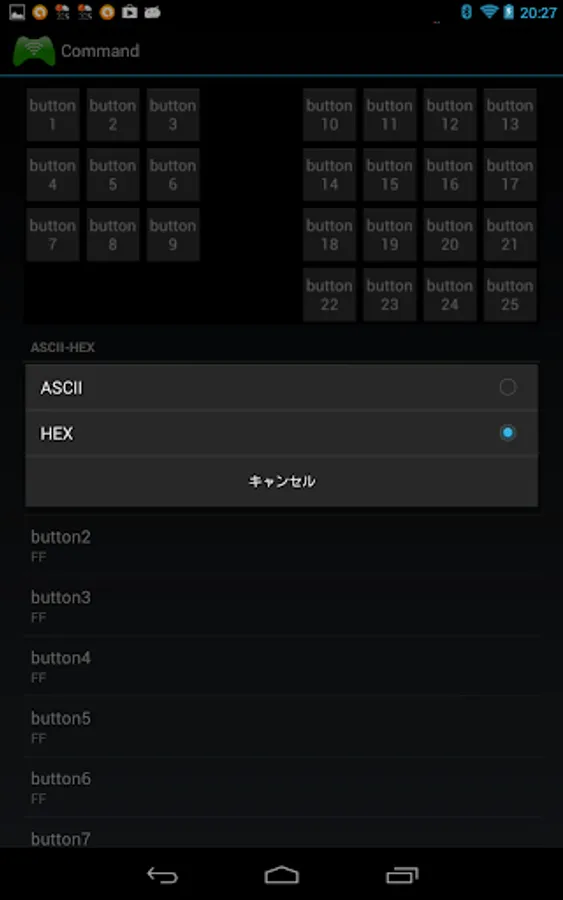
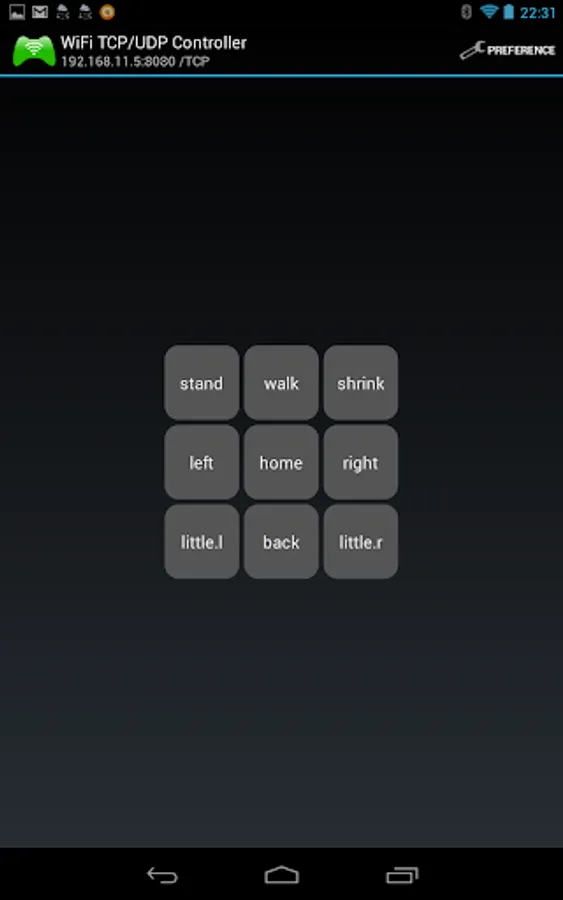
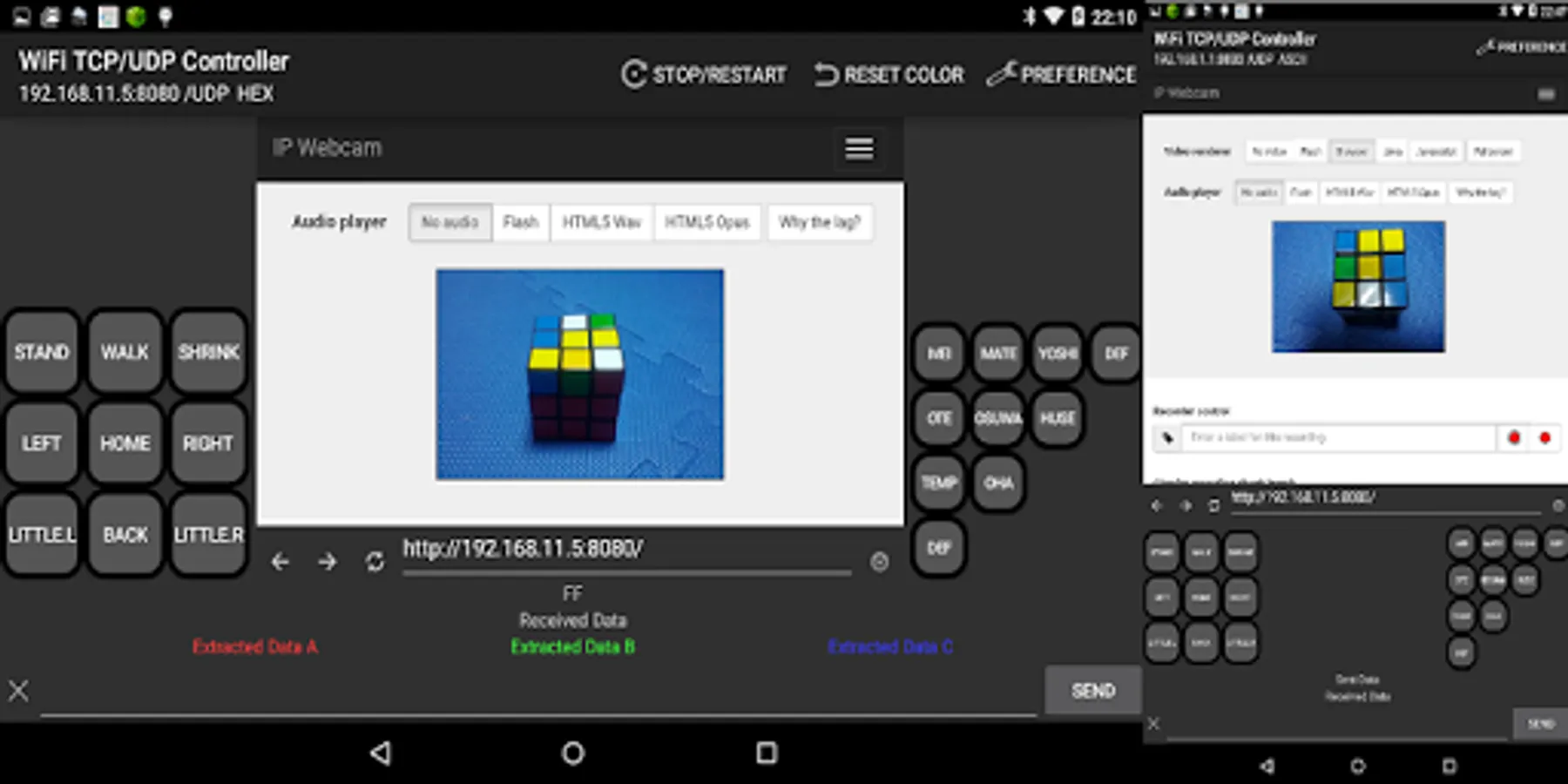
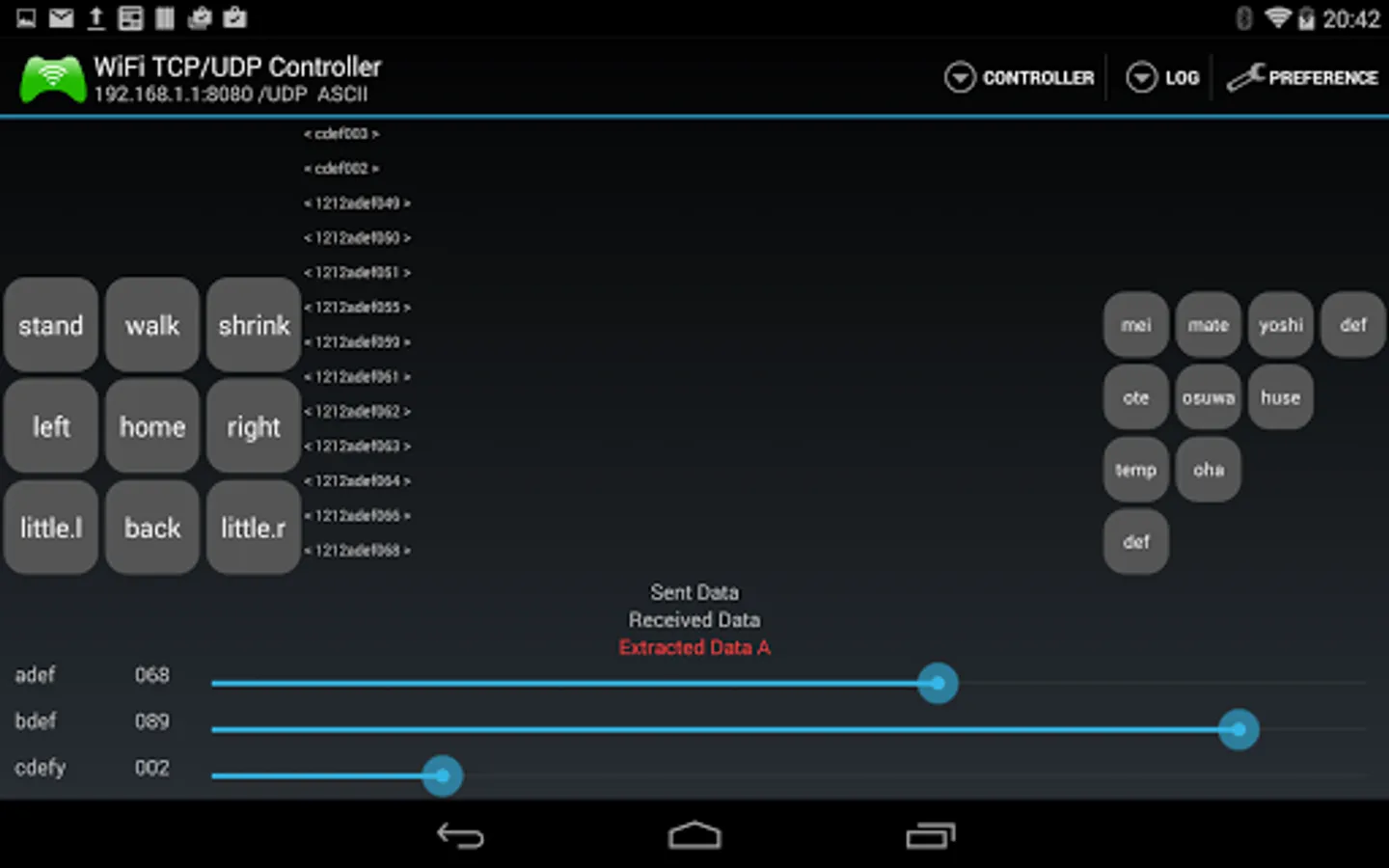
You can freely set the name of the button, command, visibility, and repeat.
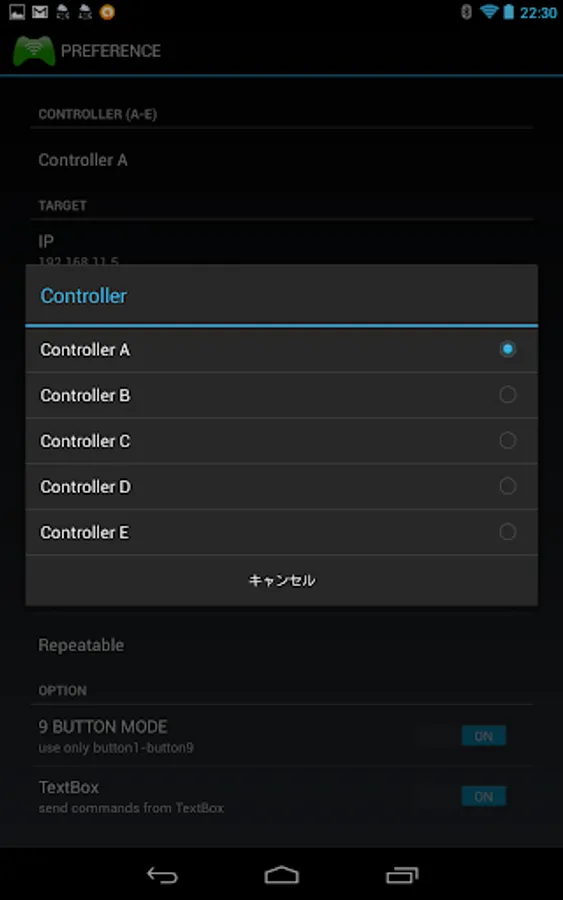
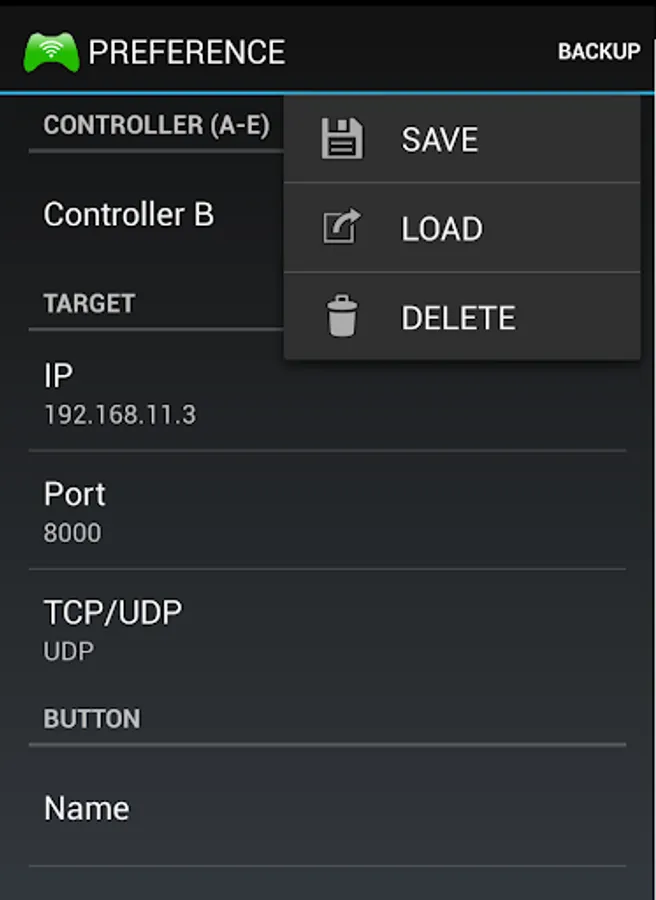
By selecting the controller (A-E) , you can store up to 5 different set-ups.
The value of controller can be backup
In ASCII mode, " @0x0D ” is replaced by ” r ” and " @0x0A ” is replaced by ” n ”
About backup
・ storage location is displayed when you save.
・ The data saved folder "Controller Backup" is the common folder to all controller apps.
(ex. WiFi TCP/UDP Controller 16 ,Bluetooth Serial Controller 16)
・ Data type is "CSV". So if NAME or COMMAND contains ",(comma)" , this data can't be read completely.
For wireless TCP & UDP communication with PLC controller.
Tested on Mitsubishi Melsec Q series (with eternet QJ71E71-100)
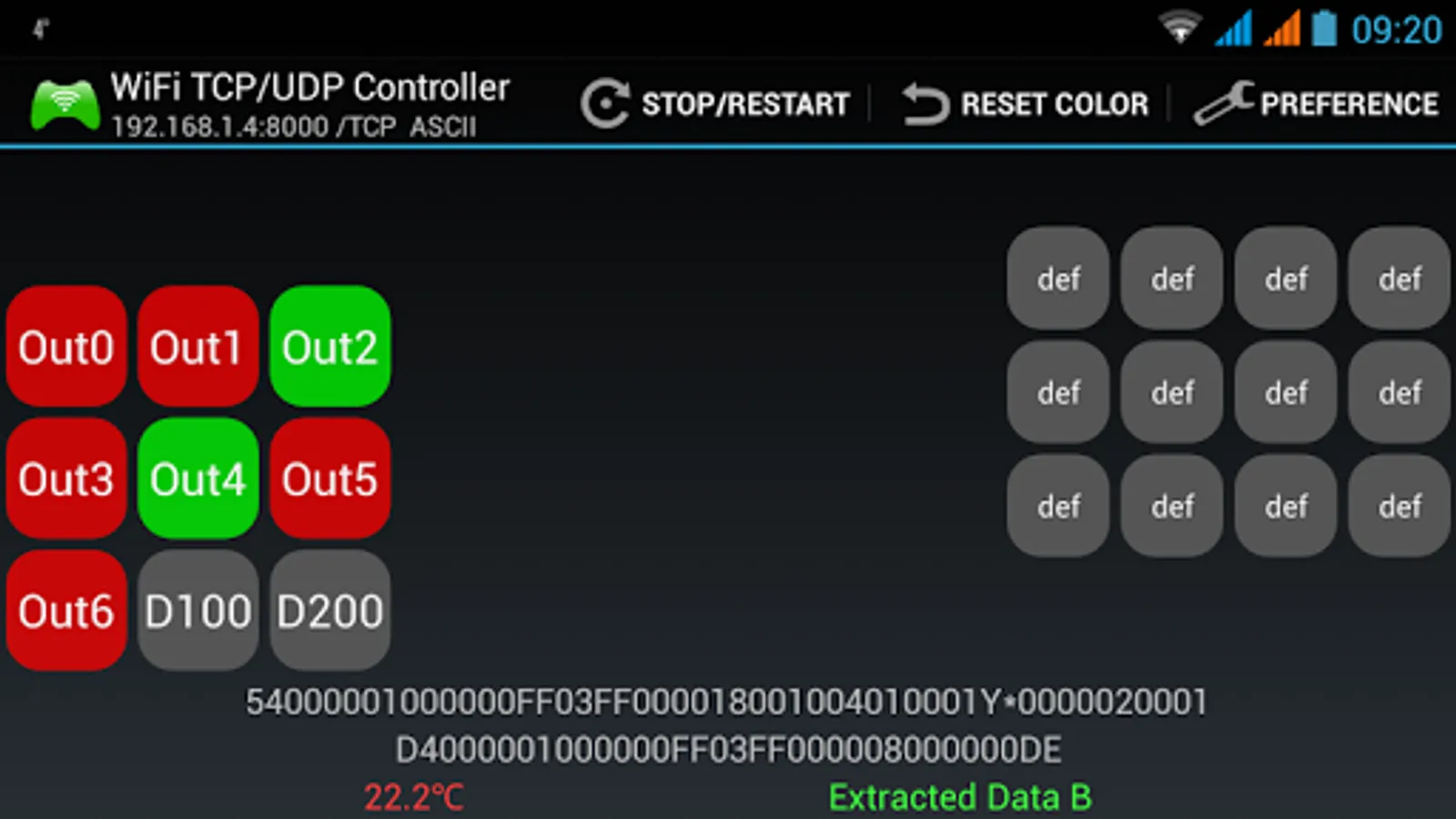
- you can read input/output status, inrernal relay status, data memory value, timer value and etc...
Communication following MELSEC Communication Protocol in ASCII code.
I/O control
http://www.youtube.com/watch?v=ZKahFswjnFU
read D100,D200
http://www.youtube.com/watch?v=jhX94uKJrH0
These videos were produced by Marek.
※Permissions for backup: WRITE_EXTERNAL_STORAGE , READ_EXTERNAL_STORAGE
※Permissions for advertising: INTERNET , ACCESS_NETWORK_STATE
Please change the button size to fit your device screen size.
(PREFERENCE - OPTION - Button Size)
For wireless TCP & UDP communication in your local network.
You can freely set the name of the button, command, visibility, and repeat.
By selecting the controller (A-E) , you can store up to 5 different set-ups.
The value of controller can be backup
In ASCII mode, " @0x0D ” is replaced by ” r ” and " @0x0A ” is replaced by ” n ”
About backup
・ storage location is displayed when you save.
・ The data saved folder "Controller Backup" is the common folder to all controller apps.
(ex. WiFi TCP/UDP Controller 16 ,Bluetooth Serial Controller 16)
・ Data type is "CSV". So if NAME or COMMAND contains ",(comma)" , this data can't be read completely.
For wireless TCP & UDP communication with PLC controller.
Tested on Mitsubishi Melsec Q series (with eternet QJ71E71-100)
- you can read input/output status, inrernal relay status, data memory value, timer value and etc...
Communication following MELSEC Communication Protocol in ASCII code.
I/O control
http://www.youtube.com/watch?v=ZKahFswjnFU
read D100,D200
http://www.youtube.com/watch?v=jhX94uKJrH0
These videos were produced by Marek.
※Permissions for backup: WRITE_EXTERNAL_STORAGE , READ_EXTERNAL_STORAGE
※Permissions for advertising: INTERNET , ACCESS_NETWORK_STATE