TfL Oyster and contactless
Transport for London (TfL)
2.6 ★
12K ratings
1,000,000+
downloads
Free
AppRecs review analysis
AppRecs rating 2.6. Trustworthiness 0 out of 100. Review manipulation risk 0 out of 100. Based on a review sample analyzed.
★★☆☆☆
2.6
AppRecs Rating
Ratings breakdown
5 star
32%
4 star
6%
3 star
4%
2 star
3%
1 star
55%
What to know
⚠
Mixed user feedback
Average 2.6★ rating suggests room for improvement
⚠
High negative review ratio
58% of sampled ratings are 1–2 stars
About TfL Oyster and contactless
Manage your adult Oyster and contactless cards on the move with the app.
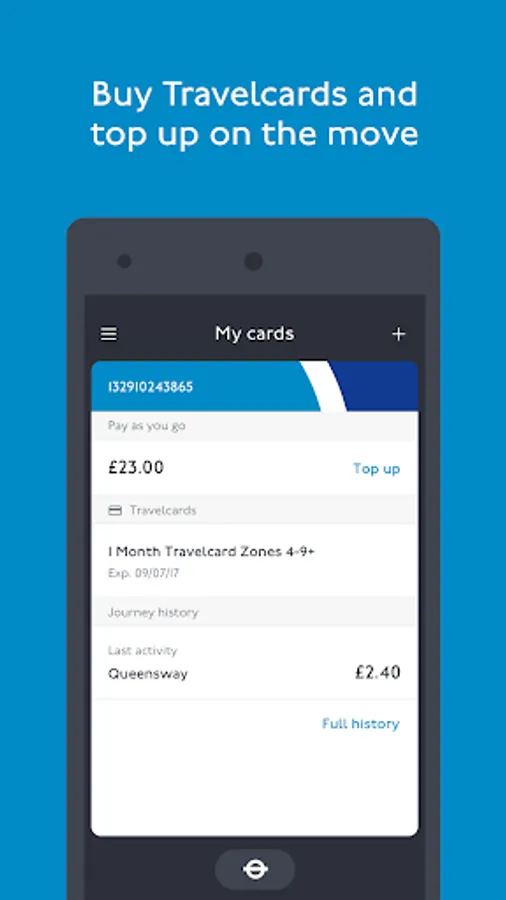
• Top up pay as you go credit
• Buy adult rate 7 Day, Monthly and Annual Travelcards, and Bus & Tram Passes
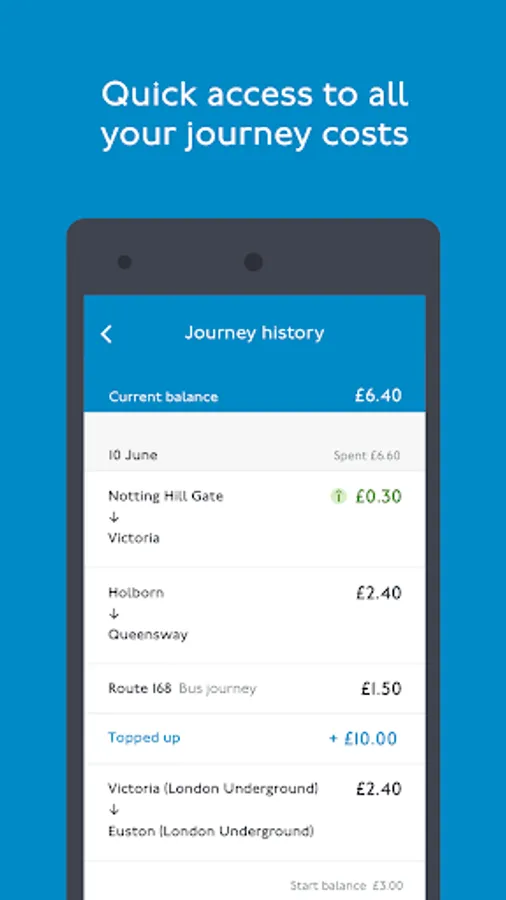
• View your Oyster card and contactless journey history
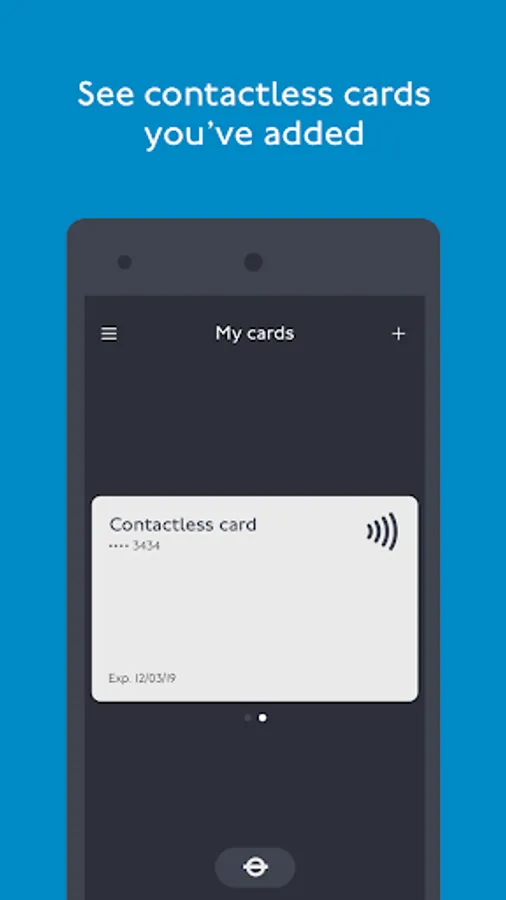
• Check contactless payments
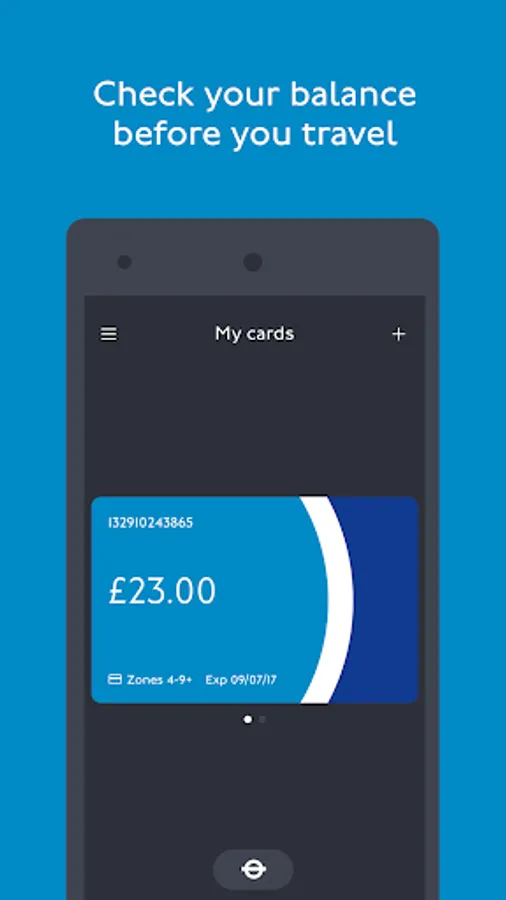
• Check your pay as you go balance and see season tickets
• Check if you have any incomplete journeys
• Allow notifications when your pay as you go balance falls below a certain amount, or your Travelcard is about to expire
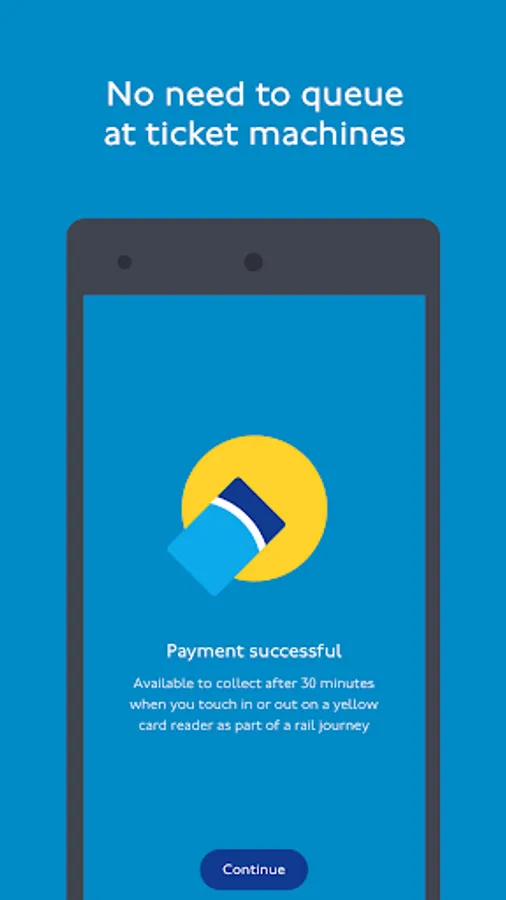
When you top up your credit or buy a Travelcard or Bus & Tram Pass, it will be available to collect after 30 minutes when you touch your Oyster card on a yellow card reader as part of a journey on any London bus, or at any Tube, DLR, London Overground, TfL Rail or National Rail station within the pay as you go area, tram stop or River Bus pier.
Keeping on top of your spend is easy; see the date, time and cost of your journeys from the last 8 weeks.
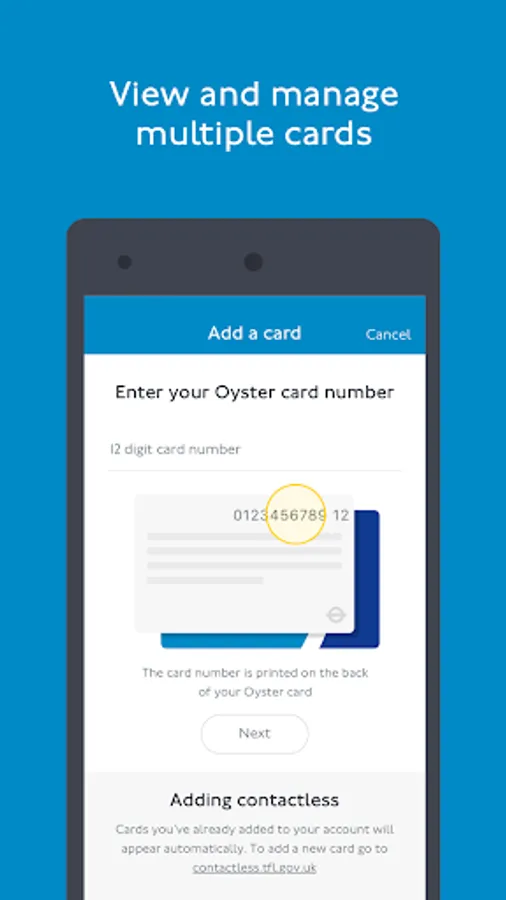
Customers who have not already added their contactless card to an online account can do so at contactless.tfl.gov.uk.
The TfL Oyster and contactless app will request access to your camera. This is so that you can scan your payment card. We will never store the scanned pictures. Alternatively you can enter the card details manually.
You can’t currently add Oyster photocards to this app.
You can’t currently buy discounted tickets through the app.
For security reasons TfL Oyster app is not supported on rooted devices.
Please provide any feedback using this link https://www.tfl.gov.uk/app-contact
• Top up pay as you go credit
• Buy adult rate 7 Day, Monthly and Annual Travelcards, and Bus & Tram Passes
• View your Oyster card and contactless journey history
• Check contactless payments
• Check your pay as you go balance and see season tickets
• Check if you have any incomplete journeys
• Allow notifications when your pay as you go balance falls below a certain amount, or your Travelcard is about to expire
When you top up your credit or buy a Travelcard or Bus & Tram Pass, it will be available to collect after 30 minutes when you touch your Oyster card on a yellow card reader as part of a journey on any London bus, or at any Tube, DLR, London Overground, TfL Rail or National Rail station within the pay as you go area, tram stop or River Bus pier.
Keeping on top of your spend is easy; see the date, time and cost of your journeys from the last 8 weeks.
Customers who have not already added their contactless card to an online account can do so at contactless.tfl.gov.uk.
The TfL Oyster and contactless app will request access to your camera. This is so that you can scan your payment card. We will never store the scanned pictures. Alternatively you can enter the card details manually.
You can’t currently add Oyster photocards to this app.
You can’t currently buy discounted tickets through the app.
For security reasons TfL Oyster app is not supported on rooted devices.
Please provide any feedback using this link https://www.tfl.gov.uk/app-contact
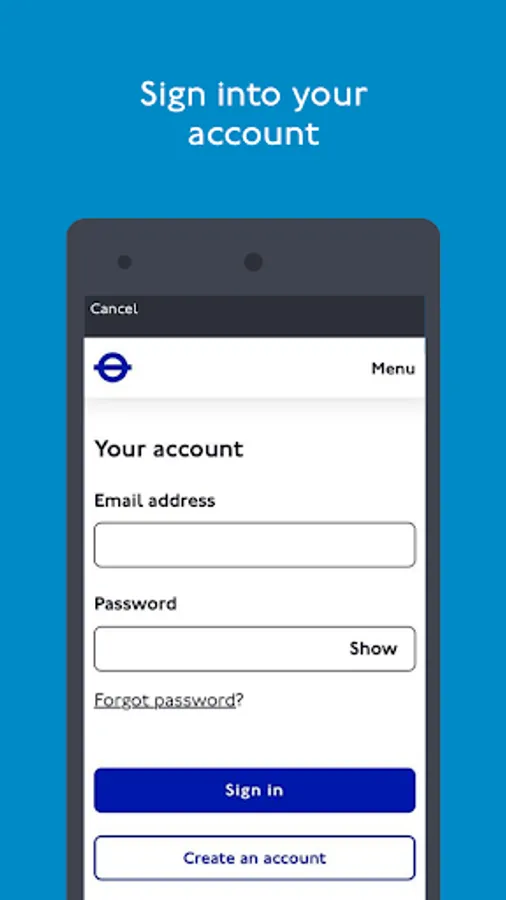
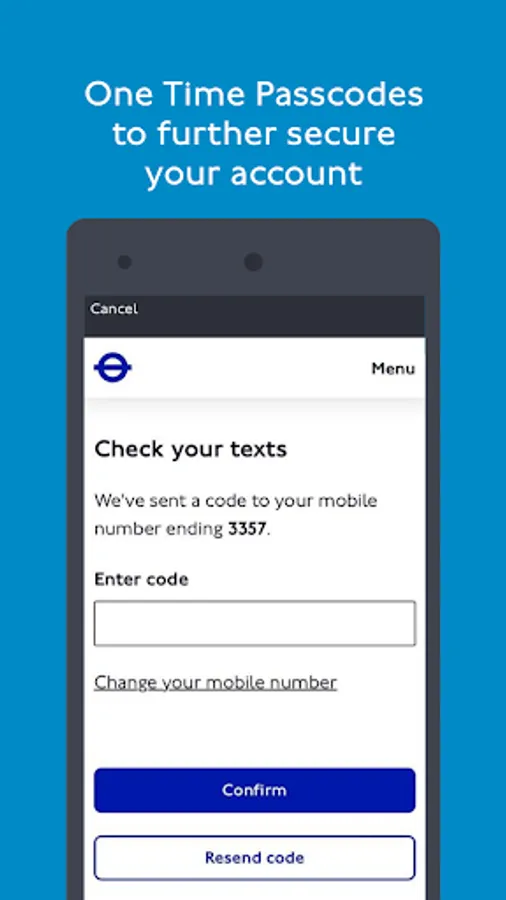
TfL Oyster and contactless Screenshots
Tap to Rate: