
With this web app, you can participate in team chats, schedule and join meetings, and use whiteboards. Includes video conferencing, messaging, phone calls, and remote updates.
AppRecs review analysis
AppRecs rating 4.0. Trustworthiness 82 out of 100. Review manipulation risk 32 out of 100. Based on a review sample analyzed.
★★★★☆
4.0
AppRecs Rating
Ratings breakdown
5 star
63%
4 star
6%
3 star
5%
2 star
5%
1 star
20%
What to know
✓
Credible reviews
82% trustworthiness score from analyzed reviews
✓
Good user ratings
69% positive sampled reviews
✓
Authentic reviews
Natural distribution, no red flags
About Zoom for Chromebook
Work from anywhere with a single Web app that combines team chat, meetings, phone* and whiteboard.
KEY FEATURES & BENEFITS
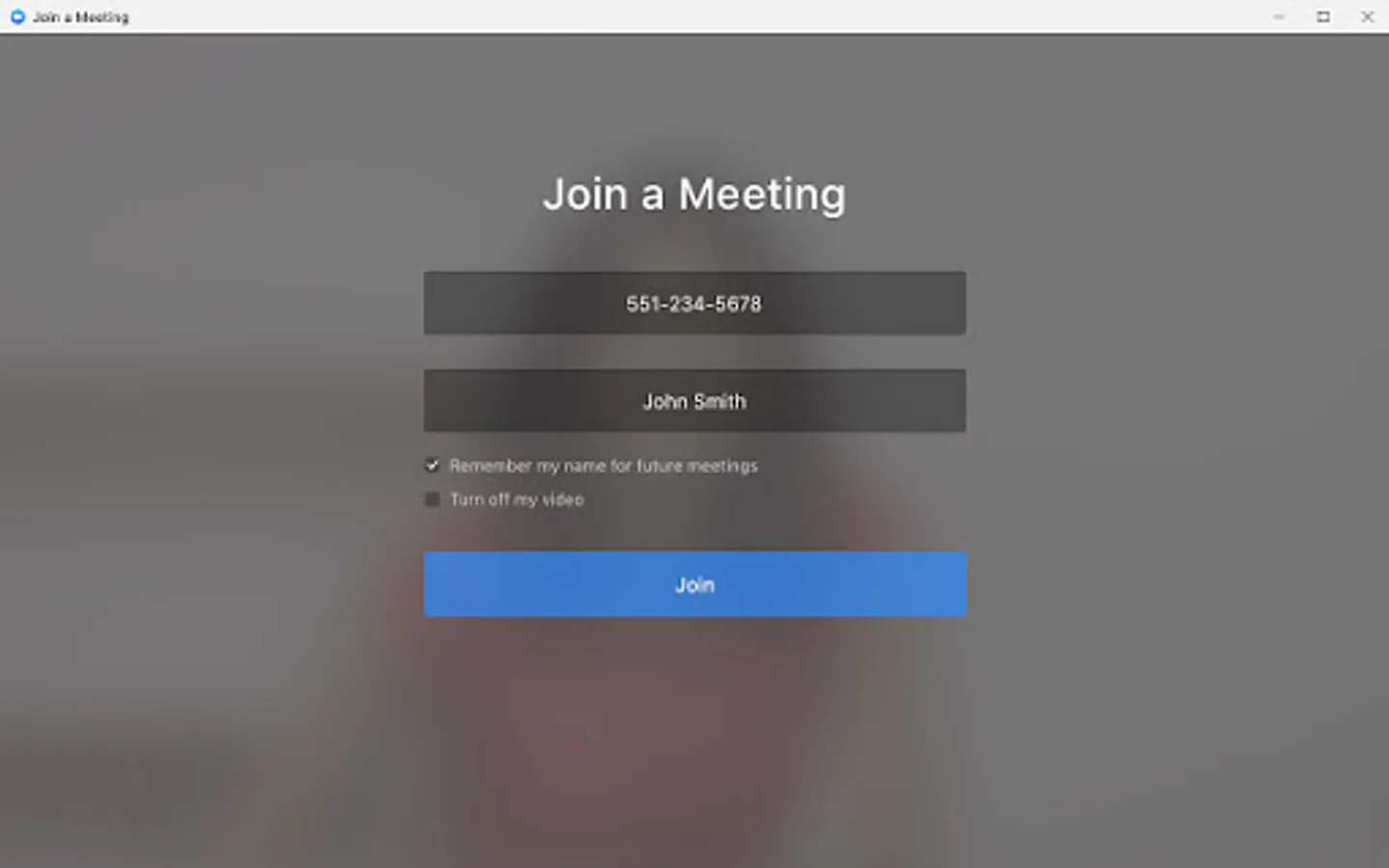
· Schedule or join a video meeting with a single tap
· Receive automated meeting summaries with AI Companion*
· Chat with colleagues and external contacts in public or private channels
· Place and receive phone calls or send SMS text messages*
· Brainstorm on virtual whiteboards
· Turn on virtual backgrounds to look more polished
· Automatic updates so you’re always on the latest version
· Remote install options for admins who want centralized configuration and security
* A paid Zoom One subscription or other license may be required to use certain product features. Upgrade your free account today to start gaining these benefits. AI Companion may not be available for all regions and industry verticals.
Learn more on our blog:
https://blog.zoom.us/how-to-use-zoom-on-a-chromebook/.
NOTE: For the most optimized experience with the latest features, the latest version of Chrome OS 91+ is recommended.
ZOOM LICENSE INFORMATION:
- Any free or paid license can be used with the app
- A paid Zoom subscription is required for certain product features
Follow us on social @zoom!
Have a question? Contact us at Zoom Help Center:
https://support.zoom.us/hc/en-us.
KEY FEATURES & BENEFITS
· Schedule or join a video meeting with a single tap
· Receive automated meeting summaries with AI Companion*
· Chat with colleagues and external contacts in public or private channels
· Place and receive phone calls or send SMS text messages*
· Brainstorm on virtual whiteboards
· Turn on virtual backgrounds to look more polished
· Automatic updates so you’re always on the latest version
· Remote install options for admins who want centralized configuration and security
* A paid Zoom One subscription or other license may be required to use certain product features. Upgrade your free account today to start gaining these benefits. AI Companion may not be available for all regions and industry verticals.
Learn more on our blog:
https://blog.zoom.us/how-to-use-zoom-on-a-chromebook/.
NOTE: For the most optimized experience with the latest features, the latest version of Chrome OS 91+ is recommended.
ZOOM LICENSE INFORMATION:
- Any free or paid license can be used with the app
- A paid Zoom subscription is required for certain product features
Follow us on social @zoom!
Have a question? Contact us at Zoom Help Center:
https://support.zoom.us/hc/en-us.
Zoom for Chromebook Screenshots




Tap to Rate:
Reviews for Zoom for Chromebook
Adebola Olajide
12/29/2025
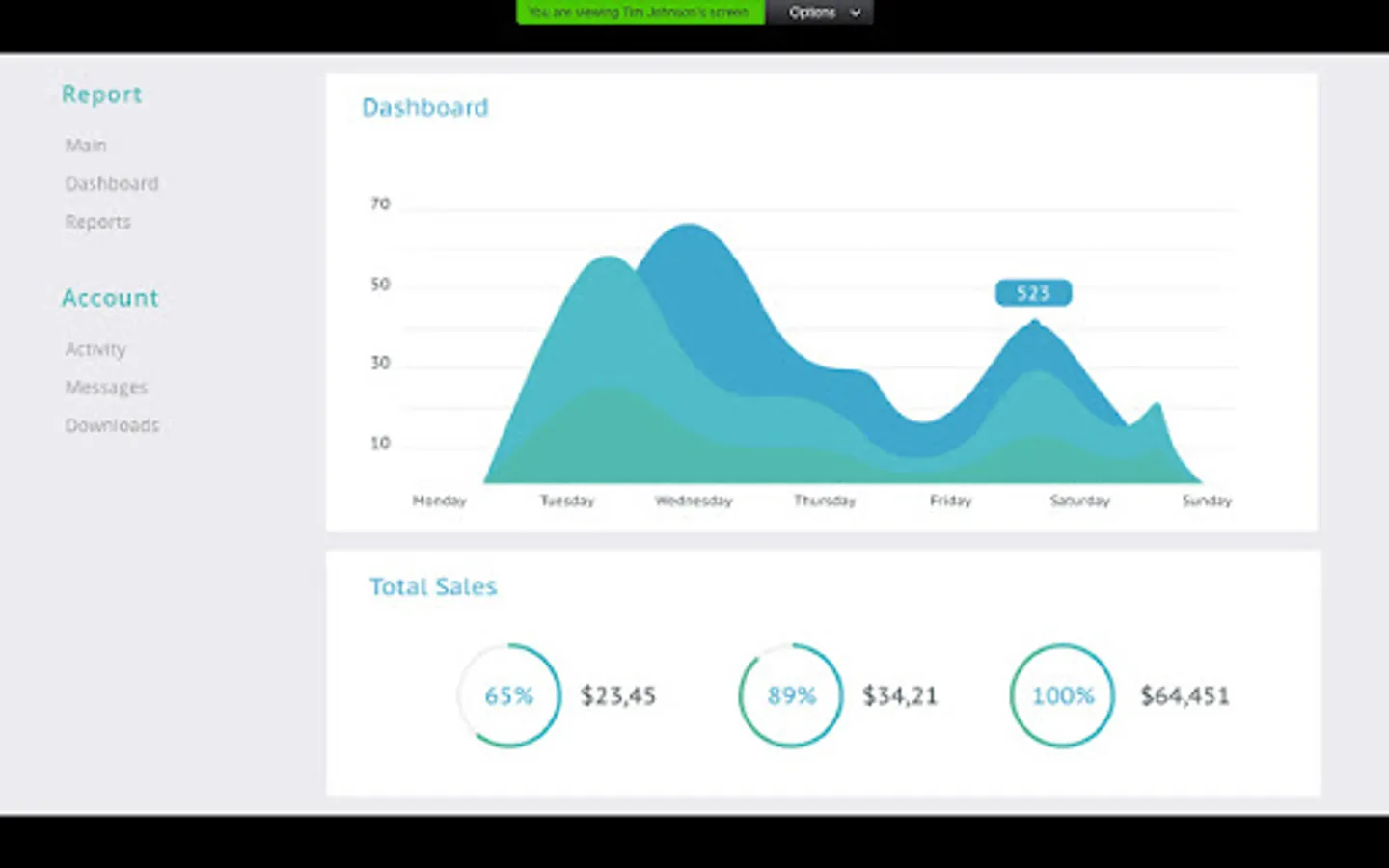
I feel so sad that I got my tablet so I can use zoom for my online teaching but I can't share screen, when I share single window, I can't annotate. it's just so frustrating, please just do something
NAJMUL HAQUE
12/28/2025
looser