Calculator Vault Hide Files
Lunai Apps
3.8 ★
store rating
10,000+
downloads
Free
AppRecs review analysis
AppRecs rating 2.3. Trustworthiness 43 out of 100. Review manipulation risk 44 out of 100. Based on a review sample analyzed.
★★☆☆☆
2.3
AppRecs Rating
Ratings breakdown
5 star
50%
4 star
20%
3 star
10%
2 star
0%
1 star
20%
What to know
✓
Authentic reviews
Natural distribution, no red flags
⚠
Questionable review patterns
44% review manipulation risk - some review patterns appear unusual
⚠
Review quality concerns
81% of sampled 5-star reviews are very short
About Calculator Vault Hide Files
Calculator Vault Hide Files
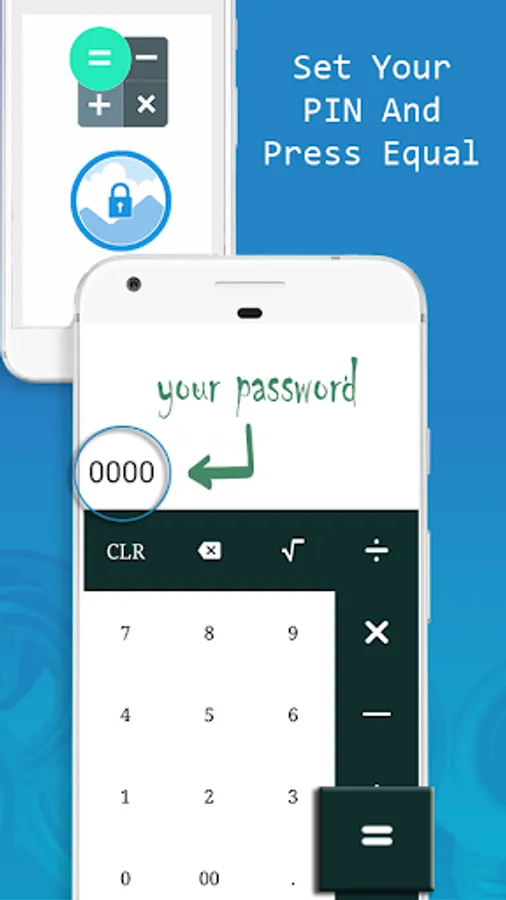
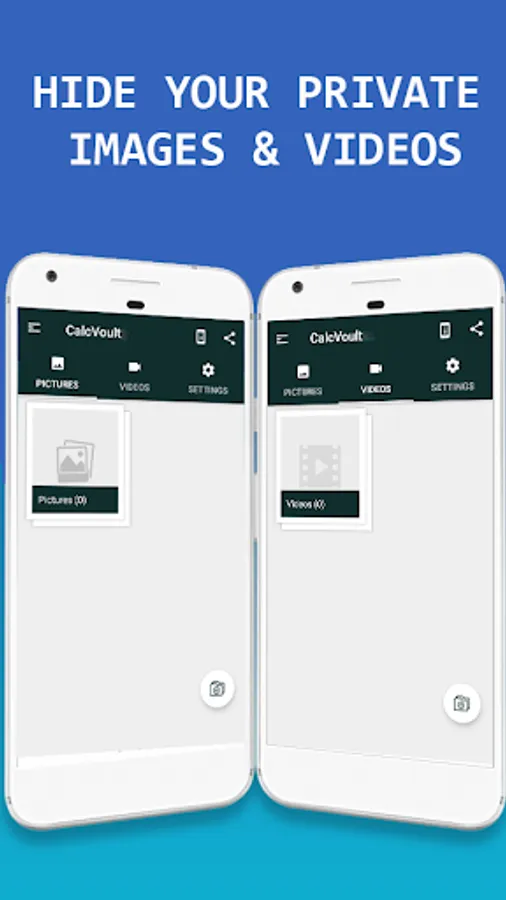
CalcVault - Gallery Vault is the Vault app can secretly Hide Pictures, Hide Videos without anyone knowing as Gallery lock installed in your phone looks as just a regular Calculator Your Gallery files will be secretly stored in Calculator vault and can only be viewed after a Numeric PIN is entered on calculator panel of CalcVault app.
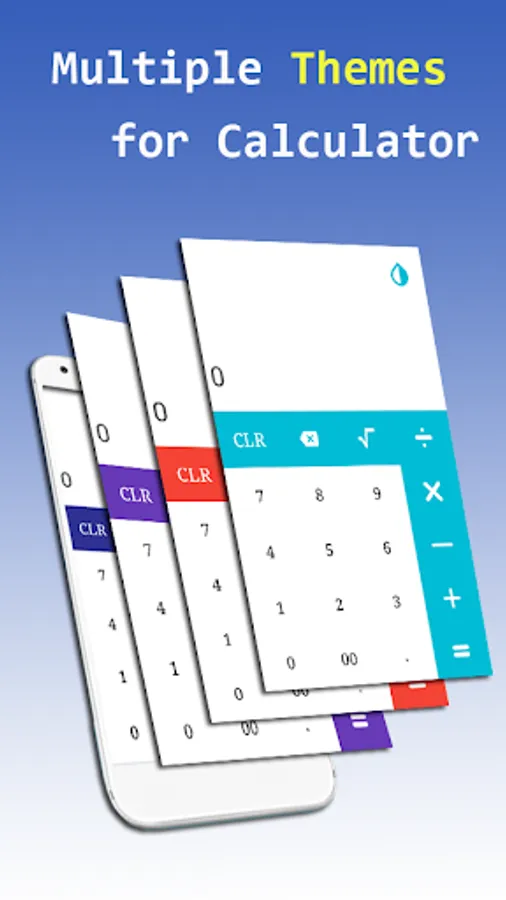
Also this Photo, Video Locker can be used as regular calculator for daily use.
How to use
✔ Set A PIN : set a 4-12 digit pin and make a password with 2 easy steps
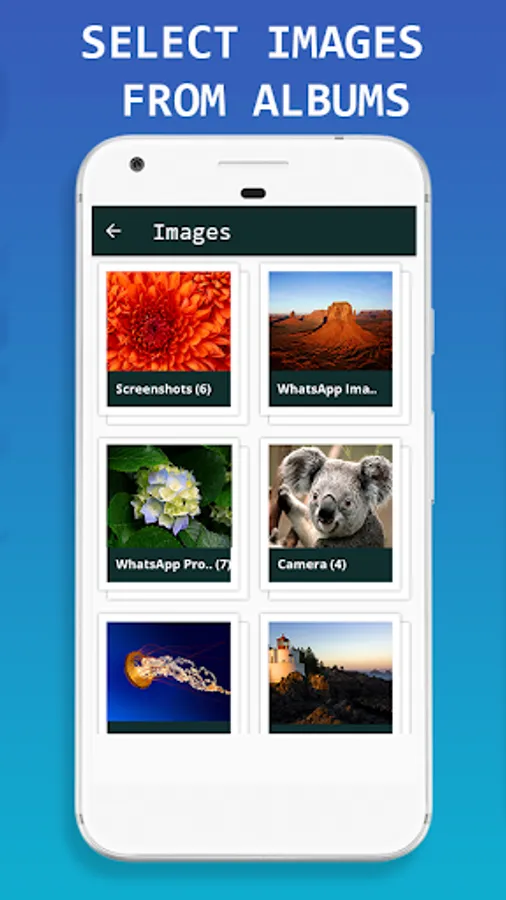
✔ Hide Pictures and Videos : Click on Plus Button at the bottom of main screen and then select media from gallery and click lock button to hide into Photo, Video Locker-Calculator app.
✔ Uninstall Protection
Prevents CalcVault app from being uninstalled from kids or strangers.
This app uses the Device Administrator permission.
USEFUL TIPS :
✔ Forget Password? Recover Password by your registered e-mail id and regain access to the app.
✔ Change PIN? Go to Settings tab and click on Change Password.
✔ Unlock Media? After you Hide pictures and Videos from this gallery lock, use unlock button in this app to unhide media whenever needed.
✔ Advance Protection? Turn “ON” app protection option from settings after you Hide pictures and Videos to keep safe without losing it.
✔ Relax and View Images? Use SlideShow option and set slide interval from settings.
Any Suggestion or Feedback?
email: lunaiapps52@gmail.com
Note:
Hidden Data : Your hidden files are stored in internal memory inside the app.
Remember : Before deleting this app, unhide all files from app. if you uninstall the app without unhiding, your locked files inside locker will be lost forever.
Be careful : Before factory reset of your phone remember to unhide your files from this app to secondary (external) storage at safe place otherwise it will erase all locked data with this app.
Policy: https://bit.ly/2MhnAIQ
CalcVault - Gallery Vault is the Vault app can secretly Hide Pictures, Hide Videos without anyone knowing as Gallery lock installed in your phone looks as just a regular Calculator Your Gallery files will be secretly stored in Calculator vault and can only be viewed after a Numeric PIN is entered on calculator panel of CalcVault app.
Also this Photo, Video Locker can be used as regular calculator for daily use.
How to use
✔ Set A PIN : set a 4-12 digit pin and make a password with 2 easy steps
✔ Hide Pictures and Videos : Click on Plus Button at the bottom of main screen and then select media from gallery and click lock button to hide into Photo, Video Locker-Calculator app.
✔ Uninstall Protection
Prevents CalcVault app from being uninstalled from kids or strangers.
This app uses the Device Administrator permission.
USEFUL TIPS :
✔ Forget Password? Recover Password by your registered e-mail id and regain access to the app.
✔ Change PIN? Go to Settings tab and click on Change Password.
✔ Unlock Media? After you Hide pictures and Videos from this gallery lock, use unlock button in this app to unhide media whenever needed.
✔ Advance Protection? Turn “ON” app protection option from settings after you Hide pictures and Videos to keep safe without losing it.
✔ Relax and View Images? Use SlideShow option and set slide interval from settings.
Any Suggestion or Feedback?
email: lunaiapps52@gmail.com
Note:
Hidden Data : Your hidden files are stored in internal memory inside the app.
Remember : Before deleting this app, unhide all files from app. if you uninstall the app without unhiding, your locked files inside locker will be lost forever.
Be careful : Before factory reset of your phone remember to unhide your files from this app to secondary (external) storage at safe place otherwise it will erase all locked data with this app.
Policy: https://bit.ly/2MhnAIQ