
Video Downloader Browser
Fillog Studio
3.9 ★
2K ratings
1,000,000+
downloads
Free
+ in-app
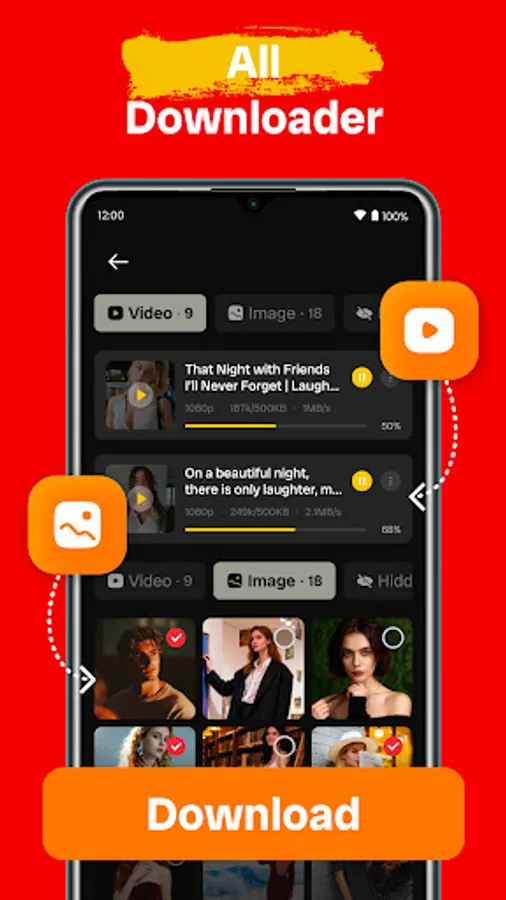
In this browser, you can browse websites and download videos directly to your device using the built-in downloader and video player. Includes features such as URL auto-detection, multi-resolution support, and download management tools.
AppRecs review analysis
AppRecs rating 3.9. Trustworthiness 70 out of 100. Review manipulation risk 37 out of 100. Based on a review sample analyzed.
★★★☆☆
3.9
AppRecs Rating
Ratings breakdown
5 star
64%
4 star
8%
3 star
3%
2 star
3%
1 star
22%
What to know
✓
Credible reviews
70% trustworthiness score from analyzed reviews
✓
Good user ratings
72% positive sampled reviews
About Video Downloader Browser
Spot a video that makes your day? Don’t let it vanish into the feed. With videosaver, video downloader, and browser downloader, you can save it straight to your device: quick, easy, and in the quality you choose.
Standouts of all video downloader:
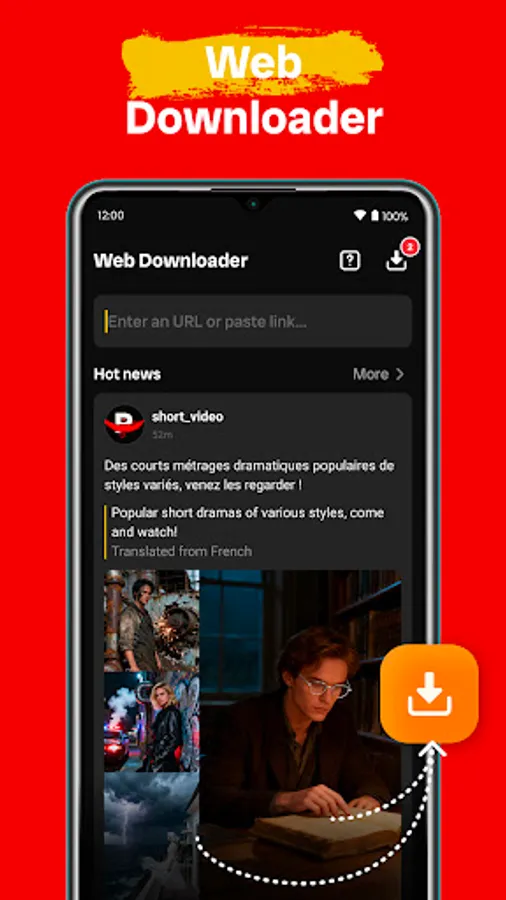
✅Built-in browser: browser downloader, video downloader browser, videodownloader, web downloader, download videos from internet, browse websites directly without leaving browser video downloader.
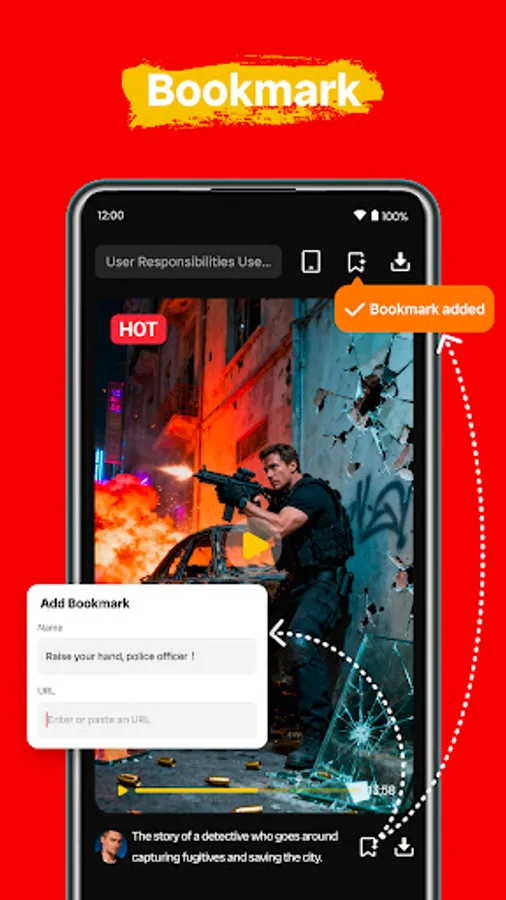
✅Bookmark: save video for quick access.
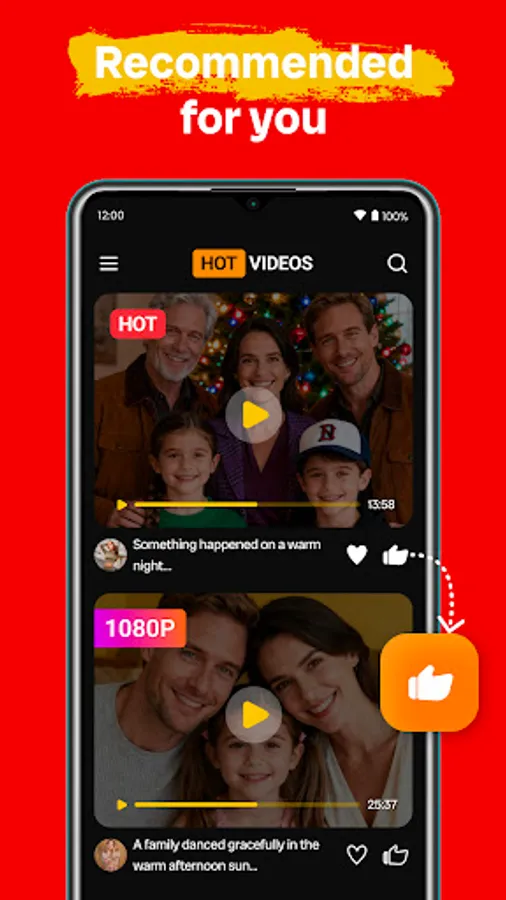
✅Recommended: recommend popular or trending content for you by video downloader.
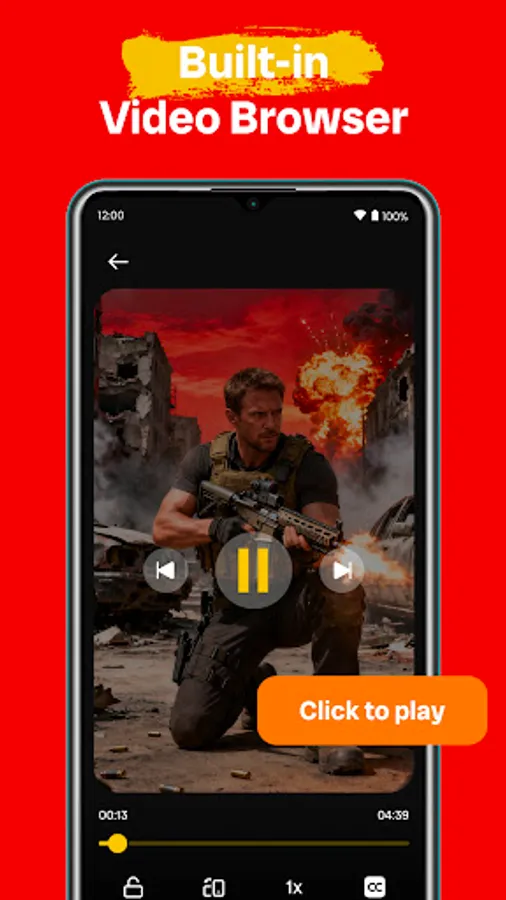
✅Built-in video player: offline video downloader, play video downloaded smoothly within myvideo downloader.
Features of private downloader, video saver:
✅Auto-detect URL: mp4 downloader, instantly recognizes copied URL and offers quick videos download.
✅Multi-Resolution support: 4k video downloader, lets you download video 1080p, 720p, 480p or so on.
✅HD video downloader: download hd videos.
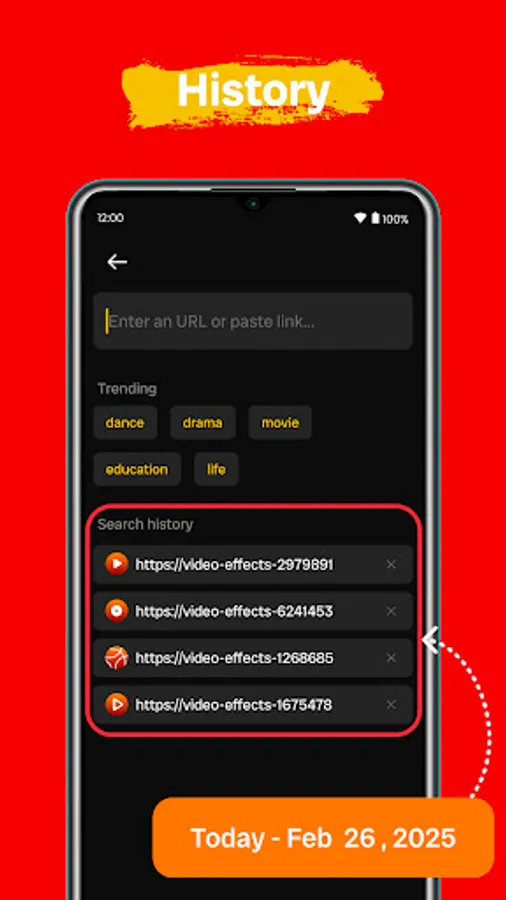
✅History: view and revisit recently visited pages and video downloaded.
✅Download manager: export to device, rename, or delete video downloaded easily.
✅All video downloader: download videos, save videos, movie downloader, videosaver, media downloader, photo & video, mp4 video downloader.
⚠️Disclaimer of link downloader:
• Due to Google Play Store regulations, 4k video downloader, private video downloader does NOT support ANY third party videos download.
• We respect the intellectual property rights of the owners. Get permission from the owner before you download their videos by video downloader browser. Please make sure you have the right to save videos.
• Video downloader does NOT collect any personal information and does NOT obtain your password in any way.
❓How to Use video downloader:
1. Search videos you want to download or paste the link of videos you want to download with videos downloader, private browser video downloader
2. Waiting for parsing
3. Preview the video to confirm it's the one you want
4. Click the Download button
5. Save video
Standouts of all video downloader:
✅Built-in browser: browser downloader, video downloader browser, videodownloader, web downloader, download videos from internet, browse websites directly without leaving browser video downloader.
✅Bookmark: save video for quick access.
✅Recommended: recommend popular or trending content for you by video downloader.
✅Built-in video player: offline video downloader, play video downloaded smoothly within myvideo downloader.
Features of private downloader, video saver:
✅Auto-detect URL: mp4 downloader, instantly recognizes copied URL and offers quick videos download.
✅Multi-Resolution support: 4k video downloader, lets you download video 1080p, 720p, 480p or so on.
✅HD video downloader: download hd videos.
✅History: view and revisit recently visited pages and video downloaded.
✅Download manager: export to device, rename, or delete video downloaded easily.
✅All video downloader: download videos, save videos, movie downloader, videosaver, media downloader, photo & video, mp4 video downloader.
⚠️Disclaimer of link downloader:
• Due to Google Play Store regulations, 4k video downloader, private video downloader does NOT support ANY third party videos download.
• We respect the intellectual property rights of the owners. Get permission from the owner before you download their videos by video downloader browser. Please make sure you have the right to save videos.
• Video downloader does NOT collect any personal information and does NOT obtain your password in any way.
❓How to Use video downloader:
1. Search videos you want to download or paste the link of videos you want to download with videos downloader, private browser video downloader
2. Waiting for parsing
3. Preview the video to confirm it's the one you want
4. Click the Download button
5. Save video
Video Downloader Browser Screenshots
Tap to Rate:
Reviews for Video Downloader Browser
Jānis Megnis
12/23/2025
horrible! full of annoying ads! can't do anything
Hassan Raza
12/21/2025
It is very easy to use