Quick Screenshot Capture
Cruise Infotech
4.1 ★
store rating
1,000,000+
downloads
Free
+ in-app
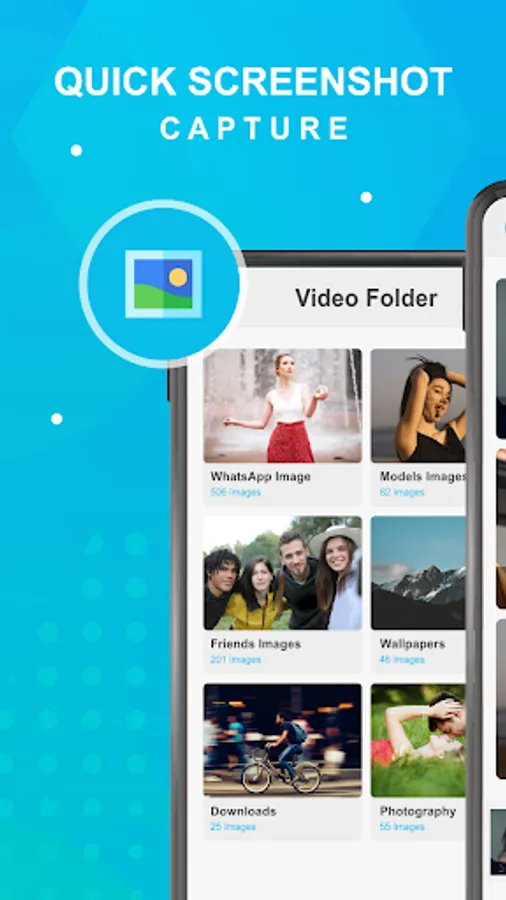
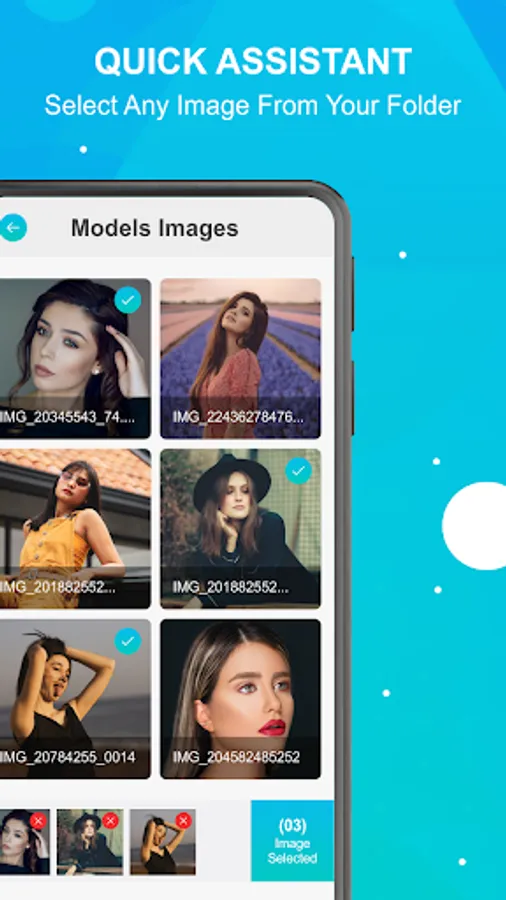
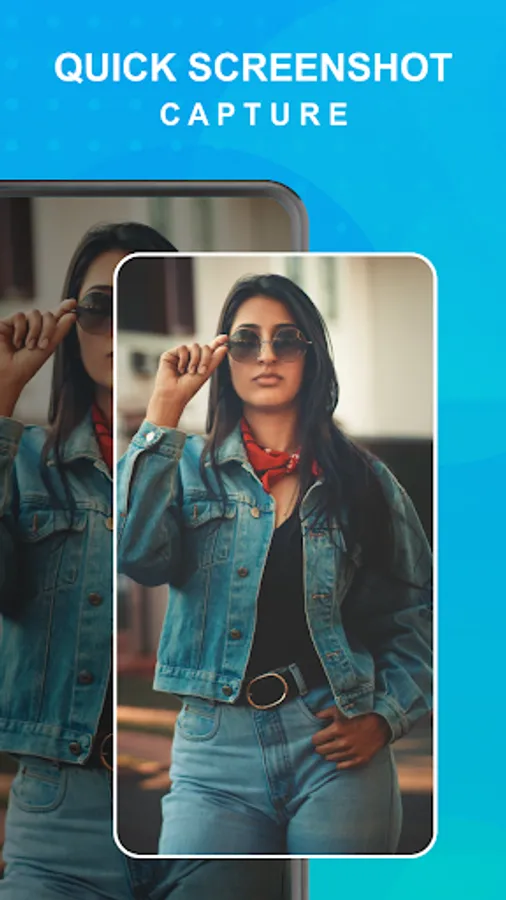
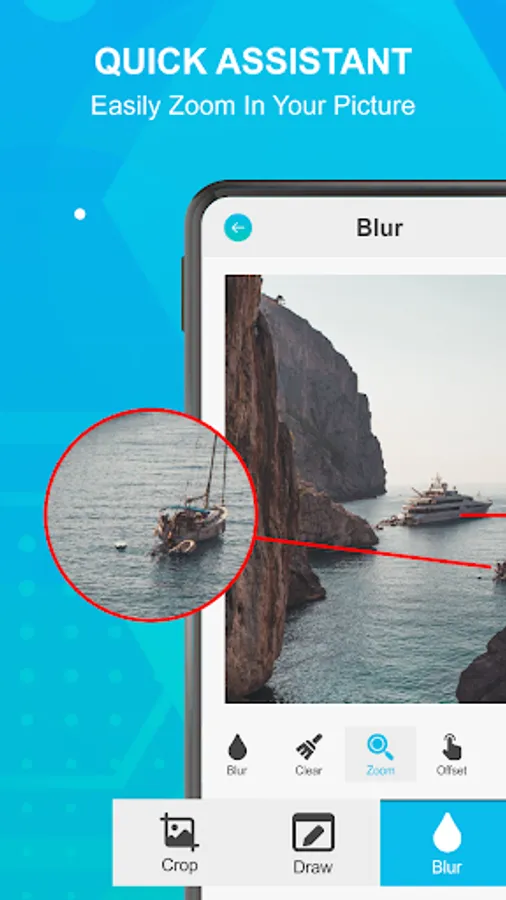
In this app, you can quickly capture screenshots using a floating button and crop or share them directly from the interface. Includes a one-touch capture feature, cropping tools, and sharing options.
AppRecs review analysis
AppRecs rating 3.7. Trustworthiness 80 out of 100. Review manipulation risk 24 out of 100. Based on a review sample analyzed.
★★★☆☆
3.7
AppRecs Rating
Ratings breakdown
5 star
62%
4 star
17%
3 star
5%
2 star
3%
1 star
13%
What to know
✓
Low review manipulation risk
24% review manipulation risk
✓
Credible reviews
80% trustworthiness score from analyzed reviews
⚠
Ad complaints
Many low ratings mention excessive ads
About Quick Screenshot Capture
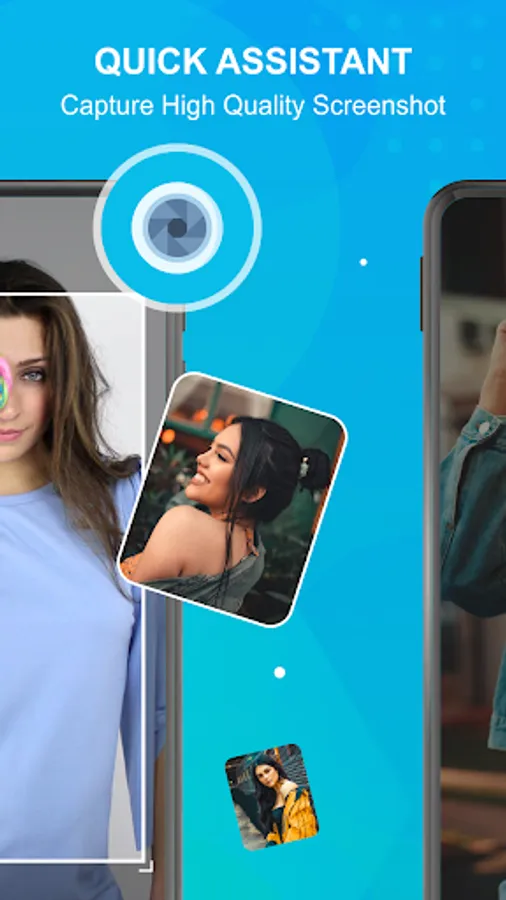
Quick Screenshot Capture is the most simple, smallest and fastest screenshot taking app. Very small size. It is optimized for high performance especially to take screenshots while playing games or watching videos. It works without internet.
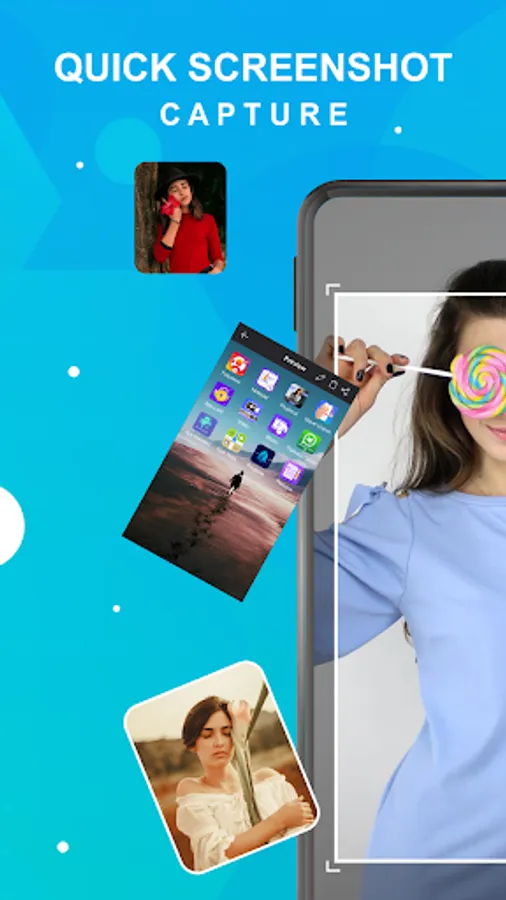
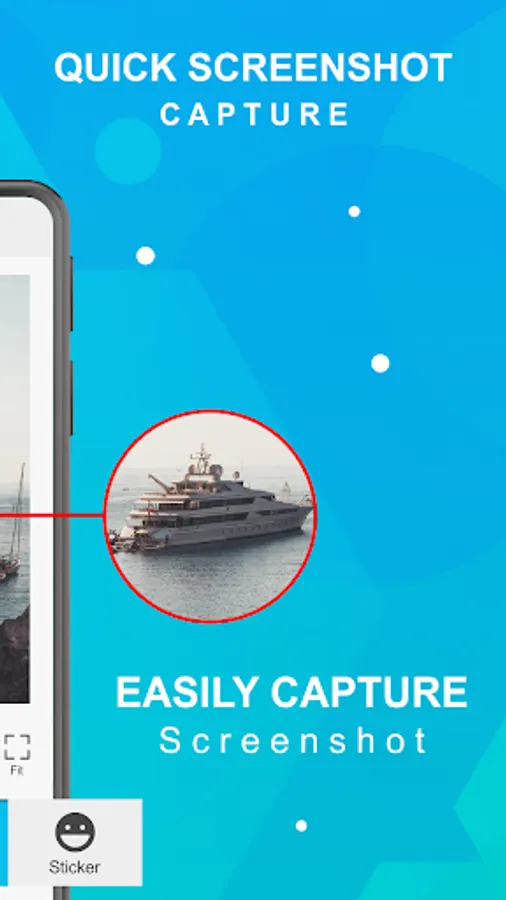
There is a "Floating button" to capture the screen that is displayed on top of everything. You can take the screenshot easily with one touch on the screen. Floating button/gadget always remain on the top of the screen, so that you can capture easily at any time. Crop the captured image and share it with your friends with social media.
Quick Screenshot Capture Features:
☞ Easy and user-friendly interface
☞ One-touch Floating button
☞ Time interval to capture screen
☞ Notification icon click
☞ Capture screenshot by one touch
☞ Simple UI
☞ Crop screenshot to the desired size
☞ Save screenshot to the device
☞ Share screenshot with your friends
There is a "Floating button" to capture the screen that is displayed on top of everything. You can take the screenshot easily with one touch on the screen. Floating button/gadget always remain on the top of the screen, so that you can capture easily at any time. Crop the captured image and share it with your friends with social media.
Quick Screenshot Capture Features:
☞ Easy and user-friendly interface
☞ One-touch Floating button
☞ Time interval to capture screen
☞ Notification icon click
☞ Capture screenshot by one touch
☞ Simple UI
☞ Crop screenshot to the desired size
☞ Save screenshot to the device
☞ Share screenshot with your friends