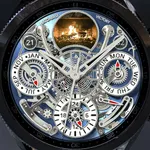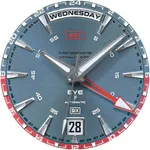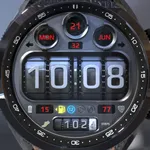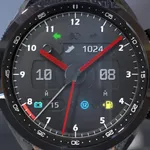
ILLUMINATOR Digital Watch face
WatchBase
$1.99
rated 4.3 stars
50,000+
downloads
About ILLUMINATOR Digital Watch face
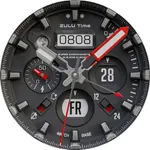
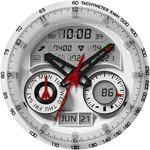
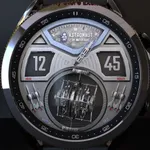
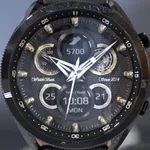
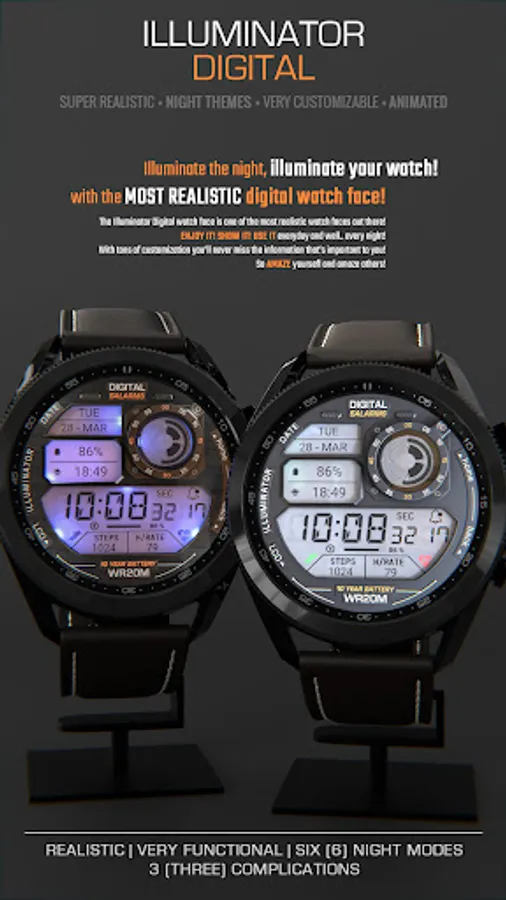
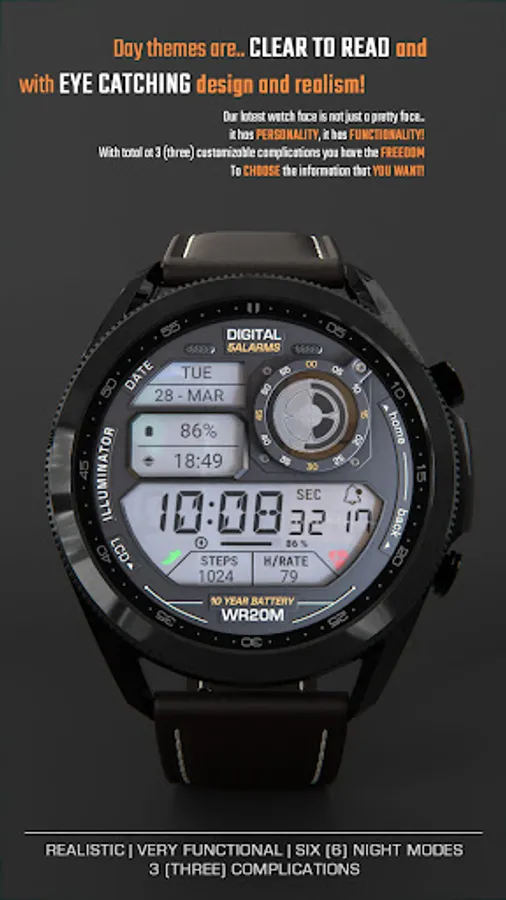
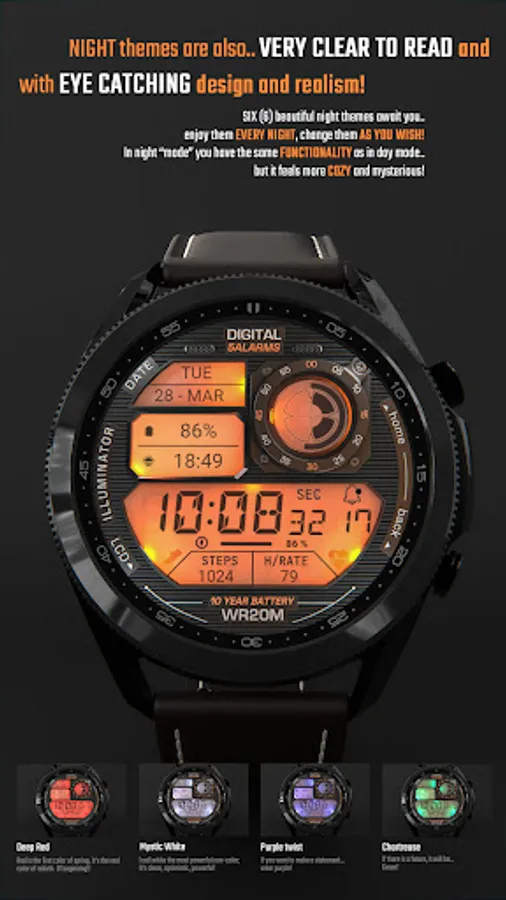
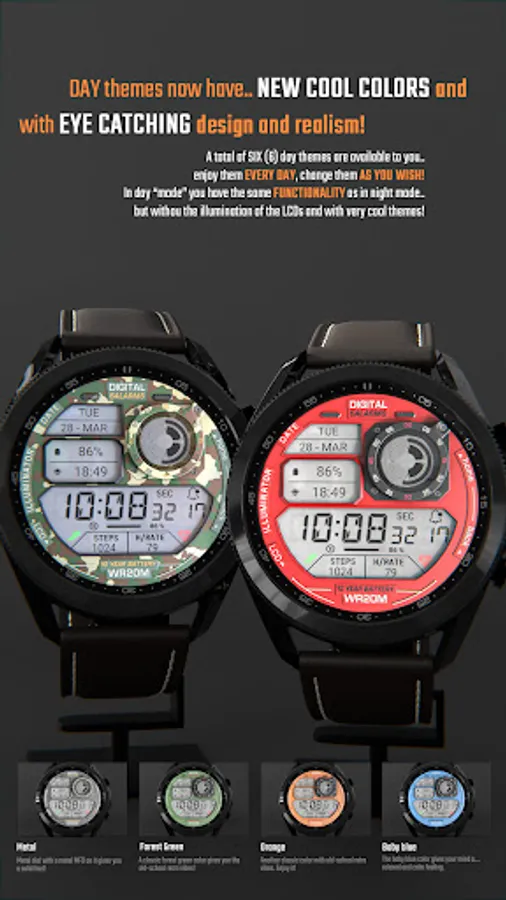
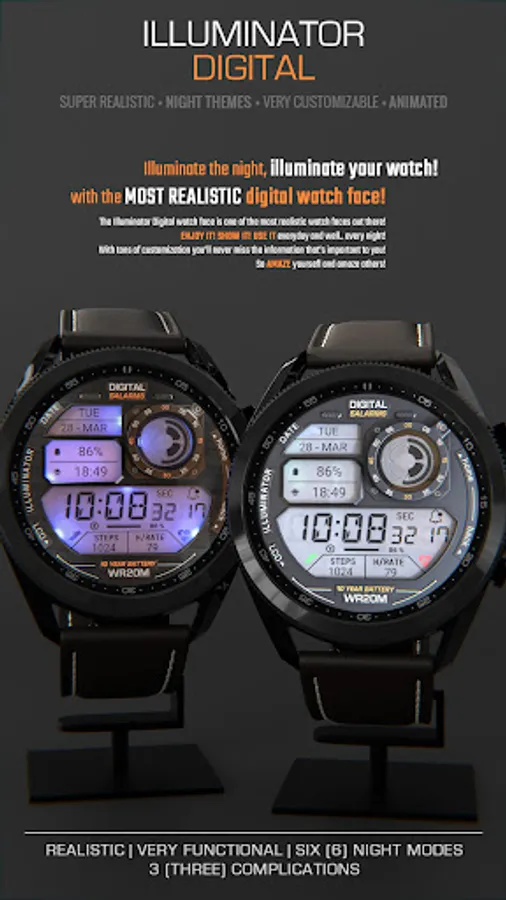
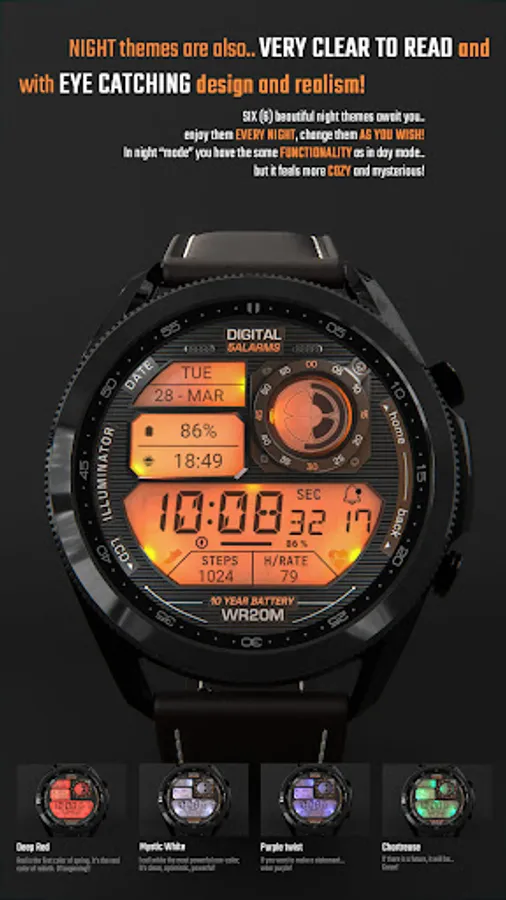
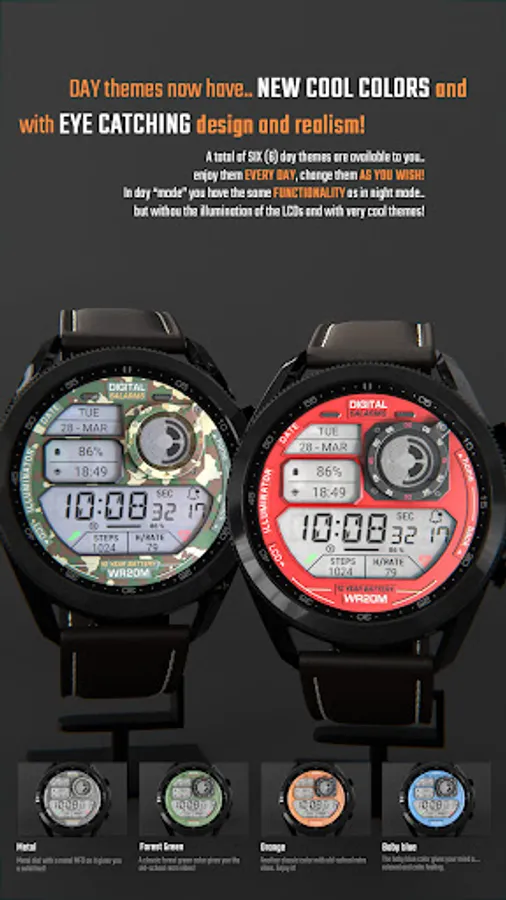
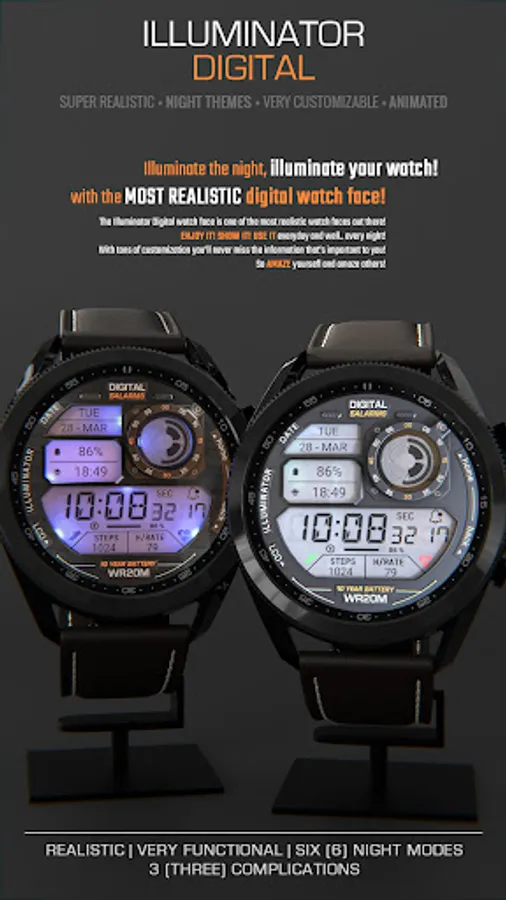
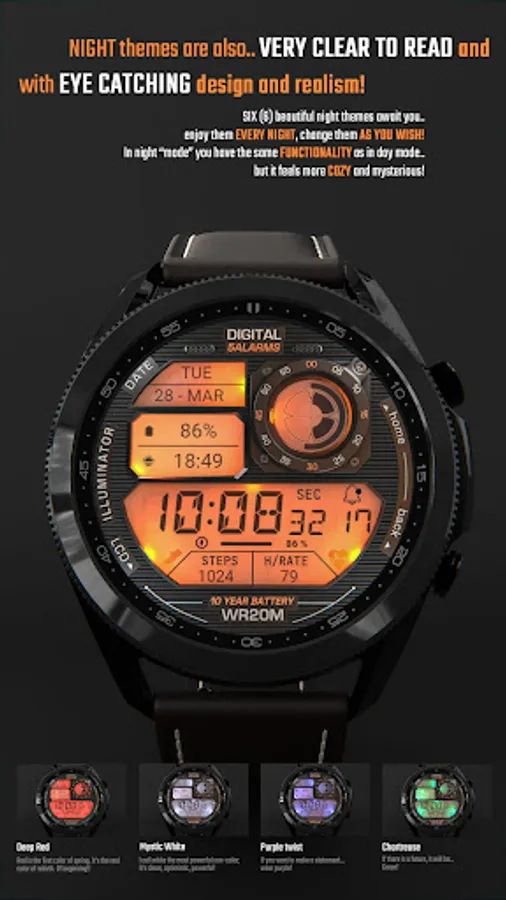
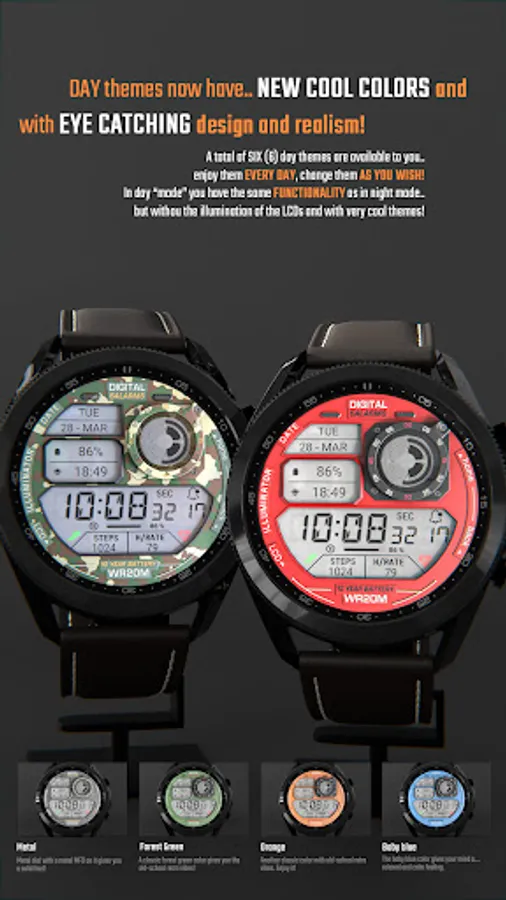
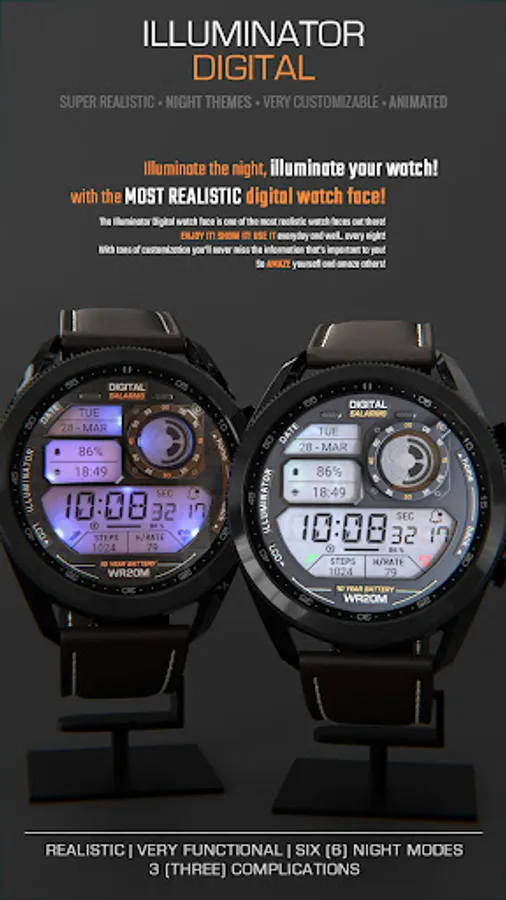
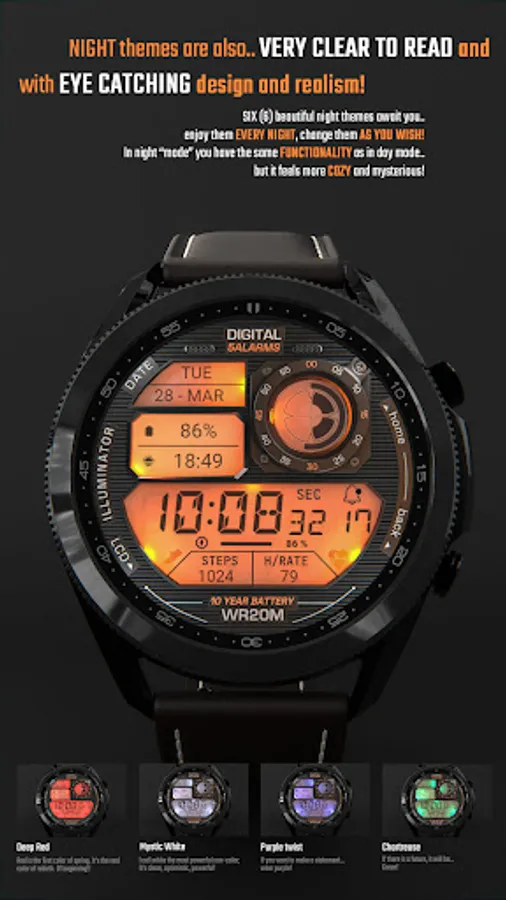
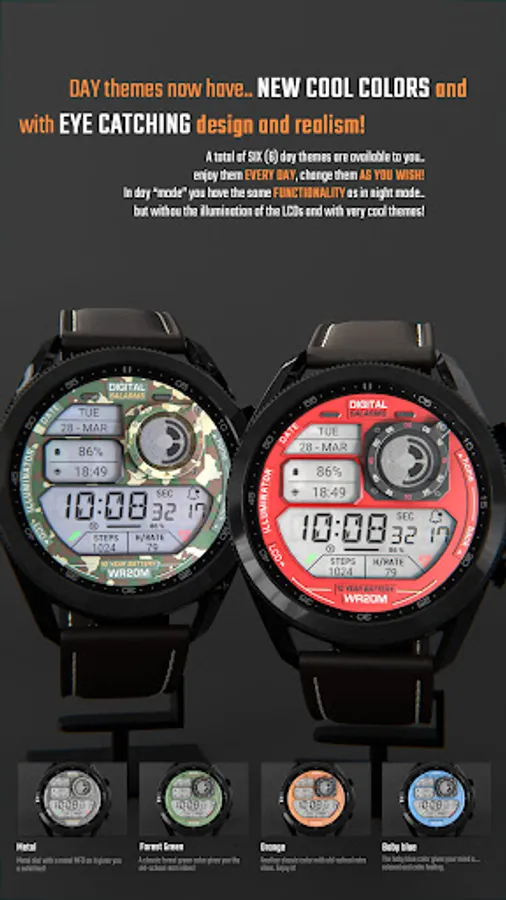
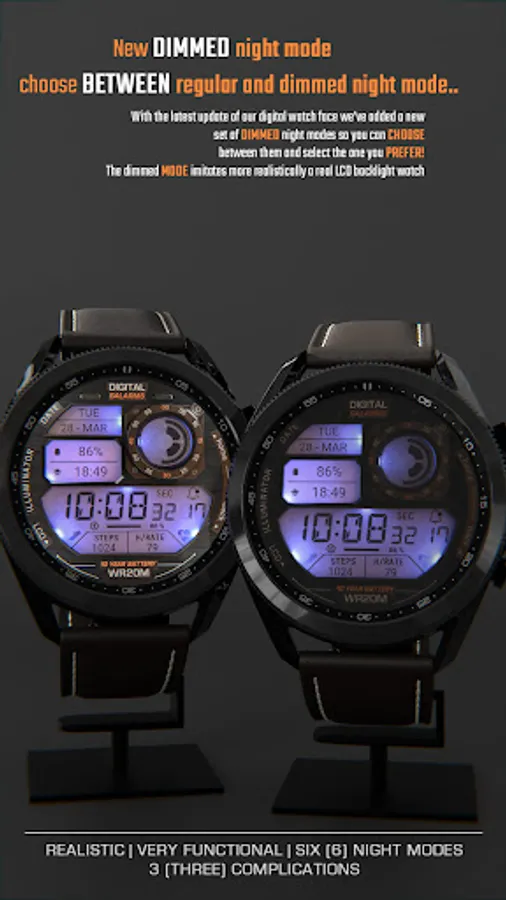
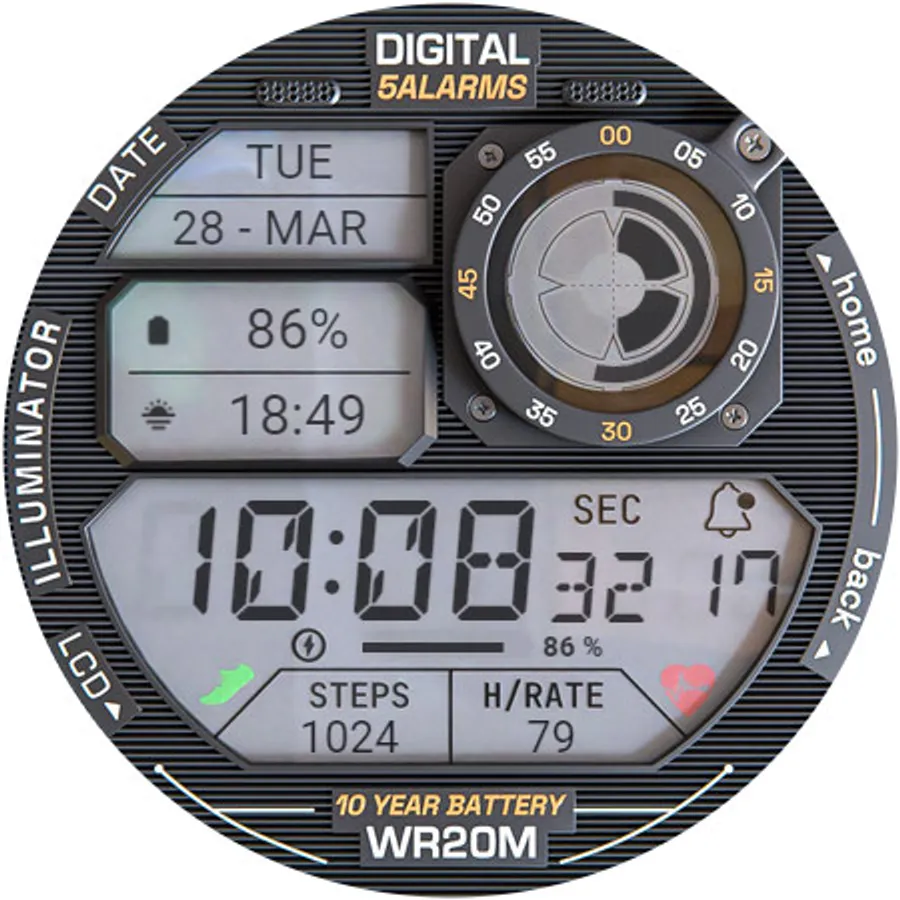
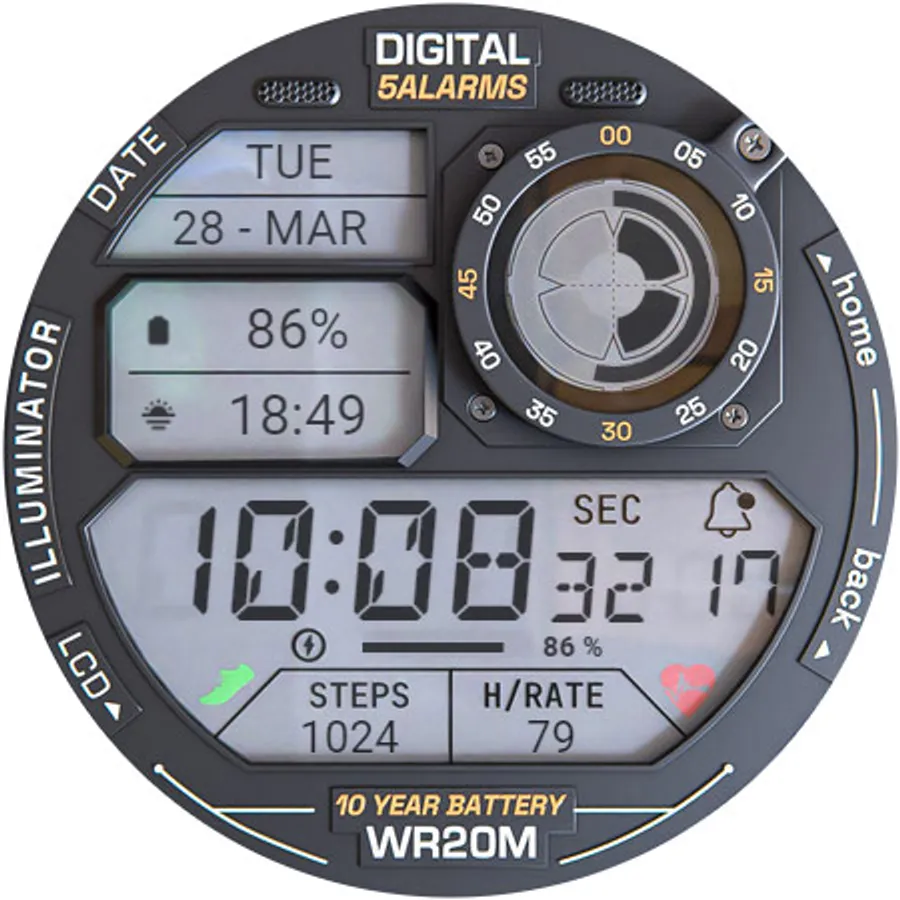
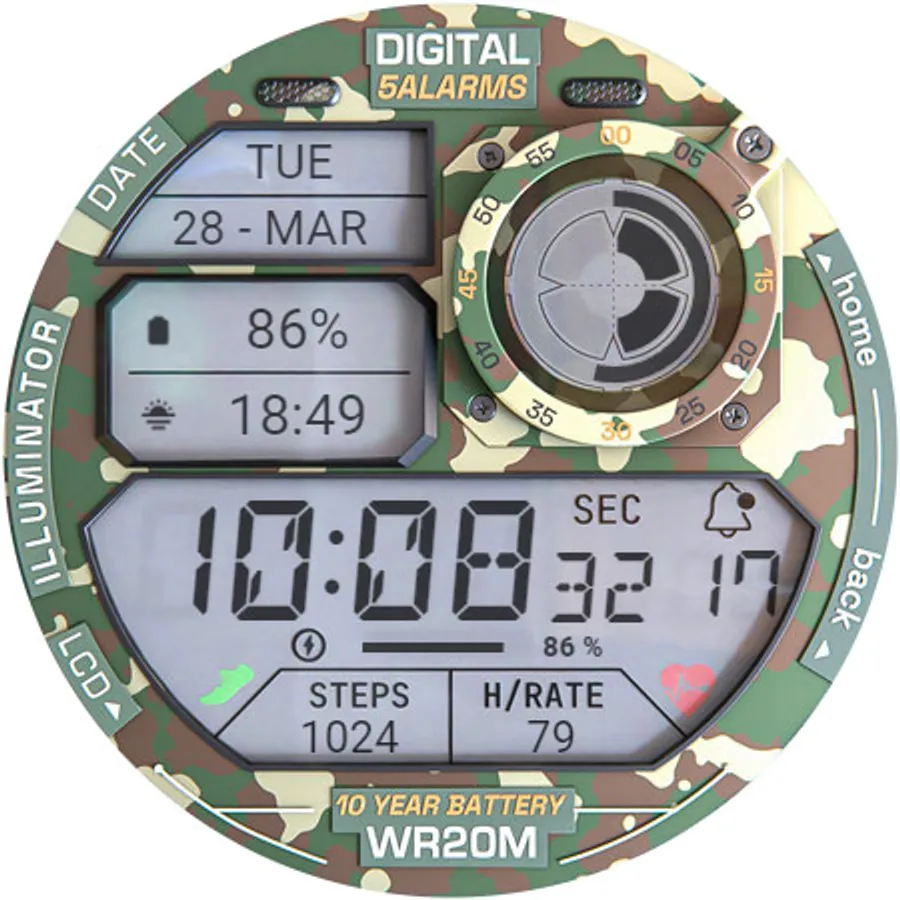
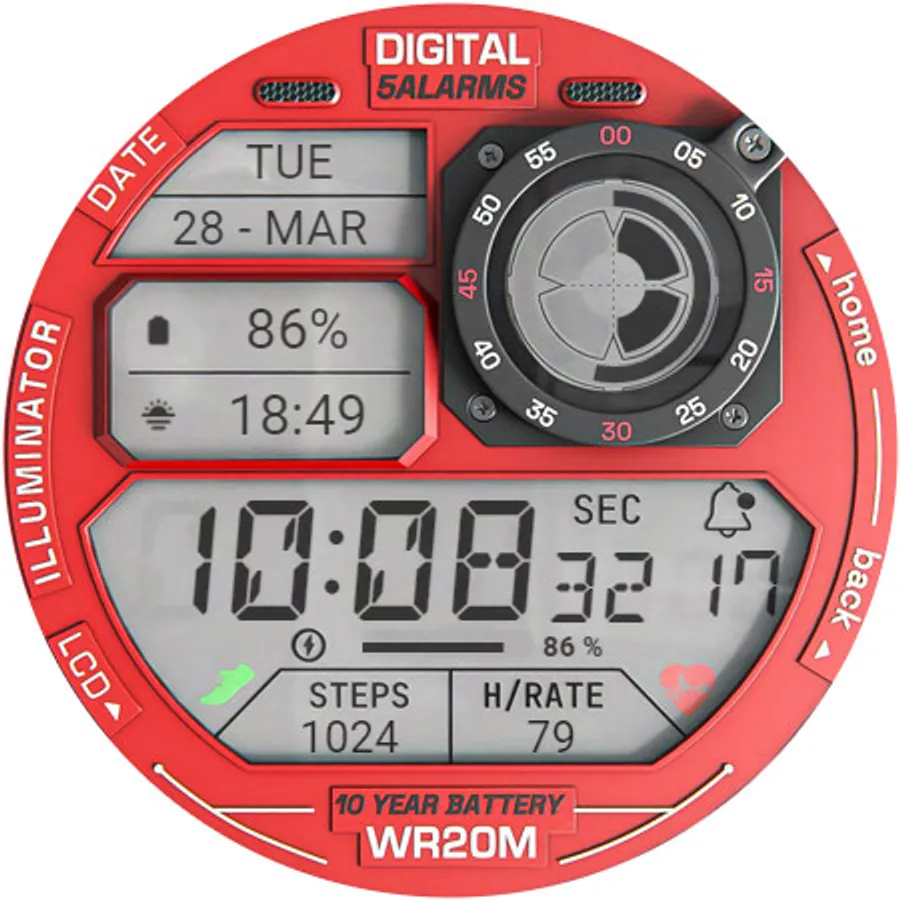
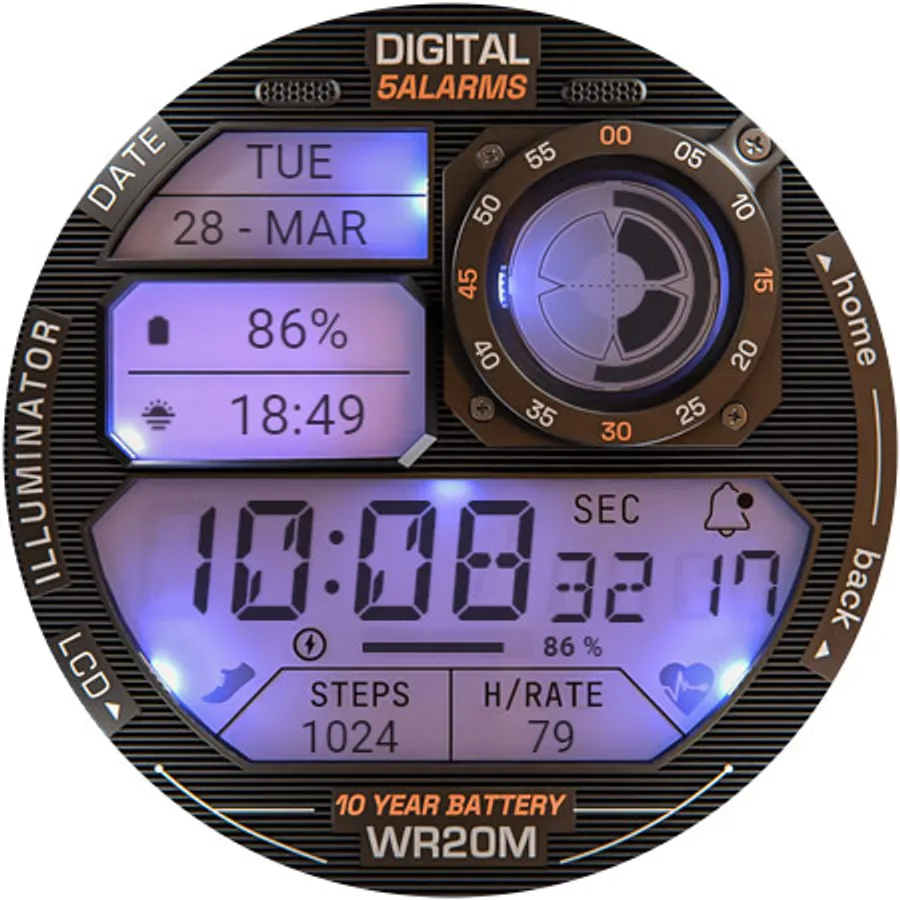
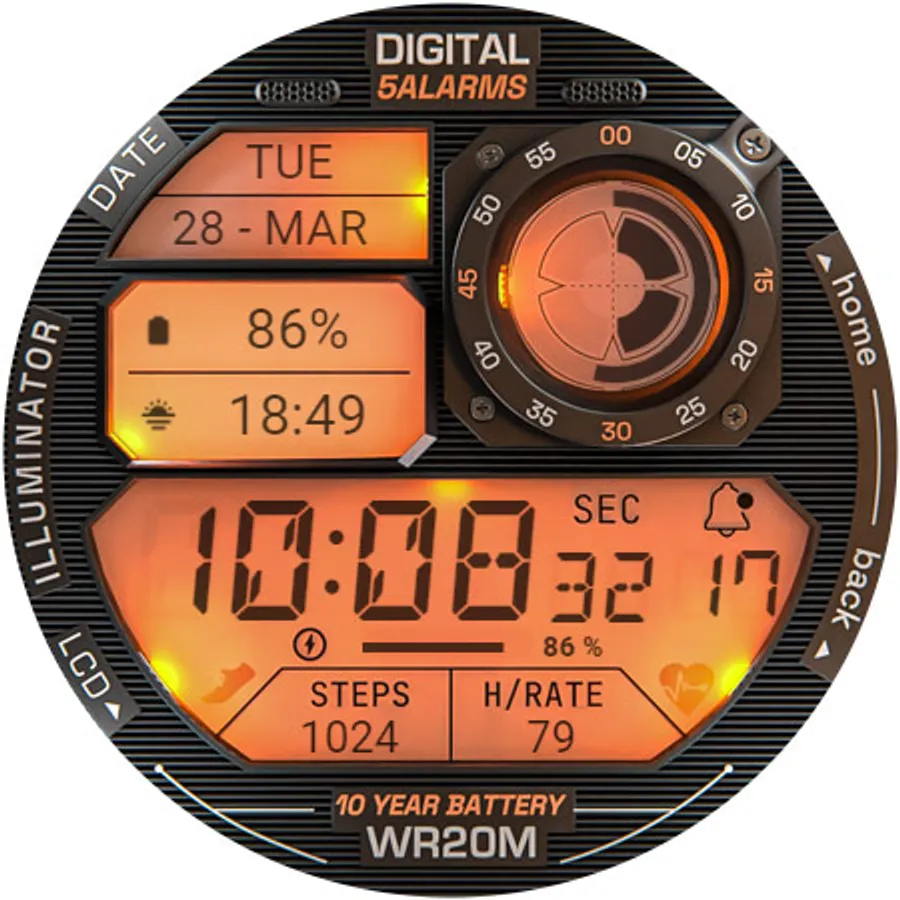
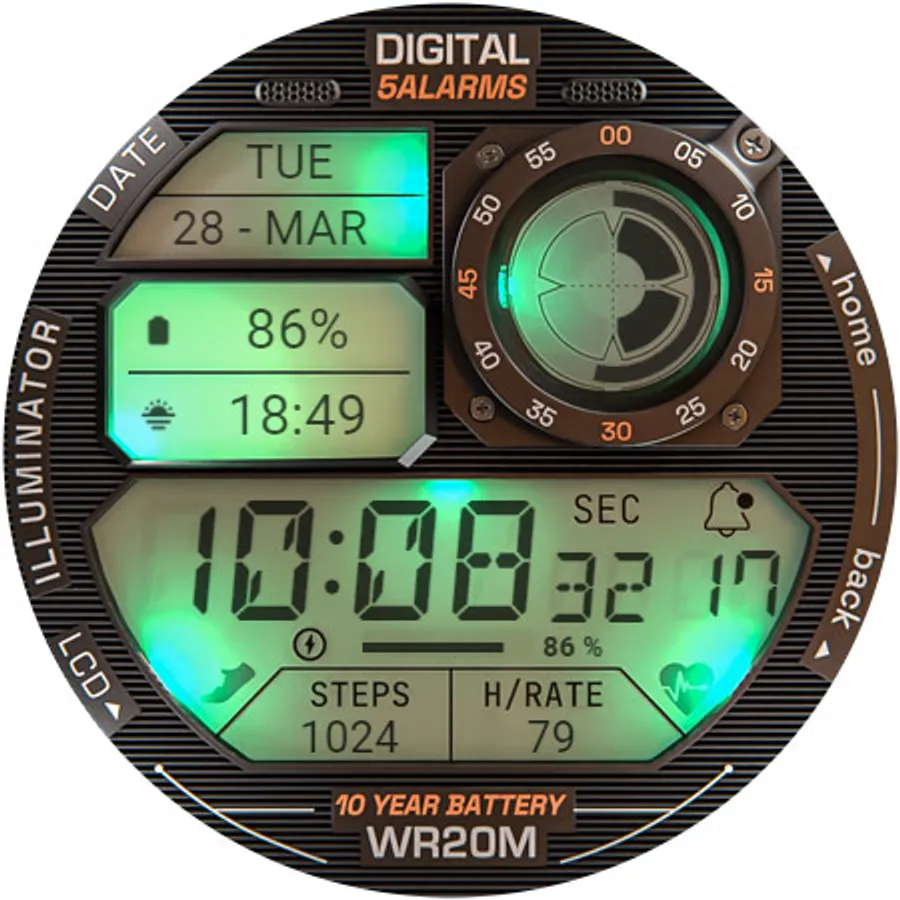
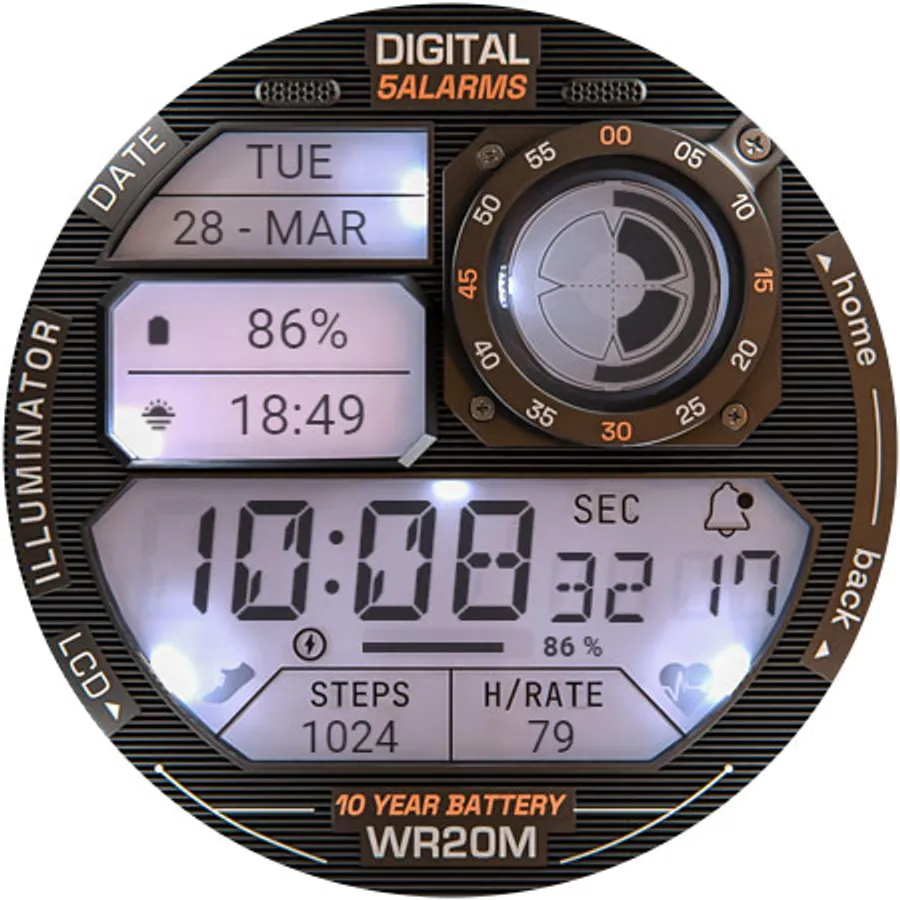
Very realistic and easy to read retro-like style digital watch face for Wear OS with 3 custom complications and beautiful night modes and animations.
NOTE: Please read the How to section and Installation section !!!
ⓘ Features:
- Realistic design.
- Animated.
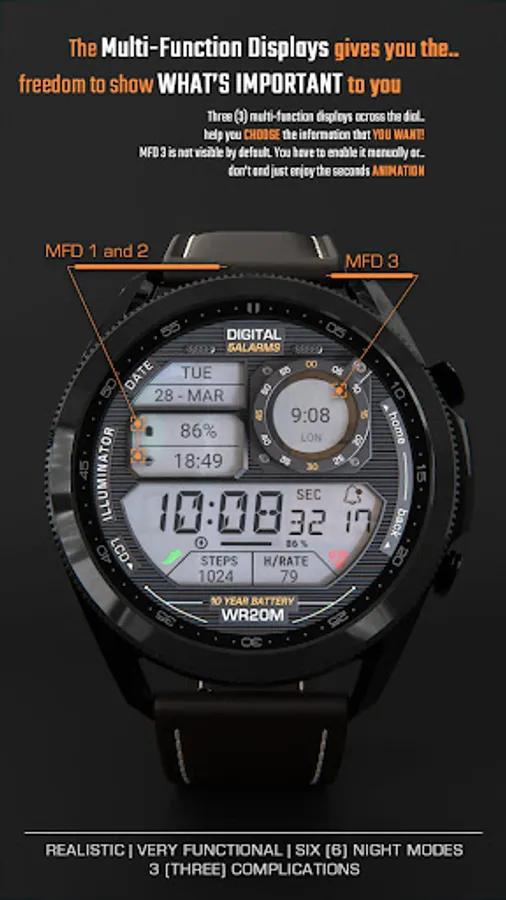
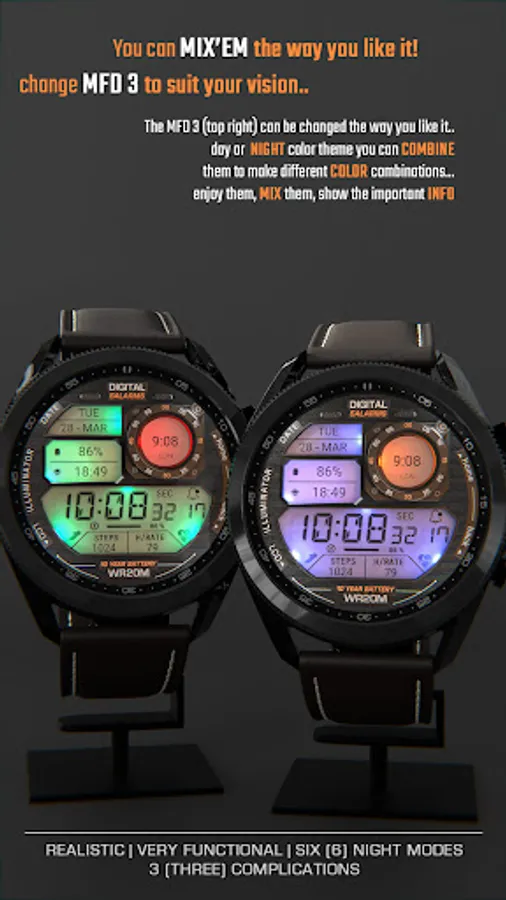
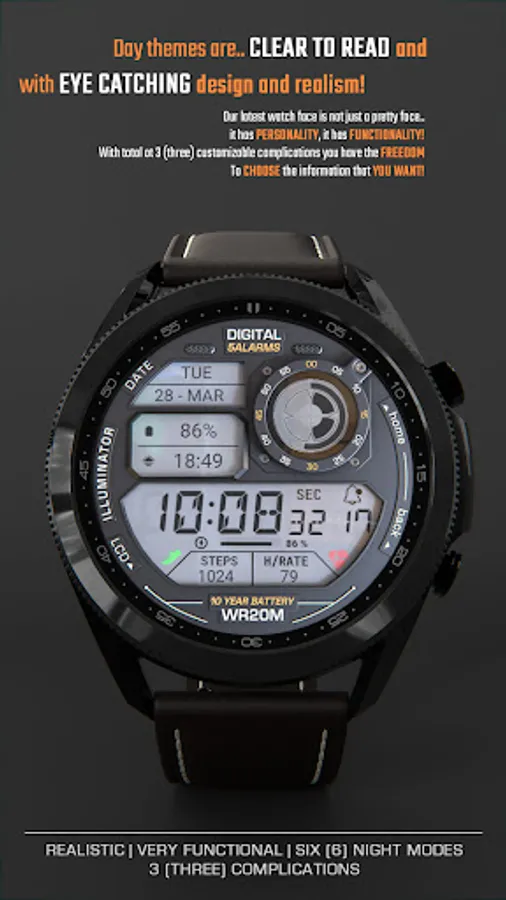
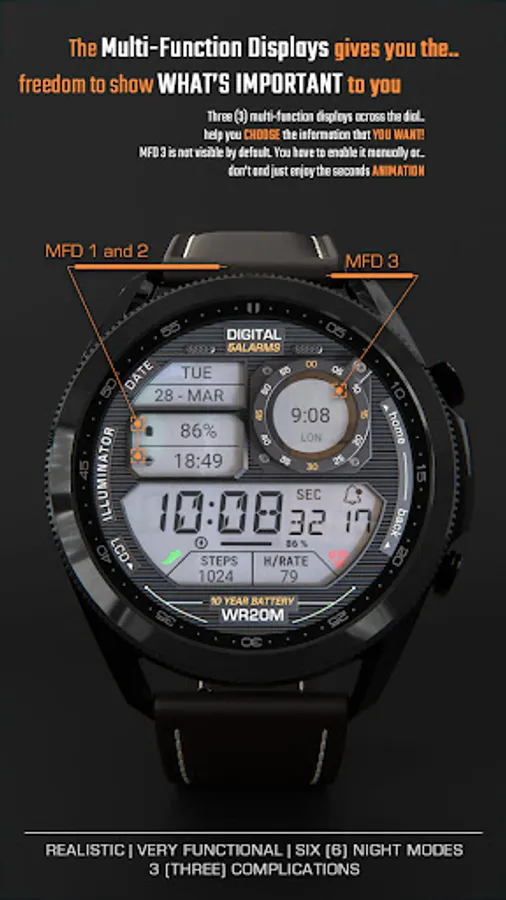
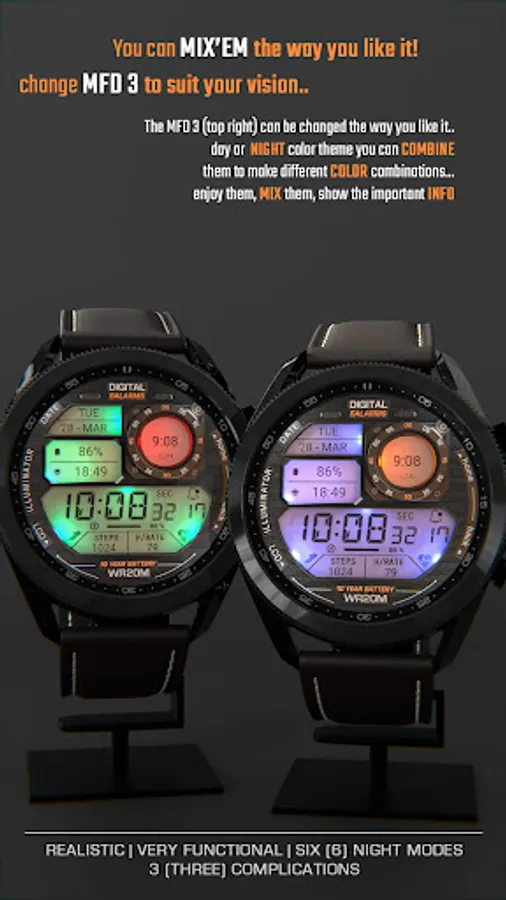
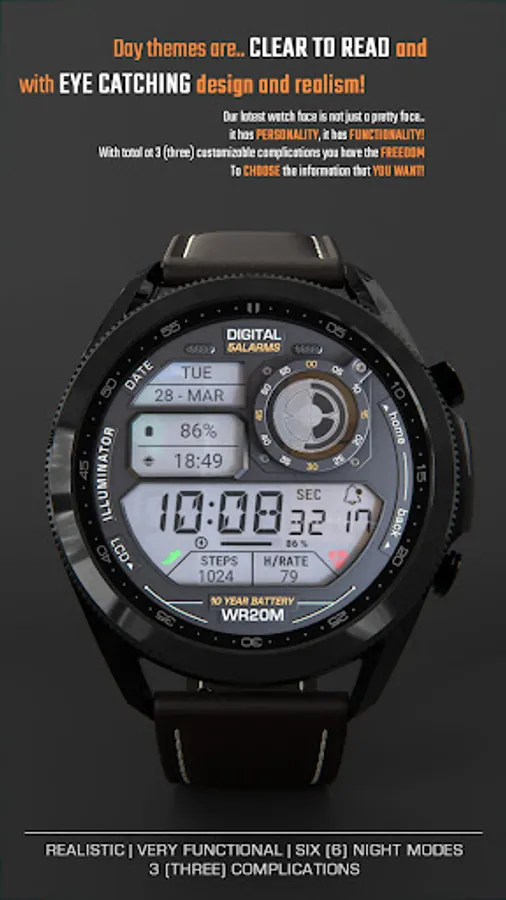
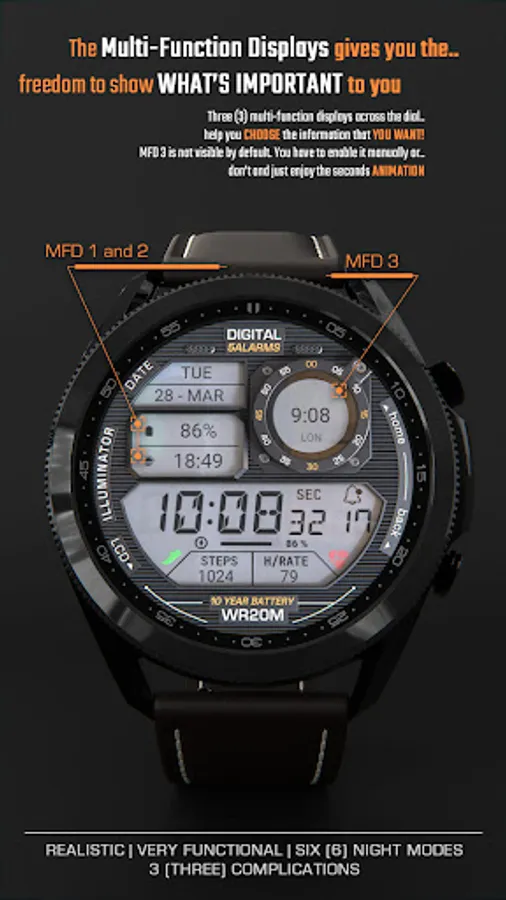
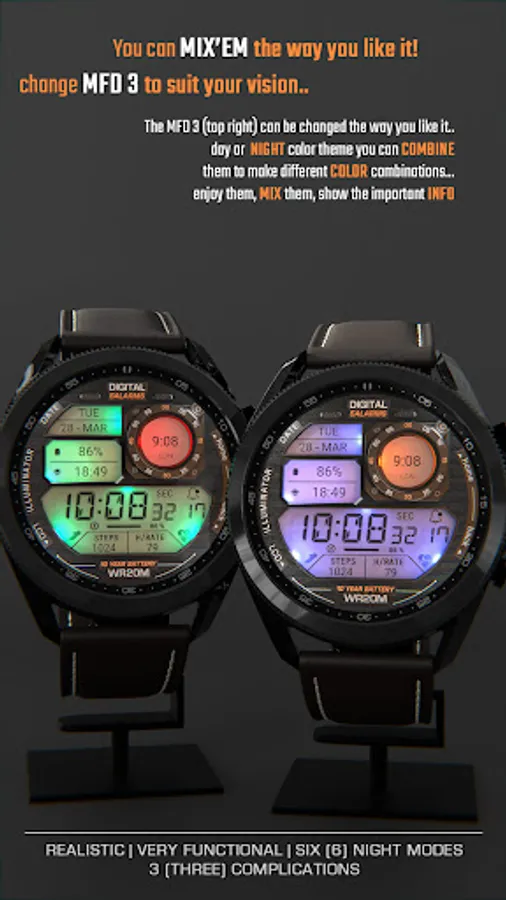
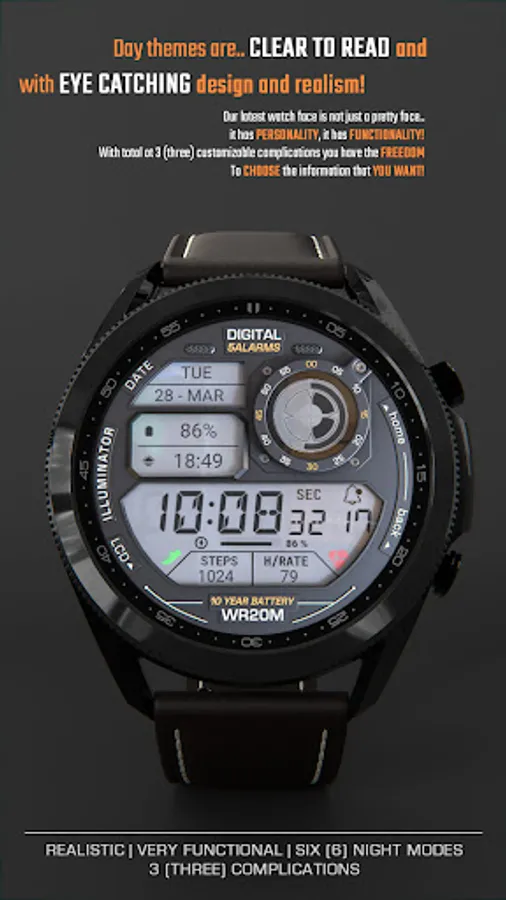
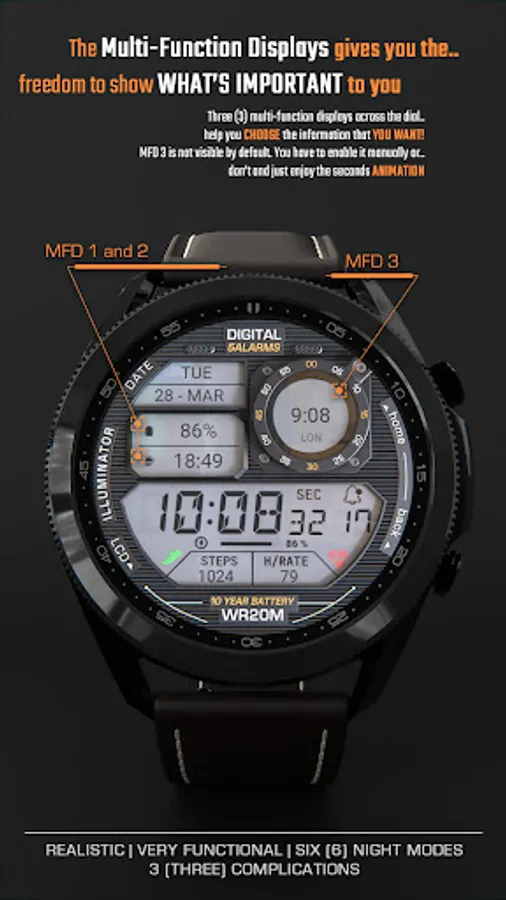
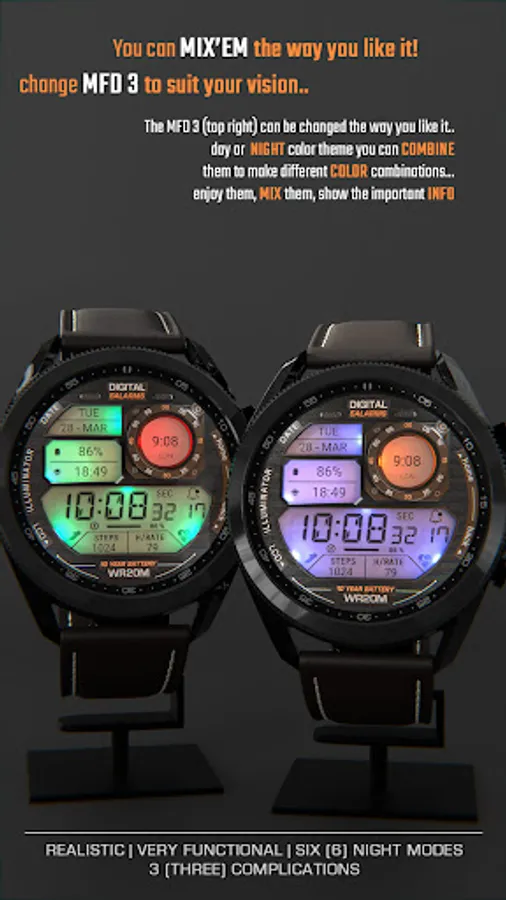
- 3 MFD (custom complications).
- Auto 12h/24h mode.
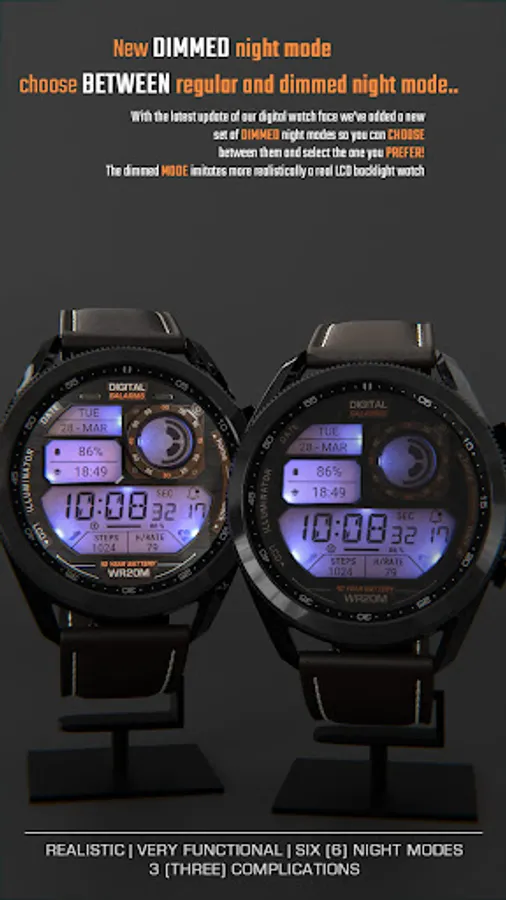
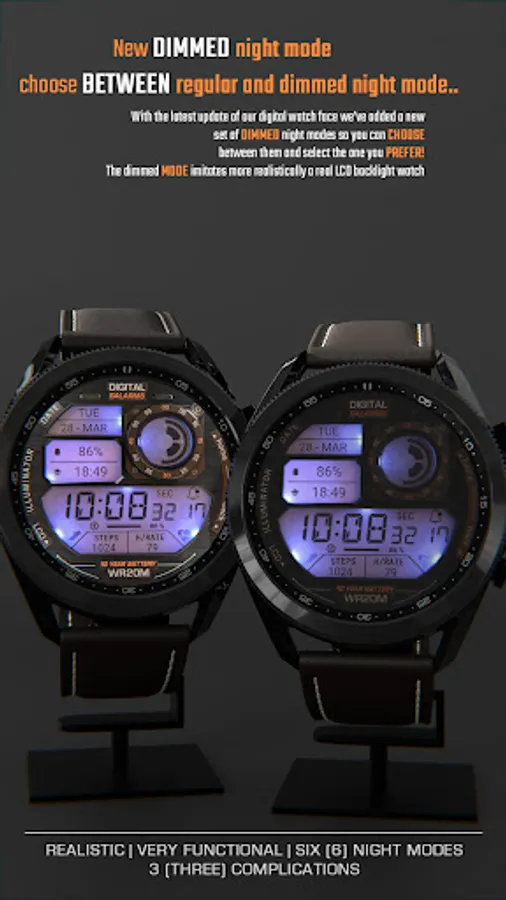
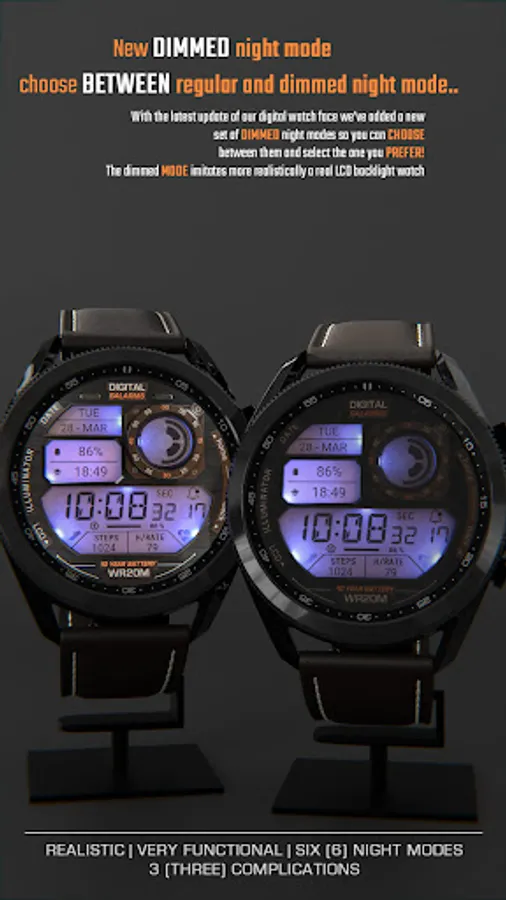
- Night modes.
- Time and date.
- Battery indicator.
- Notifications count.
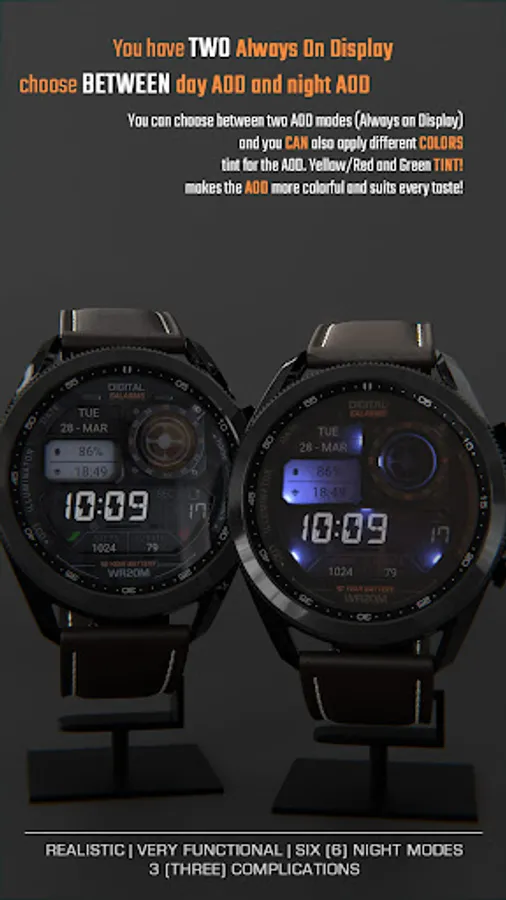
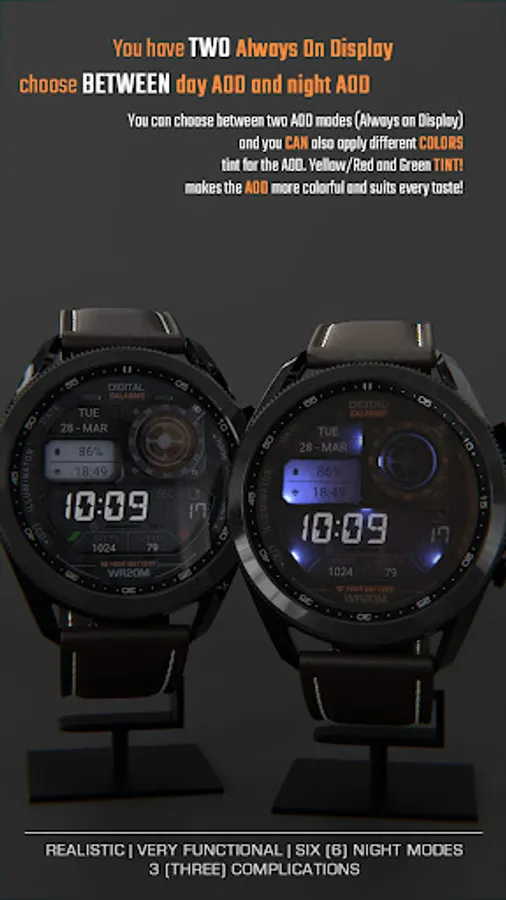
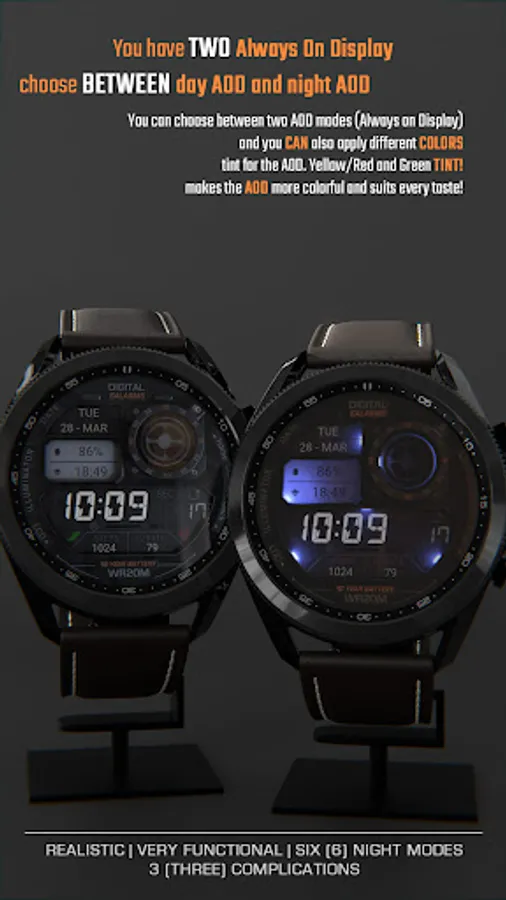
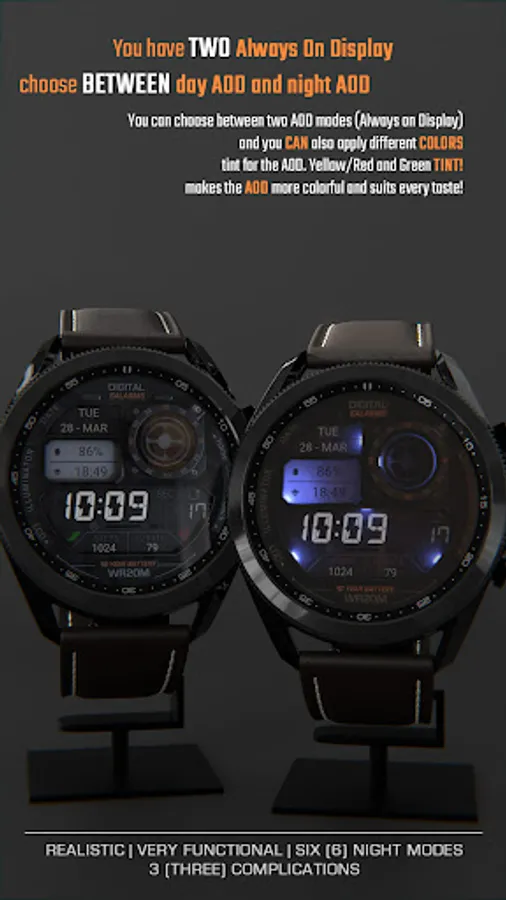
- Custom Alway On Display (Choose between day/night AOD).
ⓘ How to:
- Long press (touch and hold) on the screen to customize hands color.
* IMPORTANT - if you enable MFD display you must choose/customize it with the information you want. If you turn off the MFD you must choose "Empty" as a complication option to avoid text/info being displayed over the MFD 3 display (top right LCD).
Want another SUPER REALISTIC watch faces? Here you go:
Luna Benedicta: https://play.google.com/store/apps/details?id=wb.luna.benedicta
WatchBase. Illuminator: https://play.google.com/store/apps/details?id=wb.illuminator.hybrid
ⓘ Heart rate info
In order for the HR to work, you must first allow health sensors.
When you apply the watch face if you see "-" or "E" heart rate was not measured,
just tap on it to measure it.
1. If you see "M" for HR value, then heart rate is being measured.
2. If you see "E" for HR value, then the heart measurement was not successful (dirty sensor or any kind of reason). Just tap to try again.
** Heart rate is not always automatically available. If not, then read the above.
ⓘ Installation
How to install: https://watchbase.store/static/ai/
After installation: https://watchbase.store/static/ai/ai.html
If you have any issues installing the watch face, please note that we have no control over the installation process or any other Google Play / Watch processes. The most common issue that people face is after they buy the watch face and install it, they can't see/find it.
In order to apply the watch face after you install it, touch and hold on the main screen (your current watch face) the swipe left to look for it. If you can't see it, tap on the " + " sign at the end (add a watch face) and find our watch face there.
We use a companion app for the phone to make the installation process easier. If you buy our watch face, tap on the install button (on the phone app) you must check your watch.. a screen will appear with the watch face.. tap install again and wait for the installation to finish. If you already bought the watch face and it still asks you to buy it again on the watch, don't worry you will not be charged twice. This is a common synchronization issue, just wait a little or try to restart your watch.
Another solution for installing the watch face is to try to install it from a browser, logged with your account (google play account that you use on the watch).
* The text/labels - "5 ALARMS" , "10 YEAR BATTERY" and "WR20M" are for decoration purposes only and do not reflect the watch face/watch functions and/or features. They allow us to get the retro vibe.
JOIN WatchBase.
Facebook page:
https://www.facebook.com/WatchBase
Facebook group (General watch faces group):
https://www.facebook.com/groups/1170256566402887/
Instagram:
https://www.instagram.com/watch.base/
YouTube:
https://www.youtube.com/@WATCHBASE/videos
Google Play page:
https://play.google.com/store/apps/developer?id=WatchBase
SUBSCRIBE to our YouTube channel:
https://www.youtube.com/c/WATCHBASE?sub_confirmation=1
https://www.youtube.com/c/WATCHBASE
NOTE: Please read the How to section and Installation section !!!
ⓘ Features:
- Realistic design.
- Animated.
- 3 MFD (custom complications).
- Auto 12h/24h mode.
- Night modes.
- Time and date.
- Battery indicator.
- Notifications count.
- Custom Alway On Display (Choose between day/night AOD).
ⓘ How to:
- Long press (touch and hold) on the screen to customize hands color.
* IMPORTANT - if you enable MFD display you must choose/customize it with the information you want. If you turn off the MFD you must choose "Empty" as a complication option to avoid text/info being displayed over the MFD 3 display (top right LCD).
Want another SUPER REALISTIC watch faces? Here you go:
Luna Benedicta: https://play.google.com/store/apps/details?id=wb.luna.benedicta
WatchBase. Illuminator: https://play.google.com/store/apps/details?id=wb.illuminator.hybrid
ⓘ Heart rate info
In order for the HR to work, you must first allow health sensors.
When you apply the watch face if you see "-" or "E" heart rate was not measured,
just tap on it to measure it.
1. If you see "M" for HR value, then heart rate is being measured.
2. If you see "E" for HR value, then the heart measurement was not successful (dirty sensor or any kind of reason). Just tap to try again.
** Heart rate is not always automatically available. If not, then read the above.
ⓘ Installation
How to install: https://watchbase.store/static/ai/
After installation: https://watchbase.store/static/ai/ai.html
If you have any issues installing the watch face, please note that we have no control over the installation process or any other Google Play / Watch processes. The most common issue that people face is after they buy the watch face and install it, they can't see/find it.
In order to apply the watch face after you install it, touch and hold on the main screen (your current watch face) the swipe left to look for it. If you can't see it, tap on the " + " sign at the end (add a watch face) and find our watch face there.
We use a companion app for the phone to make the installation process easier. If you buy our watch face, tap on the install button (on the phone app) you must check your watch.. a screen will appear with the watch face.. tap install again and wait for the installation to finish. If you already bought the watch face and it still asks you to buy it again on the watch, don't worry you will not be charged twice. This is a common synchronization issue, just wait a little or try to restart your watch.
Another solution for installing the watch face is to try to install it from a browser, logged with your account (google play account that you use on the watch).
* The text/labels - "5 ALARMS" , "10 YEAR BATTERY" and "WR20M" are for decoration purposes only and do not reflect the watch face/watch functions and/or features. They allow us to get the retro vibe.
JOIN WatchBase.
Facebook page:
https://www.facebook.com/WatchBase
Facebook group (General watch faces group):
https://www.facebook.com/groups/1170256566402887/
Instagram:
https://www.instagram.com/watch.base/
YouTube:
https://www.youtube.com/@WATCHBASE/videos
Google Play page:
https://play.google.com/store/apps/developer?id=WatchBase
SUBSCRIBE to our YouTube channel:
https://www.youtube.com/c/WATCHBASE?sub_confirmation=1
https://www.youtube.com/c/WATCHBASE
ILLUMINATOR Digital Watch face Screenshots
Reviews for ILLUMINATOR Digital Watch face
Fenikkusu
12/27/2025
very good
Syah Eiyjan
12/12/2025
Nice
Bakani Snowpaw
12/8/2025
I'm having an issue with the main time font going back to a 'non digital' face. Otherwise the customization is really good looking. Just wish this font wouldn't ruin the digital time look of the older watchfaces.
Imtehaaz Mahmoodally
11/25/2025
Not working
Michael Harpe
11/23/2025
Wow
Tap to Rate: