Calendar For Wear OS (Android
Wearable Software
3.8 ★
2K ratings
100,000+
downloads
Free
In this Calendar for Wear OS, you can view upcoming appointments and browse your schedule through a day agenda. Includes a calendar view with month navigation and appointment details.
AppRecs review analysis
AppRecs rating 3.8. Trustworthiness 0 out of 100. Review manipulation risk 0 out of 100. Based on a review sample analyzed.
★★★☆☆
3.8
AppRecs Rating
Ratings breakdown
5 star
40%
4 star
23%
3 star
18%
2 star
10%
1 star
9%
What to know
✓
Good user ratings
63% positive sampled reviews
✓
Authentic reviews
No red flags detected
About Calendar For Wear OS (Android
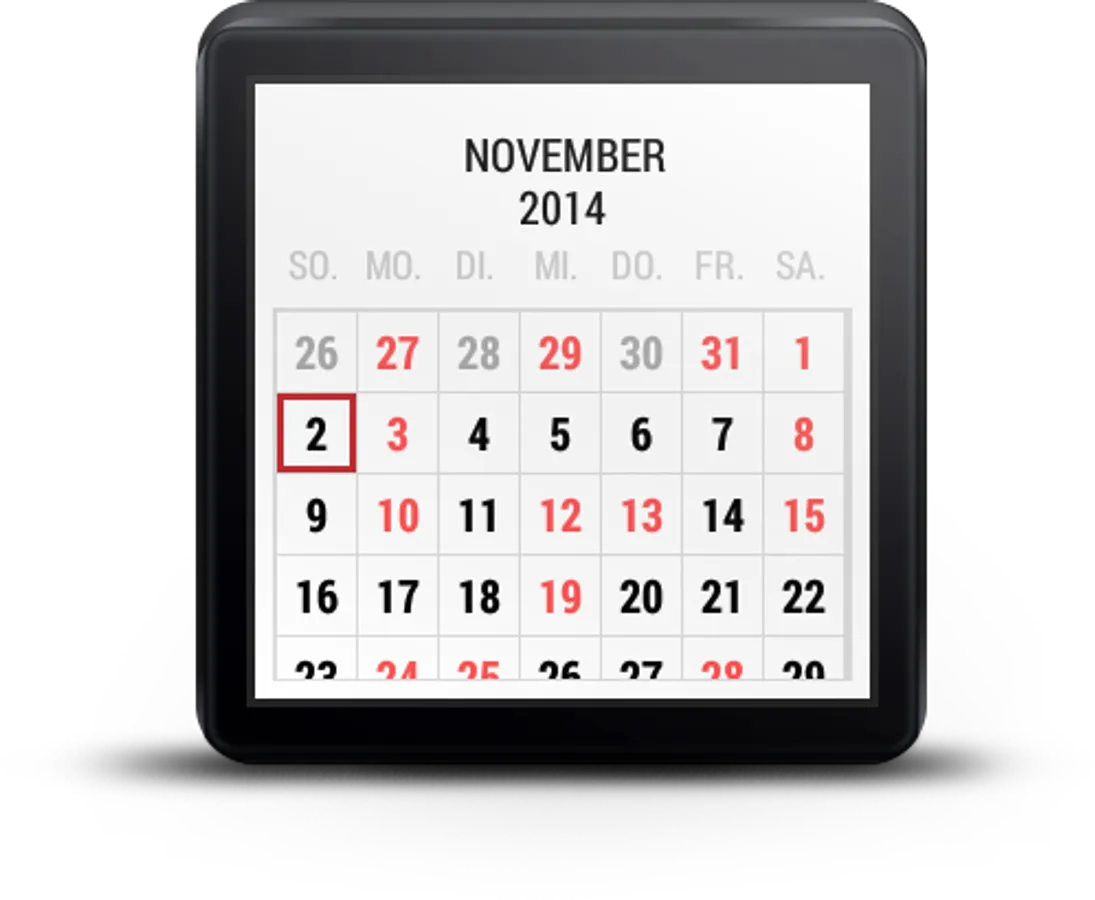
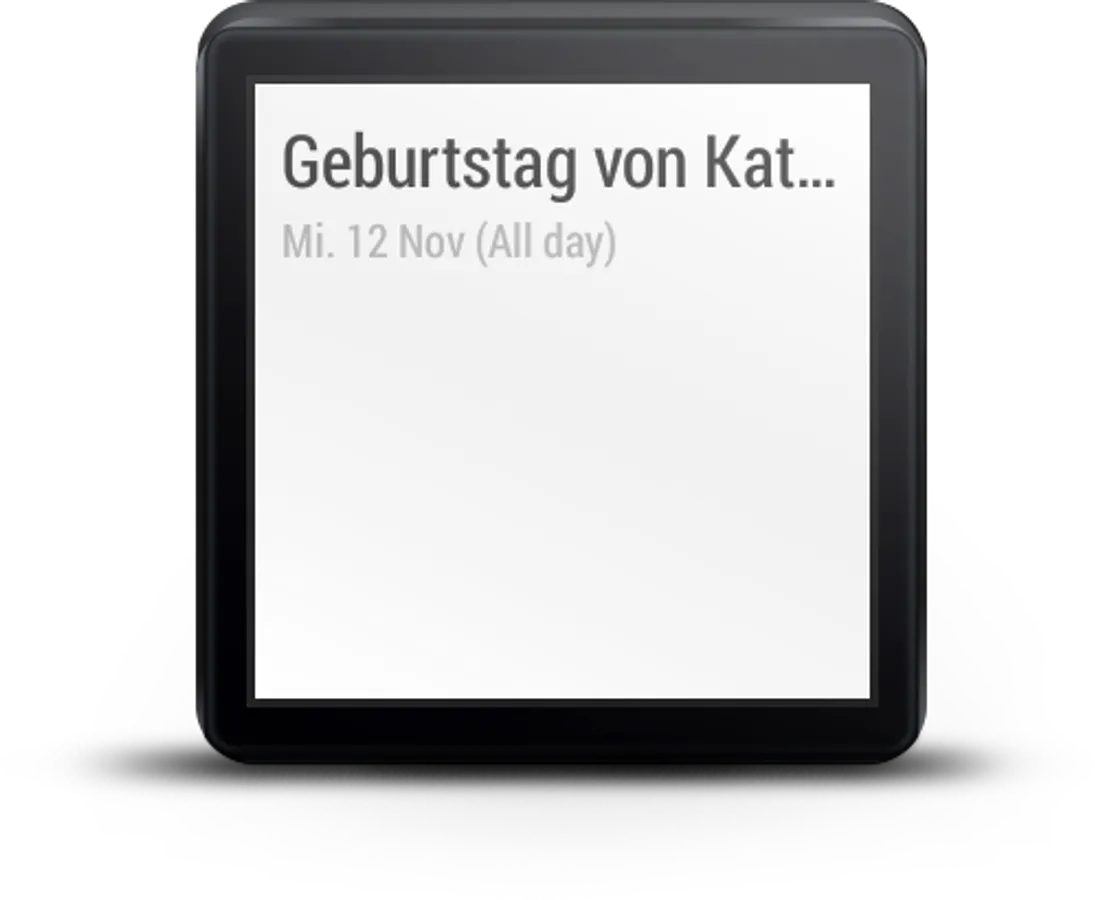
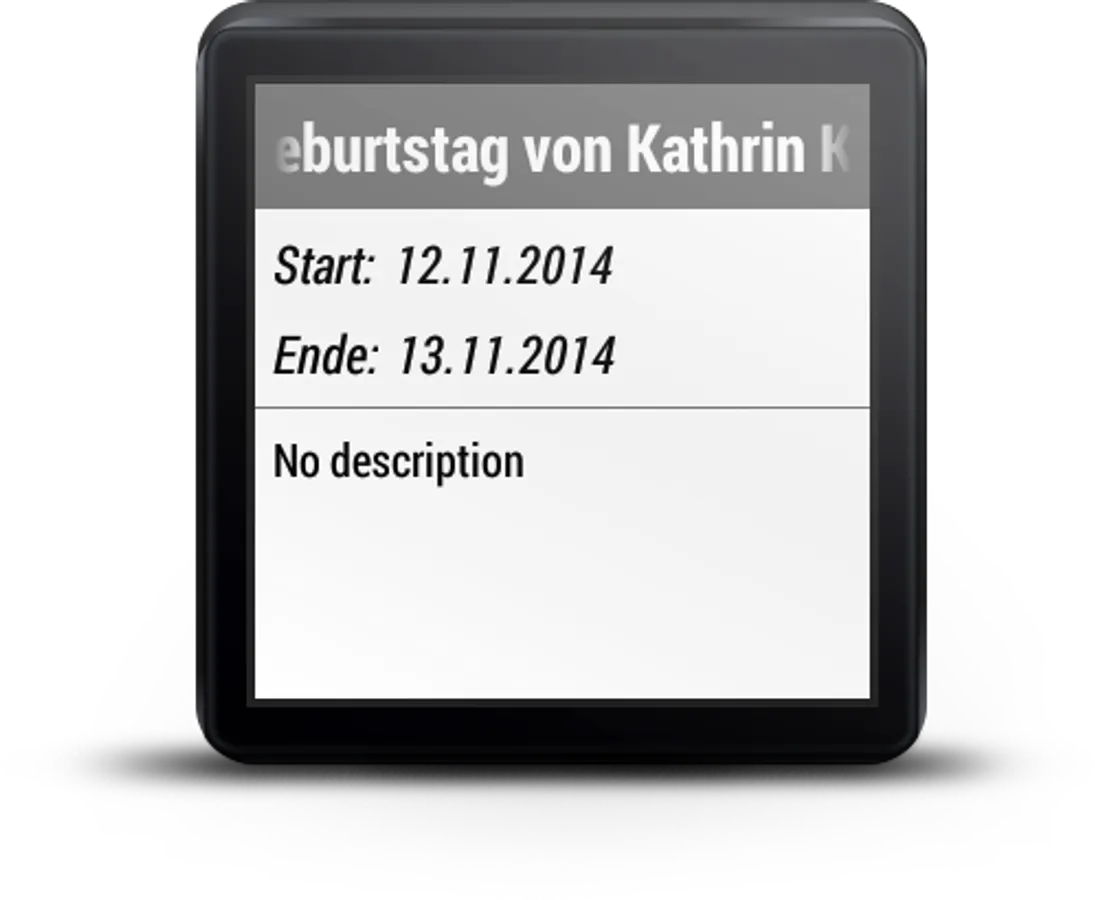
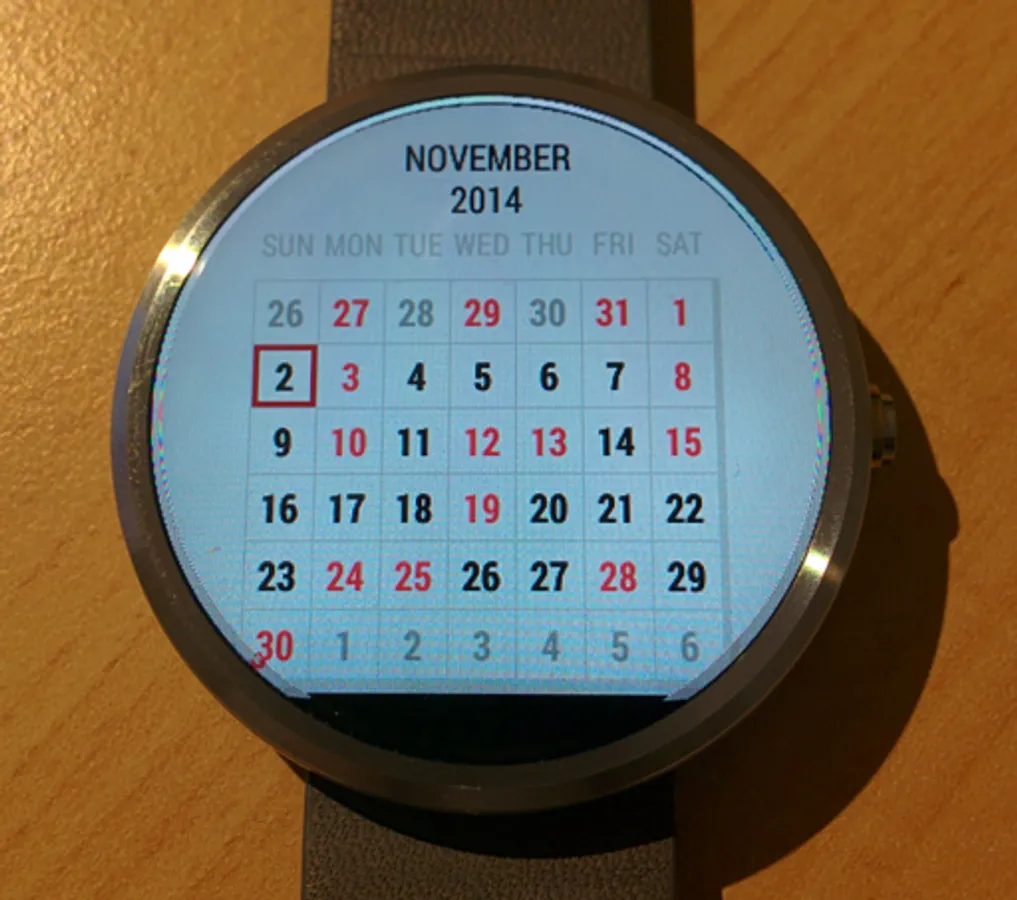
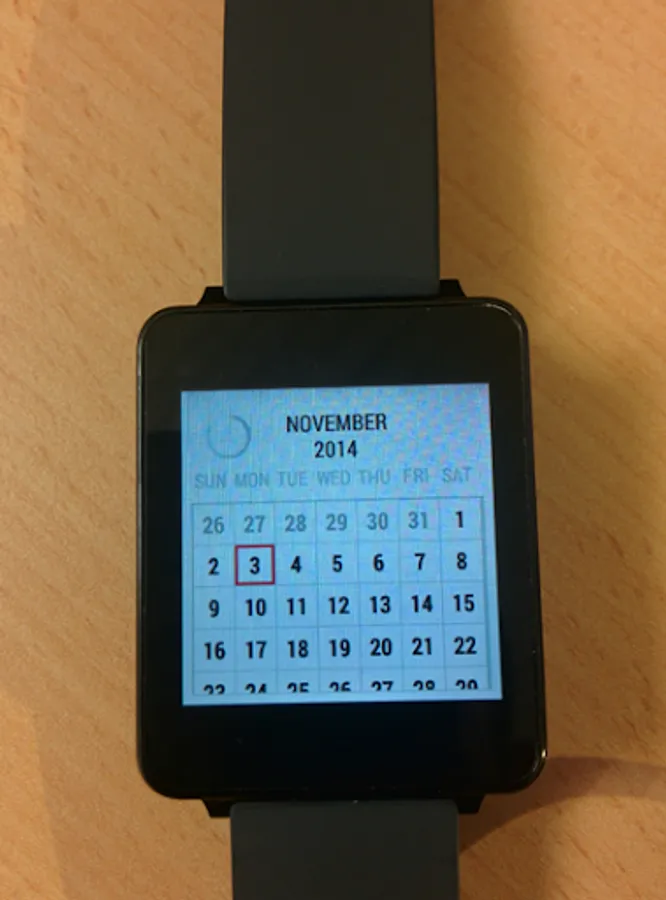
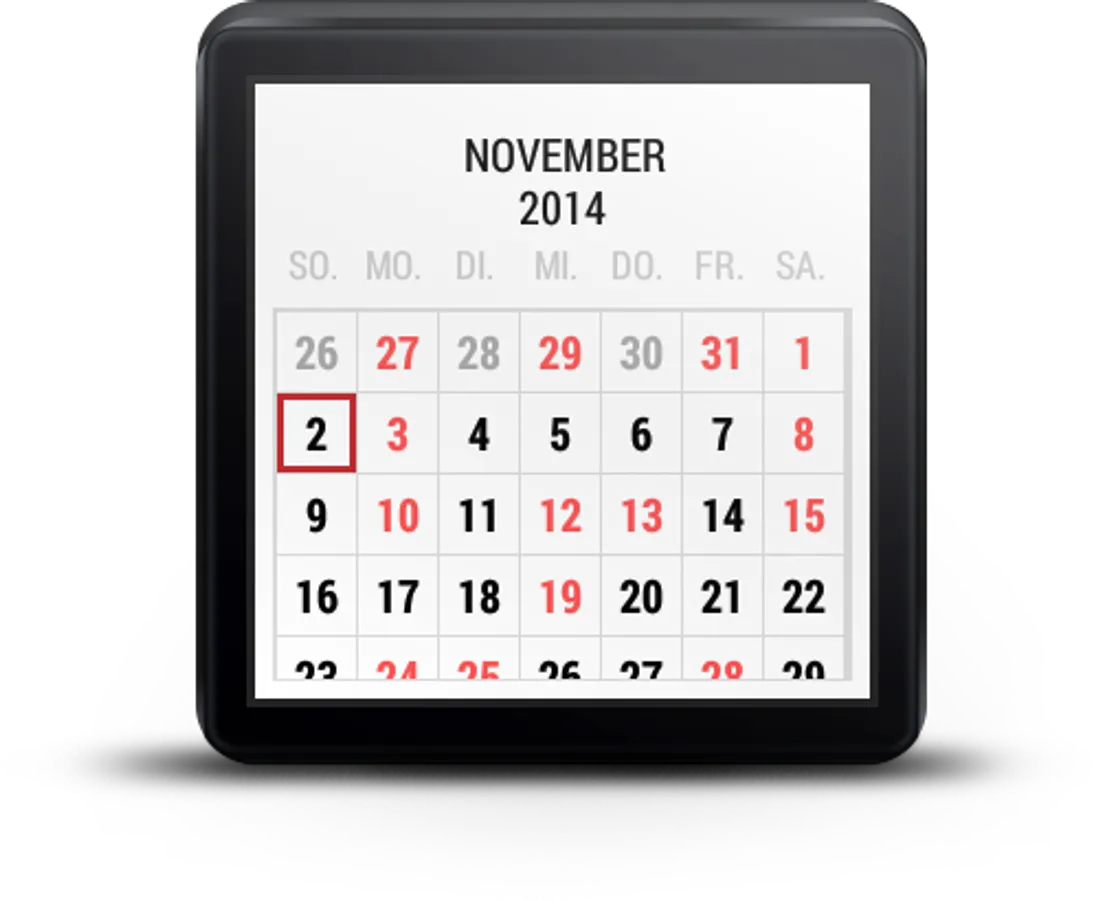
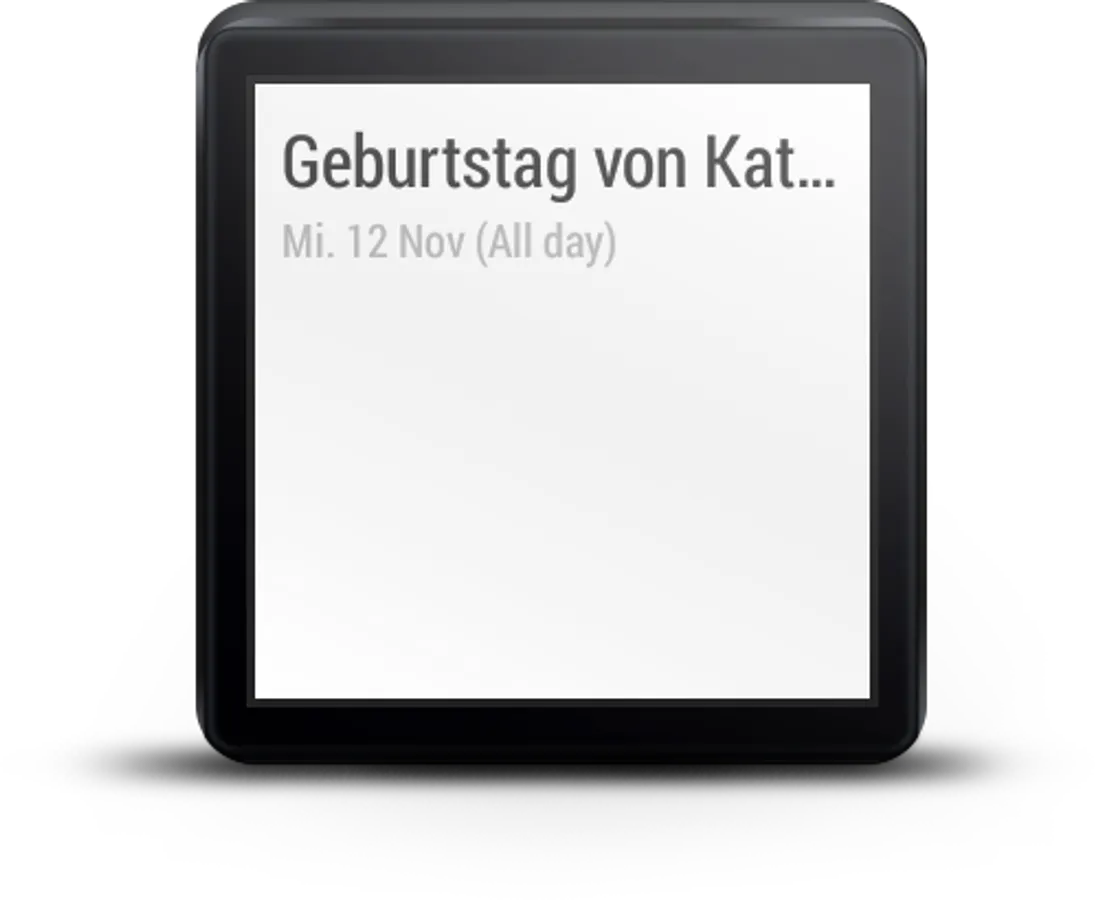
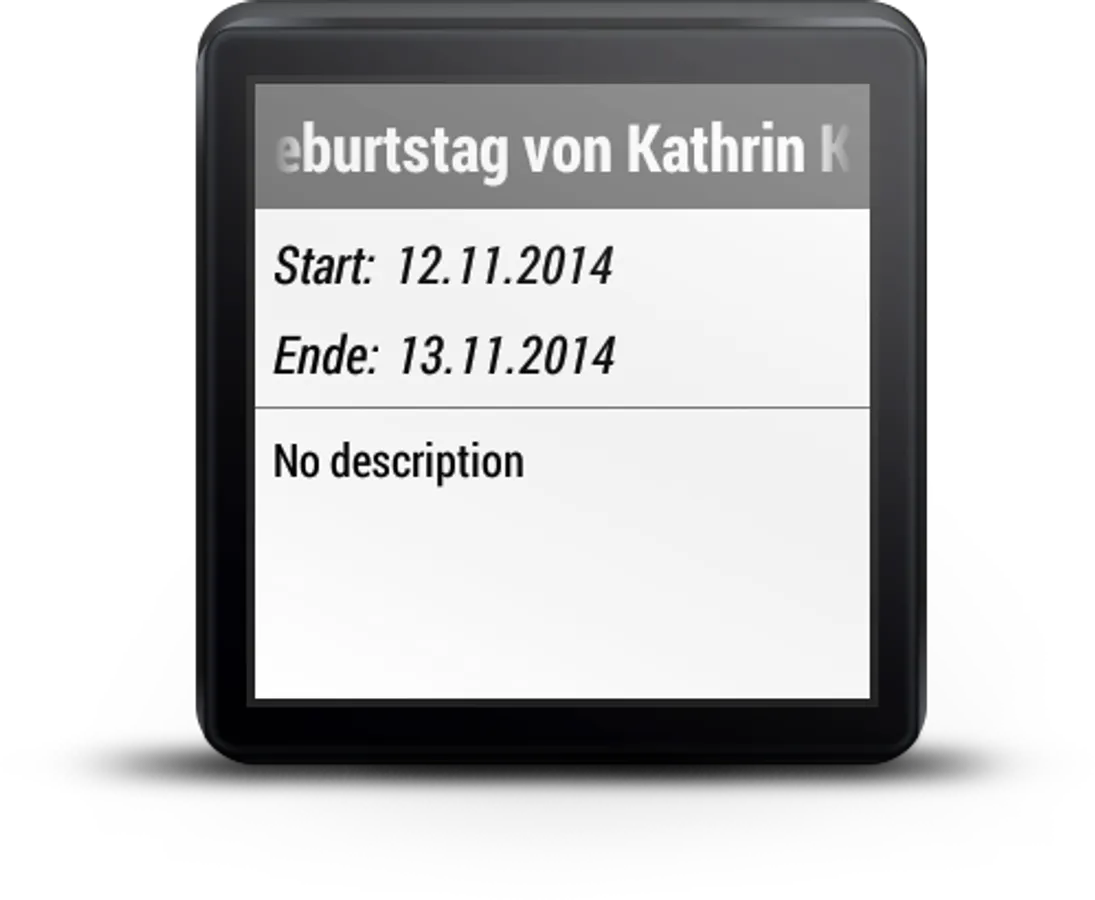
Completely free. The best calendar for the Android Wear operation system. Get an overview about upcoming appointments with the calendar view. Browse your appointments through a day agenda by touching on a specific day. View details for a appointment such as description, begin and end date when touching on the appointment in the day agenda. Swipe left or right to change month in the calendar view. In addition this calendar is simple and easy to use and a great helper for on the go. Download now for free. To start the app. Just say: OK Google...Start calendar. Please note: To retrieve the appointments, your watch must be connected to your mobile phone.
Get more apps, games & news about Android Wear with "Android Wear Center": http://tinyurl.com/m87stxs
Features:
★ Calendar view, swipe left or right to change month
★ Days with appointments are marked red in calendar
★ Current day is marked with a square
★ Day agenda
★ Appointment details
You have to own an Android Wear device to use this app
Currently compatible devices:
► HUAWEI Watch
► Moto 360 Gen 2 (2015)
► Moto 360 Gen 1 (2014)
► Asus Zenwatch
► LG G Watch
► LG G Watch R
► LG G Watch Urbane (Android Wear version)
► Samsung Gear Live
► Sony SmartWatch 3
Please note:
-Make sure your mobile is compatible with Android Wear.
-Make sure to pair your phone with the wearable device with help of the Android Wear App.
-To open: Go to "Start..." and open the app "Calendar" or say "Start calendar"
Do you have any suggestions for improvement? Any ideas? Any issues with the app? Please let us know.
Get more apps, games & news about Android Wear with "Android Wear Center": http://tinyurl.com/m87stxs
Features:
★ Calendar view, swipe left or right to change month
★ Days with appointments are marked red in calendar
★ Current day is marked with a square
★ Day agenda
★ Appointment details
You have to own an Android Wear device to use this app
Currently compatible devices:
► HUAWEI Watch
► Moto 360 Gen 2 (2015)
► Moto 360 Gen 1 (2014)
► Asus Zenwatch
► LG G Watch
► LG G Watch R
► LG G Watch Urbane (Android Wear version)
► Samsung Gear Live
► Sony SmartWatch 3
Please note:
-Make sure your mobile is compatible with Android Wear.
-Make sure to pair your phone with the wearable device with help of the Android Wear App.
-To open: Go to "Start..." and open the app "Calendar" or say "Start calendar"
Do you have any suggestions for improvement? Any ideas? Any issues with the app? Please let us know.
Calendar For Wear OS (Android Screenshots
Tap to Rate: