
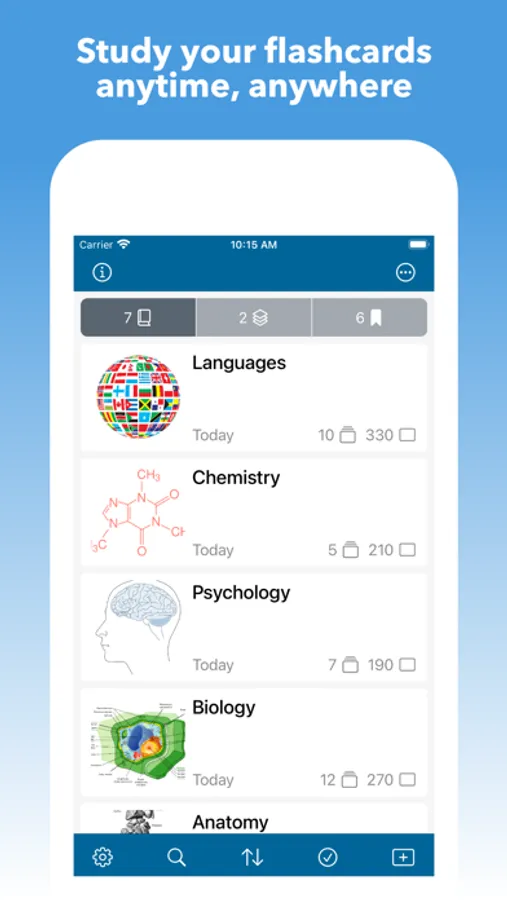
In this app, you can create, customize, and organize digital flashcards for study purposes. Includes features for importing, exporting, multimedia integration, and quiz configuration.
AppRecs review analysis
AppRecs rating 4.7. Trustworthiness 74 out of 100. Review manipulation risk 22 out of 100. Based on a review sample analyzed.
★★★★☆
4.7
AppRecs Rating
Ratings breakdown
5 star
85%
4 star
6%
3 star
5%
2 star
2%
1 star
2%
What to know
✓
Low review manipulation risk
22% review manipulation risk
✓
Credible reviews
74% trustworthiness score from analyzed reviews
✓
High user satisfaction
85% of sampled ratings are 5 stars
About Mighty Flashcards
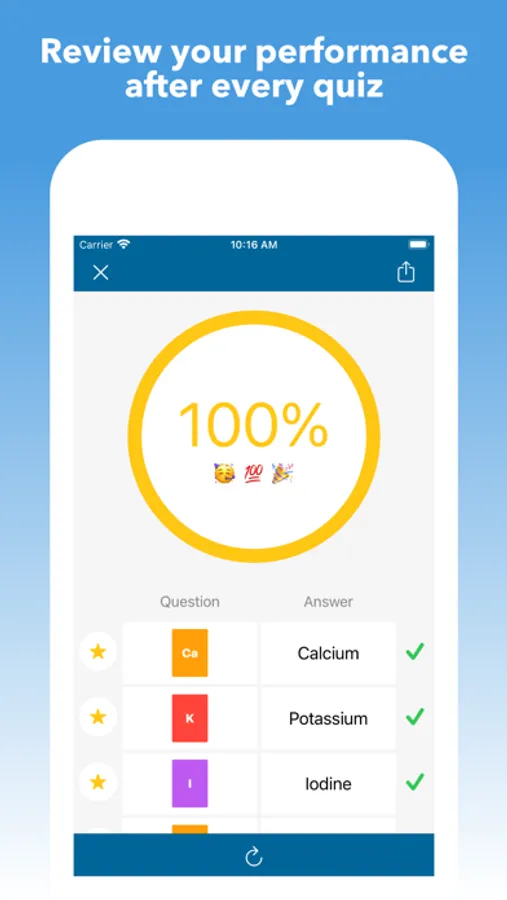
• Use the "Smart" order to study cards based on your active quiz and self-graded study performance.
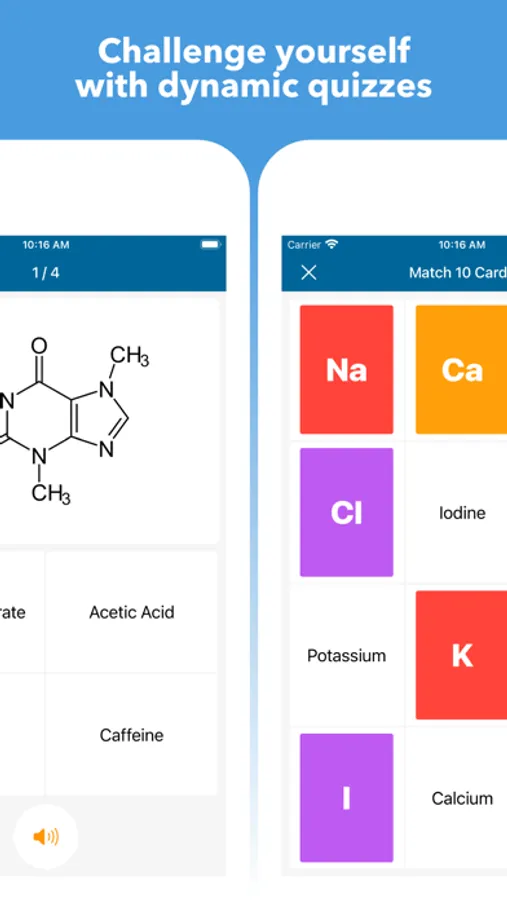
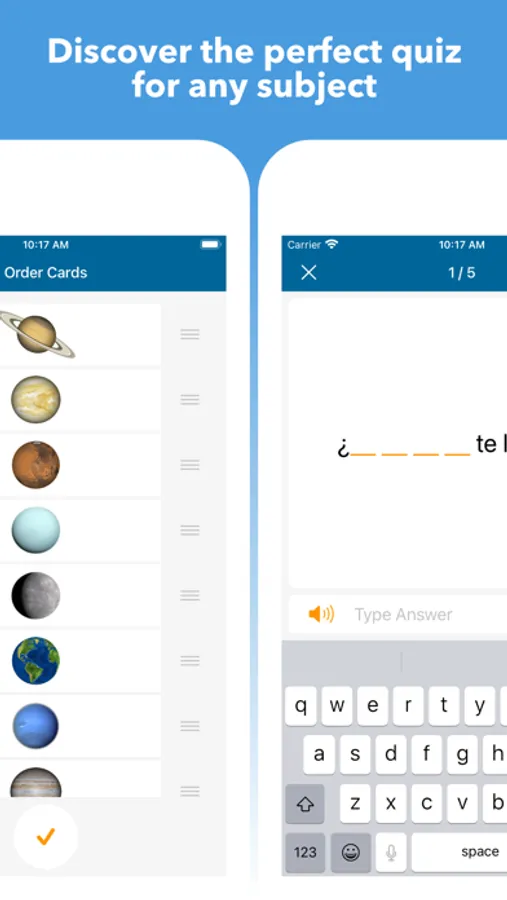
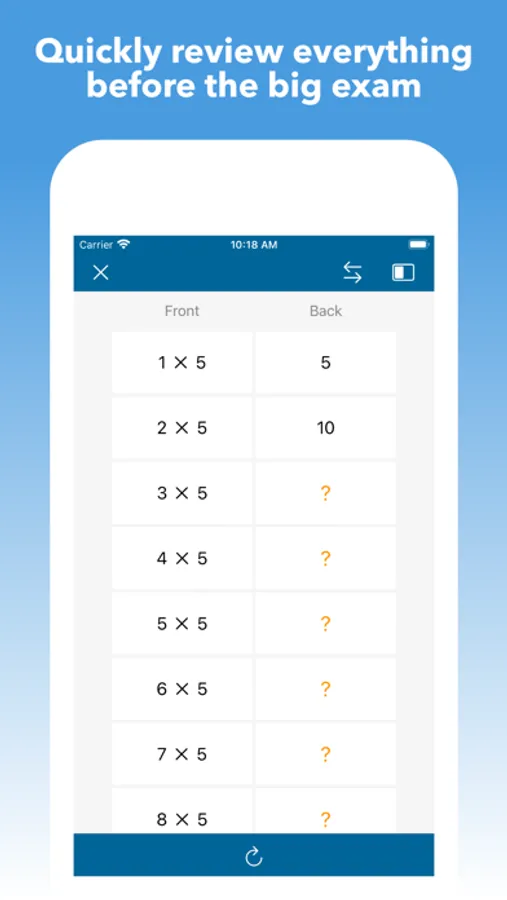
• Take dynamic quizzes from your cards (spelling, multiple choice, fill in the blank, typing, matching, ordering, true or false, drawing, audio, tap the visual area, quick review, and self-graded).
• Configure your quizzes to include the number of questions, card side (front, back, random), card order (smart, random, custom), time limit, star filter, tags, answer options (similar, random, tags), autoplay (questions, answers, responses), and redo quiz (all, same, missed, correct).
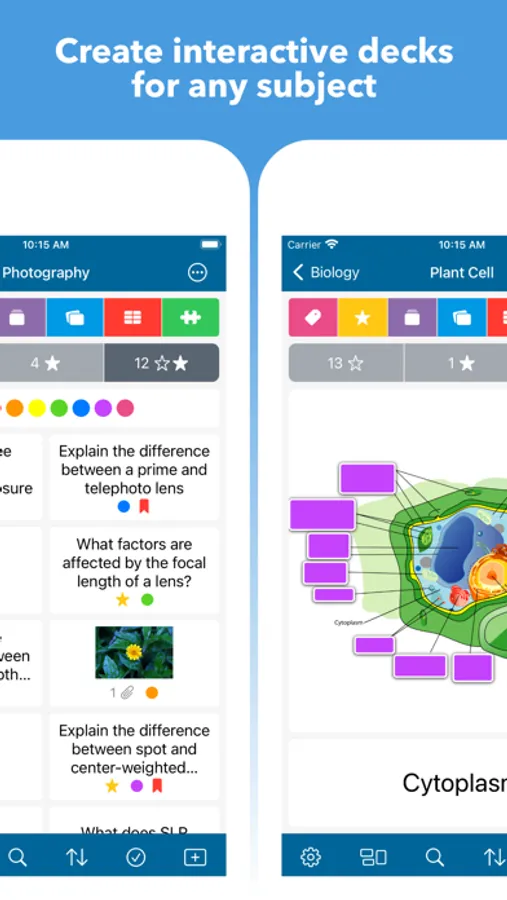
• Transform your images into dynamic visual decks with custom-defined touch areas for interactive learning.
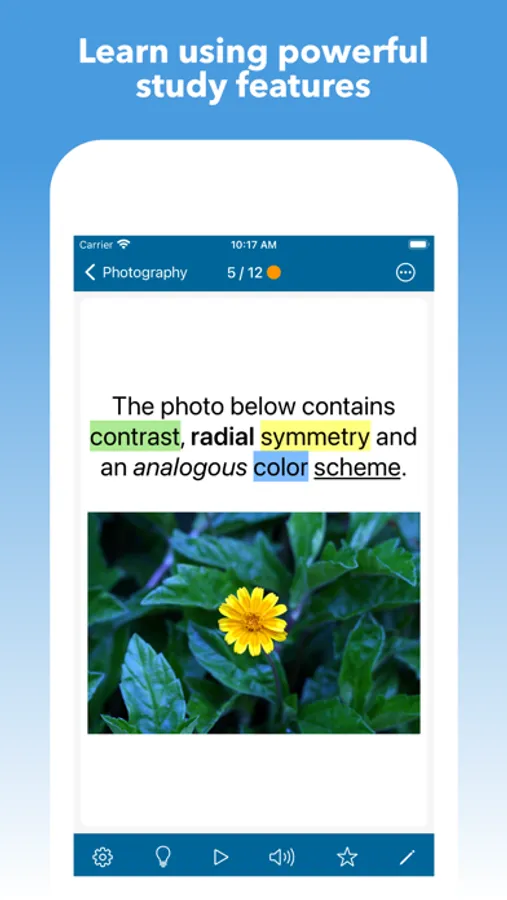
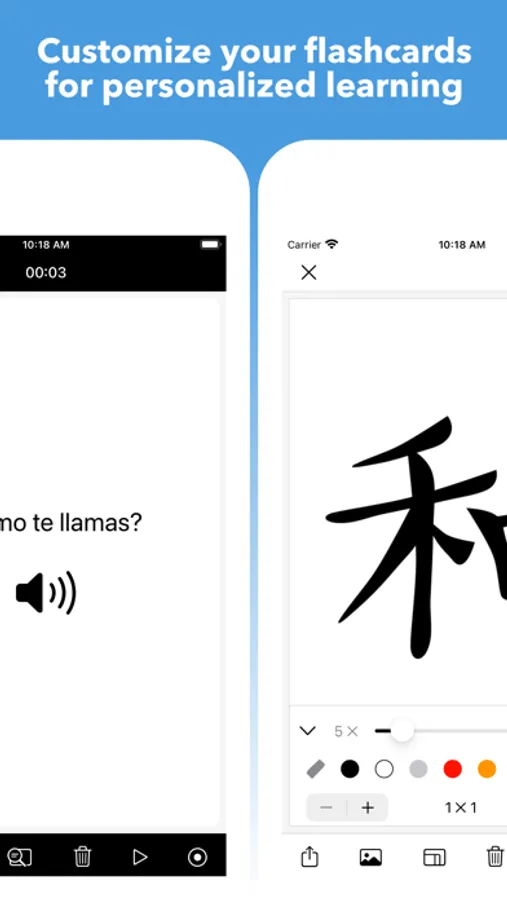
• Add rich text, images, audio, videos, drawings, links, lists, hints, and media captions to your cards.
• Easily and quickly create cards from images, videos, and PDFs using the 'Extractor' tool.
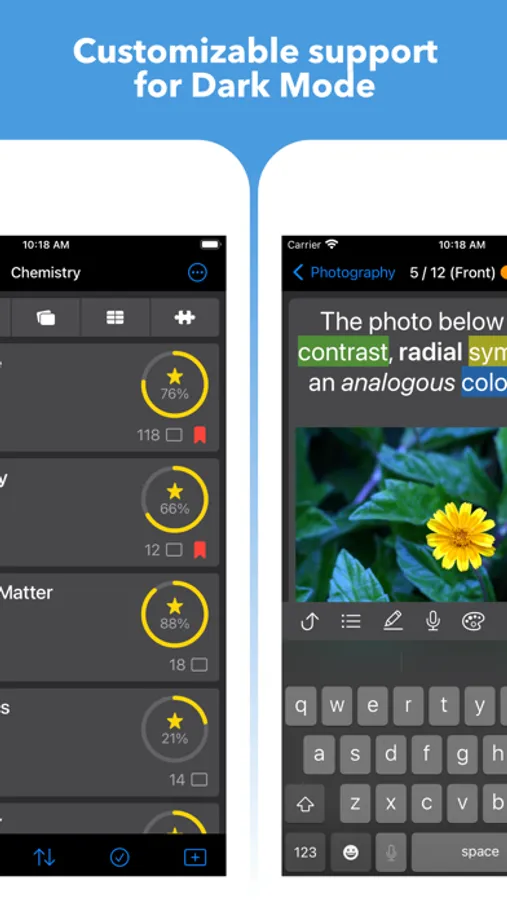
• Built-in drawing/annotation/grid tools, audio recorder, and highlighter (multiple colors).
• Add multiple customizable tags to cards and organize them into configurable playlists.
• Autoplay mode for convenient hands-free learning that automatically plays text, audio, video, and fullscreen images.
• Seamlessly manage settings (formatting, autoplay, slideshow, text-to-speech) using a hierarchical scheme and reusable templates.
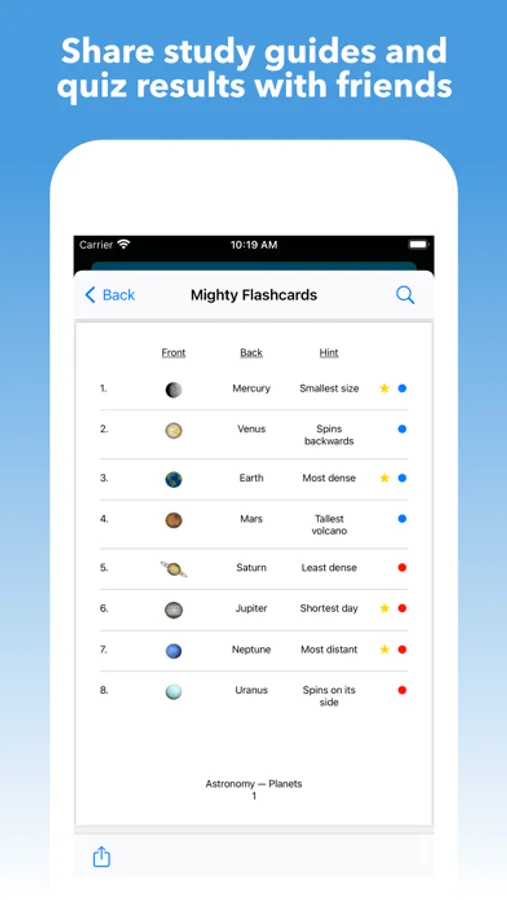
• Export subjects, decks, and cards to backup or share as study guides with friends (delimited text files, PDF, Mighty, images, audio, video).
• Import subjects, decks, and cards as text, images, audio, and video.
• Conveniently import delimited text files by configuring the encoding, delimiter, header, and column map.
• Study a custom selection of decks using stacks.
• Star and filter your learned cards.
• Move, copy, combine, and split your subjects, stacks, decks, and cards.
• Sort by name, date (added, updated, viewed), study progress, count (cards, decks), or custom.
• Search for subjects, stacks, decks, cards, descriptions, tags, and hints.
• Bookmark your subjects, stacks, decks, and cards for quick access.
• Add descriptions to your subjects, stacks, and decks.
• Use external keyboard shortcuts to quickly navigate, create, and edit your cards.
• Drag & drop text or images directly onto a deck to quickly create cards (via iPad Multitasking).
---
Contact & Support: mighty.flashcards@gmail.com
Mighty Flashcards Screenshots
Tap to Rate:
Reviews for Mighty Flashcards
Artrtle
Mighty Indeed
Best study cards out there. This app has everything you need for note taking or quizzing yourself. Love it👍
Z4AM
Clean, intuitive, and very functional!
I tried 4 flashcard apps and researched another 7 and this is the best out there. The layout is clean and easy to understand. There are hints, color tags, bookmarks, and stars to track cards within decks and subjects and multiple ways to sort cards and to organize decks. A critical feature for me was the import which allowed me to create 622 flashcards from a spreadsheet in less than 5 minutes. There are multiple import options and the process is quick, easy and well-documented. The developer is very responsive and working on adding even more. Very happy with this purchase.