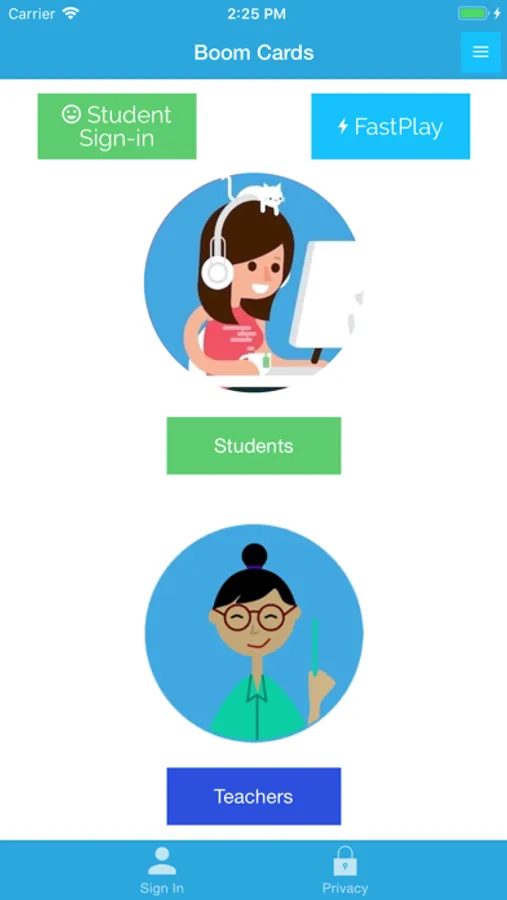
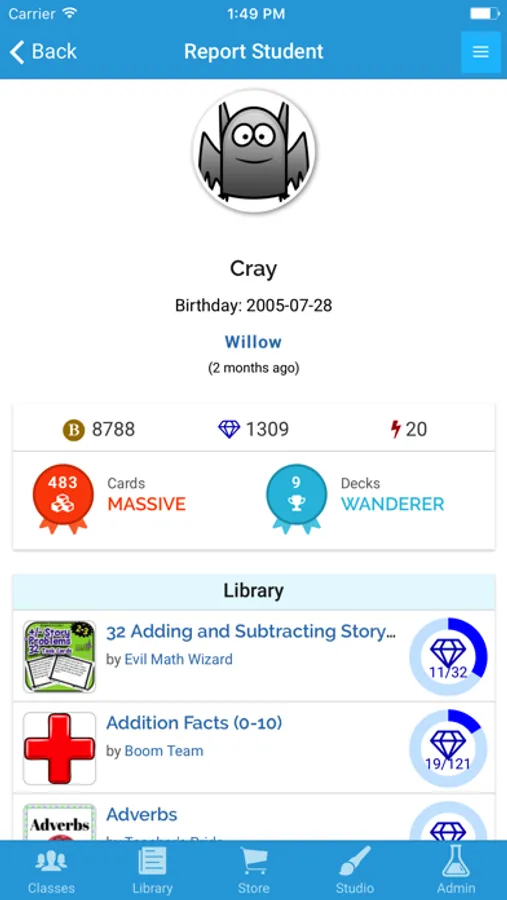
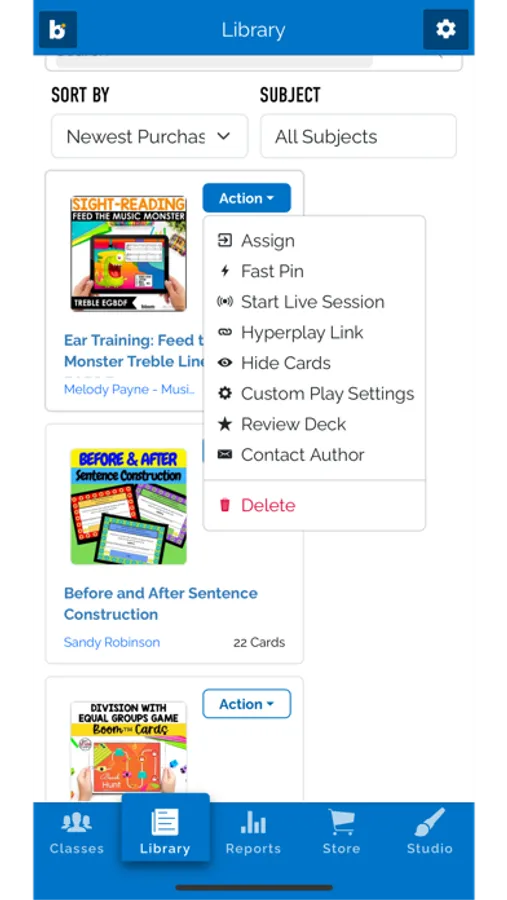
With this educational app, you can assign Boom Cards to students, monitor performance, and review responses. Includes synchronization with Boom Classroom and access to over 500,000 decks for various subjects.
AppRecs review analysis
AppRecs rating 3.1. Trustworthiness 83 out of 100. Review manipulation risk 20 out of 100. Based on a review sample analyzed.
★★★☆☆
3.1
AppRecs Rating
Ratings breakdown
5 star
46%
4 star
7%
3 star
5%
2 star
5%
1 star
36%
What to know
✓
Low review manipulation risk
20% review manipulation risk
✓
Credible reviews
83% trustworthiness score from analyzed reviews
⚠
High negative review ratio
41% of sampled ratings are 1–2 stars
About Boom Cards
You will need a Boom account to use this app, available at wow.boomlearning.com. Boom Cards play on most modern desktops, laptops, tablets, phones, and interactive whiteboards.
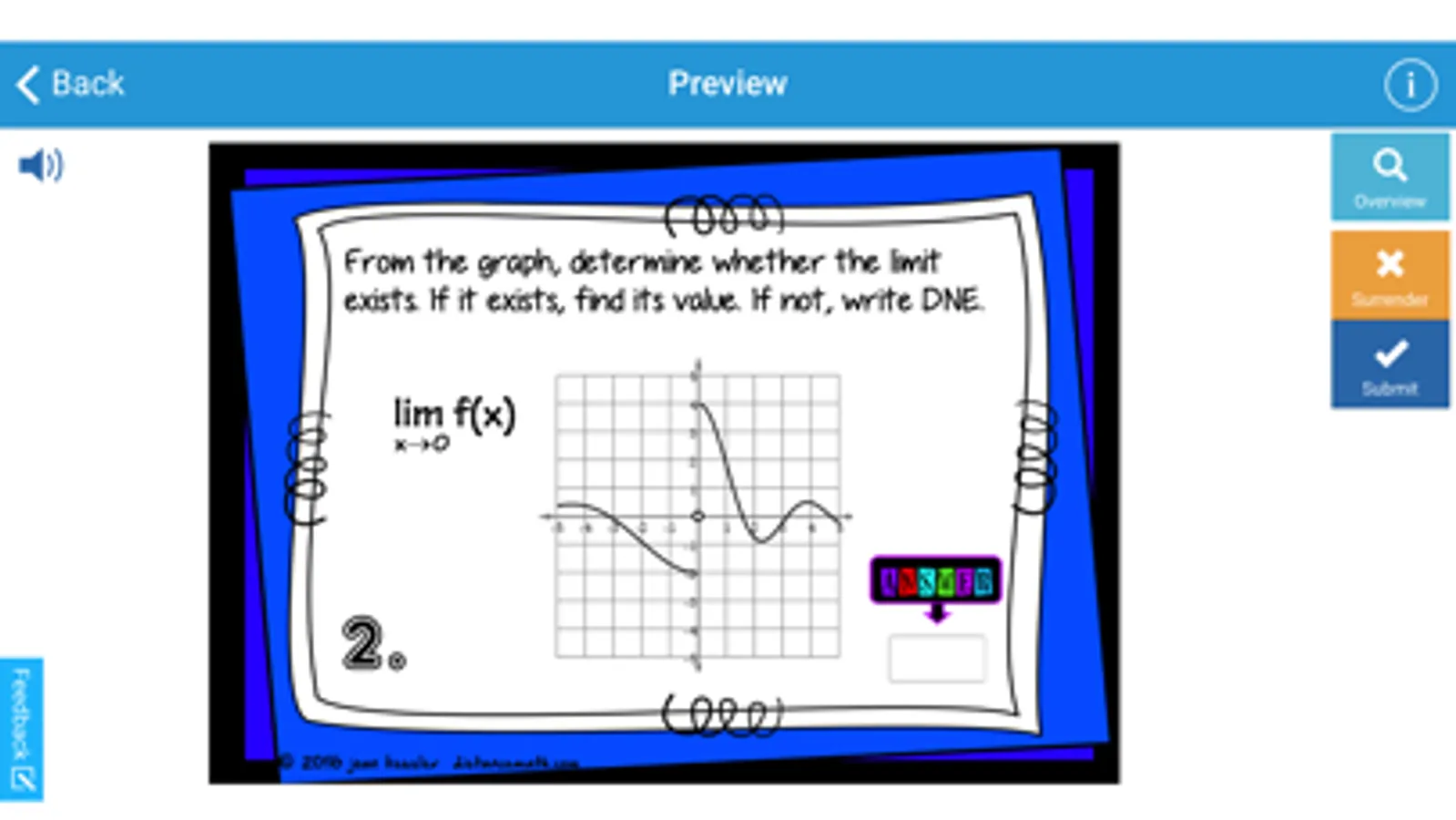
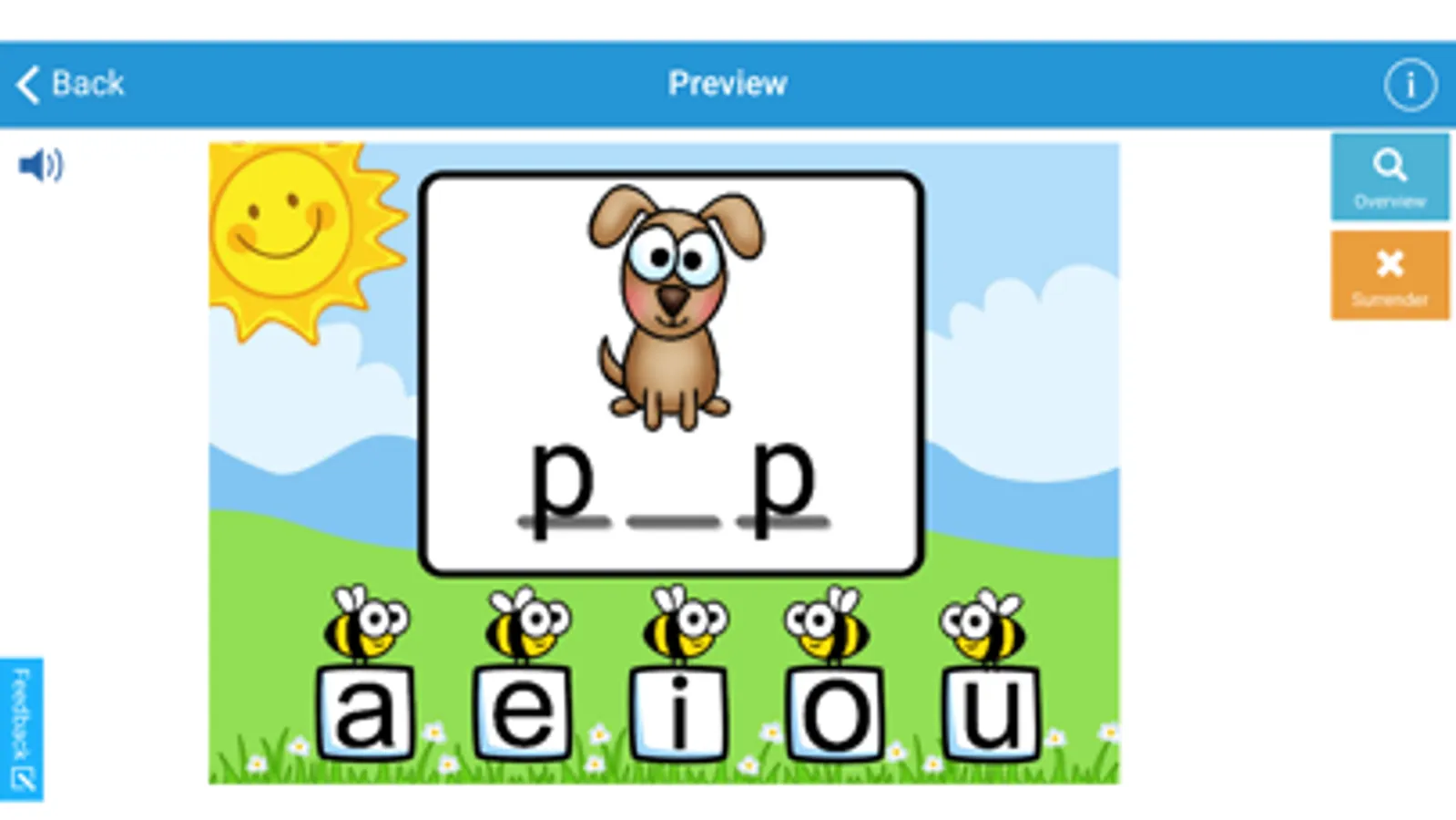
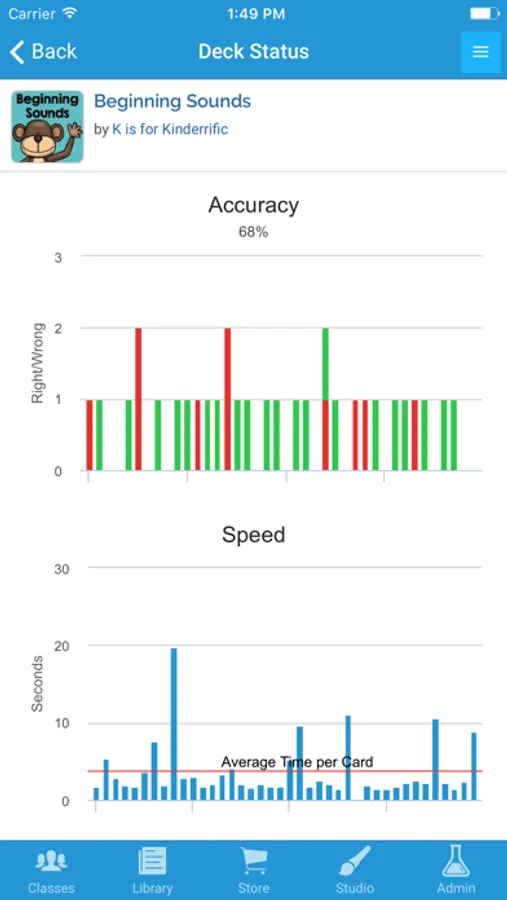
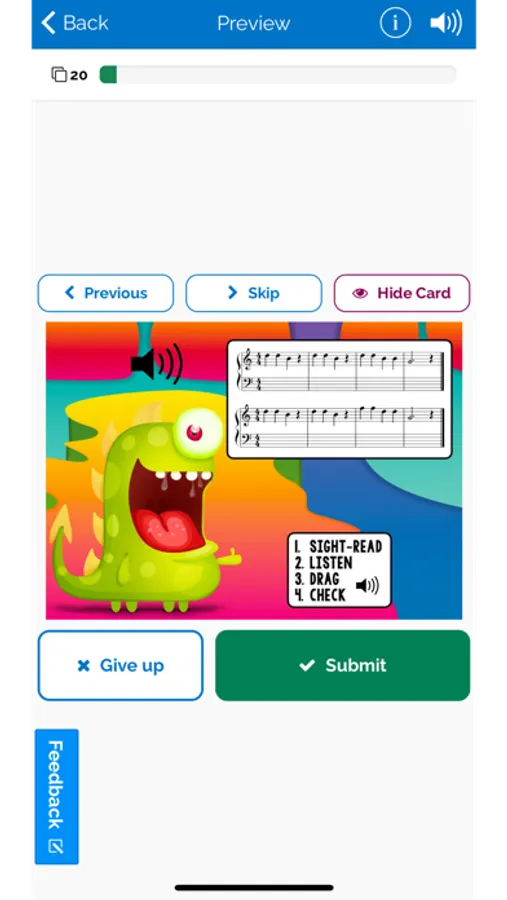
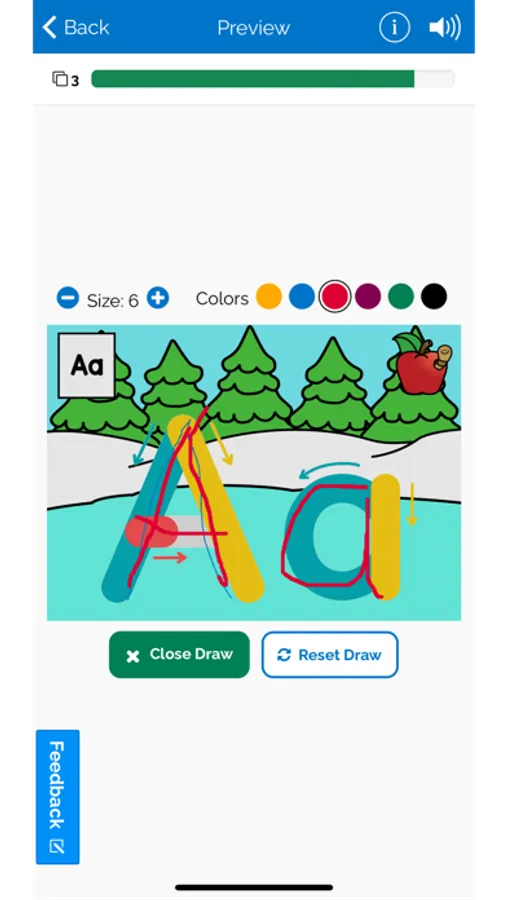
Rated 5 Stars by the Educational App Store, Boom Cards offer educators the ability to choose from over 500,000+ decks to add to their personal Boom Library. Detailed Reports show student performance, including which wrong choices they selected and the time to respond. Boom Cards are great for differentiation, intervention, enrichment, or remediation.
Stop searching for supplement activities for students with special needs. Boom Learning has many options for teachers who work with special needs students, ranging from complex needs to resource students, English Language Learners, and general education. Areas of focus include English Language Arts, Math, Social Studies, Writing, Related Services, Social-Emotional and Character Education, and much more!
Boom Cards Screenshots
Tap to Rate:
Reviews for Boom Cards
GirlNextDoor1989
Terrible now
I plan to delete this app. It does not work properly on the iPad.
Teacher098098
Great resource
I have been using boom cards for several years with my esl students. It is a fantastic resource and just what I needed. Making decks is a lot of work but worth it. I am able to make digital activities that are geared exactly to the material I am teaching my students, even usually my own recorded voice. Once made I can assign these decks to digital classrooms and add or remove students as needed. I highly recommend this resource.