AppRecs review analysis
AppRecs rating 2.7. Trustworthiness 85 out of 100. Review manipulation risk 20 out of 100. Based on a review sample analyzed.
★★☆☆☆
2.7
AppRecs Rating
Ratings breakdown
5 star
25%
4 star
17%
3 star
8%
2 star
0%
1 star
50%
What to know
✓
Low review manipulation risk
20% review manipulation risk
✓
Credible reviews
85% trustworthiness score from analyzed reviews
⚠
Mixed user feedback
Average 2.7★ rating suggests room for improvement
About Flow Chart, Block Diagram
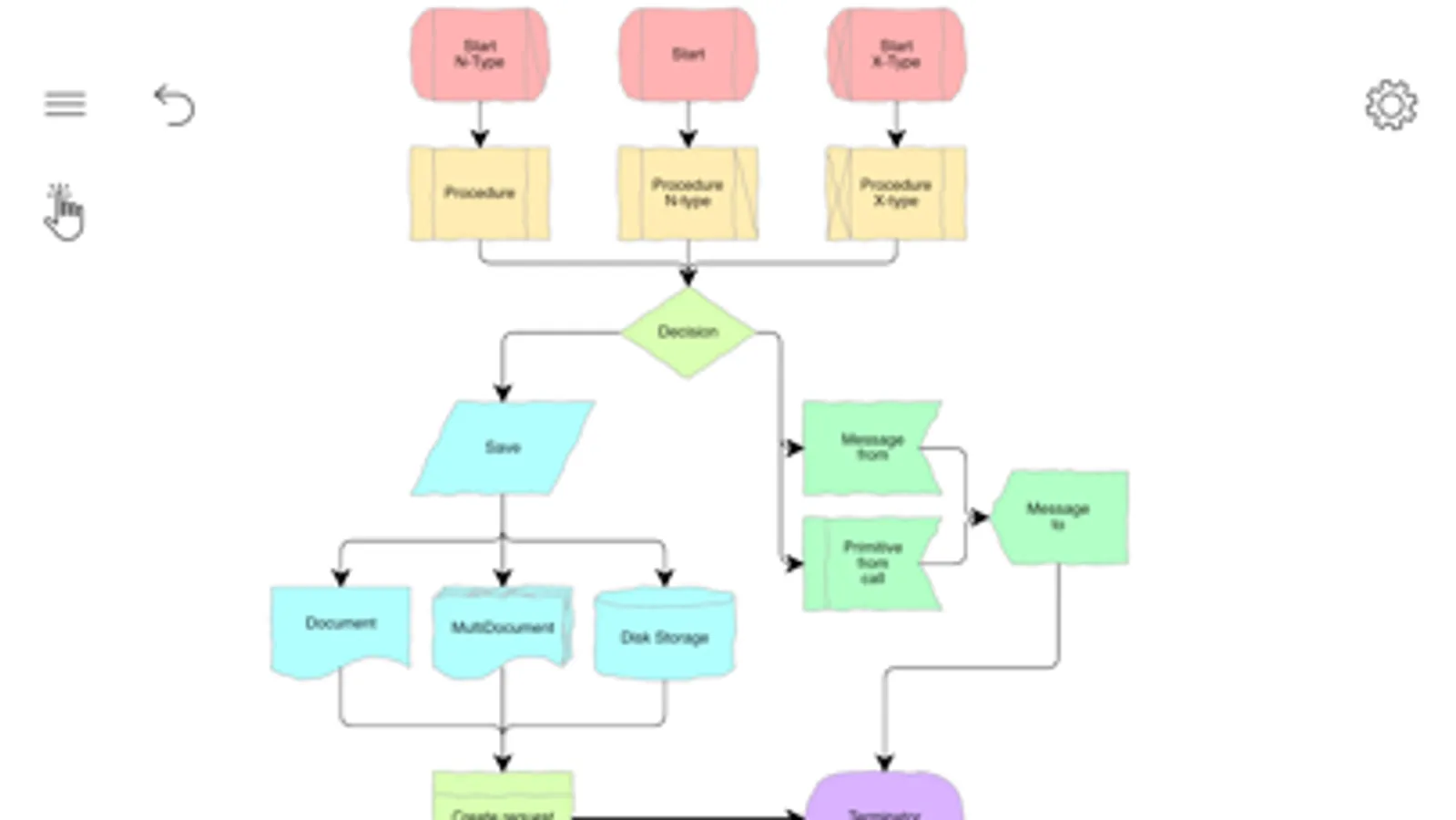
In just a few minutes you will be able to design professional business graphics using hundreds of pre-designed smart shapes created especially for flowcharts and general-purpose drawings as well as for specific diagram types: Swimlanes, Venn charts, Data flow diagrams, Process flow diagrams, Workflows, Business process models (both bpmn 1.2 and bpmn 2.0 notations are supported); Chevron and circular diagrams; Infographics and many other.
The created diagrams can be printed or exported to Pdf, Png, Jpeg, Svg and Microsoft Visio (Vdx).
Flow Chart, Block Diagram Screenshots
Tap to Rate:
Reviews for Flow Chart, Block Diagram
Kordasti
Terrible
No orientation, l mean you draw somewhere and the ink is 5 centimeters away. It was locked and after I paid, realized the problem. Such apps must not be in appstore…
ItsCosmo
Lots of features. Powerful.
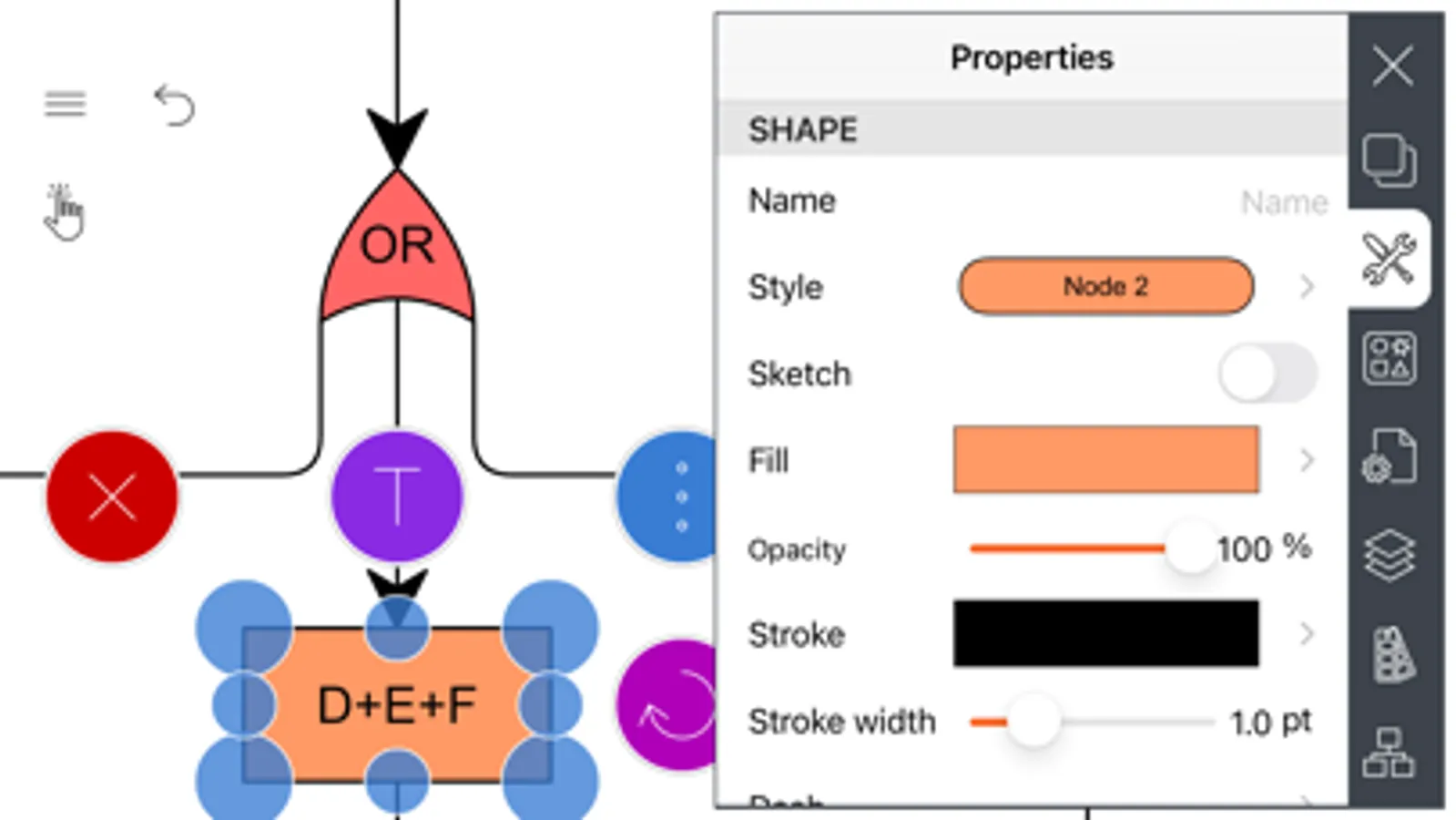
Having evaluated several flowchart apps, and even purchasing a few, this app with a too-long name has become the one I look to first for making a variety of chart types. Pros: +Try-before-you-buy, only crippled by limiting charts to 2. Reasonable. Everyone should do this. +Impressive list of features. You can do almost anything with this app. +Good shape library for doing BP modelling, flow charts. +Ability to move labels. +Flexible connections. Read the doc on this one, and you'll be doing connections easily. +Curved, straight or bent connections - your choice. +Select multiple objects one by one, or with lasso, path. +Complete align, size and distribute options +Customize page size to your liking. Cons: -Connections sometimes take a few attempts to get right. -Autosave unnecessarily throws up a window every few minutes while you're trying to work. Get rid if this. -Poor freehand shape recognition. Coverts squares to circular-ish blobs. -Fairly expensive at $19.99. -Docs refer to mouse. Should be iOS version specific. - terrible name. It's obviously a build of Grapholite, so how about a catchier name, like "Grapholite Personal" (author has my permission to use that name). It is obvious that a lot of work has gone into this app over the years. There are no bugs that I could find, just a few annoyances as I've noted. Definitely worth a look for serious charting needs.