
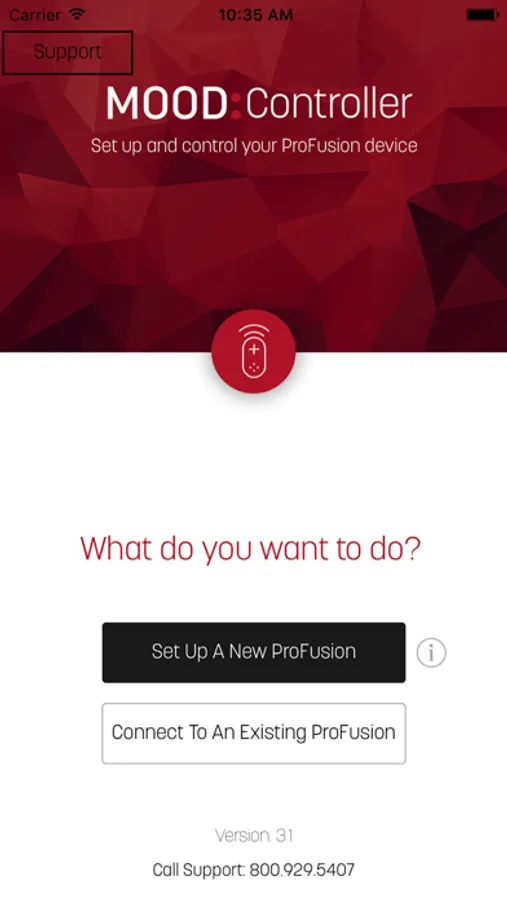
With this app, you can control music playback, adjust volume, and view recent tracks on your Mood Media ProFusion player. Includes device setup, remote control functions, and recent track display.
AppRecs review analysis
AppRecs rating 1.1. Trustworthiness 69 out of 100. Review manipulation risk 28 out of 100. Based on a review sample analyzed.
★☆☆☆☆
1.1
AppRecs Rating
Ratings breakdown
5 star
3%
4 star
1%
3 star
1%
2 star
1%
1 star
94%
What to know
✓
Low review manipulation risk
28% review manipulation risk
⚠
Mixed user feedback
Average 1.2★ rating suggests room for improvement
⚠
High negative review ratio
95% of sampled ratings are 1–2 stars
About Mood:Controller
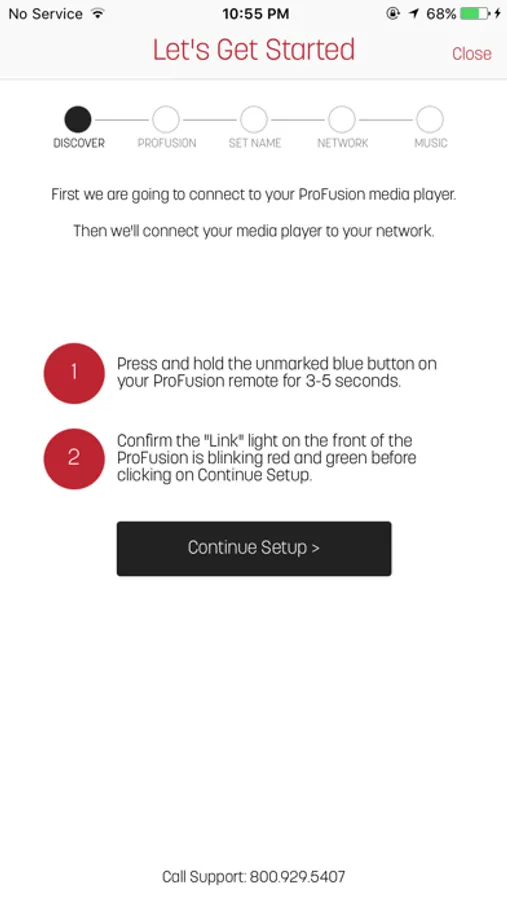
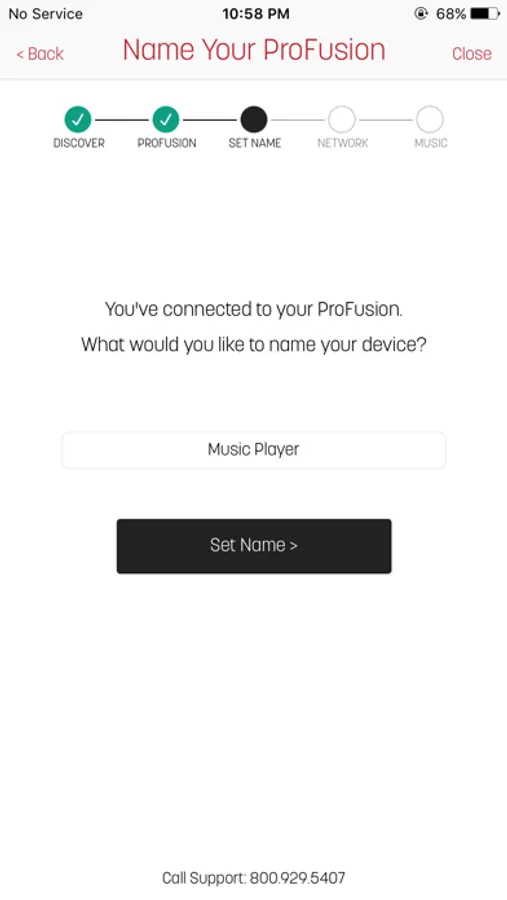
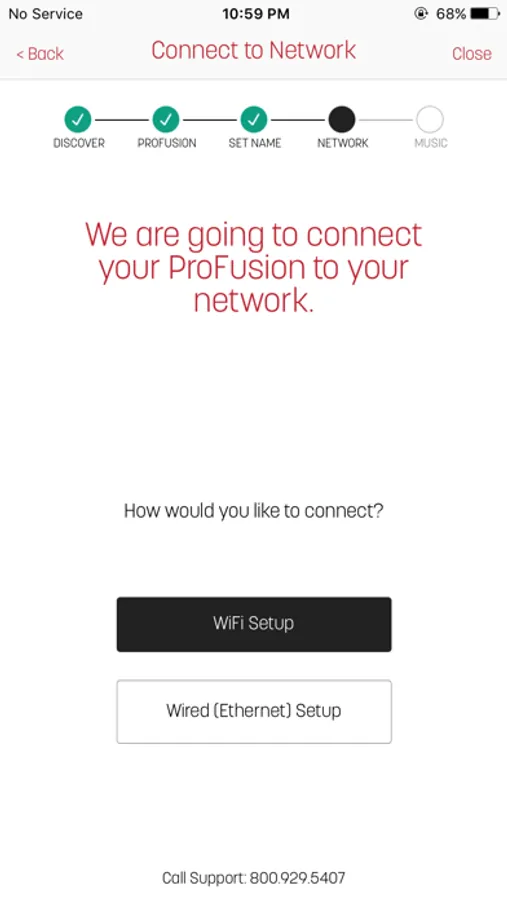
Controller lets you use your iPad or iPhone to set up a new Mood Media ProFusion media player or to control the music on your player once it is configured.
Play and pause your music, change the volume, and see tracks that have recently played, all from the convenience of your mobile device.
Compatible Media Players:
ProFusion iS with subscription to a Mood Media professional music service
ProFusion iO (February 2016 or later) with subscription to Pandora for Business
You will need your ProFusion remote control for a portion of the set-up process, and your ProFusion and mobile device must be on the same WiFi network.
Play and pause your music, change the volume, and see tracks that have recently played, all from the convenience of your mobile device.
Compatible Media Players:
ProFusion iS with subscription to a Mood Media professional music service
ProFusion iO (February 2016 or later) with subscription to Pandora for Business
You will need your ProFusion remote control for a portion of the set-up process, and your ProFusion and mobile device must be on the same WiFi network.
Mood:Controller Screenshots
Tap to Rate:
Reviews for Mood:Controller
Martini.ss
Terrible integration
I constantly get booted from the app. It won’t store log in information, making logging in difficult. Having a skip button would be amazing. Being able to add or delete tracks would also be an a great addition. If it were my money, i would not use this service.
Namrob
Horrible
Who ever made this app should change careers