
AppRecs review analysis
AppRecs rating 2.4. Trustworthiness 79 out of 100. Review manipulation risk 21 out of 100. Based on a review sample analyzed.
★★☆☆☆
2.4
AppRecs Rating
Ratings breakdown
5 star
23%
4 star
5%
3 star
0%
2 star
32%
1 star
41%
What to know
✓
Low review manipulation risk
21% review manipulation risk
✓
Credible reviews
79% trustworthiness score from analyzed reviews
⚠
Mixed user feedback
Average 2.4★ rating suggests room for improvement
About Method CRM
Here are the key benefits of the Method iOS app.
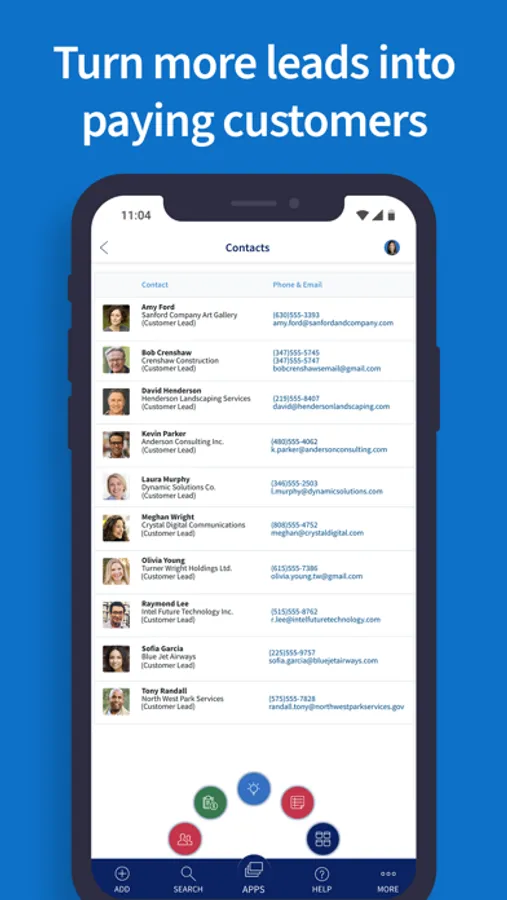
#1 Give every lead the attention needed to close the sale.
• Instantly assign a sales rep to each new lead to kickstart your nurture efforts.
• Stop deals from slipping through the cracks with seamless opportunity management.
• Convert leads to QuickBooks customers with the click of a button.
#2 Bring revenue in faster with a streamlined sales process.
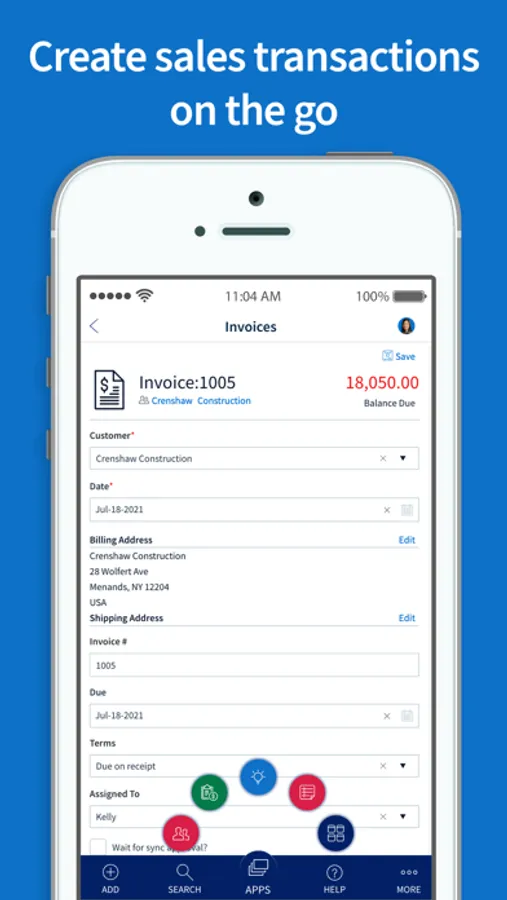
• Empower your sales reps to create sales and purchase transactions without QuickBooks access.
• Get paid sooner with easy online payment options for your customers.
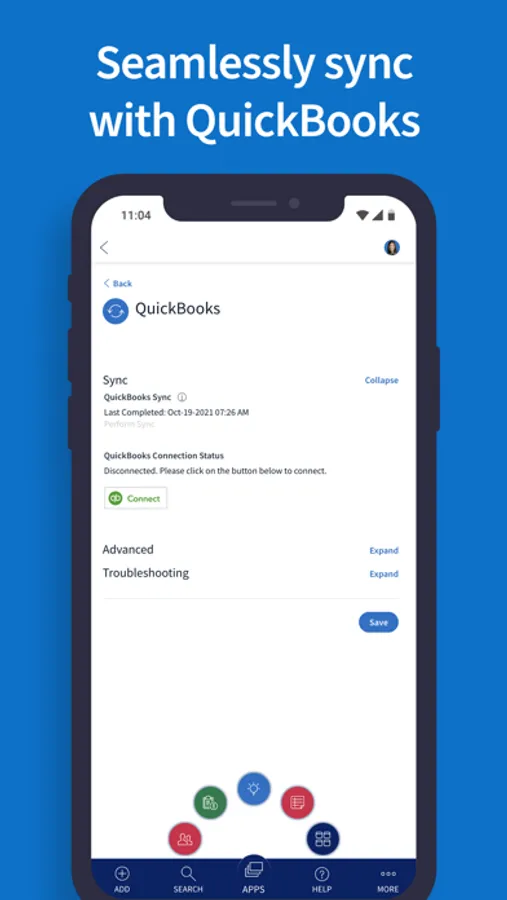
• Sync data between Method:CRM and QuickBooks in real-time for seamless accounting.
#3 Drive more repeat business with excellent customer service.
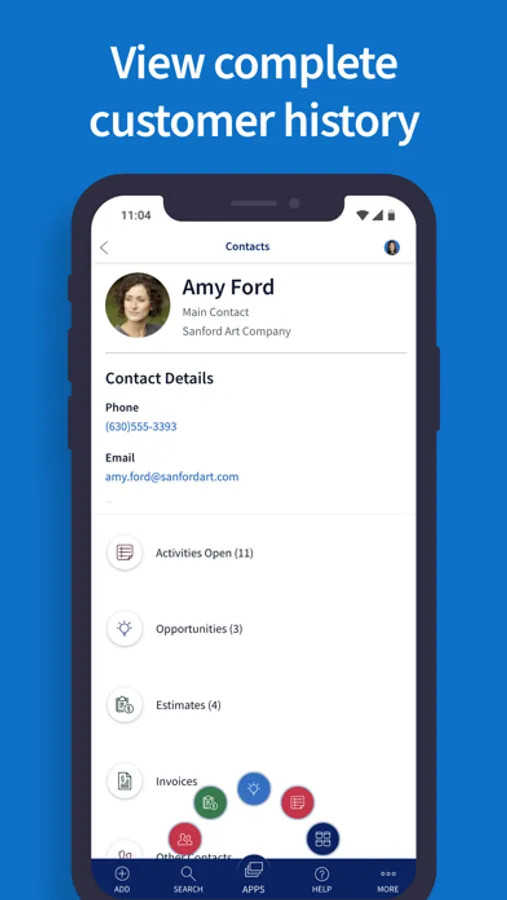
• Gain a 360-degree of every customer from their purchase history to recent interactions with your team.
• Schedule automatic reminders to follow up with your customers and leads.
• Send individual or mass emails directly from Method:CRM.
#4 Finally, a CRM that meets your every need.
• Customize your Method:CRM account, so it’s perfect for your business.
• Create workflow automation that mirrors your exact processes and saves you time.
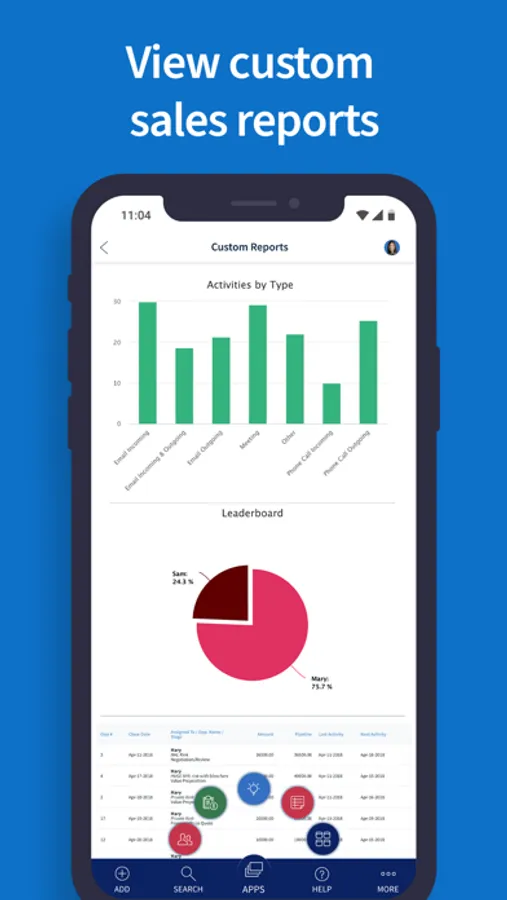
• Get data-driven insights from custom fields and personalized reports.
Method CRM Screenshots
Tap to Rate:
Reviews for Method CRM
Jeremy Hayden
Syncs to QB beautifully.
I have used this app along with the desktop version for a few years now. I feel it works great. The Quickbooks sync is flawless. The biggest feature that I wanted was customization. They allow me to add my own tables and fields. I can add fields for extra data into their tables as well. All in all very happy with it. Some honest downsides: You cannot download and backup your customizations to your own storage. Has not been an issue yet, but always a nagging though in the back of my mind. They do not have a direct code option for customizations. It’s all drag and drop/ click options. This means that you can’t reuse templates you build very easily. Especially if building separate apps that you want to blend the look seamlessly. So customizing multiple screens takes longer than needed. But it works great when it’s done. Last feature it’s missing is a scanner object. It’s a crm that lets you save attachments. But there is no easy way to get the attachments scanned in. It would be totally possible for them to add a web scan feature. And I would applaud them if this single feature was added. Even if it was an add on purchase feature it would be worth it.
James Robert Caldwell
Not a sales CRM
Automation is horrible. Heavy data entry. Customer service and support will charge you for assistance. Method CRM expects user to fix own issues and challenges.