AppRecs review analysis
AppRecs rating 4.3. Trustworthiness 82 out of 100. Review manipulation risk 25 out of 100. Based on a review sample analyzed.
★★★★☆
4.3
AppRecs Rating
Ratings breakdown
5 star
71%
4 star
14%
3 star
0%
2 star
0%
1 star
14%
What to know
✓
Low review manipulation risk
25% review manipulation risk
✓
Credible reviews
82% trustworthiness score from analyzed reviews
✓
High user satisfaction
86% of sampled ratings are 4+ stars (4.3★ average)
About SoloLink for Wifibooth
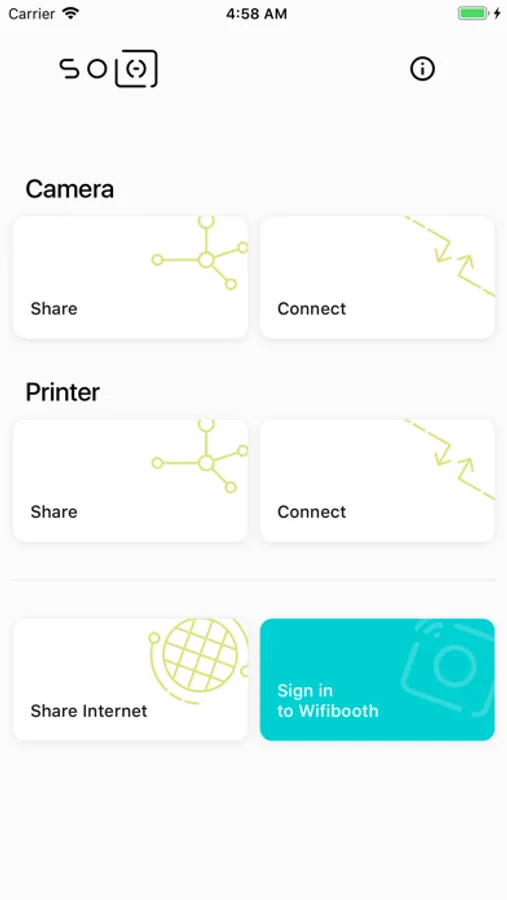
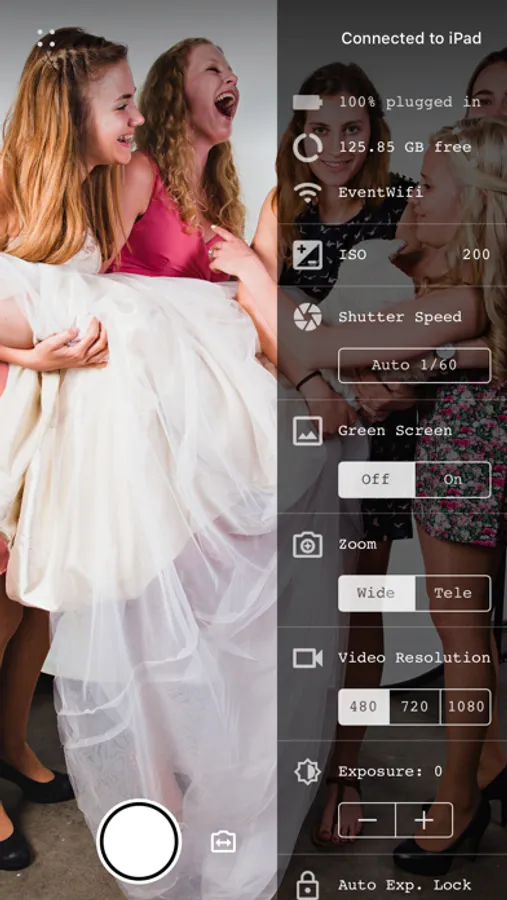
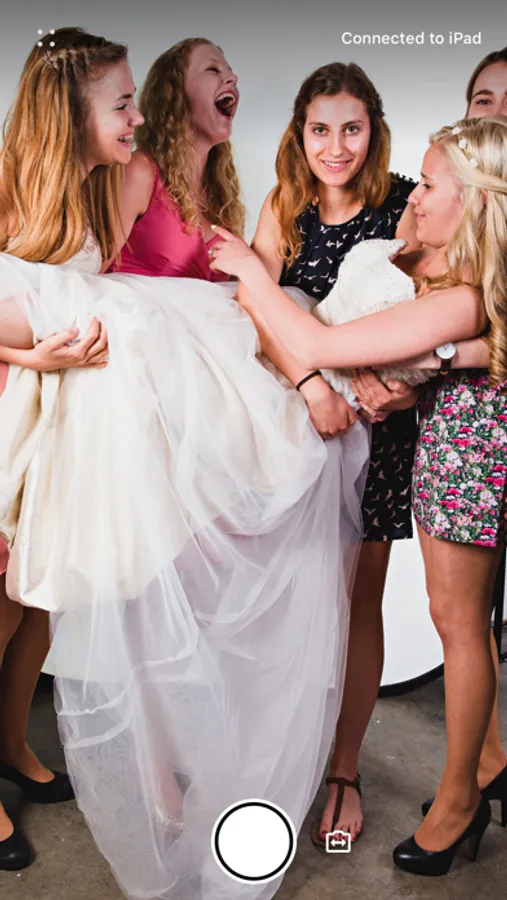
This app can share the camera with another device that is running Wifibooth or SoloLink.
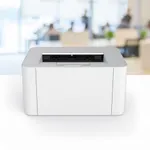
Are you stuck, not able to print to your wifi (AirPrint) printer because you're connected to your digital camera's wifi hotspot? Now you can! You can print straight from the app, or turn on & use the included Activity (share extension) and print straight from any app you use -- the Photos app, Google apps, Dropbox, etc.
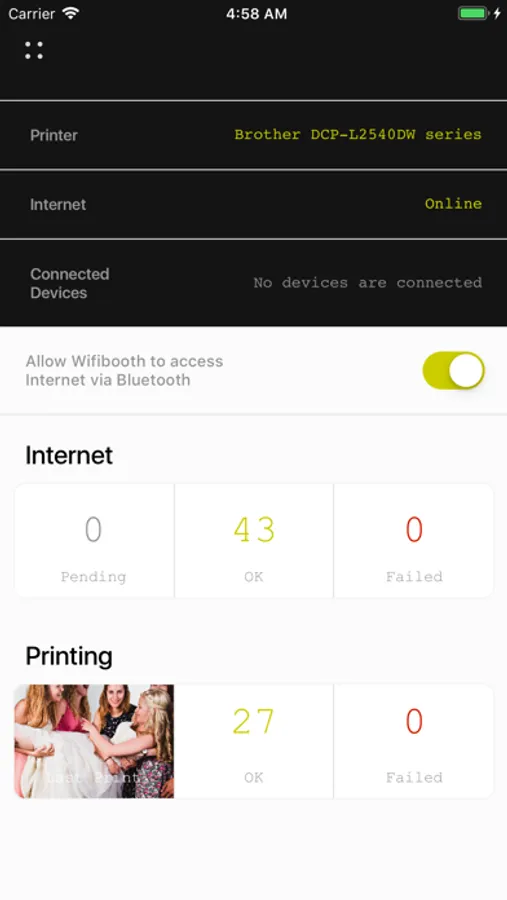
You'll need two iOS devices (both running the same version of SoloLink: keep the app up to date) -- one to share the printer, and the one that's got the photo or PDF you want to print. And if the devices are not on the same wifi network, then both devices need Bluetooth (any old iPhone or iPad will do!)
Share any AirPrint-compatible or DNP WPS printer.
Print any number of photos & PDFs all at one time, through the sharing device.
SoloLink is simple to use: no annoying passwords, no need to choose between wifi or bluetooth -- the app handles all the technical stuff for you.
SoloLink for Wifibooth Screenshots
Tap to Rate:
Reviews for SoloLink for Wifibooth
FilMatt64
Works great with WifiBooth
So glad to see WifiBooth has this app to support iPhone remote camera access!
SeriouslyDave
Best pandemic self-haircut tool ever!
Well, the best I've found so far 😜 To be clear... I got me a pair of Wahl clippers because I haven't got any choice right now but to cut my own hair. The problem is that the back of my neck is hard to see. Surprise! Mirrors don't help much because they make it look like your hand is on the opposite side of your head than it really is. So, I mounted my iPhone on a tripod sitting on my bathroom counter. The phone's higher than my head and facing down and a 45° angle. That way I can see the back of the neck over the clippers. I put SoloLink on iPhone and iPad, cranked them up and got a great view of the back of my neck while cutting my hair. Resolution was excellent. Developer, you should consider adding a tip jar to this app. If you need examples see DataJar and San Fransymbols.