
In this educational app, teachers send exit tickets and prompt reflection questions to students for quick responses. Students reply via multiple-choice, open text, scale, or emoji formats without needing an account. Includes options for response tracking, student import, and class management.
AppRecs review analysis
AppRecs rating 4.1. Trustworthiness 64 out of 100. Review manipulation risk 25 out of 100. Based on a review sample analyzed.
★★★★☆
4.1
AppRecs Rating
Ratings breakdown
5 star
82%
4 star
12%
3 star
2%
2 star
0%
1 star
4%
What to know
✓
Low review manipulation risk
25% review manipulation risk
✓
High user satisfaction
82% of sampled ratings are 5 stars
✓
Authentic reviews
No red flags detected
About Ziplet
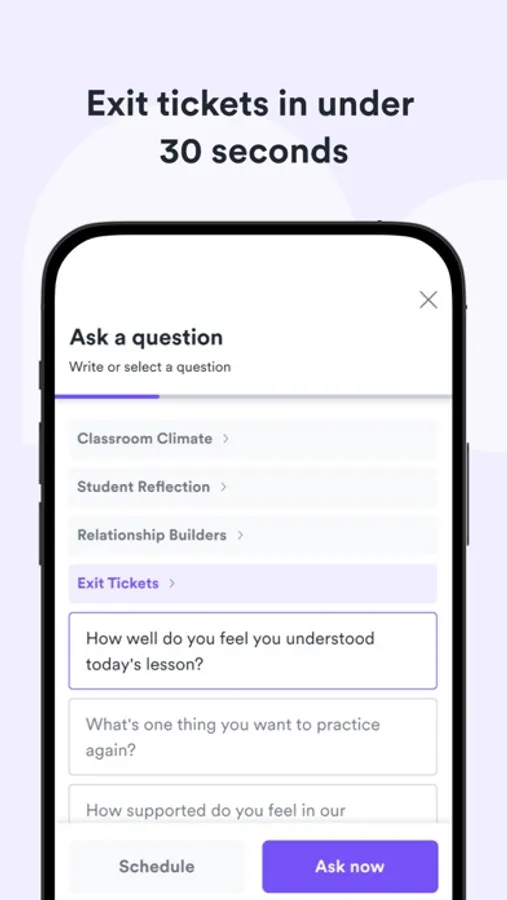
Check-in on student comprehension, wellbeing, or prompt reflection in under 30 seconds.
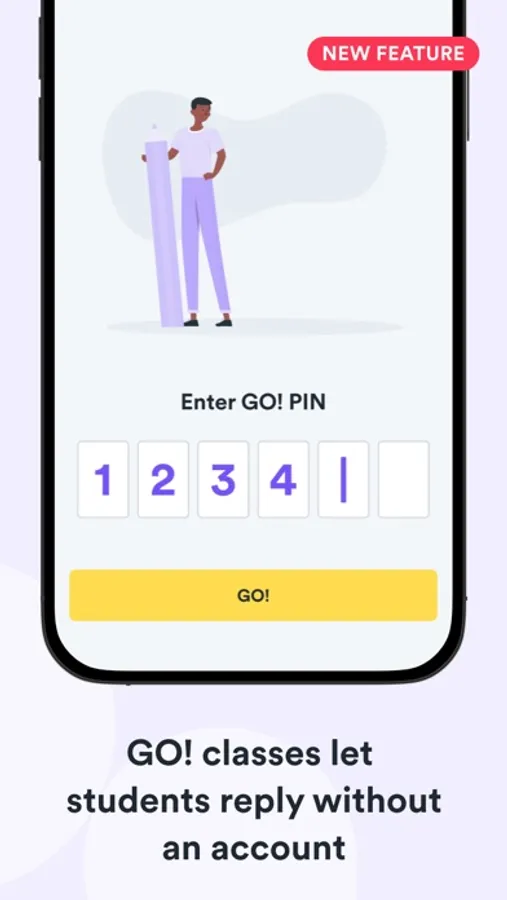
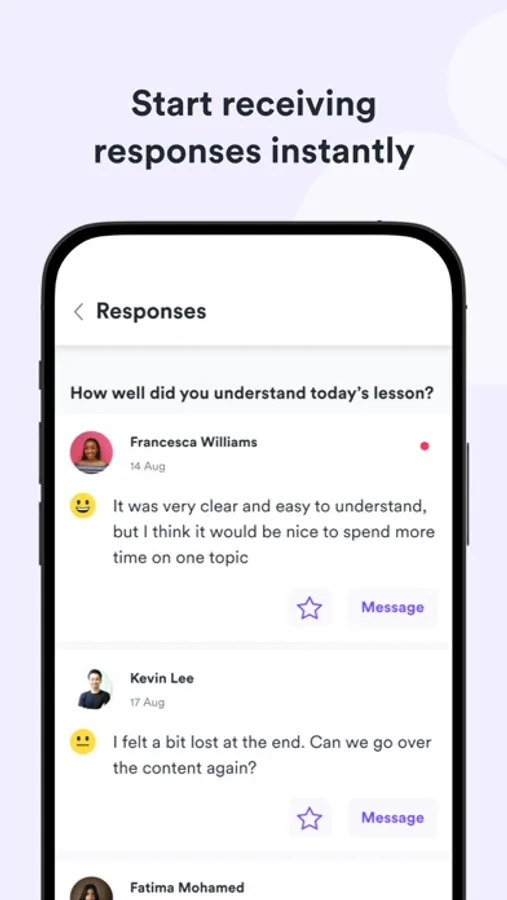
Teachers can send an exit ticket to students in just a couple of clicks. Students can respond instantly without the need for an account, or teachers can require students to sign in to enable reminders and notifications.
Teacher Features:
- Share an instant access code for your class (no student login required)
- Send exit tickets, wellbeing checks, or prompt reflection in under 30 seconds
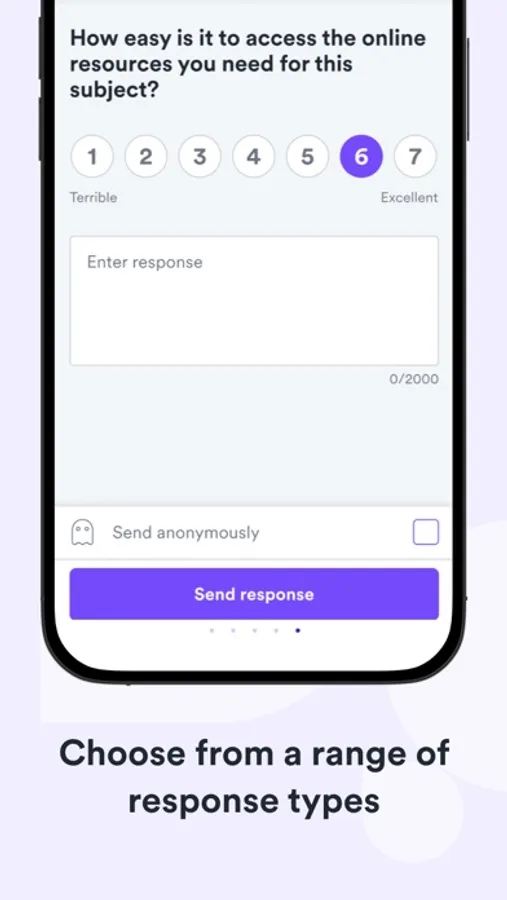
- Use response types including multiple-choice, open text, scale or emoji
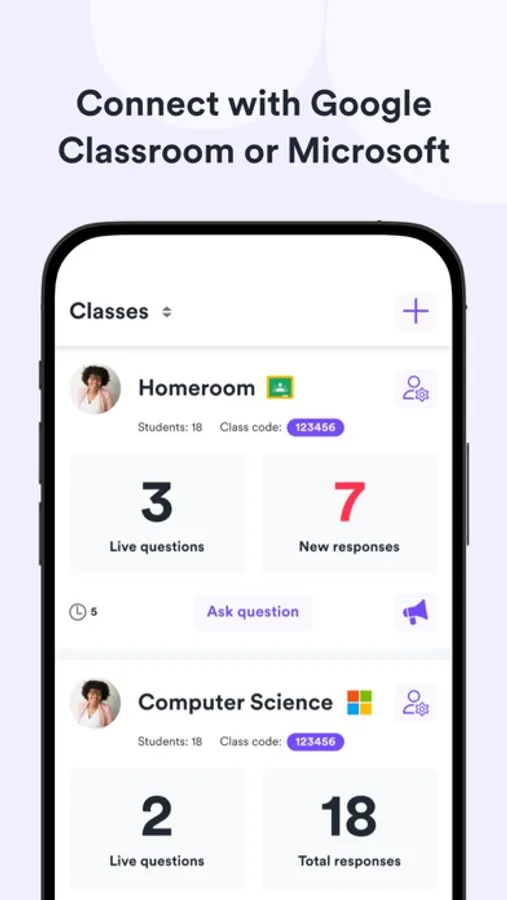
- Import students from Google Classroom for easy setup
- Sign in using Google, Microsoft or your own email
- Select from a list of suggested questions or write your own
- Send announcements and see which students have read them
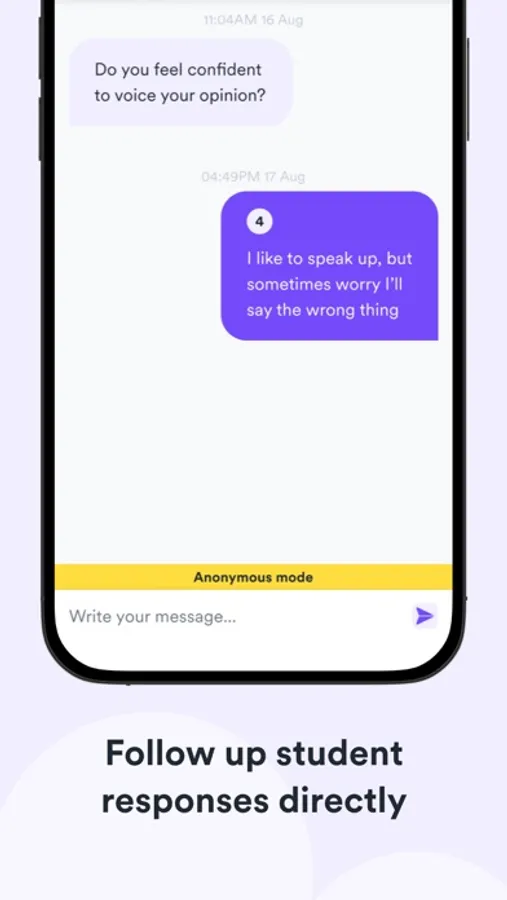
- Follow up student replies directly or in groups.
- Share access to your class with other teachers
- Track changes over time with data visualisations
Student Features:
- Reply to questions in seconds
- Replies can only be seen by teachers
- Quick and easy to use interface
- Sign in to get a notification when you have a new question
Ziplet Screenshots
Tap to Rate:
Reviews for Ziplet
Kimberly Story
The Best!
One of the easiest technologies that I have used in my classroom! I use it for bell ringers and exit tickets. My students are often excited to see what the question of the day. I get to know my students better and give them a voice in their classroom. Highly recommended!
Vbchjewel22
Want to get real time, synchronous feedback from students?
This is your app. I link it directly to my Google Classroom and the students click the link in the feed to respond. There are many different ways to ask questions, from your own to Loops suggested questions, such as exit tickets and remote learning feedback. You can have the students respond in emoji, text, numerals or multi choice. My students love this app and have told me so much more than they do in class, through other apps, during our remote sessions or email. I ask daily if they have questions to hear nothing. When I ask in Loop, nearly everyone responds. I am in love with this app and it is growing like wildfire in my school. Hopefully, there will be a Canvas integration soon, but the Google Classroom works well for my class. You can also have the students sign up and join your class with a class code. So it is pretty easy to use for both teachers and students.