
In this expense tracker, you can record spending, review patterns, and set budgets. Includes features for expense logging, category breakdowns, and savings tracking.
AppRecs review analysis
AppRecs rating 4.4. Trustworthiness 0 out of 100. Review manipulation risk 0 out of 100. Based on a review sample analyzed.
★★★★☆
4.4
AppRecs Rating
Ratings breakdown
5 star
65%
4 star
20%
3 star
11%
2 star
0%
1 star
4%
What to know
✓
High user satisfaction
85% of sampled ratings are 4+ stars (4.4★ average)
✓
Authentic reviews
Natural distribution, no red flags
About Expense Tracker · Money Gone?!
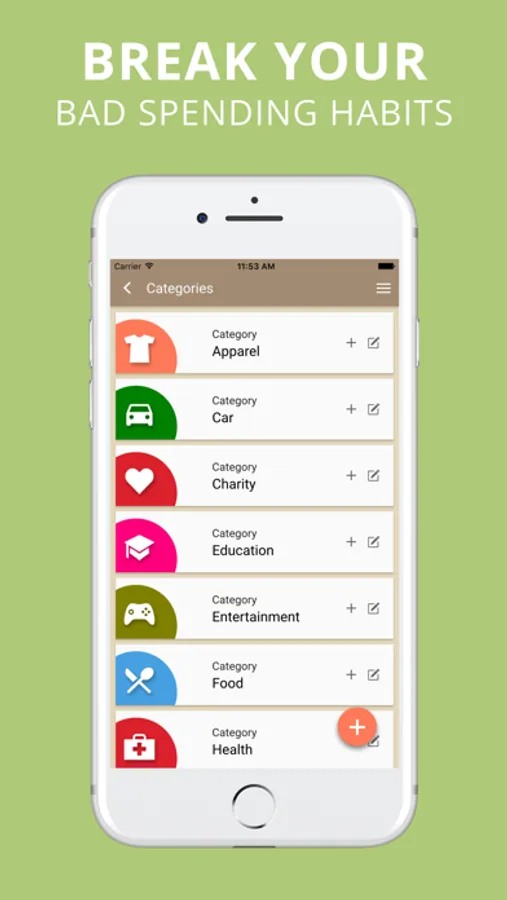
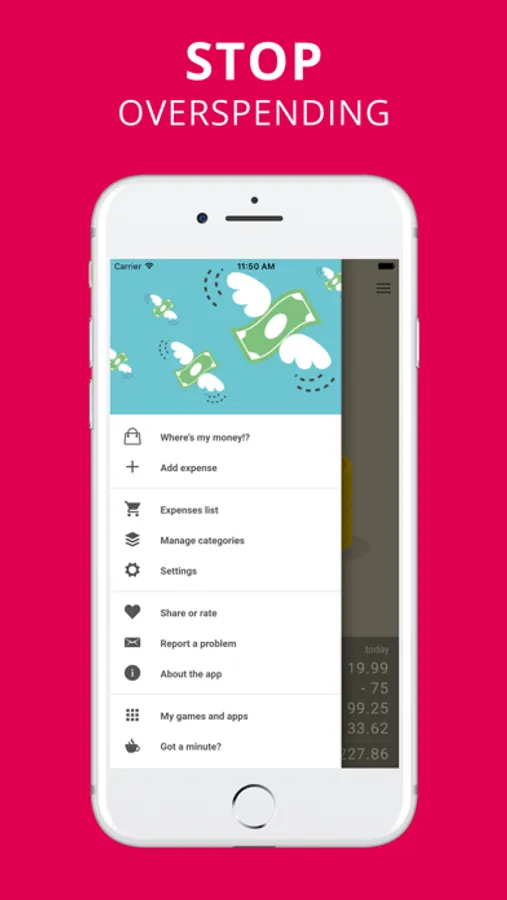
Use it as a daily spending log, a household budget assistant, or a lightweight personal finance app. Enter expenses right after purchase, review totals later, and quickly spot categories that are growing too fast.
Smart Receipt Scanning
Take a photo of any receipt and Money Gone? captures key data such as amount, date, and merchant. The app can suggest a category automatically, so manual typing is reduced and your records stay consistent.
Recurring Expenses
Set recurring costs once and let the app create future entries automatically: rent, subscriptions, insurance, utilities, school fees, and other regular bills. This keeps fixed costs visible and supports better monthly planning.
What you can track:
- groceries, dining, fuel, transport, subscriptions, and everyday cash spending
- one-time purchases and bigger planned expenses
- household and personal categories with notes
- travel expenses and vacation budgets
- recurring bills that affect cash flow every month
Core features:
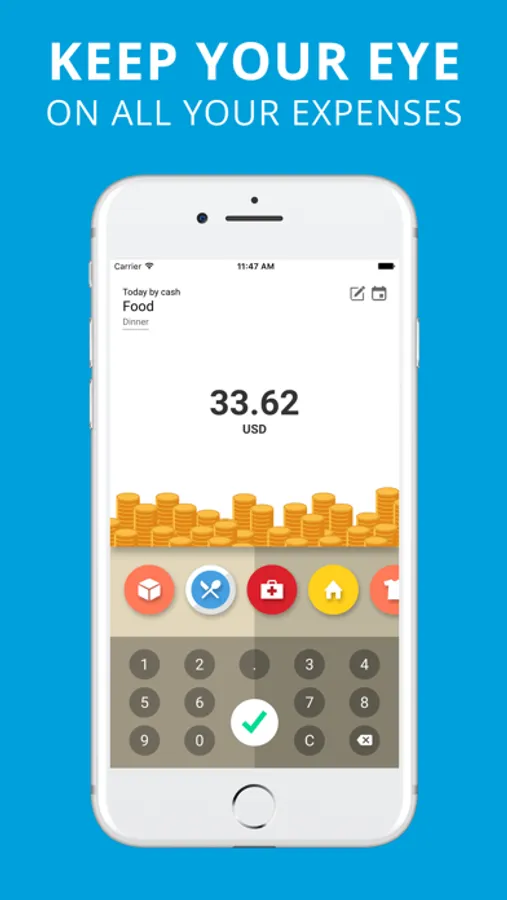
- quick expense entry with amount, category, date, and optional note
- receipt scan support for faster data capture
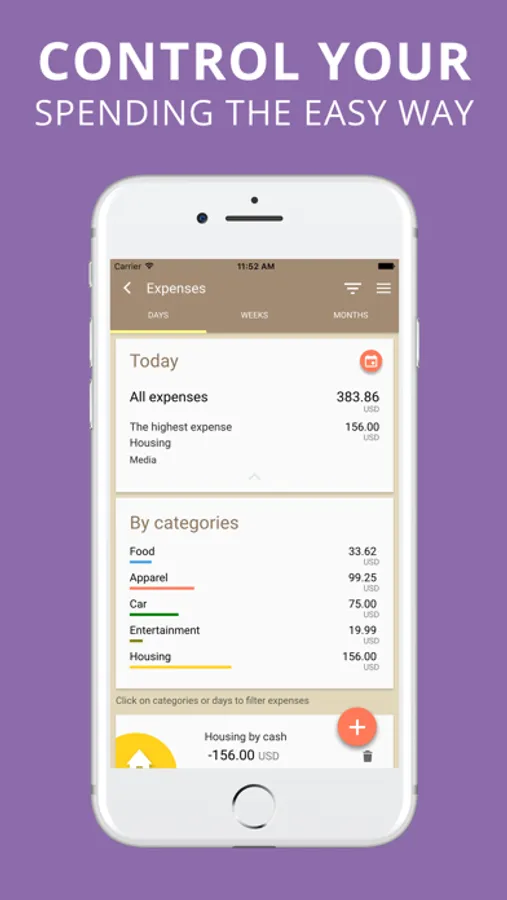
- category summaries and period filters for easier analysis
- daily, weekly, and monthly totals at a glance
- transaction history for review and budgeting decisions
- CSV export for backups and spreadsheet work
- multiple currencies and offline-friendly usage
Practical scenarios:
- students can control food and transport costs and avoid losing small purchases
- couples can track shared household spending and split bills fairly
- freelancers can keep business and private expenses separate for tax preparation
- families can monitor school and seasonal spending before it exceeds the plan
- travelers can maintain a vacation budget in one clear timeline
A simple weekly routine that works:
- log each expense when it happens, or scan the receipt immediately
- check category totals every evening in under two minutes
- review the week once, then pick one cost to reduce next week
- keep recurring bills updated so monthly forecasts stay realistic
Why people keep using Money Gone?:
- it creates awareness before overspending happens
- it replaces guessing with clear numbers
- it helps cut low-value purchases without strict rules
- it keeps recurring payments from being forgotten
- it turns small improvements into long-term savings
Great for students, couples, families, freelancers, and travelers who want practical money control with minimal effort.
Start today: track each expense, scan receipts, automate recurring payments, and keep your budget aligned with your priorities.
The app offers optional in-app purchases, including auto-renewable subscriptions. Payment will be linked to your Apple ID account after purchase confirmation. You can manage or cancel your subscription anytime in Settings > Apple ID > Subscriptions.
– Privacy: https://www.creamsoft.com/rd.php?p=wmm_iosprivacy
– Terms: https://www.creamsoft.com/rd.php?p=wmm_iostermsofuse
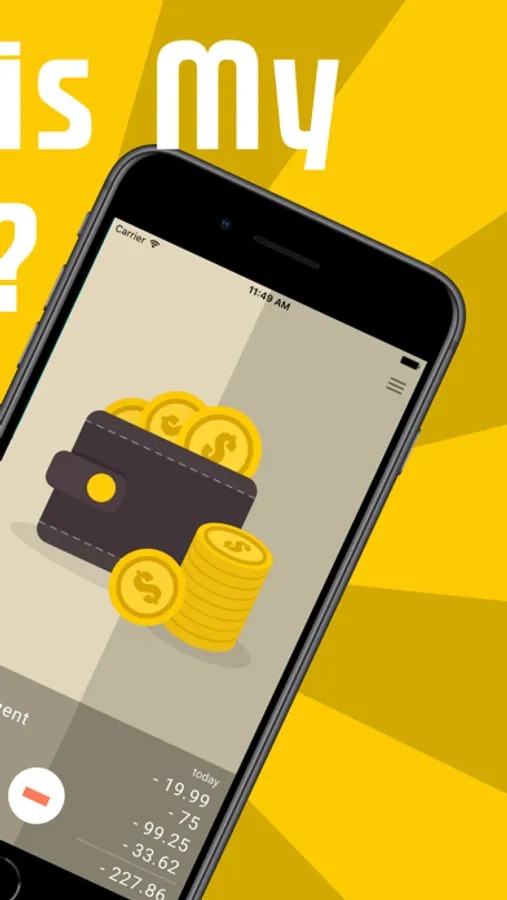
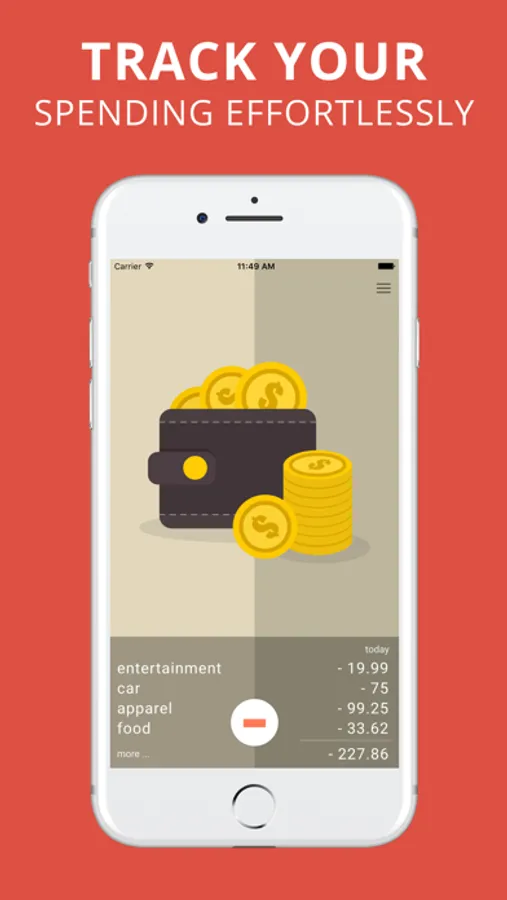
Expense Tracker · Money Gone?! Screenshots

Tap to Rate:
Reviews for Expense Tracker · Money Gone?!
drperi123
No income. Pretty useless
You can’t add income to this app, so you don’t get a clear picture of your budget.
BeachbumMomma
Great customer care
First of all I love this app. It is simple to use and aesthetically pleasing. In addition, I inadvertently thought I lost my data however, the customer service provider Rafal worked with me step by step to help me resolve my issue. I’m super happy to have this app to help me and I was grateful for great customer care when I needed support!