Use this messaging app to insert and share fun sounds in messages or attach sounds to photos, with search and categorization features. Includes sound categories such as Greetings, Reactions, Sports, Animals, Holidays, and more.
AppRecs review analysis
AppRecs rating 4.6. Trustworthiness 77 out of 100. Review manipulation risk 19 out of 100. Based on a review sample analyzed.
★★★★☆
4.6
AppRecs Rating
Ratings breakdown
5 star
80%
4 star
11%
3 star
4%
2 star
2%
1 star
2%
What to know
✓
Low review manipulation risk
19% review manipulation risk
✓
Credible reviews
77% trustworthiness score from analyzed reviews
✓
High user satisfaction
80% of sampled ratings are 5 stars
About CLIPish Sounds
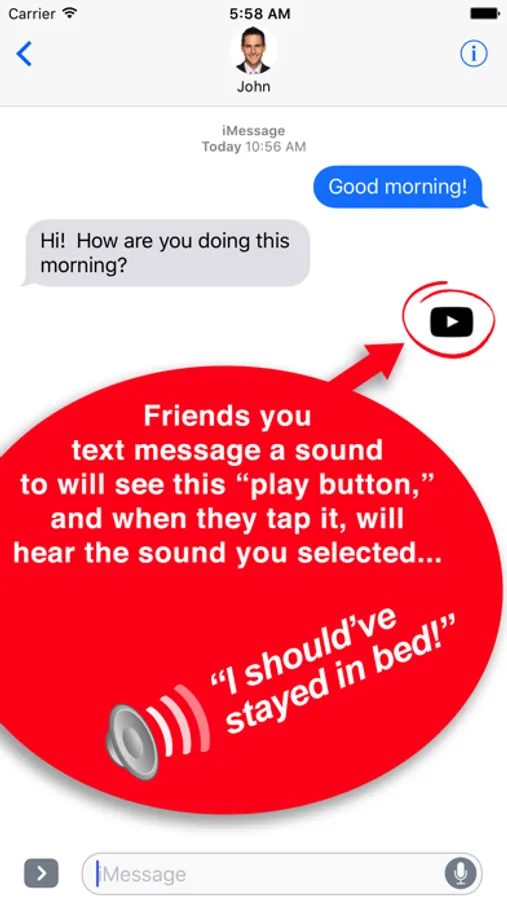
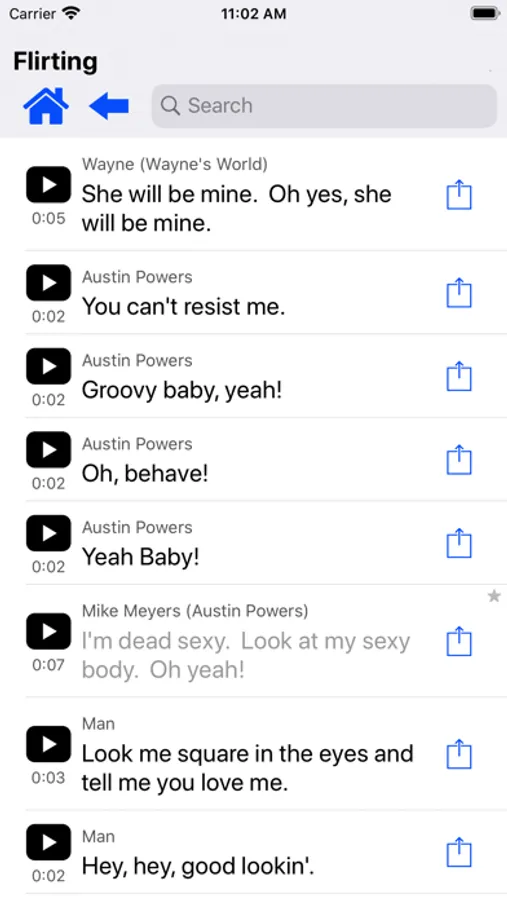
Make your text messages and emails come to life! Quickly insert hundreds of fun "sounds" into your messages. The person you send the sound to will see a small "play button," right in the message. When that user taps on the play button, they will hear the sound you've selected for them.
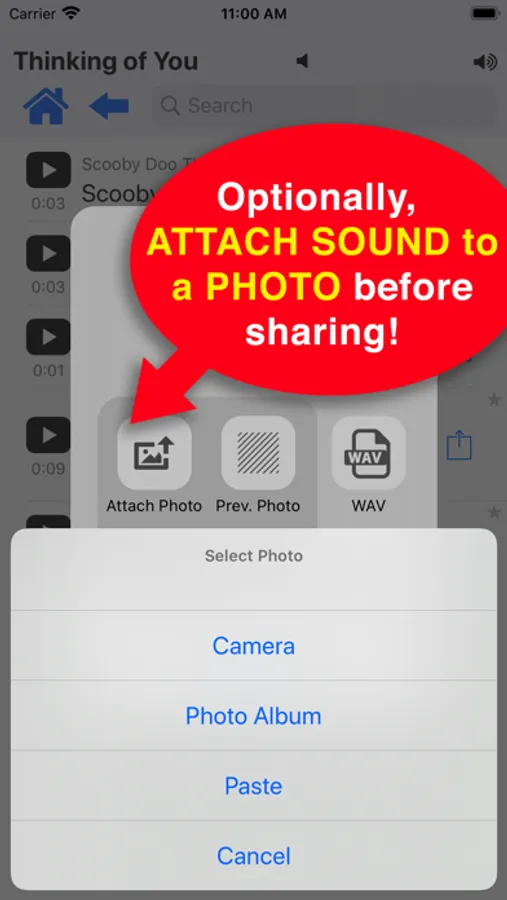
You can also attach any of the sounds to your own photos! For example, instead of just sharing a photo of your kids soccer team, attach a sound to it, such as “We are the champions!”
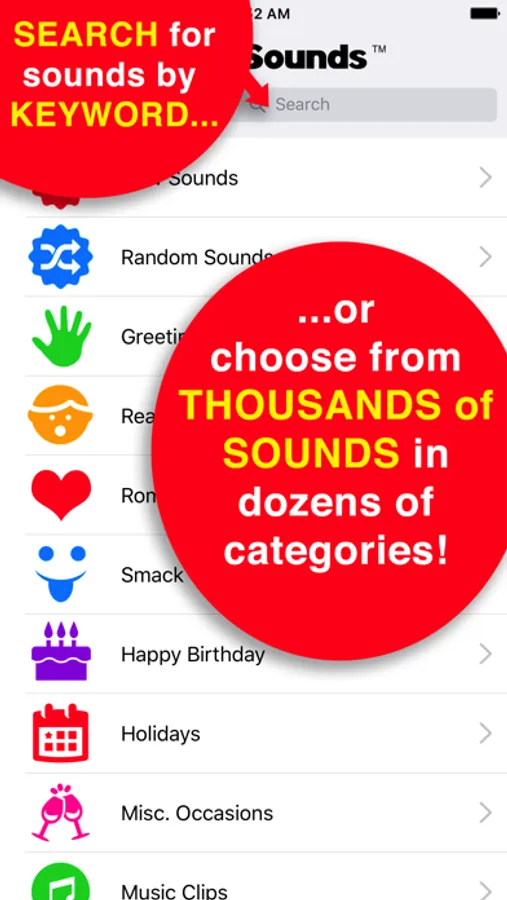
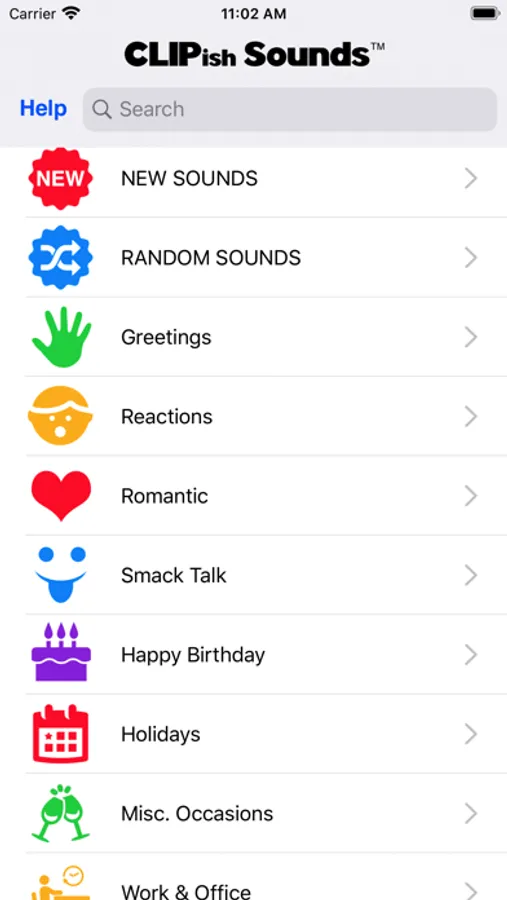
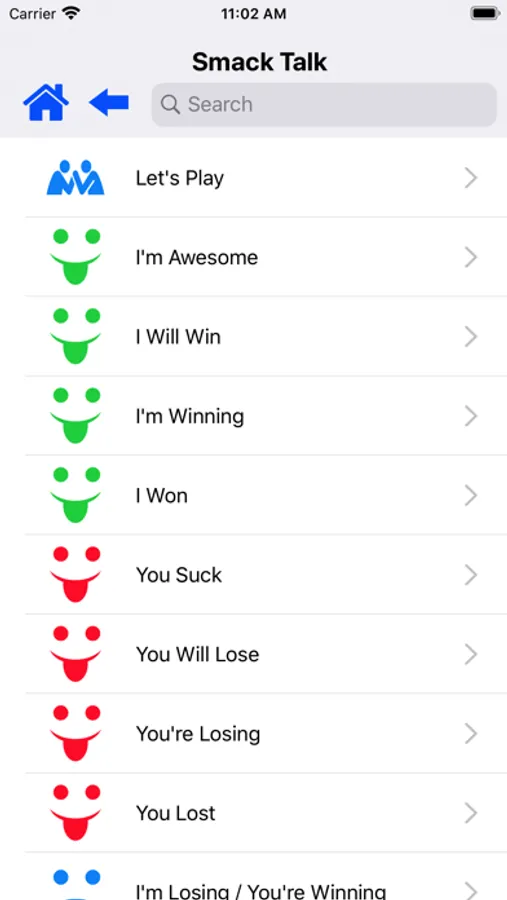
Choose from hundreds of sounds in dozens of categories, including: Greetings, Reactions, Romantic, Smack Talk, Birthdays, Holidays, Sound Effects, Animals, Sports, Politics, Weather, and many more.
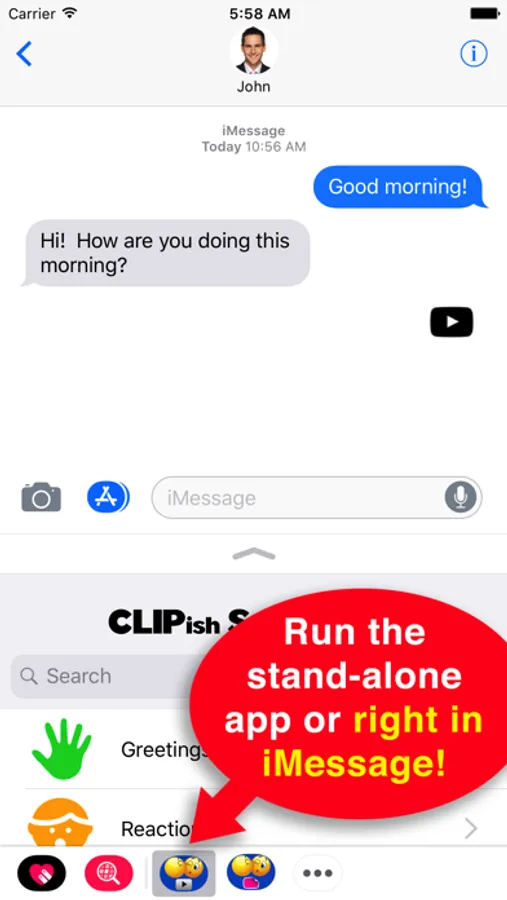
Run from either the stand-alone app or directly from iMessage.
HOW TO USE FROM iMESSAGE:
1. Tap the App button in iMessage to find and run the CLIPish Sounds iMessage app.
2. To find a sound, browse by category or type in what you're looking for in the Search box.
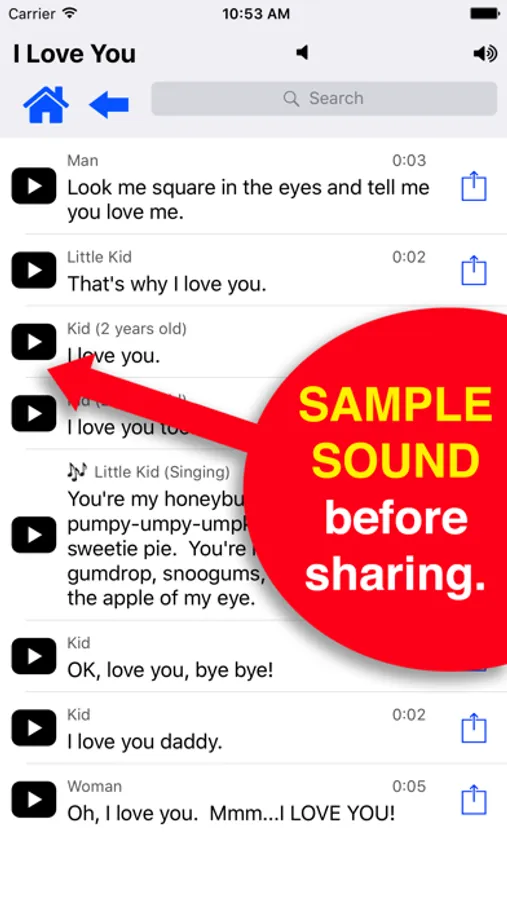
3. Tap the play button to hear the sound. When you find a sound you want to send via text message, tap the Share button for that sound.
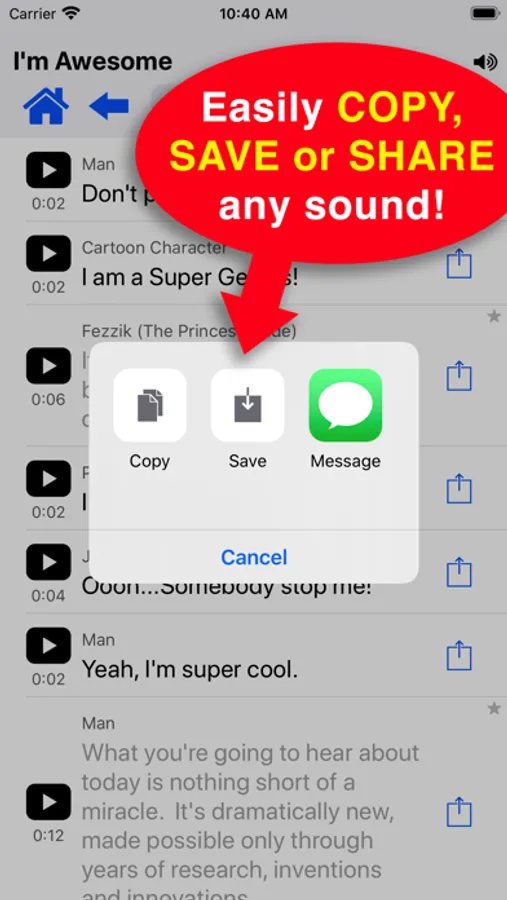
4. Select the format you wish to share the sound in (standard, attach photo, or audio-only .wav file).
HOW TO USE STAND-ALONE APP:
1. To find a sound, browse by category or type in what you're looking for in the Search box.
2. Tap the play button to hear the sound. When you find a sound you want to send via text message, tap the Share button for that sound.
3. Select the format you wish to share the sound in (standard, attach photo, or audio-only .wav file).
4. Tap the Copy option.
5. Go to the text message app and the appropriate conversation. Tap in the input box until a Paste option appears. Tap Paste then send the message.
VIDEO TUTORIAL: To watch CLIPish Sounds in action or if you need help using the app, visit www.clipish.net and watch the video tutorial for CLIPish Sounds.
SUGGEST SOUNDS: We are adding new sounds all the time. If you'd like us to include something specific, send your suggestion to us at support@clipish.net.
▬▬▬▬▬▬▬▬▬▬▬▬▬▬▬▬▬▬▬▬▬▬▬
* A NOTE ABOUT COMPATIBILITY WITH NON-iPHONE USERS: Depending on what cell network and type of cell phone the person you're sending a sound to has, the play button may appear slightly different. Also, if the device you're sending the sound to doesn't support MMS text messaging, the sound may not be received or play.
* Some sounds included are public domain. If you believe your work has been included in err, please let us know so it can be removed.
WRITE US! support@clipish.net
CLIPish Sounds Screenshots

Tap to Rate:
Reviews for CLIPish Sounds
bad revlews
Okay?..
I’m saying the app is great but there is one problem yeah u do so last time I downloaded it and it literally took 18 hours and 42 min I understand it’s 1000 but why I’m not saying it’s bad but it just needs a change to it I expected 6 min and y dream came true so I downloaded again and it was 6 min so u just need some improvements alr? So yeah I gave it for stars just wanna let u know keep up the good work u know what I’m saying yeah alr
Ipadad19
It’s ok
Many sounds are low quality, not very enticing to drop $$ on the premium