With this alarm app, you can set reminders to take your eyedrops and view alerts on your Apple Watch. Includes extensive medication database, customizable schedules, and alarm sounds for medication adherence.
AppRecs review analysis
AppRecs rating 4.6. Trustworthiness 74 out of 100. Review manipulation risk 24 out of 100. Based on a review sample analyzed.
★★★★☆
4.6
AppRecs Rating
Ratings breakdown
5 star
80%
4 star
9%
3 star
3%
2 star
1%
1 star
6%
What to know
✓
Low review manipulation risk
24% review manipulation risk
✓
Credible reviews
74% trustworthiness score from analyzed reviews
✓
High user satisfaction
80% of sampled ratings are 5 stars
About EyeDropAlarm
• Quick set up. No login required.
• Recommended as "Top App for Patients" at the American Academy of Ophthalmology (AAO) Annual Conference.
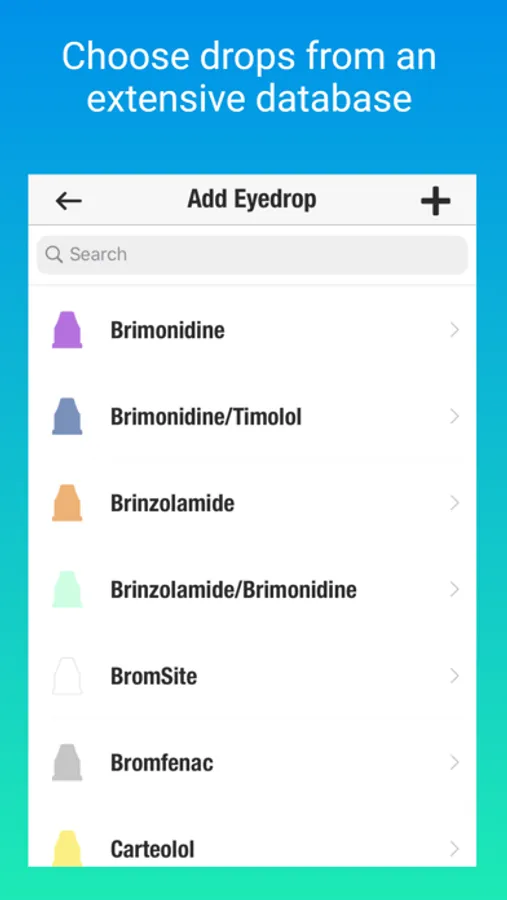
• Simply select your eyedrops from the app's extensive database. No need to type in each medication.
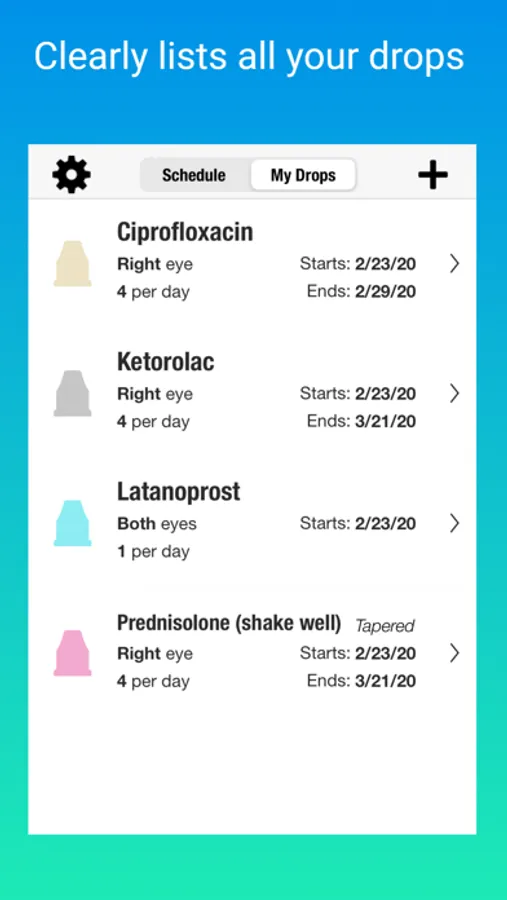
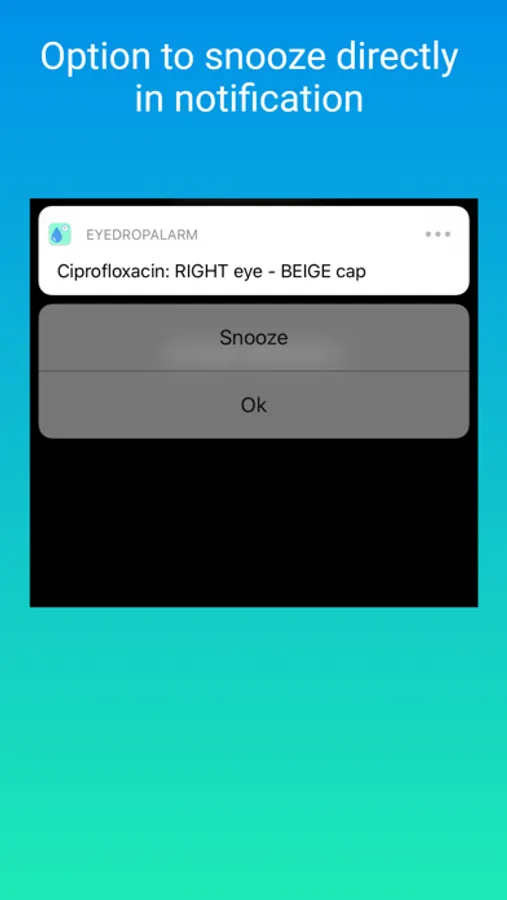
• Alerts clearly indicate which eye and the bottle cap color.
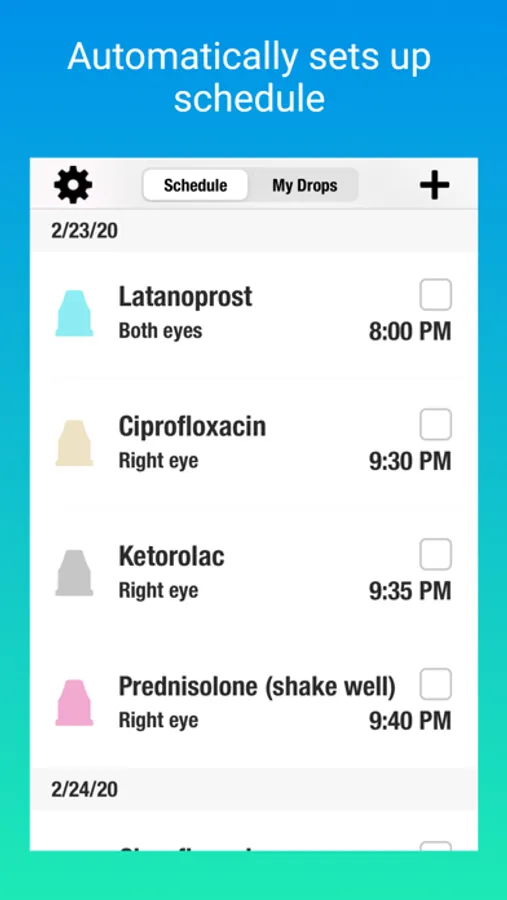
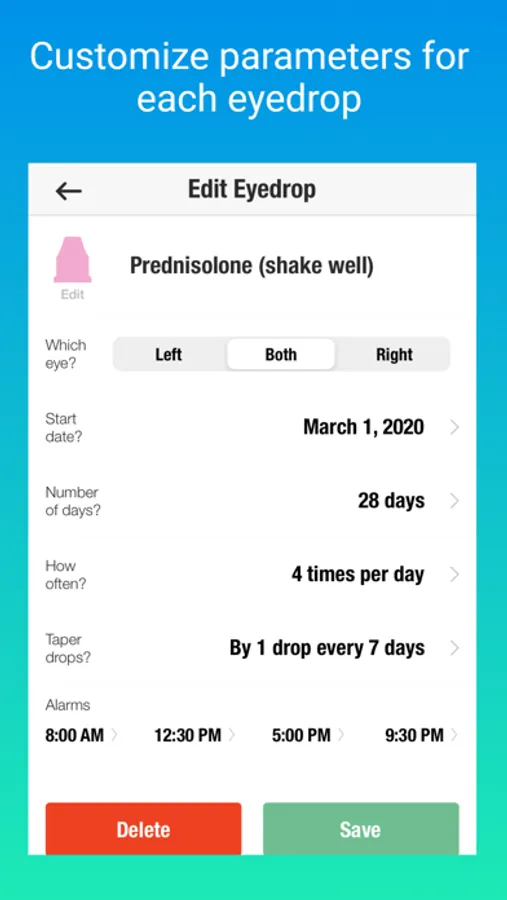
• Can set up schedule in advance. Ideal for drops prescribed before / after eye surgery (i.e., cataract surgery, LASIK, retina surgery, etc.).
• Helpful reminders for people with glaucoma, dry eyes, allergies, infections, and uveitis (ocular inflammation).
• Can set up alarms to match your doctor’s prescription (alarms can be as often as every hour if needed).
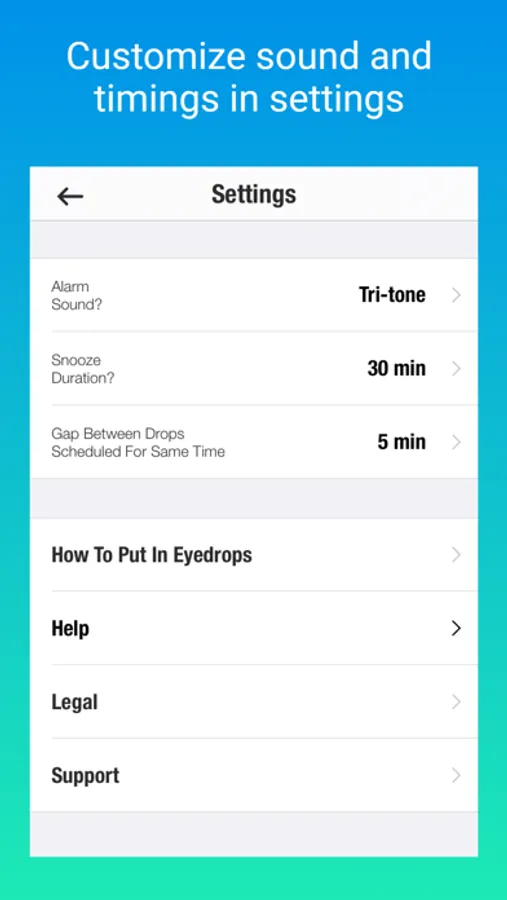
• Automatically puts recommended gap between drops scheduled for the same time of day.
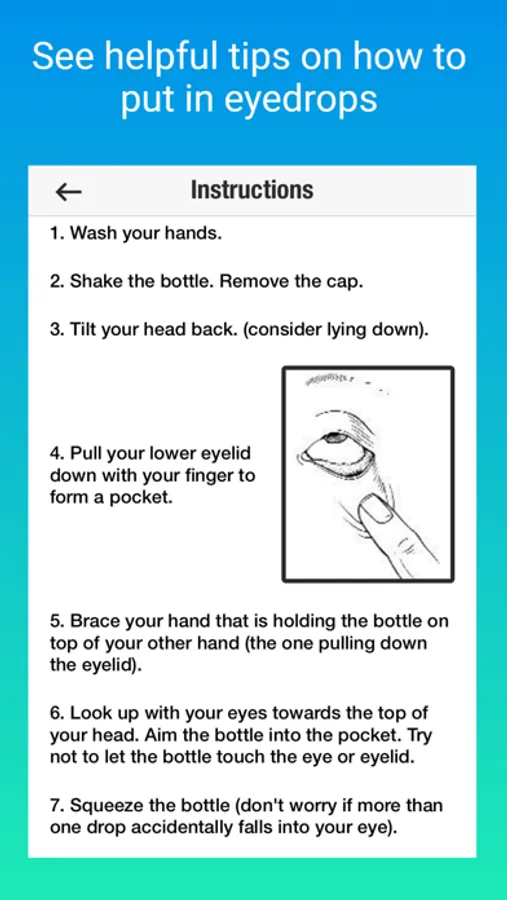
• Includes step by step instructions on how to best put in eyedrops.
• Includes a variety of alarm sounds to choose from.
• Can view alerts on Apple Watch.
EyeDropAlarm Screenshots
Tap to Rate:
Reviews for EyeDropAlarm
Nancy8758
Difficult to set multiple times for same day
Generally this app does what it says; alerts you when it’s time to take eye drops. Alerting at the time you want is another story. I first scheduled drops for my right eye. Great. While still taking the right drops, but starting a couple weeks later, I needed to add a separate schedule for my left eye. No matter what time I set it showed up an hour later on the schedule just for the left eye. There was no way to fix this other than to put the wrong time in and hoping the app doesn’t correct itself so I still end up putting the drops in at the wrong time. Jury still out about whether I continue using this app if it’s unreliable.
CatherineAC3675
Unreliable App
The app fails to give me notice when my eye drops are due. It's very disappointing and concerning.