AppRecs review analysis
AppRecs rating 2.1. Trustworthiness 56 out of 100. Review manipulation risk 27 out of 100. Based on a review sample analyzed.
★★☆☆☆
2.1
AppRecs Rating
Ratings breakdown
5 star
18%
4 star
6%
3 star
0%
2 star
24%
1 star
53%
What to know
⚠
Mixed user feedback
Average 2.1★ rating suggests room for improvement
About LED WiFi
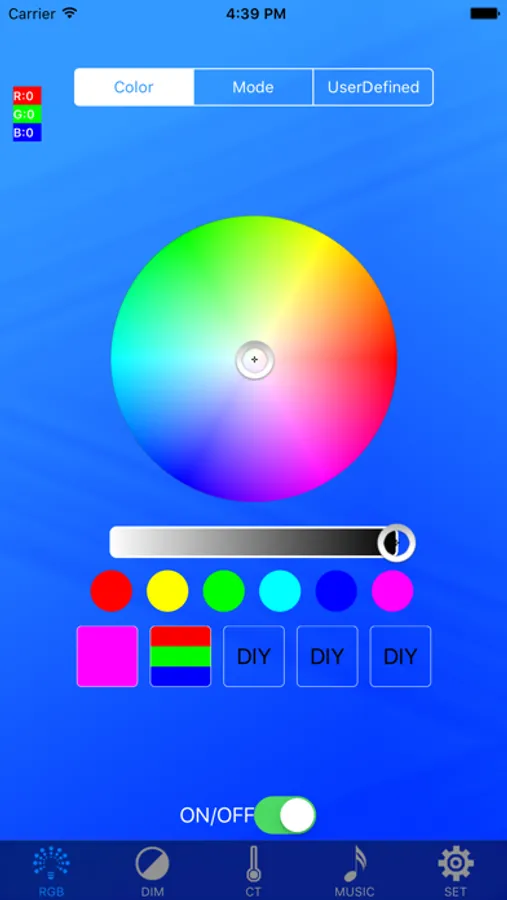
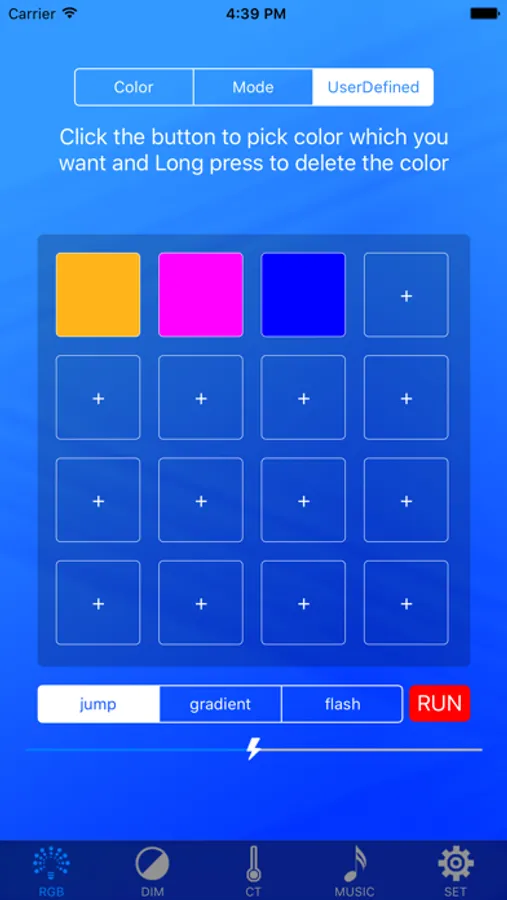
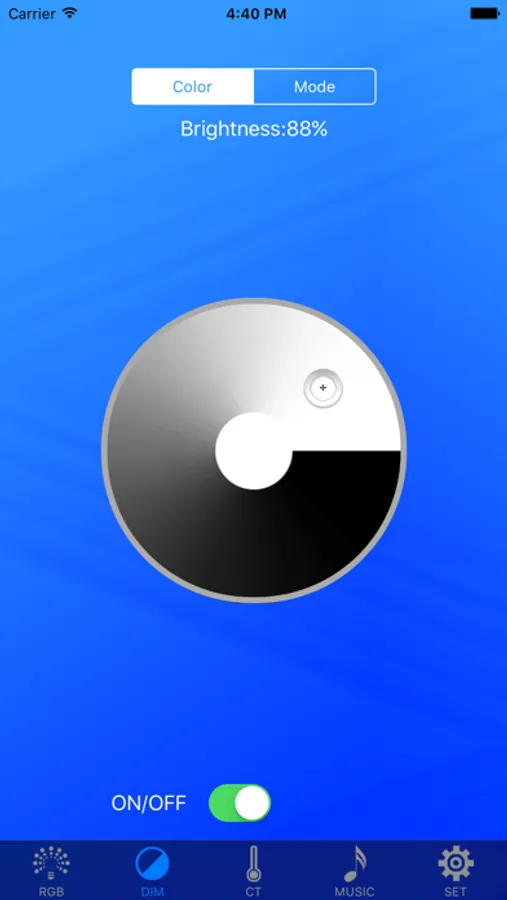
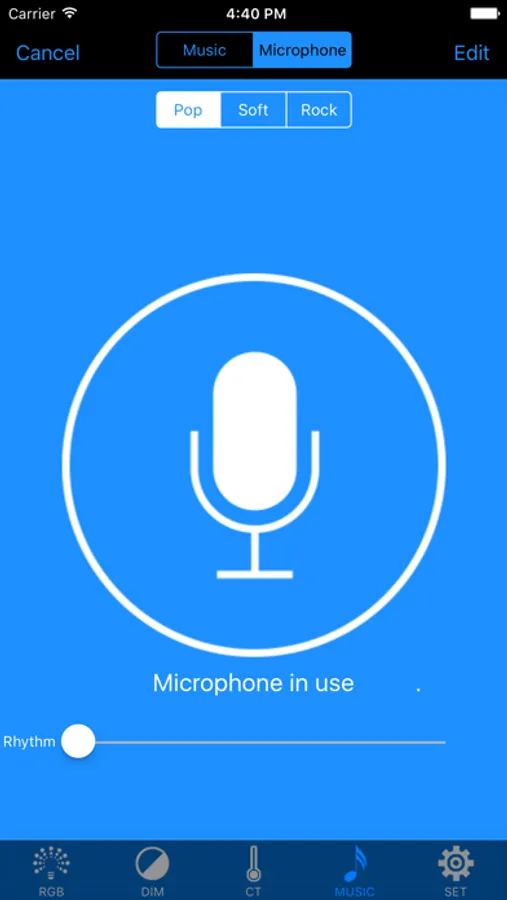
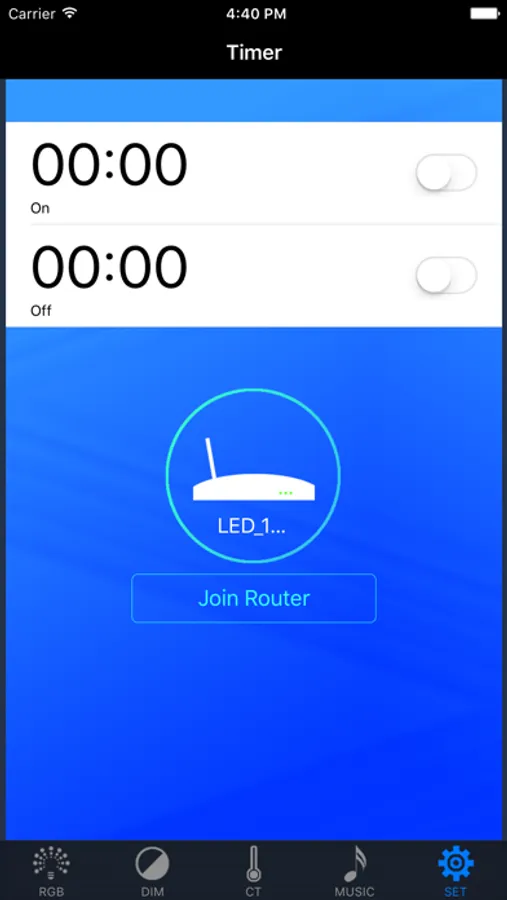
LED WiFi is an LED controller; it can control the light color and brightness, change mode, music and timing functions; at the same time it supports point to point control, you can also join the router control!
Steps:
First: the lights connected to the power supply;
Second: open the phone WiFi connection "LED-XXX" WiFi signal;
Third: open the "LED WiFi" APP; APP into a single point of connection mode, showing a successful connection。
Router mode:
Fourth: the success of the previous connection on the basis of access settings, add a router, enter the router account and password, so that the controller and the router connection, the success of the connection light green;
Fifth: mobile WiFi settings to connect the router account; then open the "LED WiFi" APP, APP into the router mode; then add the group name and equipment that can control the lights!
Video Demo:
http://v.youku.com/v_show/id_XMjg4MDUwNzA3Ng==.html?spm=a2h3j.8428770.3416059.1
Steps:
First: the lights connected to the power supply;
Second: open the phone WiFi connection "LED-XXX" WiFi signal;
Third: open the "LED WiFi" APP; APP into a single point of connection mode, showing a successful connection。
Router mode:
Fourth: the success of the previous connection on the basis of access settings, add a router, enter the router account and password, so that the controller and the router connection, the success of the connection light green;
Fifth: mobile WiFi settings to connect the router account; then open the "LED WiFi" APP, APP into the router mode; then add the group name and equipment that can control the lights!
Video Demo:
http://v.youku.com/v_show/id_XMjg4MDUwNzA3Ng==.html?spm=a2h3j.8428770.3416059.1
LED WiFi Screenshots
Tap to Rate:
Reviews for LED WiFi
DJ Johnny Seriuss
Doesn’t work
Stopped working with my up lights please fix!!!!
A1 mike
App not working
The app is not working