
In this task management app, you can organize and complete tasks using swipe and drag features. Includes task prioritization, recurring tasks, and link previews.
AppRecs review analysis
AppRecs rating 4.3. Trustworthiness 69 out of 100. Review manipulation risk 30 out of 100. Based on a review sample analyzed.
★★★★☆
4.3
AppRecs Rating
Ratings breakdown
5 star
71%
4 star
14%
3 star
11%
2 star
0%
1 star
4%
What to know
✓
High user satisfaction
71% of sampled ratings are 5 stars
About Lyster - Swipe to Plan
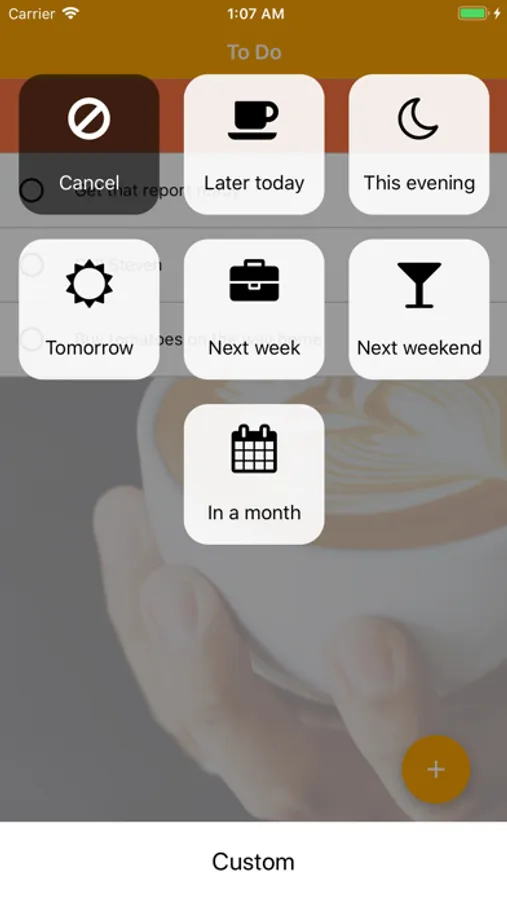
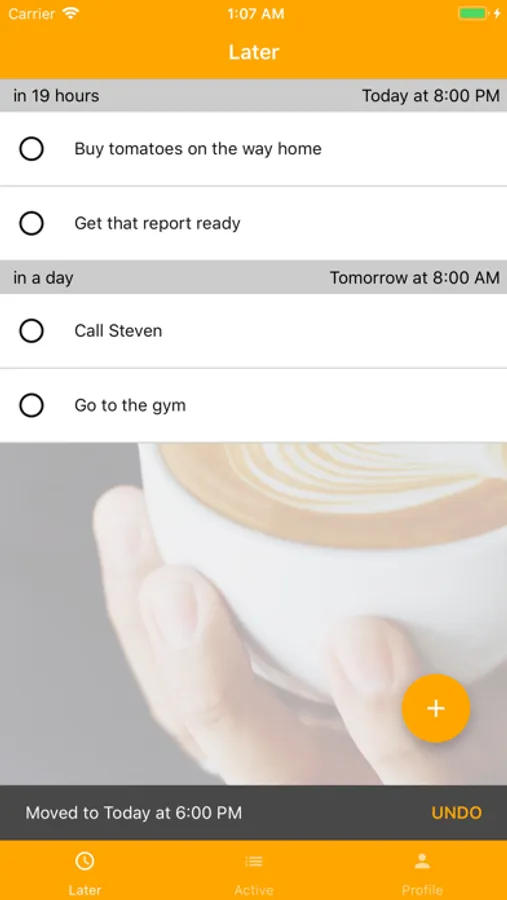
Keep your task list short and manageable with intuitive swipes - postpone the tasks that doesn't require your valuable immediate focus - and completing tasks as you get things done.
Lyster works anywhere. In an airplane - on your laptop - on your phone. Everything syncs when you get online - between Lysters web interface and mobile apps.
Your entire daily agenda is glanceable in Lyster. With both your calendar and tasks in the same place it's easier to plan. By keeping everything in Lyster rather than head you can focus on getting things done.
Lyster is for everything. Drop your ideas, thoughts, things to read - and effortlessly follow up on it later. Web links will automatically show previews in Lyster.
Features:
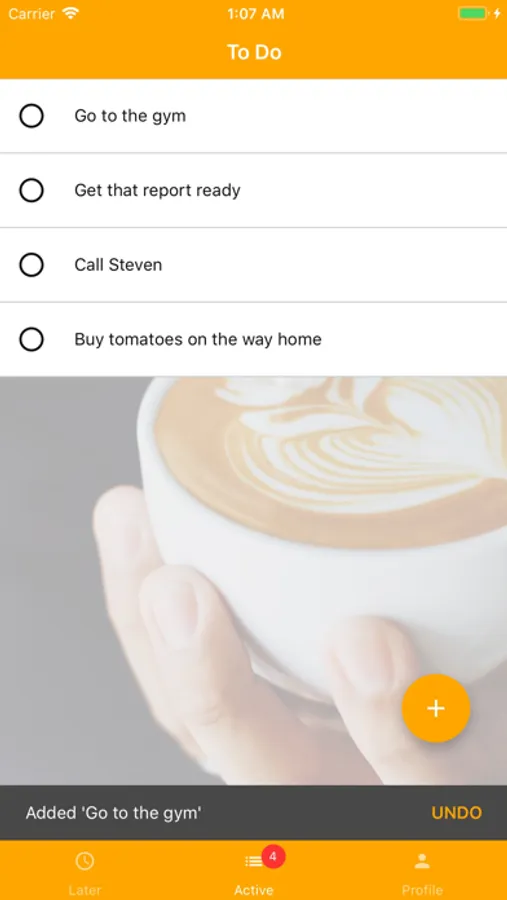
* Swipe-based Interface - complete and postpone effortlessly
* Drag-and-drop to prioritise
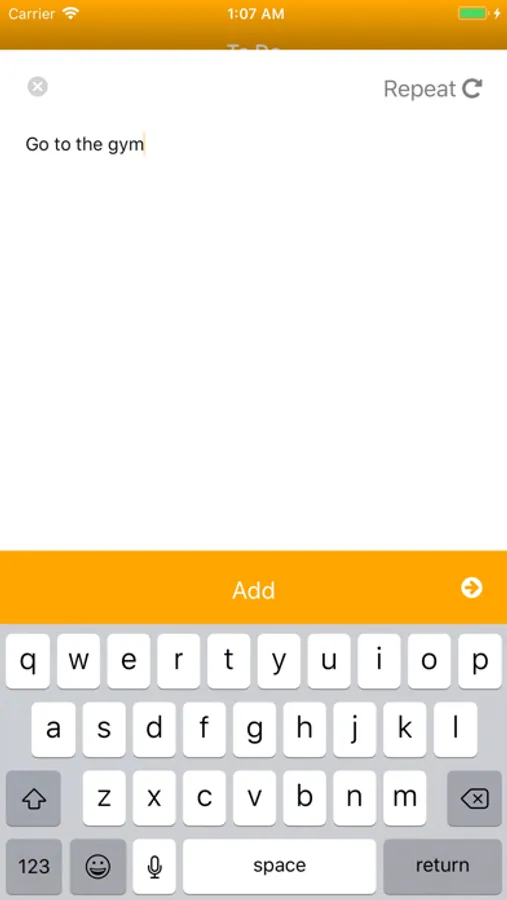
* Recurring tasks
* Link previews
Lyster - Swipe to Plan Screenshots
Tap to Rate:
Reviews for Lyster - Swipe to Plan
CMC015
Could be great, if maintained
Like others who have written reviews, I found Lyster as a replacement for Swipes, and have been really happy with the app the past few years. I find other to-do list apps needlessly over complicated, whereas Lyster has just the right blend of functionality and simple UX. My only problem - and why I’m seeking an alternative now - is that the app hasn’t been kept up to date, with notifications no longer working on the latest iOS (18). That’s limited the app’s usefulness considerably.
latimer.sarah
I hoped this was like Swipes
I loved Swipes. I’ve tried everything else out there and nothing works as well with simple, intuitive, highly flexible ways of organizing tasks in ways that are FAST. Lyster almost gets there. The quick swipes to mark something off or to reachedule it to another day. But it’s missing a way to categorize or sort tasks, ways to add subtasks, and a few other important frills. They are allegedly working on a Premium version. If this Premium version appears soon, I’ll gladly pay for it assuming it does those other things I need. Short review: This app has the basics down right of simple swiping to check off or reschedule. But it’s otherwise too trimmed down at present to powerfully organize many tasks well.