AppRecs review analysis
AppRecs rating 2.7. Trustworthiness 62 out of 100. Review manipulation risk 24 out of 100. Based on a review sample analyzed.
★★☆☆☆
2.7
AppRecs Rating
Ratings breakdown
5 star
32%
4 star
5%
3 star
5%
2 star
5%
1 star
53%
What to know
✓
Low review manipulation risk
24% review manipulation risk
⚠
Mixed user feedback
Average 2.6★ rating suggests room for improvement
About SambaSafety
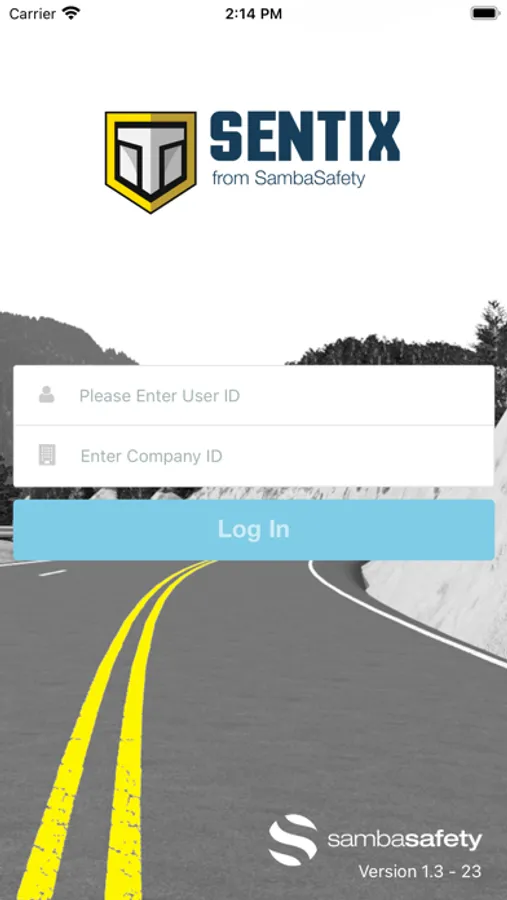
NOTE: Your company MUST have a SambaSafety account enabled for you to log in to the SambaSafety App
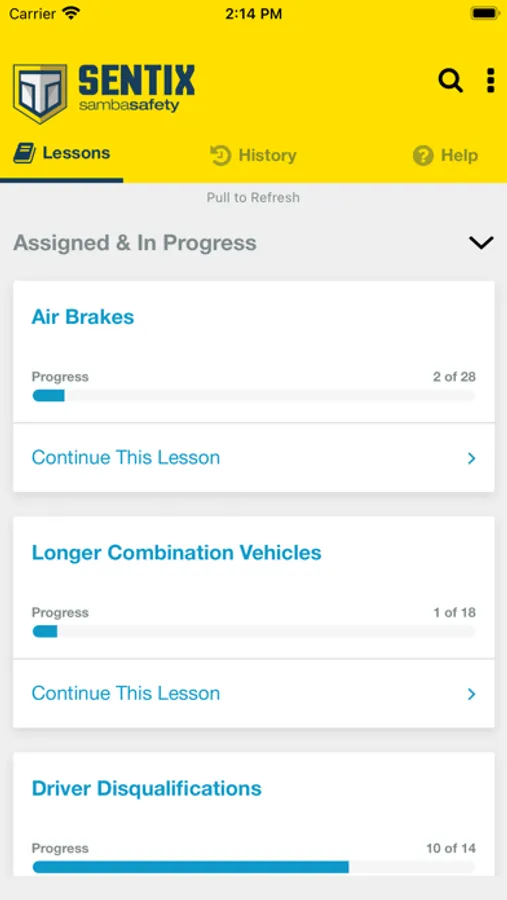
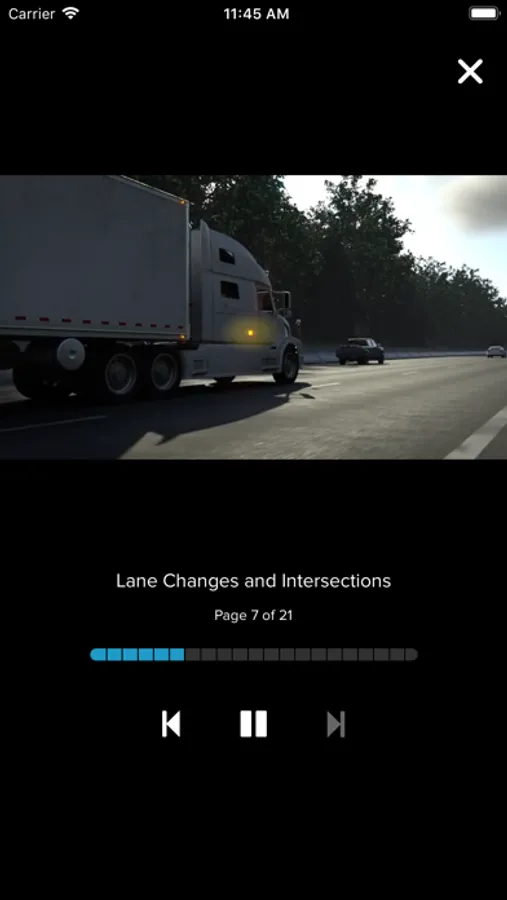
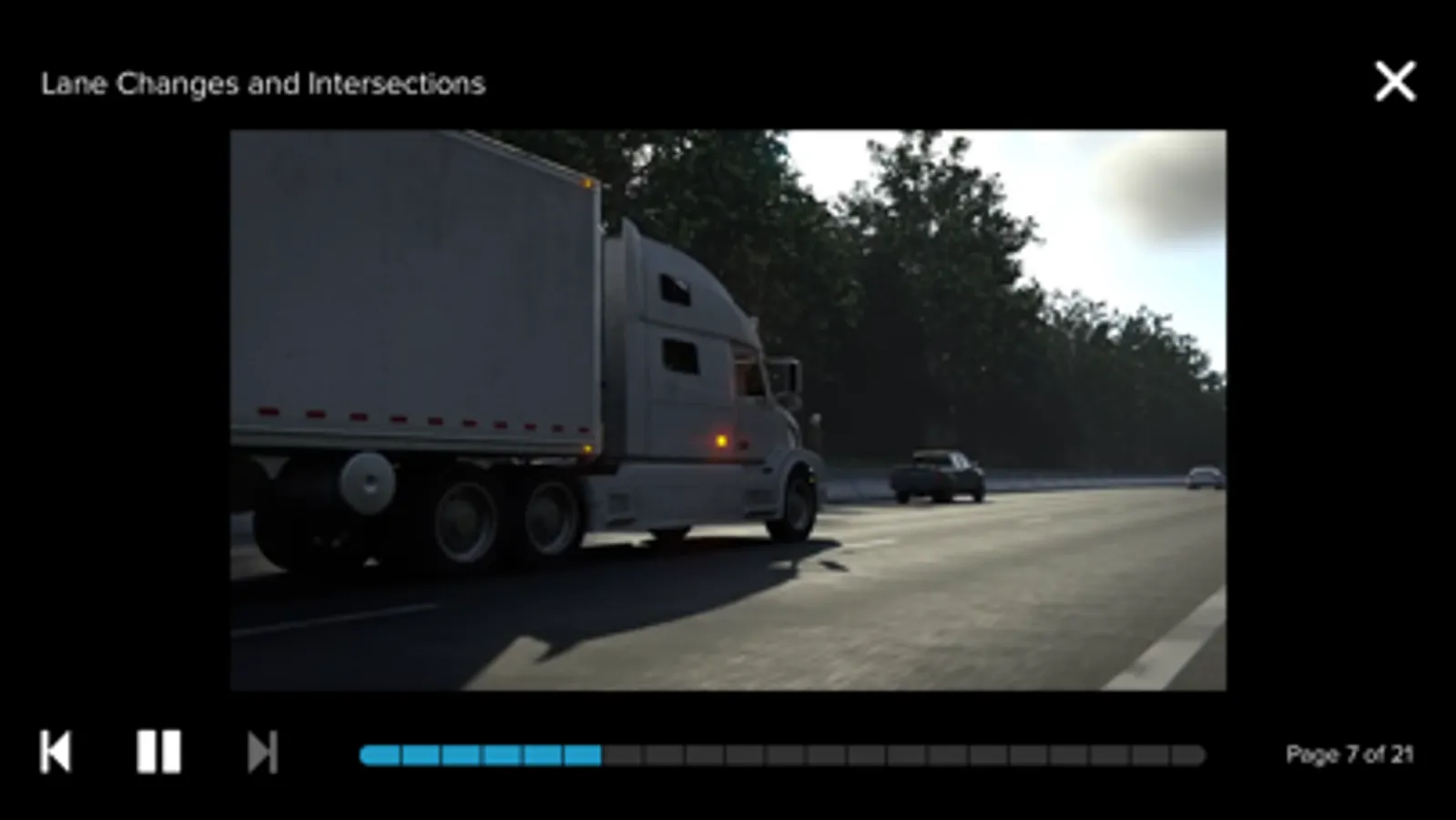
Welcome to the SambaSafety mobile app. This app will let you access and complete your training courses and lesson assignments.
You'll never lose your progress. If you start a lesson in the SambaSafety mobile app, you can finish it on a web browser - or vice-versa. You'll always be taken to the furthest "page" you've completed in a course no matter where you log in.
You must have a SambaSafety account enabled by your company. Talk to your manager to make sure you have the correct login and company ID. You must also have Internet access during playback.
SAMBASAFETY APP FEATURES
• A comprehensive library featuring hundreds of online courses for training every skill level, vehicle and driver type
• Access to your assigned courses
• Push notifications for new lesson assignments and reminders
• Auto-logout after 1-hour of idling
• Once logged in, you're never more than two clicks from starting a lesson
• Never lose your place — progress is synchronized across the web and mobile app
• Starts, progress, and completions are recorded and time-stamped
• Internet access is required — data rates may apply
• Lessons will stream/buffer, not download for later viewing
* The app will warn you if an assigned course is not available on a mobile device. If that is the case, you'll need to complete it via a standard web browser, like Chrome, Firefox, Safari, or Explorer/Edge.
Welcome to the SambaSafety mobile app. This app will let you access and complete your training courses and lesson assignments.
You'll never lose your progress. If you start a lesson in the SambaSafety mobile app, you can finish it on a web browser - or vice-versa. You'll always be taken to the furthest "page" you've completed in a course no matter where you log in.
You must have a SambaSafety account enabled by your company. Talk to your manager to make sure you have the correct login and company ID. You must also have Internet access during playback.
SAMBASAFETY APP FEATURES
• A comprehensive library featuring hundreds of online courses for training every skill level, vehicle and driver type
• Access to your assigned courses
• Push notifications for new lesson assignments and reminders
• Auto-logout after 1-hour of idling
• Once logged in, you're never more than two clicks from starting a lesson
• Never lose your place — progress is synchronized across the web and mobile app
• Starts, progress, and completions are recorded and time-stamped
• Internet access is required — data rates may apply
• Lessons will stream/buffer, not download for later viewing
* The app will warn you if an assigned course is not available on a mobile device. If that is the case, you'll need to complete it via a standard web browser, like Chrome, Firefox, Safari, or Explorer/Edge.
SambaSafety Screenshots
Tap to Rate:
Reviews for SambaSafety
Endless legend
App doesn’t work
On iPhone the app doesn’t even let me login. Can’t press go to move onto the next screen. Crazy how it’s not iPhone friendly. Tried deleted and downloading again but it’s the same.
Tgh111775
Needs a new feature
I would love for there to be a notification option so we could be notified when we have new tasks