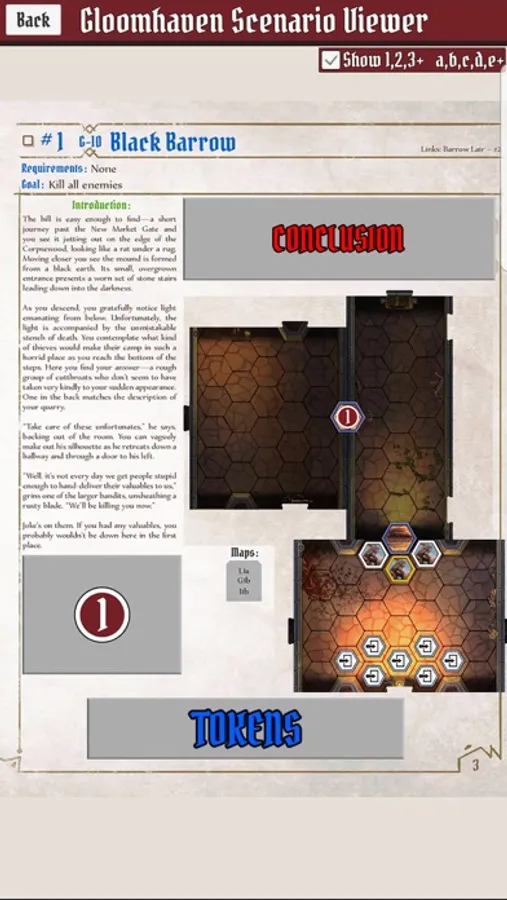
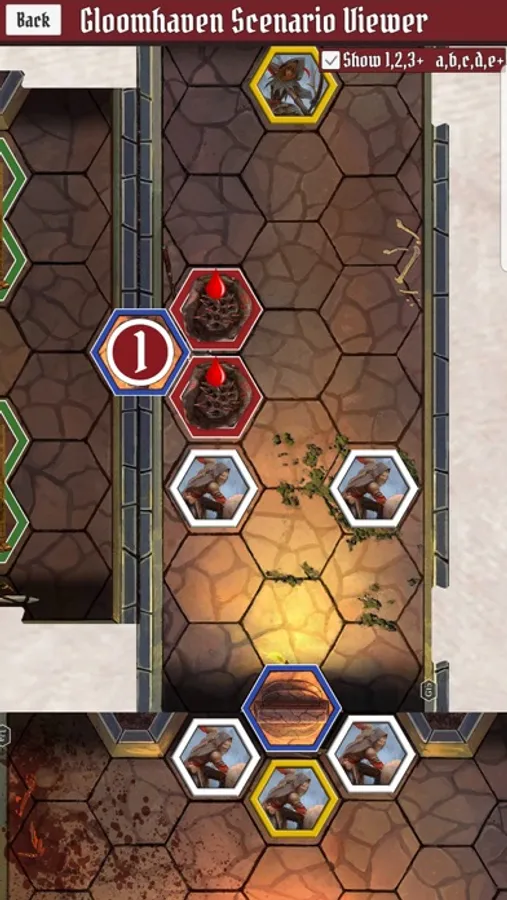
With this scenario viewer, you can load Gloomhaven scenarios and reveal hidden areas or toggle rooms and monsters. Includes zoom functionality, toggle options, and treasure indicators.
AppRecs review analysis
AppRecs rating 4.7. Trustworthiness 72 out of 100. Review manipulation risk 23 out of 100. Based on a review sample analyzed.
★★★★☆
4.7
AppRecs Rating
Ratings breakdown
5 star
81%
4 star
11%
3 star
4%
2 star
0%
1 star
3%
What to know
✓
Low review manipulation risk
23% review manipulation risk
✓
Credible reviews
72% trustworthiness score from analyzed reviews
✓
High user satisfaction
81% of sampled ratings are 5 stars
About Gloomhaven Scenario Viewer
You can easily zoom into any section and toggle the hidden areas plus view any treasures that are discovered through the app
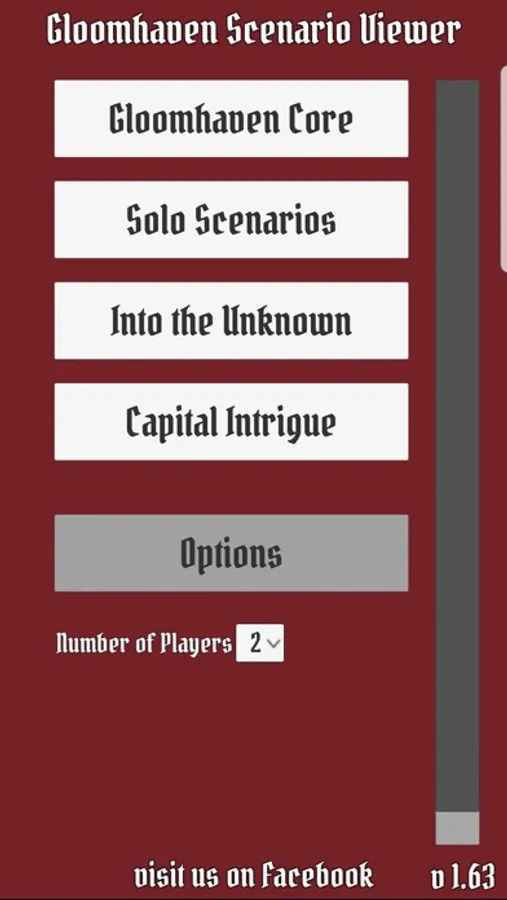
Gloomhaven Scenario Viewer Screenshots
Tap to Rate:
Reviews for Gloomhaven Scenario Viewer
redpigirl
Please do not set Chinese to in-app purchase
Please do not set Chinese to in-app purchase, because Chinese players cannot in-app purchase, in-app purchase requires a US credit card.
YepThatsTheJoke
Nearly perfect except for one glaring flaw…
I’m the forever GM of my group, so when we discovered Gloomhaven I was excited to get to play in a game I didn’t have to create and manage. But of course someone had to set up the room tiles with the correct pieces, and the scenario book doesn’t provide a spoiler-free way of handling that, so I was stuck with the job of looking ahead in the scenario book and setting up the board for everyone. So everyone got to be surprised when we opened a door but me. That’s why when I found this app I was REALLY excited. I finally have the option to play along with everyone else without spoiling every room up front. For that I am thankful. However, I have one suggestion that to me seems like a massive oversight on the developer’s part. Each room of every scenario can be toggled to hide or show that room’s contents… but the tokens section is lumped together into one toggle! And the token section is the only section that shows the name of the enemies! I can hide the specific layout of the rooms (enemy placement, traps, obstacles, loot, etc) to keep from spoiling, but in order to know which monster stat cards and overlay tiles to get when we open a door, I have to toggle on the tokens section and spoil every monster in the entire scenario. In my opinion, it should be changed in the following way: instead of making the token list one toggle field, make each token its own section and tie each monster or overlay in that section to the room it appears in, so that it reveals the appropriate tokens as the rooms are revealed. Or at the very least (if that’s not possible) make each token its own toggleable field and color code the rooms and tokens somehow so that only the pertinent tokens can be revealed. This app is designed to eliminate spoilers for the person setting up the scenario, and a change like that would improve the app’s functionality immensely in that regard. Thank you!