With this networking app, you can configure MikroTik routers, set up firewalls, and manage bandwidth. Includes router setup, network monitoring, and device management features.
AppRecs review analysis
AppRecs rating 3.8. Trustworthiness 76 out of 100. Review manipulation risk 21 out of 100. Based on a review sample analyzed.
★★★☆☆
3.8
AppRecs Rating
Ratings breakdown
5 star
58%
4 star
13%
3 star
5%
2 star
7%
1 star
18%
What to know
✓
Low review manipulation risk
21% review manipulation risk
✓
Credible reviews
76% trustworthiness score from analyzed reviews
✓
Good user ratings
71% positive sampled reviews
About MikroTik
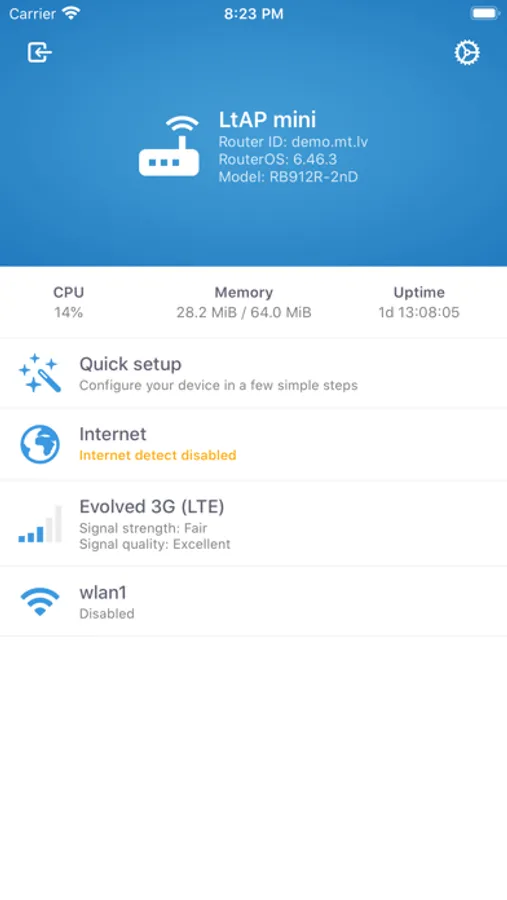
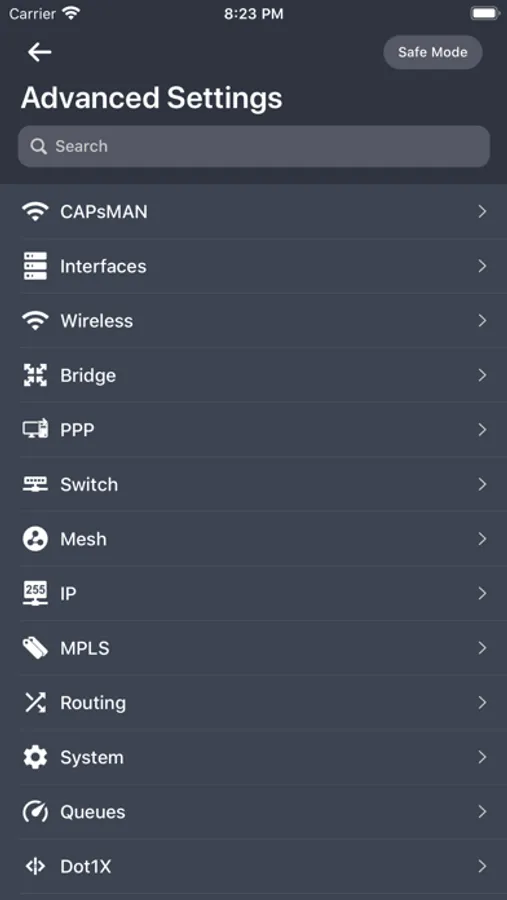
RouterOS provides all the core features for your network - routing, firewall, bandwidth management, wireless access point, backhaul link, hotspot gateway and more.
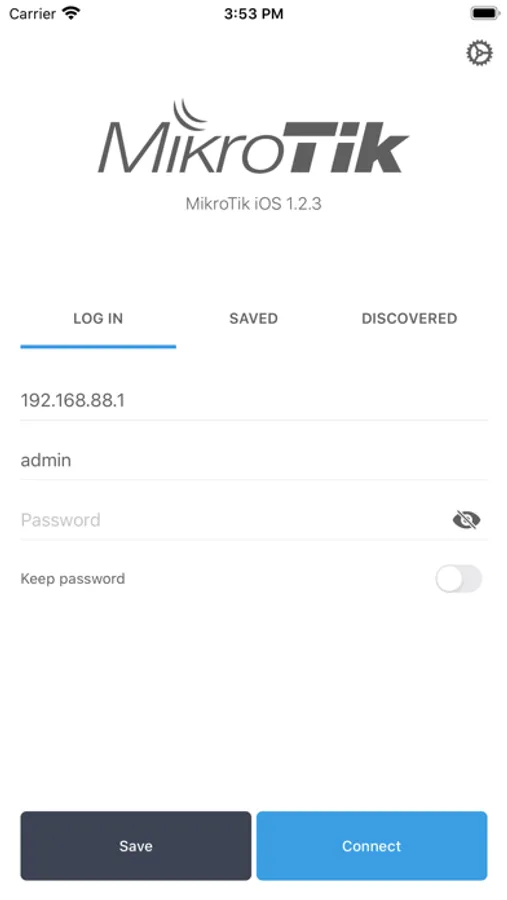
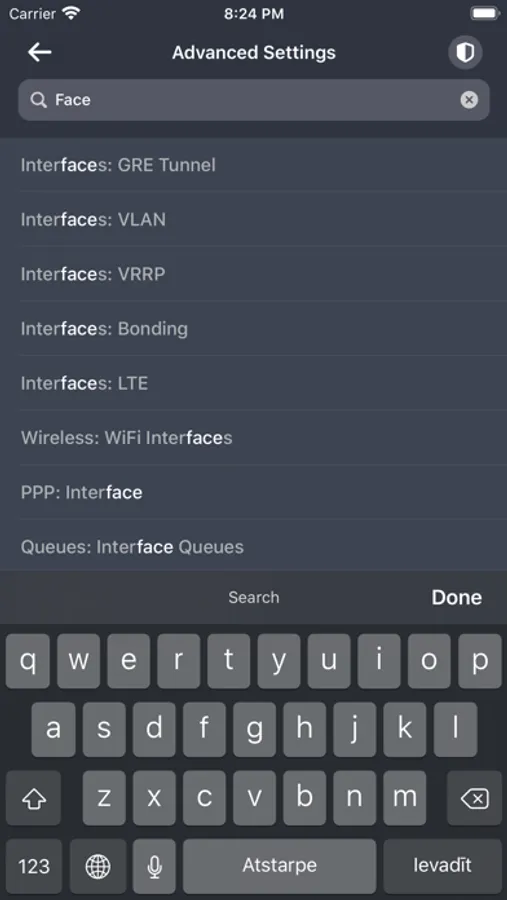
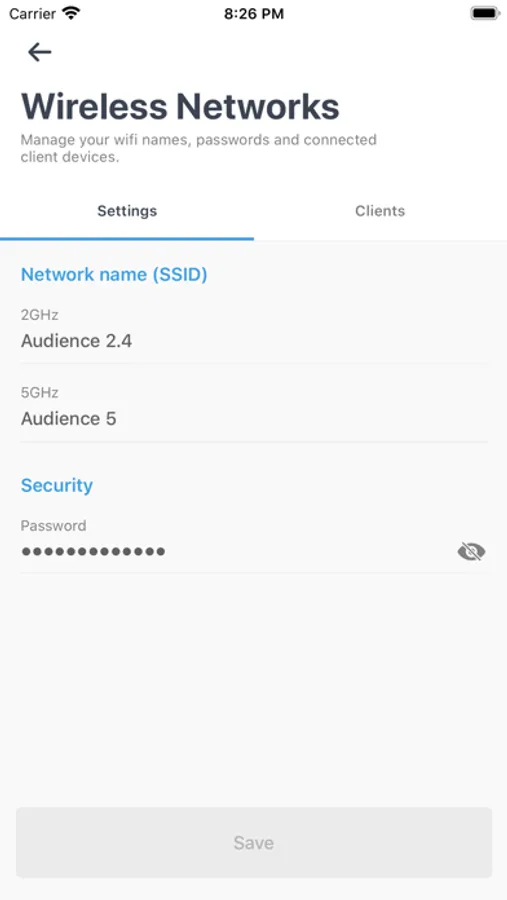
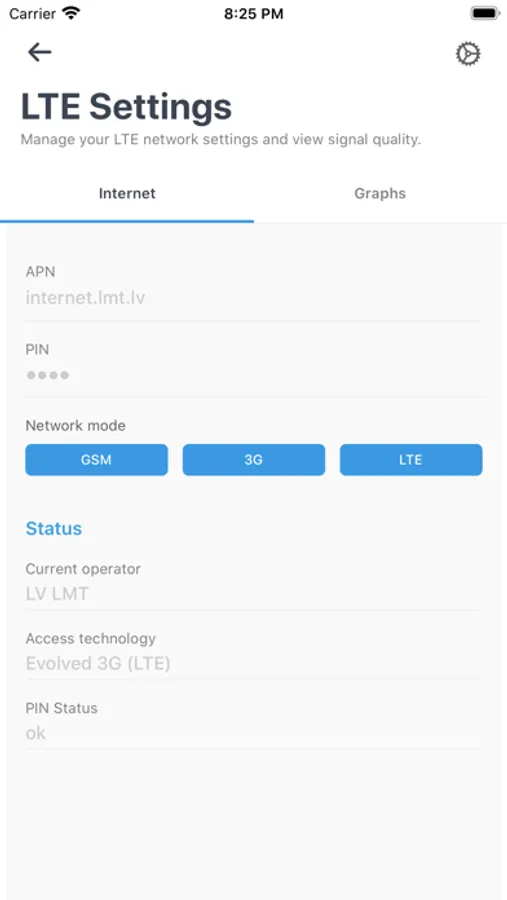
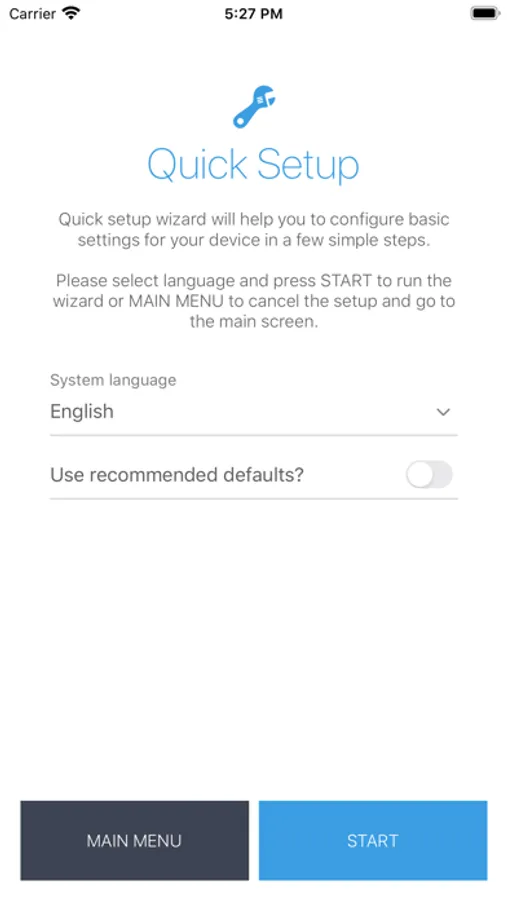
Use the MikroTik smartphone app to configure your router in the field, or to apply the most basic initial settings for your MikroTik home access point.
Requirements: RouterOS v6 or newer.
Discussion forum: https://forum.mikrotik.com
MikroTik Screenshots
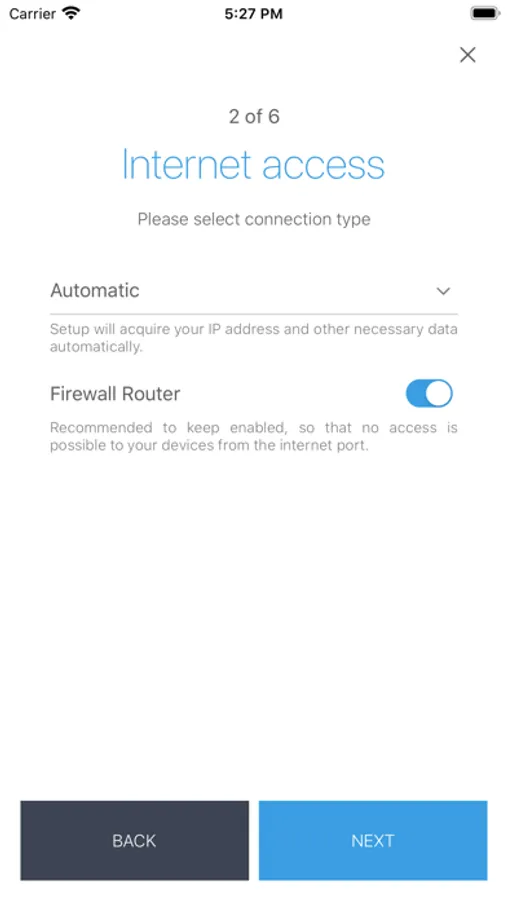
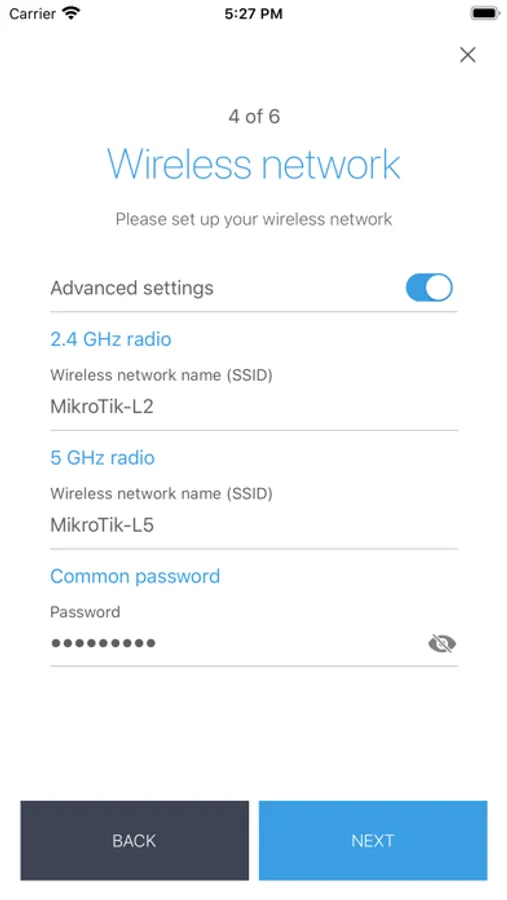
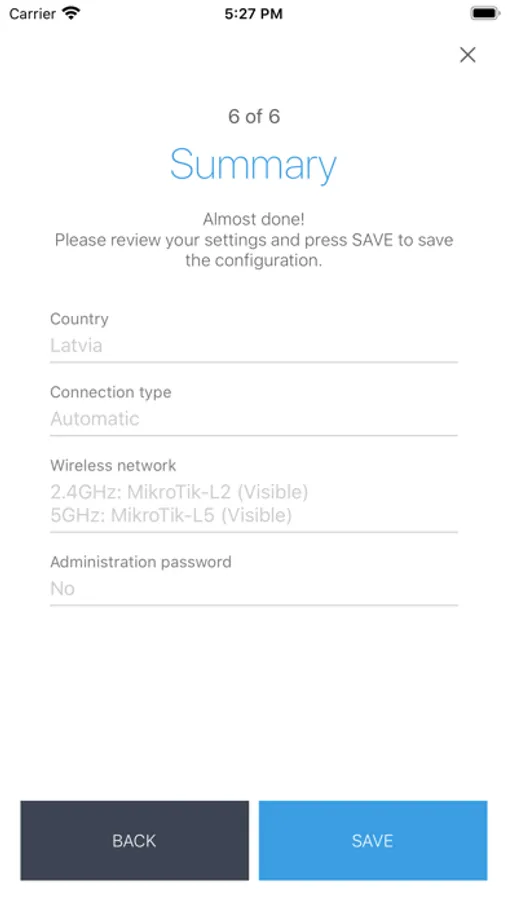
Tap to Rate:
Reviews for MikroTik
A.S74
Not connecting
It’s not connecting to no device
Fatih Ferah
The app interface could use improvement
I purchased the MikroTik hAP-ax². An incredible router. Outstanding engineering. The Webfig and Winbox interfaces are excellent. The MikroTik iOS app is, in a way, like Winbox. The app’s interface definitely needs to fully match the Webfig/Winbox experience. As it stands, yes, it is useful, but it’s not as visually intuitive as Webfig/Winbox for active use. Also, there is no terminal. If the app can be developed in this direction soon, iOS users could reach nirvana. Thank you, MikroTik team.