
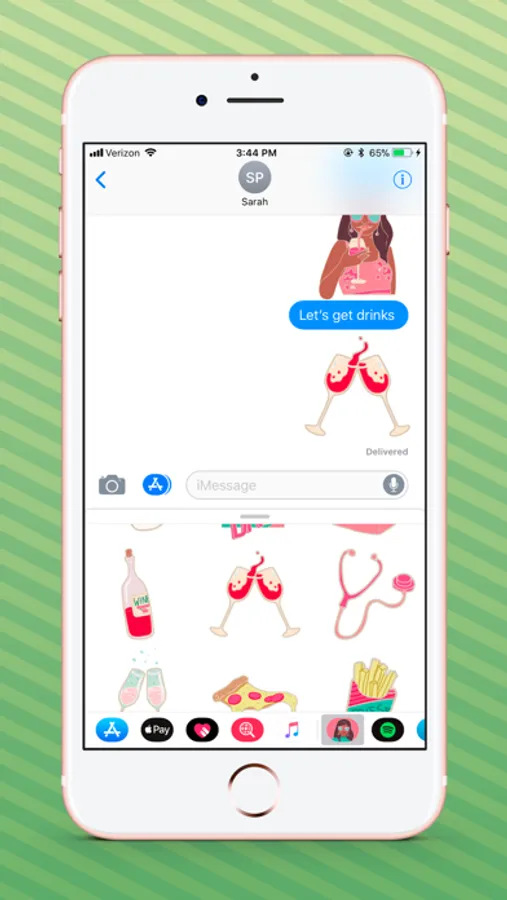
In this messaging app, you can send and layer stickers onto photos, videos, and messages using drag and rotate features. Includes 21 stickers featuring Mindy, catchphrases, snacks, and icons from The Mindy Project.
AppRecs review analysis
AppRecs rating 3.5. Trustworthiness 0 out of 100. Review manipulation risk 0 out of 100. Based on a review sample analyzed.
★★★☆☆
3.5
AppRecs Rating
Ratings breakdown
5 star
51%
4 star
6%
3 star
10%
2 star
6%
1 star
27%
What to know
✓
Authentic reviews
Natural distribution, no red flags
⚠
High negative review ratio
33% of sampled ratings are 1–2 stars
About The Mindy Project Stickers
Ex-Squeeze me! It's The Mindy Project's official sticker pack brought to you by Hulu. Featuring the icon herself, Mindy, the show's famous catchphrases, Mindy's favorite snacks and more!
SCALE & ROTATE to layer your stickers onto photos, videos and messages!
21 stickers included!
HOW TO ACCESS STICKERS AFTER INSTALLING:
Step 1: Open a message with a friend and tap the ">" button to the left of the text box.
Step 2: Tap the App Store button that appears (it looks like an "A"), then tap the button that looks like four circles in the lower left of your screen to open your iMessage Sticker Drawer.
Step 3: Look for the sticker pack icon, tap on it and start sending stickers!
SCALE & ROTATE to layer your stickers onto photos, videos and messages!
21 stickers included!
HOW TO ACCESS STICKERS AFTER INSTALLING:
Step 1: Open a message with a friend and tap the ">" button to the left of the text box.
Step 2: Tap the App Store button that appears (it looks like an "A"), then tap the button that looks like four circles in the lower left of your screen to open your iMessage Sticker Drawer.
Step 3: Look for the sticker pack icon, tap on it and start sending stickers!
The Mindy Project Stickers Screenshots

Tap to Rate: