
AppRecs review analysis
AppRecs rating 4.5. Trustworthiness 65 out of 100. Review manipulation risk 29 out of 100. Based on a review sample analyzed.
★★★★☆
4.5
AppRecs Rating
Ratings breakdown
5 star
100%
4 star
0%
3 star
0%
2 star
0%
1 star
0%
What to know
✓
Low review manipulation risk
29% review manipulation risk
✓
High user satisfaction
100% of sampled ratings are 5 stars
About Nemonic Scanner
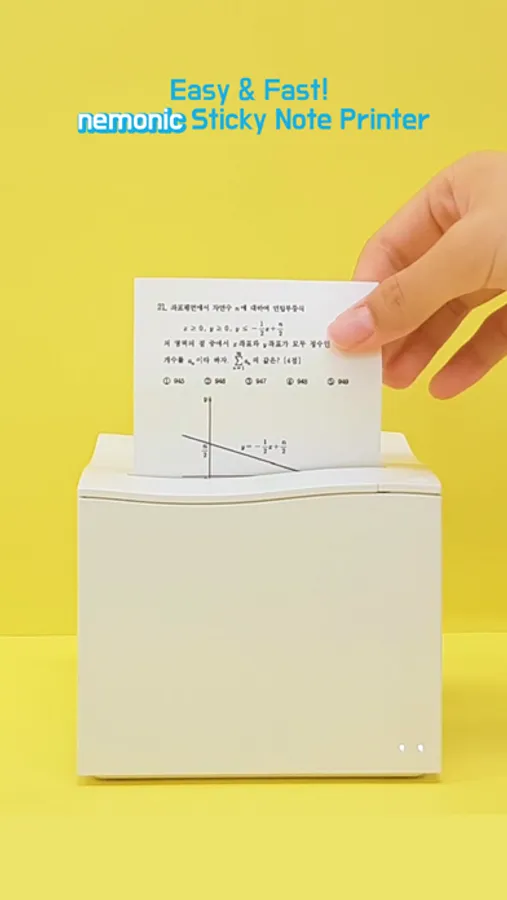
Connect to a nemonic printer to print yours on sticky notes without ink or toners.
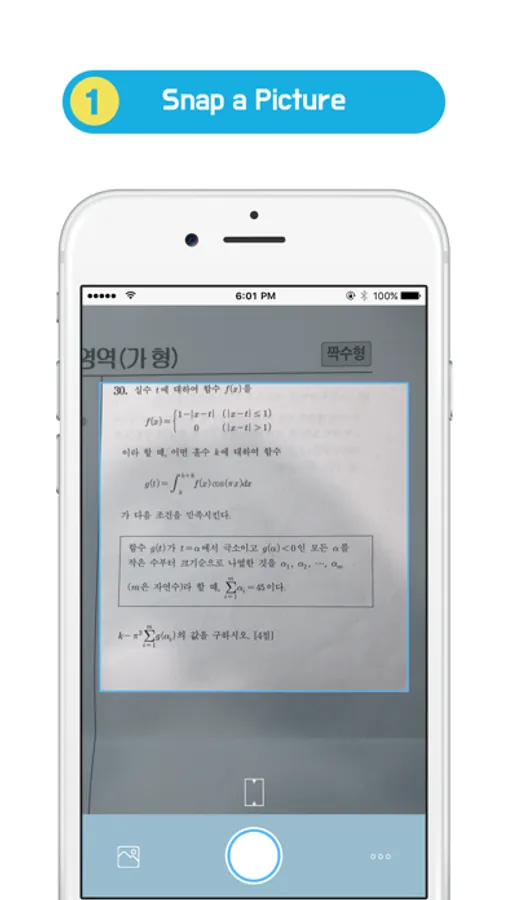
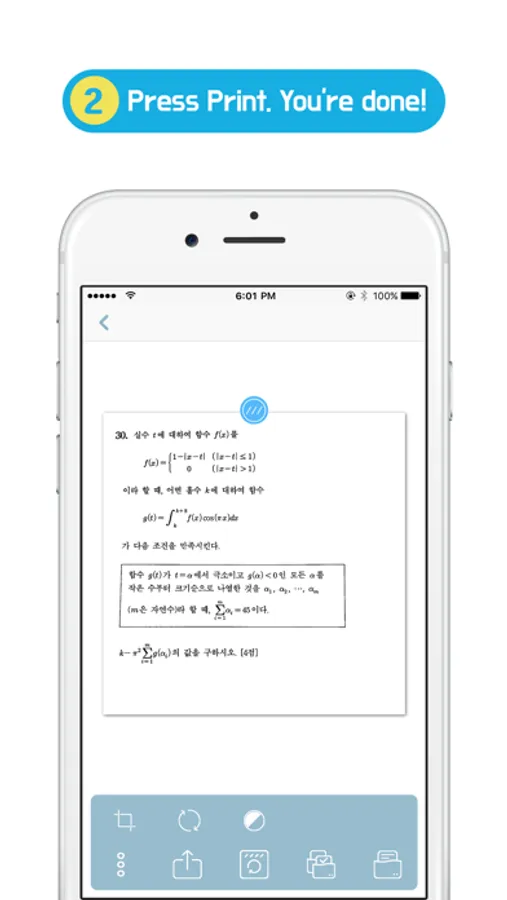
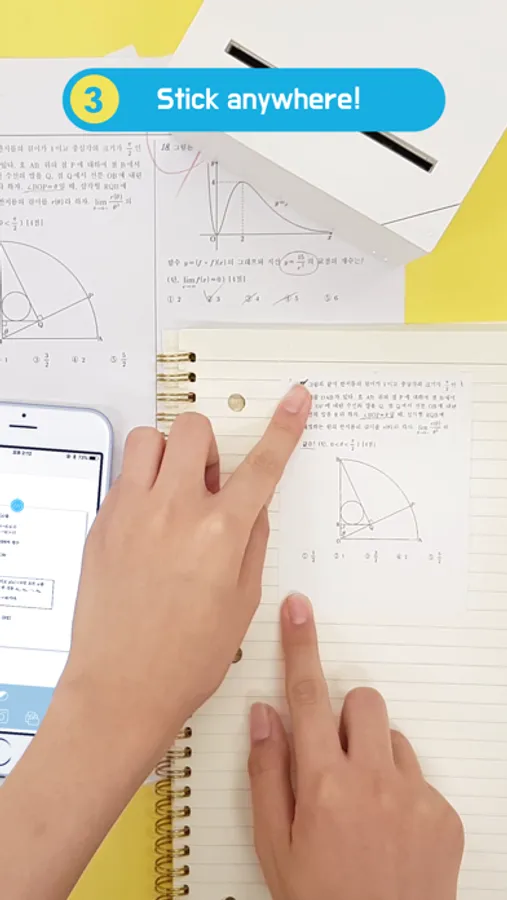
Spend less effort on drawing or copying and just capture it, print it and stick it!
[Use cases]
* Study notes
Gather questions that you often make mistakes on and take pictures of them. Now you can make a study notebook of your own with the printed questions. Utilize it to study for school exams, language ability tests, SATs, GREs, A-levels, and GCSEs. Remember not to make the same mistakes again.
* For Businesses
Scan and store ideas or documents from meetings or conferences. Connect to a nemonic to print them out quickly and share with your team members.
[Features]
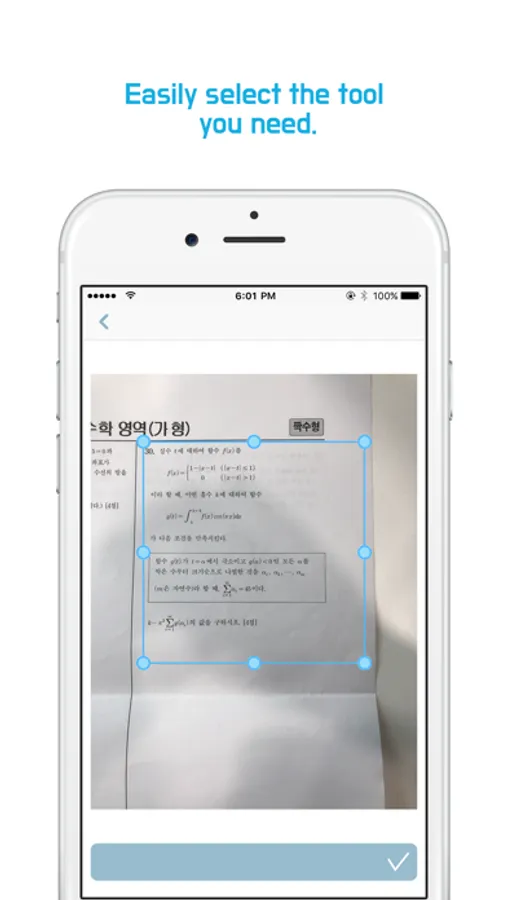
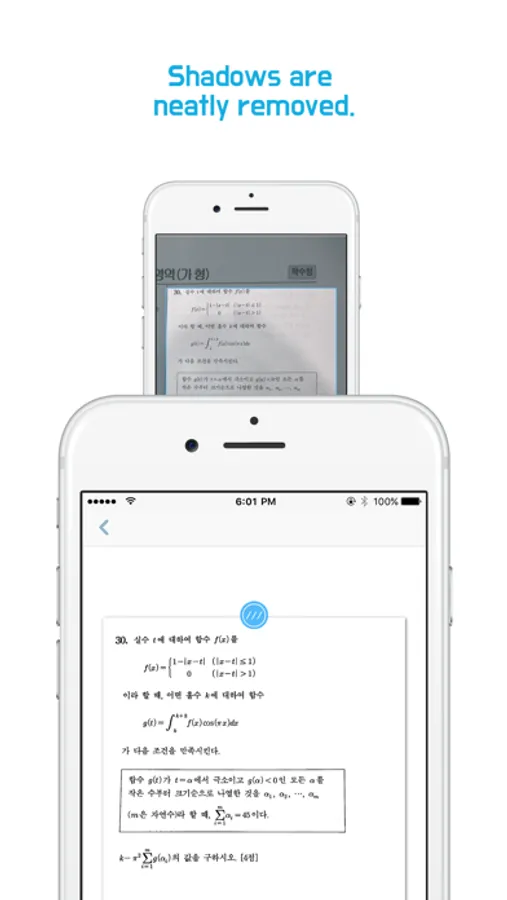
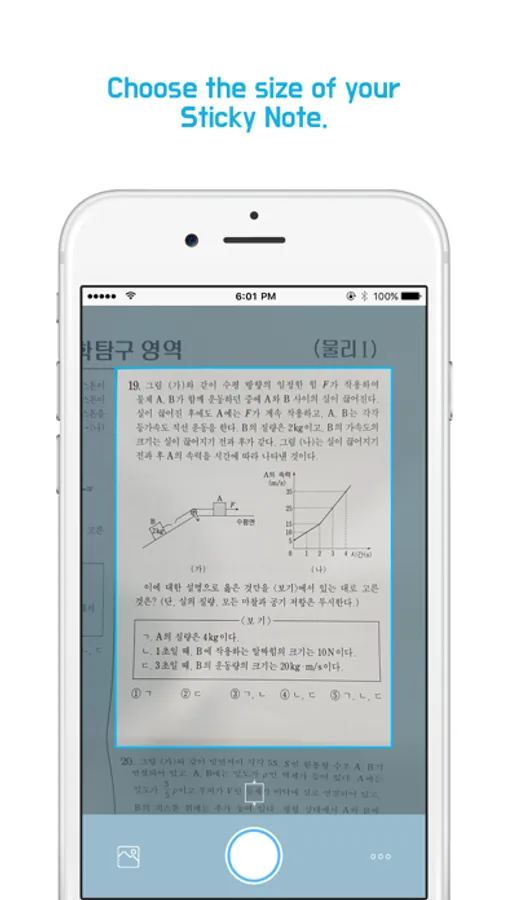
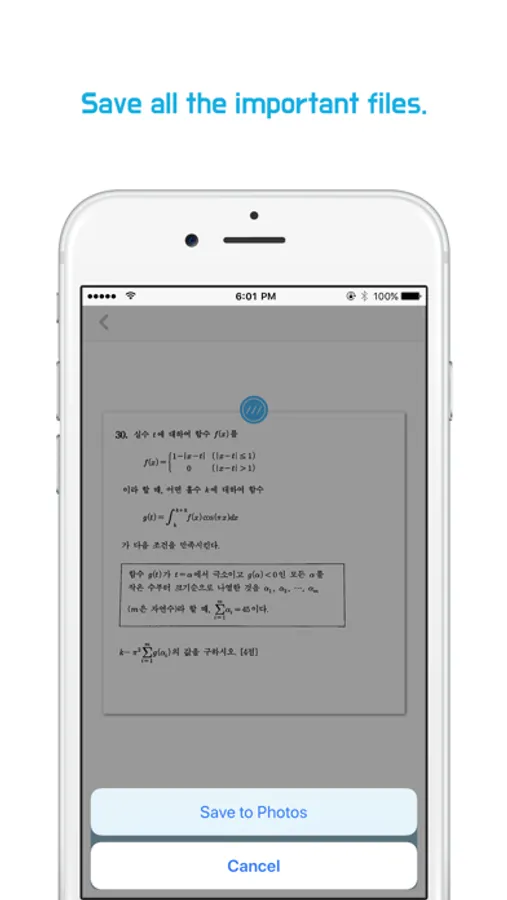
- Scan : Clear image scanning quality with auto image processing.
- Print : Connect to a nemonic printer for printouts
[Permissions]
●Essential
- Camera : Use to print pictures taken
●Selectable
- Photos : Use to load pictures from Photos
[nemonic printer introduction]
Worldwide recognized innovative product nemonic.
The world's largest consumer electronics trade show CES 2017 'Best of Innovations' Honoree
nemonic is a small printer that prints on sticky notes without ink or toners. It connects to the phone via Bluetooth and prints within 5~10 seconds. PC connection is also available and various functions such as dispenser, reprint previous notes, paper color indication etc.
*nemonic official homepage [http://www.mangoslab.com/n/nemonic/?lang=en]
*Purchase nemonic (US) (https://goo.gl/Gf2UzV)
Nemonic Scanner Screenshots
Tap to Rate:
Reviews for Nemonic Scanner
SL70707
블루투스 오류 발생
mip-001b 사용자입니다. 처음 구매했던 2018년부터 너무 잘 사용하고 있습니다! 그러나 이전까지 정상 연결되던 프린터가 제 아이패드 및 아이폰에서 앱 내에서 검색되지 않습니다. 프린터기 연결을 앱에서 시도할 때, ‘선택된 프린터가 없습니다.‘라는 문구와 함께 로딩 아이콘만 화면에 나타나고, 기기에서는 연결된 프린터기가 앱 내에서 나타나지 않습니다. 앱은 최신 버전이고, 블루투스 권한 설정, 프린터 리셋, 앱 재설치 등 다양한 방법을 시도하였으나 문제가 해결되지 않고 있습니다. 프린터기는 정상적으로 깜빡이는 상태이며, 이전에는 같은 조건에서 전부 잘 작동했습니다. 혹시 어플리케이션 내의 문제가 아닐지 하는 생각에 리뷰 남겨봅니다. 만약 제 기기가 구모델이라 문제가 있는거라면, 귀국 후 새 모델로 새로 구매할 예정입니다. 학생 때부터 지금까지 너무 잘 활용하고 있습니다. 항상 감사드리며, 확인 부탁드립니다!