With this countdown timer app, you can set, customize, and track multiple countdowns with notifications and widget support. Includes iCloud sync, Apple Watch compatibility, and customizable options.
AppRecs review analysis
AppRecs rating 4.4. Trustworthiness 76 out of 100. Review manipulation risk 29 out of 100. Based on a review sample analyzed.
★★★★☆
4.4
AppRecs Rating
Ratings breakdown
5 star
87%
4 star
6%
3 star
4%
2 star
2%
1 star
2%
What to know
✓
Low review manipulation risk
29% review manipulation risk
✓
Credible reviews
76% trustworthiness score from analyzed reviews
✓
High user satisfaction
87% of sampled ratings are 5 stars
About Countdown Timer.
Features:
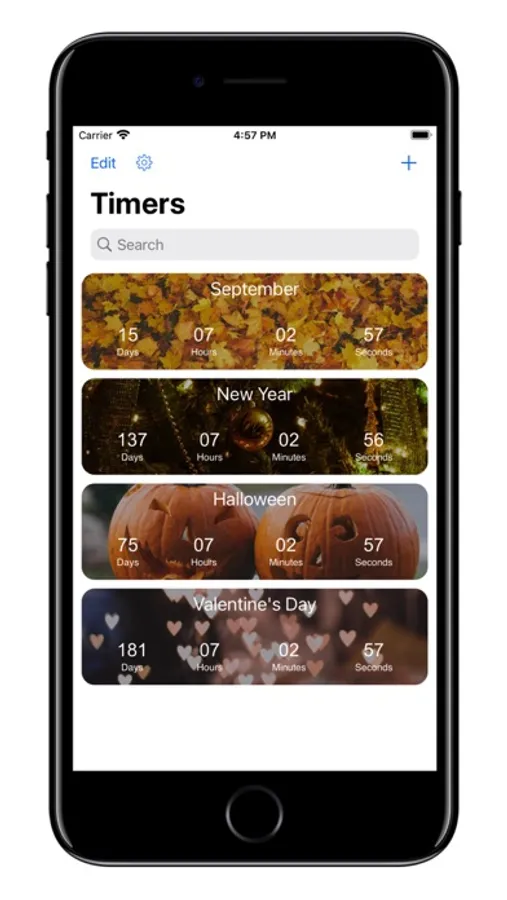
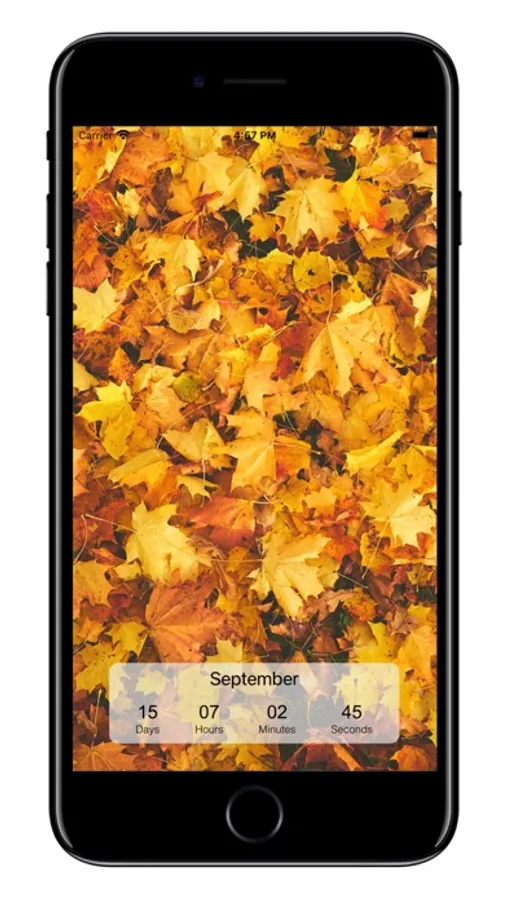
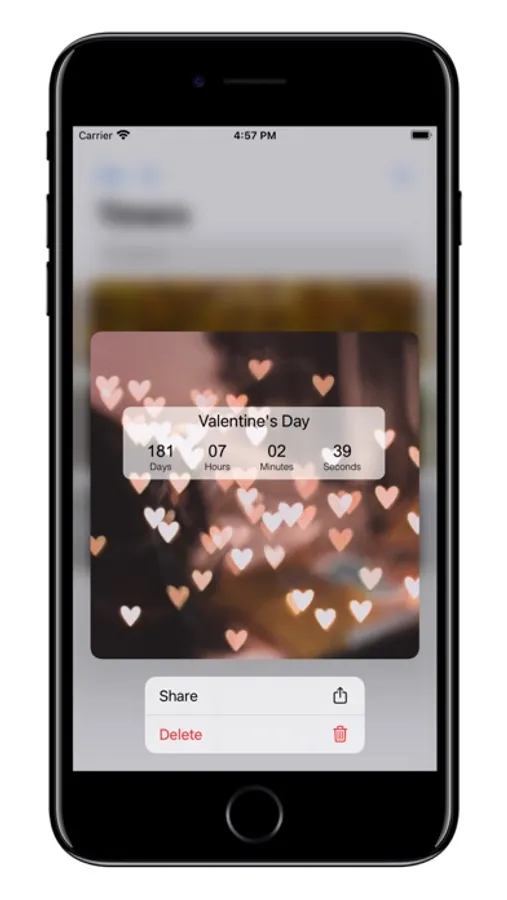
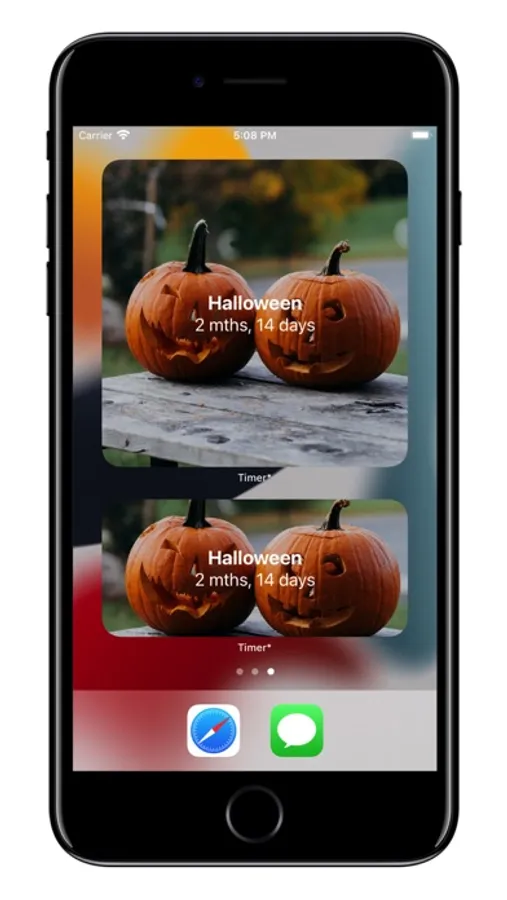
* Beautiful detail view (with custom user's pictures);
* Support for Apple Watch;
* Support iOS10 and above;
* iCloud sync;
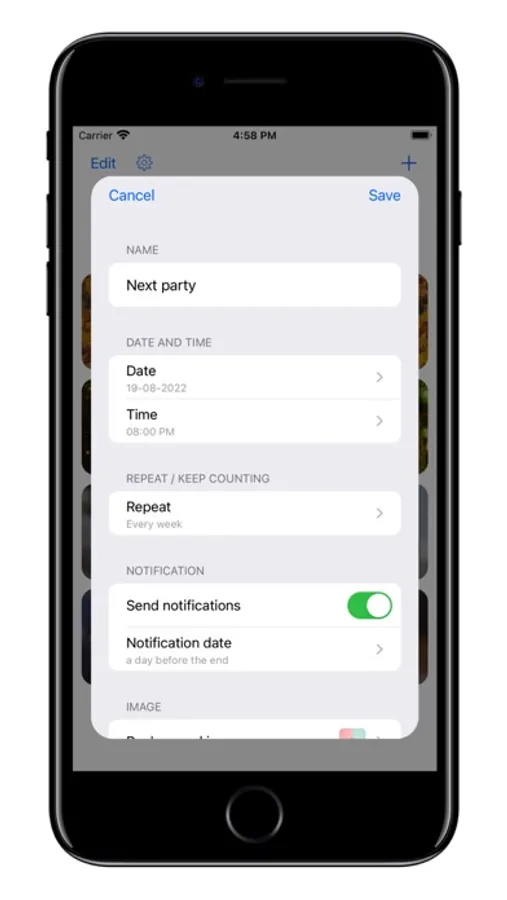
* Notifications;
* Widgets;
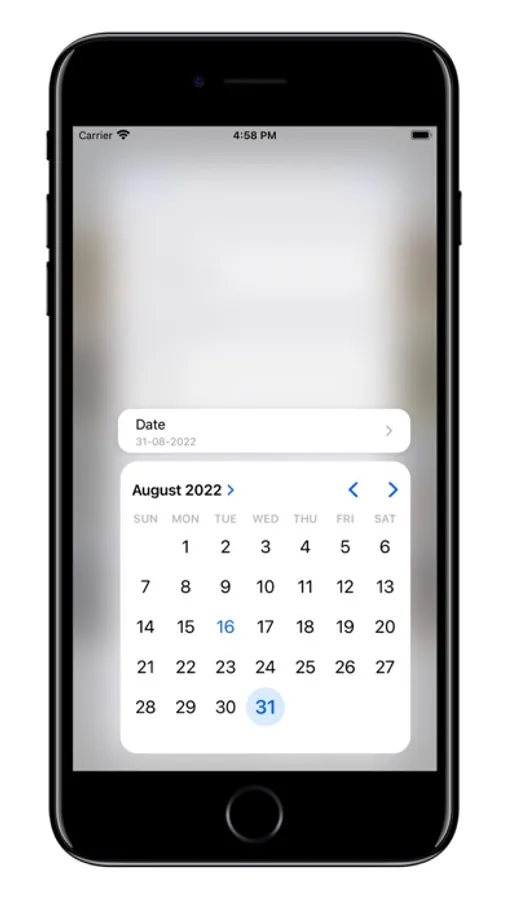
* Many functions during creation (such as "Repeat", "Keep count when end", "Select notification time", etc.);
* Customization of countdowns;
* Localization for English, French, German, Spanish, Chinese, Russian languages.
Countdown Timer. Screenshots
Tap to Rate:
Reviews for Countdown Timer.
Idkwhattopitsoooo
GET THIS APP
I have only had this app for one day and I love it. You can put any event you want on there for it to count down till. For example if you put your birthday it would tell you the exact months weeks days hours minutes and seconds until the event. If you get this app I guarantee you will love it.😀
ElCapitan456
Uh I don’t do these much.
This app is basically just borderline unusable, I guess an update broke it? But the app just crashes after either scrolling down or deleting a timer but it only happens when there’s a custom timer. I assume that’s it’s just a glitch with the images where it try’s to use an image from the phone but instead of pulling it from the phone it uses the image in a way where it uses the image but not from the phone so it uses a null value and crashes?? Really weird guess but it’s the only thing that made sense to me.