With this photo editing app, you can easily blur or unblur specific areas of your images using adjustable brushes and effects. Includes image import options, effect adjustment controls, and sharing functionalities.
AppRecs review analysis
AppRecs rating 4.4. Trustworthiness 68 out of 100. Review manipulation risk 23 out of 100. Based on a review sample analyzed.
★★★★☆
4.4
AppRecs Rating
Ratings breakdown
5 star
73%
4 star
10%
3 star
5%
2 star
3%
1 star
9%
What to know
✓
Low review manipulation risk
23% review manipulation risk
✓
High user satisfaction
83% of sampled ratings are 4+ stars (4.4★ average)
✓
Authentic reviews
Natural distribution, no red flags
About Blur Background
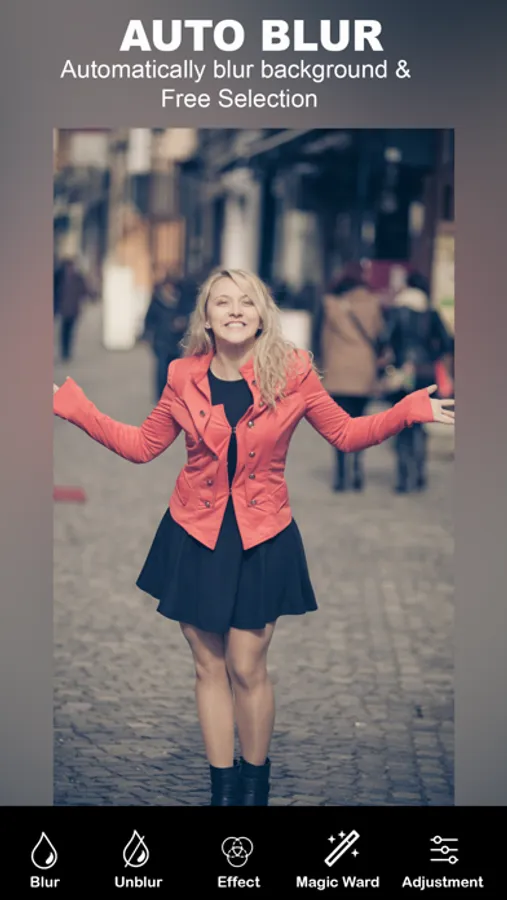
The blurred pic can be saved to the gallery and blurred picture can be shared to social media platforms like the Facebook, Instagram and so much more, using this blur background.
--- Features ---
- This will get the background blur effect like professional photographer.
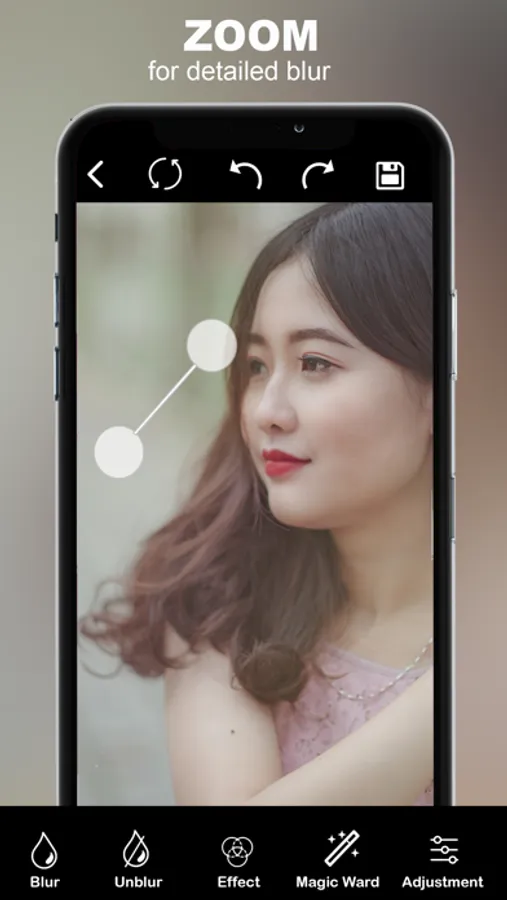
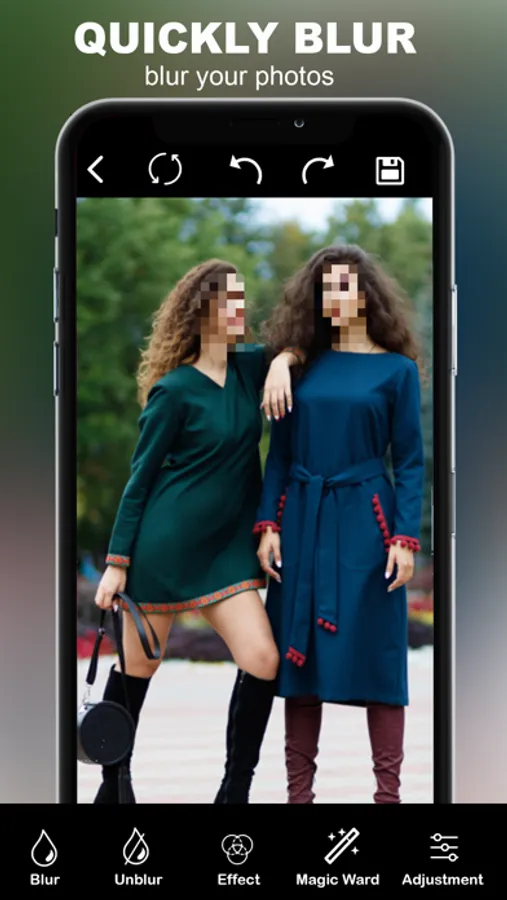
- This will blur some part of your photo image.
- This will used to changed after the strength of the effect
- Very easy to use with friendly user interface.
--- How to use ---
- Load image from library and also take the picture using the camera.
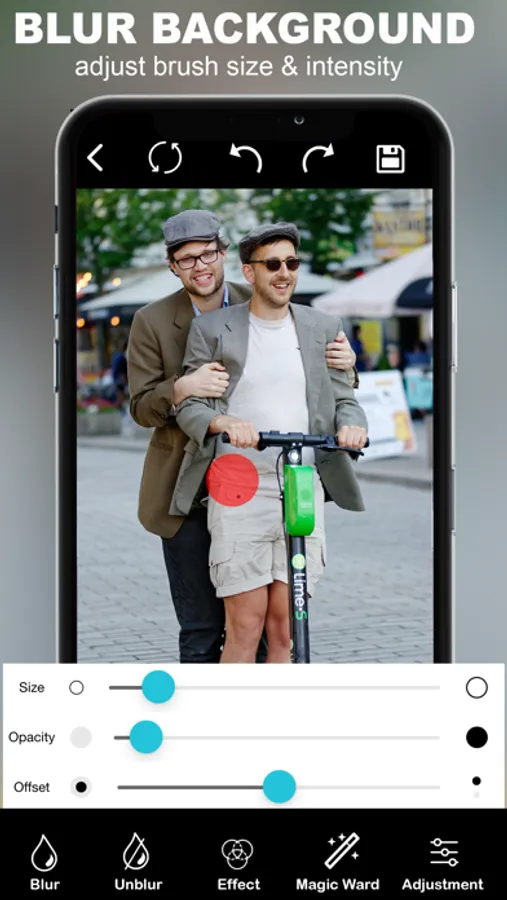
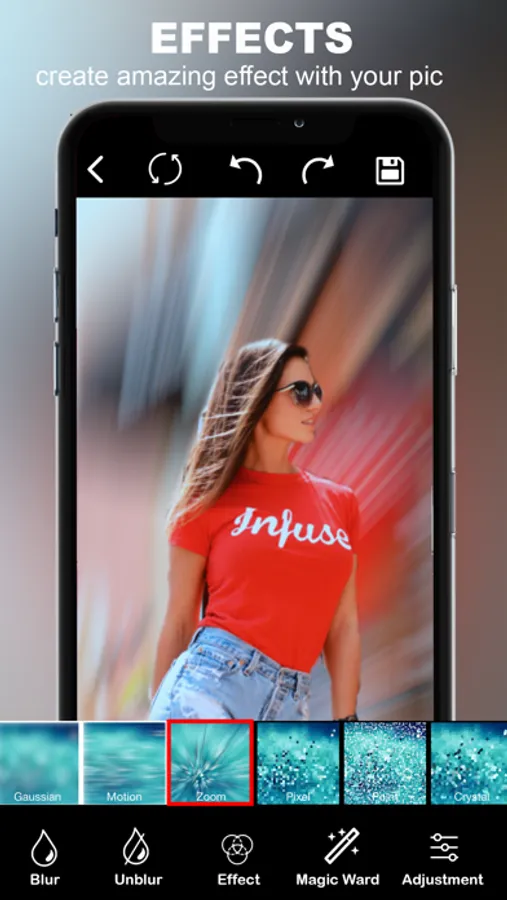
- Use the blur image brush or photo effect brush to blur and add effect any part of the photo.
- Change the size of the blur brush to fit your use.
- Change after the level of the effect you use.
- Save or share
Blur Background Screenshots
Tap to Rate:
Reviews for Blur Background
obtrunco
Needs work
There are no instructions, difficult to navigate. The “done” button is placed too high on the screen corner, overlapping on the phone’s WiFi and battery level icons causing this function to be very hard to press and register my taps.
A._.Syeda
Buttons on screen unreachable!!!
I selected a picture and wanted to tap on done to continue editing. But the done button was outside of my screen border and i couldn’t click it. Pathetic experience. Uninstalled