
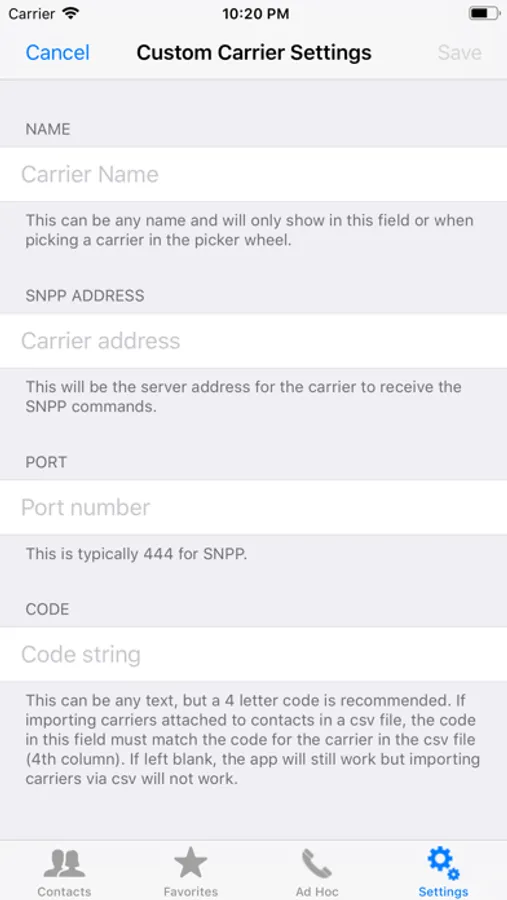
With this messaging app, you can send pages to pagers from an iOS device, manage contacts, and customize carrier settings. Includes preset messages, favorites, contact import/export, and support for custom SNPP servers.
AppRecs review analysis
AppRecs rating 4.6. Trustworthiness 65 out of 100. Review manipulation risk 29 out of 100. Based on a review sample analyzed.
★★★★☆
4.6
AppRecs Rating
Ratings breakdown
5 star
89%
4 star
7%
3 star
2%
2 star
0%
1 star
2%
What to know
✓
Low review manipulation risk
29% review manipulation risk
✓
High user satisfaction
89% of sampled ratings are 5 stars
About iPage 2
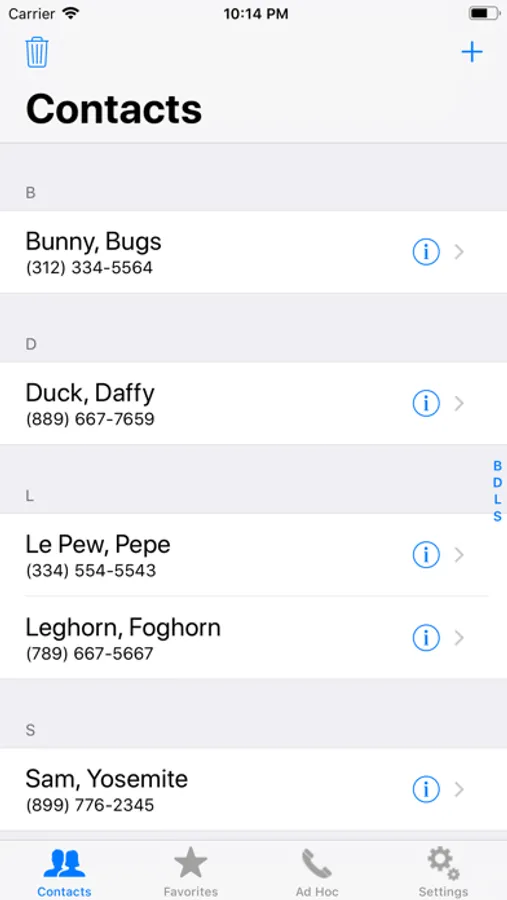
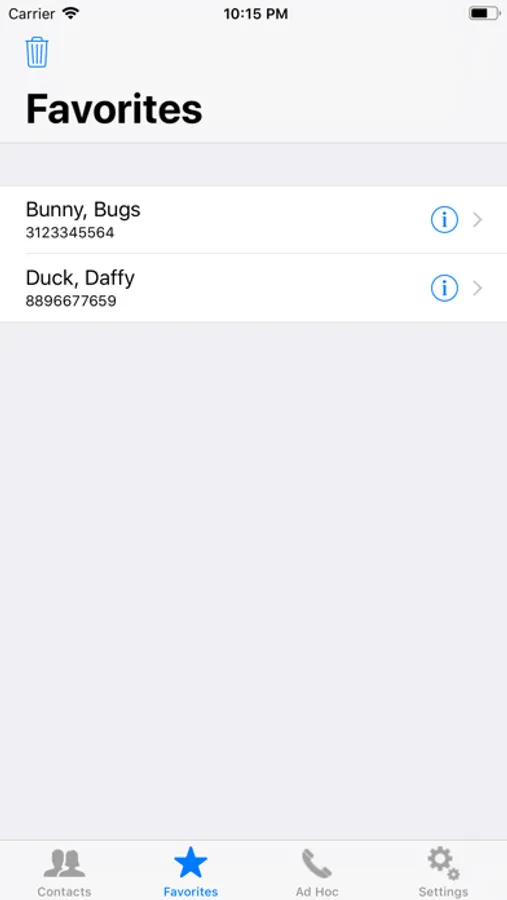
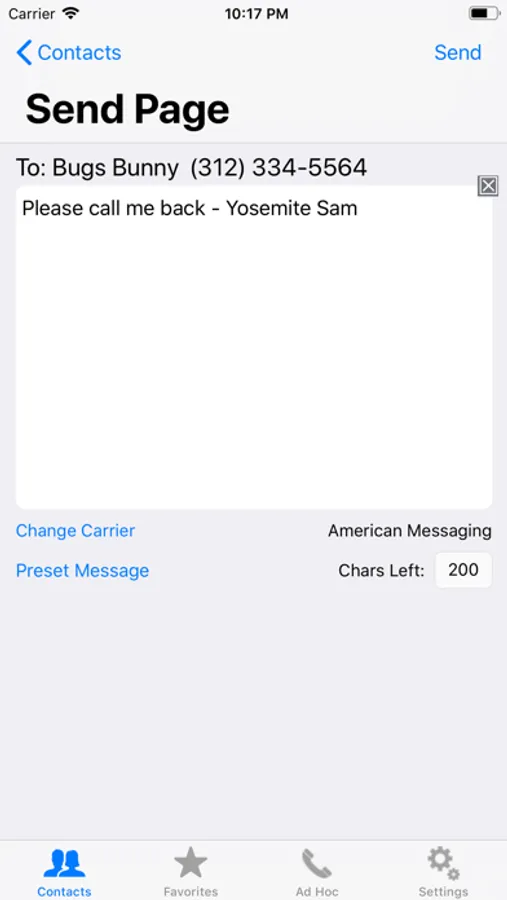
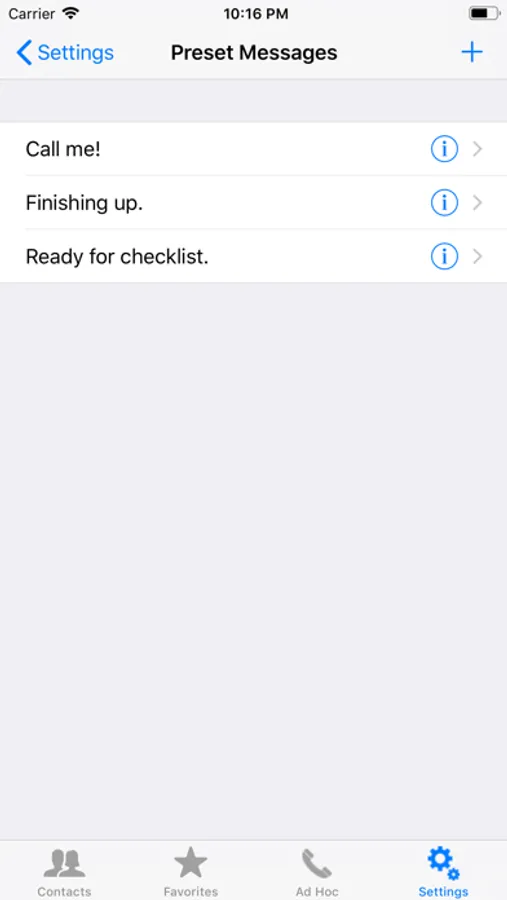
iPage 2 is a complete rewrite of iPage in the Apple Swift 4 programming language. It maintains the same purpose as the original iPage which allows a user to send a message (page) to someone's pager from their iOS mobile device such as iPhone or iPad. iPage 2 is a separate app to iPage rather than just an update. There are several features with this app including: optimization for iOS 12 and the larger screen devices, preset messages, favorites, custom SNPP servers, and importing/exporting contacts. iPage 2 does not have ads.
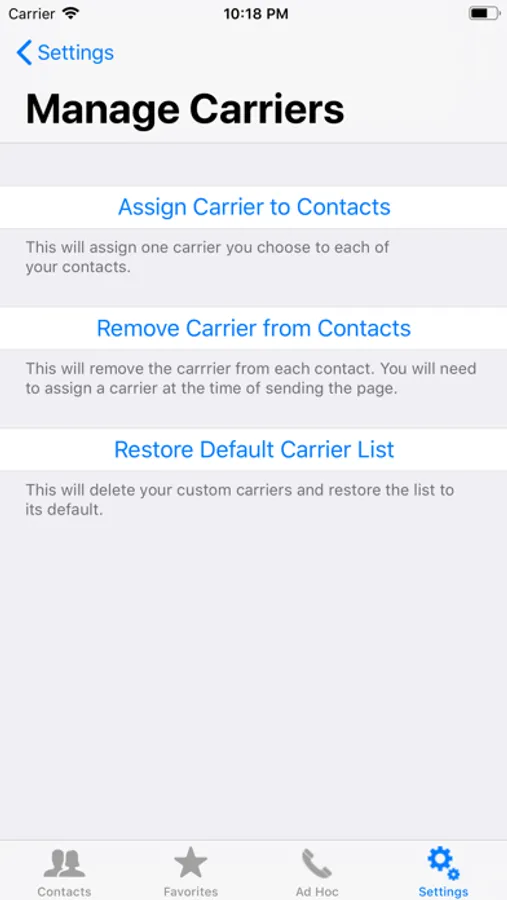
One major difference from the original iPage is that in iPage 2 a carrier must be assigned to each individual contact. Assigning carriers can be done:
1. At the time of entering/editing a contact's information
2. At the time of sending a page
3. In bulk via 'Settings' (Settings→Carriers→Manage)
4. Via CSV file import.
The User Guide (Settings → Documentation → UserGuide) explains these options.
DISCLAIMER: iPage 2 requires an internet connection and sends information to SNPP servers that are not in its control. Therefore, the user of iPage 2 is solely responsible for verifying that the pages sent from this app are received in a timely manner. The user will not hold iPage 2 or its developers responsible for complications that arise becasue of someone not receiving a page as desired.
One major difference from the original iPage is that in iPage 2 a carrier must be assigned to each individual contact. Assigning carriers can be done:
1. At the time of entering/editing a contact's information
2. At the time of sending a page
3. In bulk via 'Settings' (Settings→Carriers→Manage)
4. Via CSV file import.
The User Guide (Settings → Documentation → UserGuide) explains these options.
DISCLAIMER: iPage 2 requires an internet connection and sends information to SNPP servers that are not in its control. Therefore, the user of iPage 2 is solely responsible for verifying that the pages sent from this app are received in a timely manner. The user will not hold iPage 2 or its developers responsible for complications that arise becasue of someone not receiving a page as desired.
iPage 2 Screenshots
Tap to Rate:
Reviews for iPage 2
Jojo M'74
Best app to supplement existing system
Paging still has a role in rapid message deployment in our hospital setting. This app allows me to page on the fly! When pagers evolved to receive text messaging style info, it has become necessary to find a keyboard and a computer. This app does all of that with my smartphone. Customer support is awesome! More power!