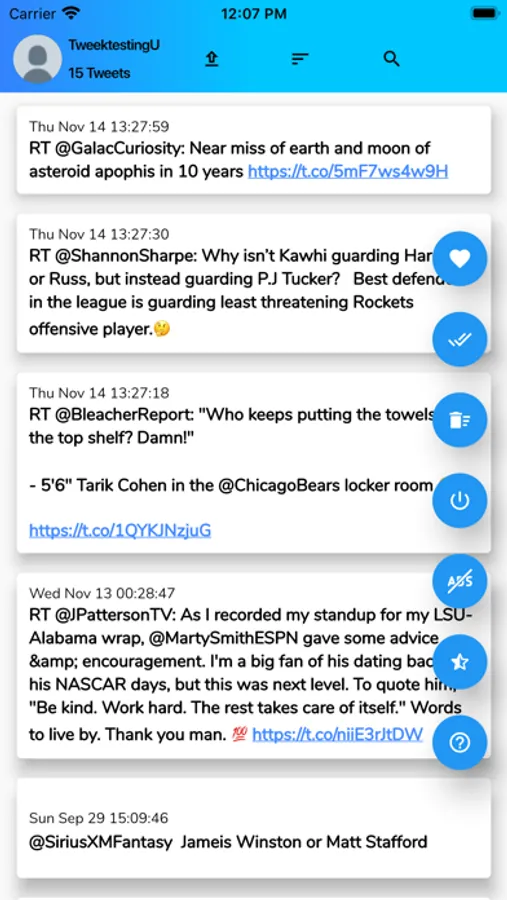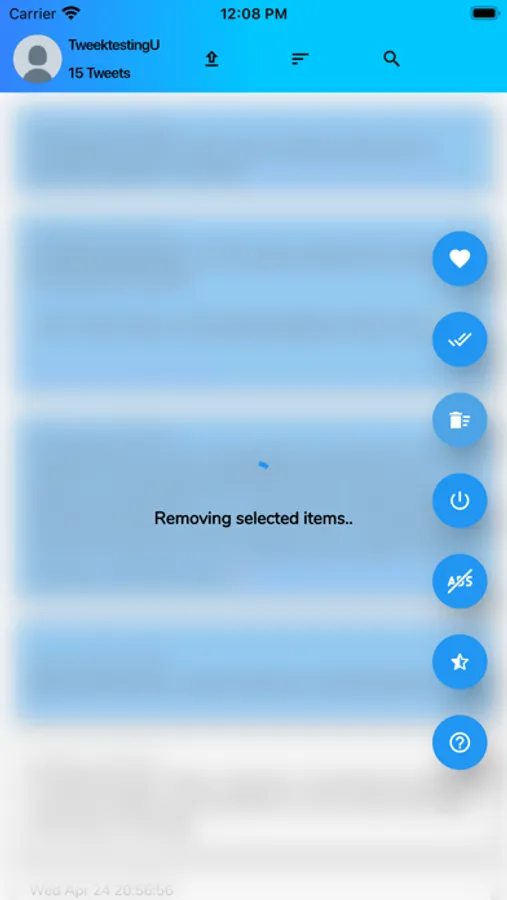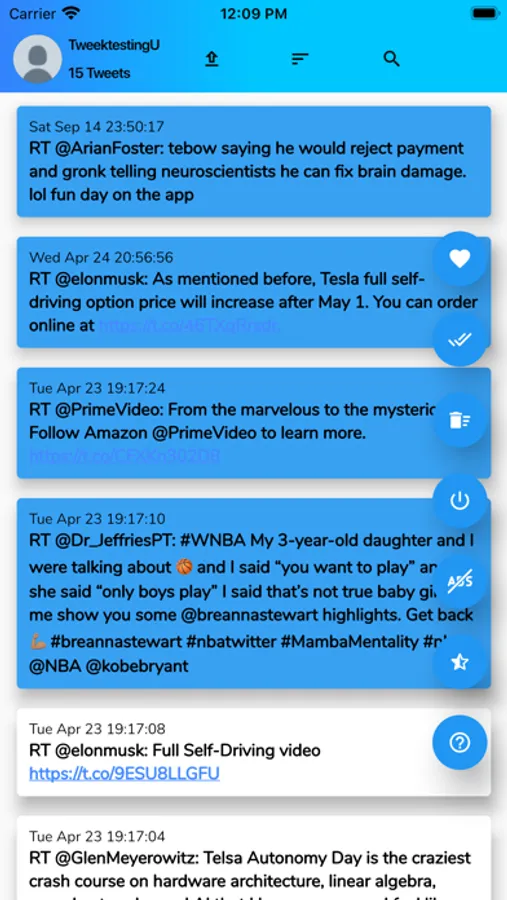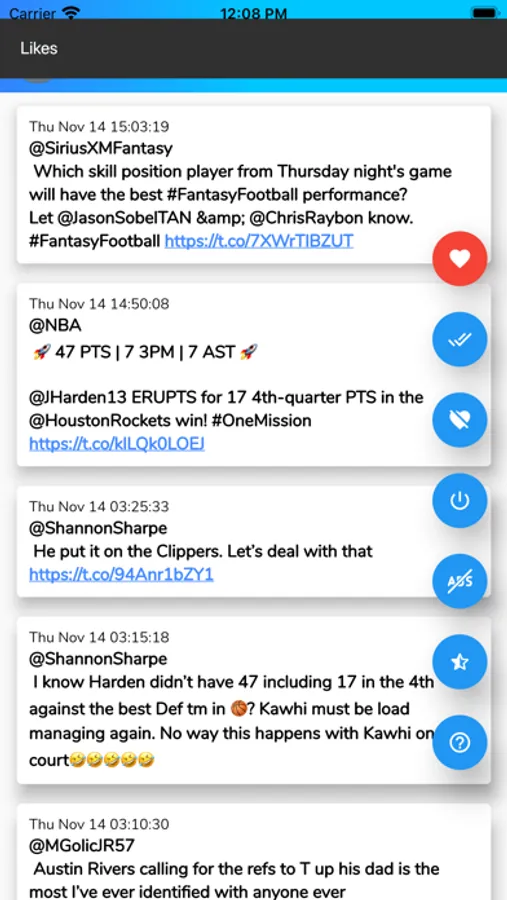
With this app, you can search, view, and delete tweets and favorites selectively or in bulk. Includes local cache management, archive import, and search functionality.
AppRecs review analysis
AppRecs rating 3.4. Trustworthiness 77 out of 100. Review manipulation risk 29 out of 100. Based on a review sample analyzed.
★★★☆☆
3.4
AppRecs Rating
Ratings breakdown
5 star
52%
4 star
6%
3 star
3%
2 star
6%
1 star
32%
What to know
✓
Low review manipulation risk
29% review manipulation risk
✓
Credible reviews
77% trustworthiness score from analyzed reviews
⚠
High negative review ratio
38% of sampled ratings are 1–2 stars
About Tweek
Tweek is an app that promotes privacy by allowing users to view or search through all of their tweets/favorites and delete the ones they no longer want.
Note: The Twitter app will cache (save) your tweets locally, even after deletion. Verify that a tweet has been deleted by logging into Twitter.com. Alternatively, you can delete local storage for the mobile app on your device.
Delete tweets in bulk. Long press any tweet you wish to delete and then tap the multi-delete button to remove.
Search through your tweets. Search for keywords through your last 3,200 tweets or all tweets with the archive import.
Load your Twitter archive. Download your archive from within the Twitter app and then load the resulting zip file directly into Tweek.
Archive Import Instructional Video - https://youtu.be/H5NvI6mQRlo
View any tweet in the Twitter app or website by tapping the tweet content in the detailed view.
Note: The Twitter app will cache (save) your tweets locally, even after deletion. Verify that a tweet has been deleted by logging into Twitter.com. Alternatively, you can delete local storage for the mobile app on your device.
Delete tweets in bulk. Long press any tweet you wish to delete and then tap the multi-delete button to remove.
Search through your tweets. Search for keywords through your last 3,200 tweets or all tweets with the archive import.
Load your Twitter archive. Download your archive from within the Twitter app and then load the resulting zip file directly into Tweek.
Archive Import Instructional Video - https://youtu.be/H5NvI6mQRlo
View any tweet in the Twitter app or website by tapping the tweet content in the detailed view.