In this banking app, users can access their account information and manage transactions securely. Includes account access, profile updates, and transaction history features.
AppRecs review analysis
AppRecs rating 4.5. Trustworthiness 0 out of 100. Review manipulation risk 0 out of 100. Based on a review sample analyzed.
★★★★☆
4.5
AppRecs Rating
Ratings breakdown
5 star
89%
4 star
6%
3 star
2%
2 star
1%
1 star
2%
What to know
✓
High user satisfaction
89% of sampled ratings are 5 stars
About PI Banking
The reasons for selecting the name of Mobile Apps as PI (π) are as follows:
a) It is short and can be remembered easily.
b) Earlier smallest unit of currency was PI (BD)
c) PI also implies money receivables.
d) PI in mathematics is 22/7 = 3.1428571429… implies Possibility Infinite.
e) PI Banking also stands for Pubali Internet Banking.
In order to get the said services, customers will activate PI App by following steps:
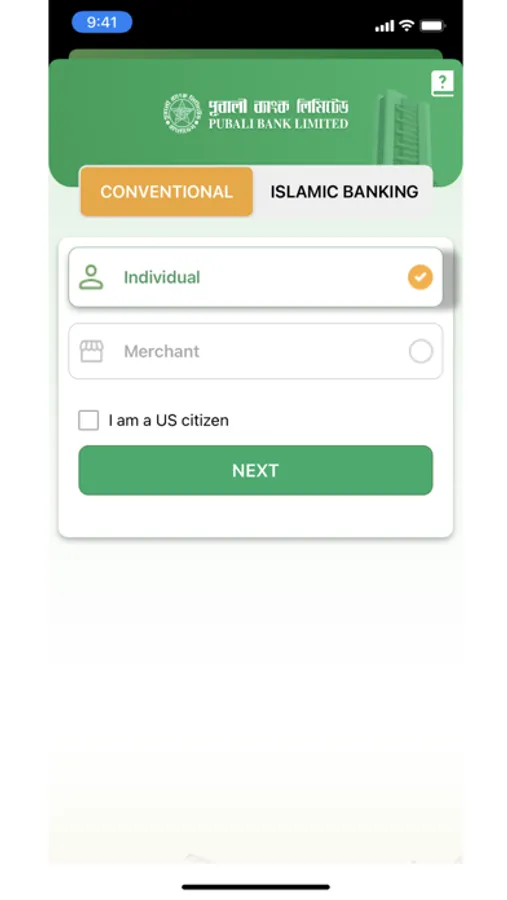
a) The interested customer will download and install the PI (π) Apps from App Store (iOS).
b) The customers will submit information of Account Number, Name, Date of Birth, e-Mail, Mobile Number, Father’s Name and Mother’s Name through Apps.
c) Concerned branch will verify the said information received through Pubali Integrated Baning System with the Physical Account Opening Form and approve when found matched. Branch will communicate with the customer and ensure genuineness.
d) After verification from the branch end, ICT Operation Division will verify the information by communicating with customer for PI Banking user activation and activate accordingly.
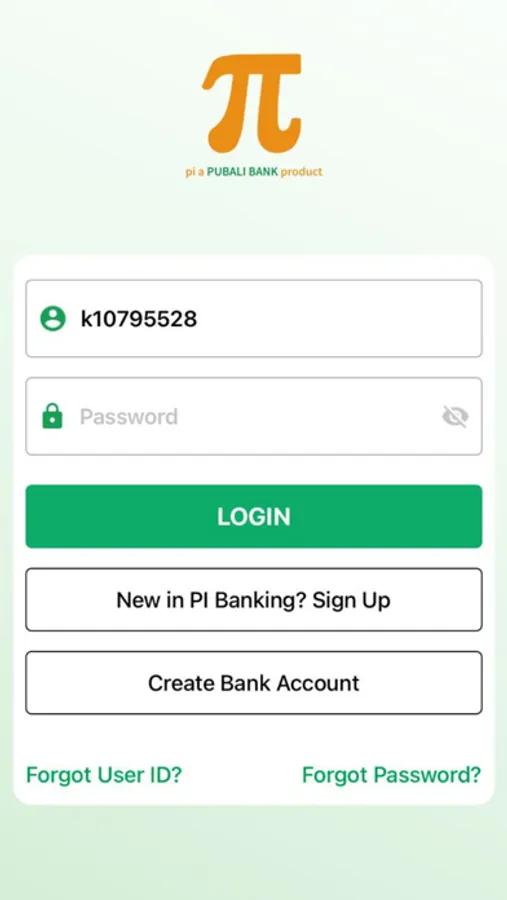
e) Upon activation, the customer will login at the first instance using his/her User ID and Password and giving some secret information provided by her/him earlier at the time of submission to ascertain the genuineness.
f) The customer will change her/his Password after the first login and thereafter may change the password frequently at her/his discretion.
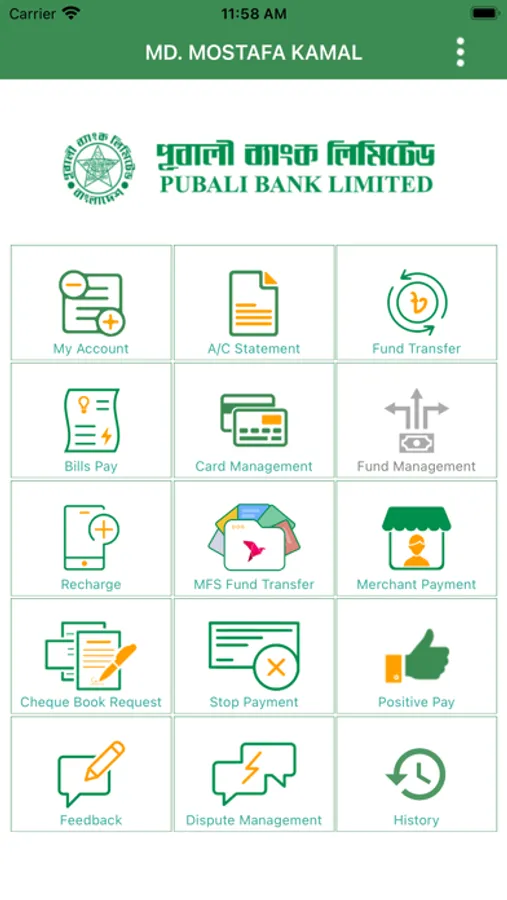
The services provided to our customers through Mobile App are furnished below:
A) Non-transactional features:
- My account (Balance of the Accounts)
- Last 5 (five) transactions (this is configurable i.e. customers may increase the number of transactions)
- Viewing account statements.
- Payment status of issued cheques
- Cheque book requisition
- Stop payment of cheque
- Submitting Positive Pay Instruction
B) Transactional features:
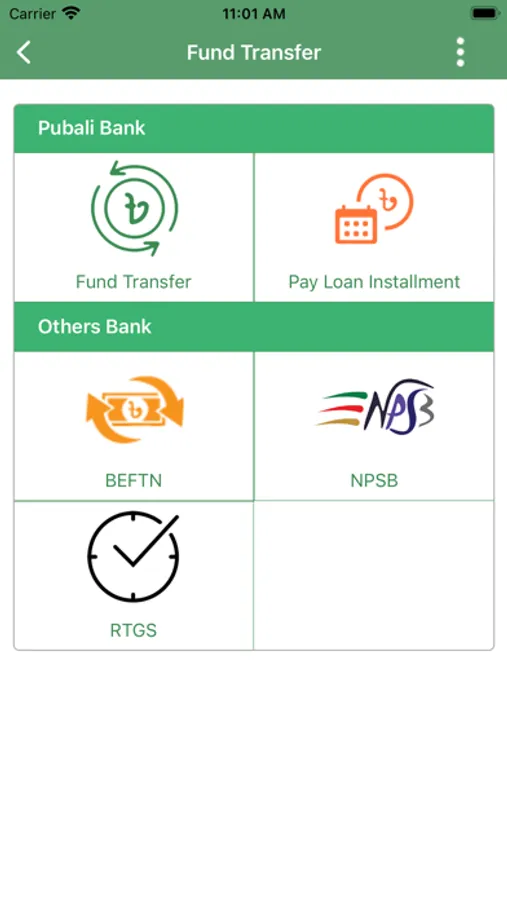
- Fund Transfer
- Between the Pubali Bank’s accounts
- Between the Pubali Bank and other Bank’s through NPSB, BEFTN and RTGS
- Mobile recharge (Postpaid or Prepaid)
- Bills Payment
- Card Management as Card Bill Payment, Card Statement
- Fund Transfer (Any Bank)
- Card to Card
- Card to Account
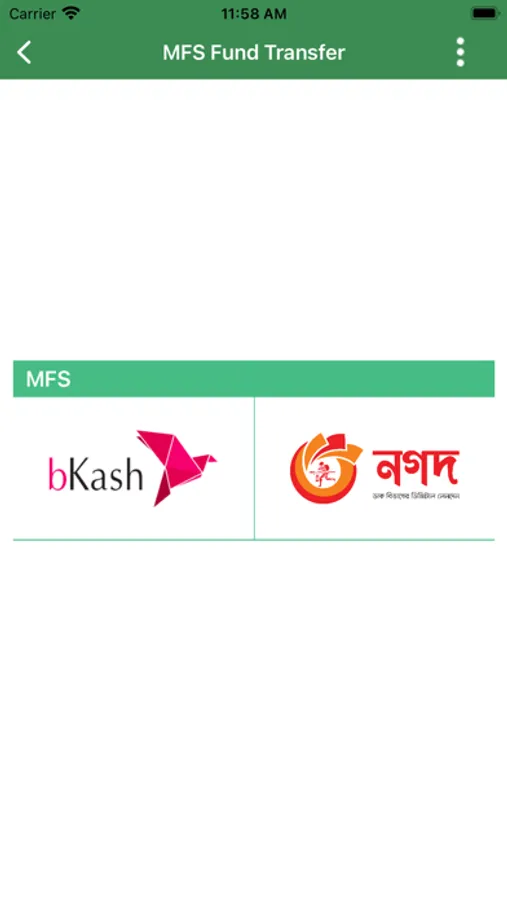
- Card to MFS
- Credit Card Bill Payment
- E-Commerce Enable or Disable (On Process)
- Fund Management (On Process)
- Creating FDR/ any deposit account
- Encashment
- FDR or Recurring Deposit A/C fund transfer to source A/C (SB, CC, CD,SND)
Security of the transmitted data through Internet:
To establish security of transmitted data by the customers in our system through internet and to ensure protection against unauthorized disclosure, alteration and fraudulent activities, we are receiving the service of “Sectigo” under license agreement. Thus the transmitted data is being protected through encryption enabled by a Server's Digital Certificate using the software “Sectigo”. This is widely used for security solution of web-server. It incorporates both authentication and encryption. Moreover, the server for the aforesaid banking system has been protected by the well reputed CISCO Firewall, Intrusion Prevention System (IPS) and Intrusion Detection System (IDS) to guard against intruders in the system.
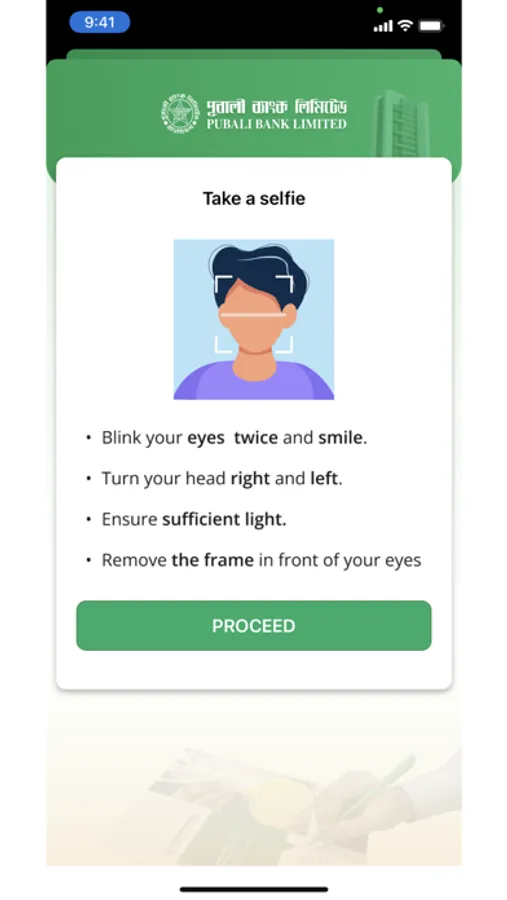
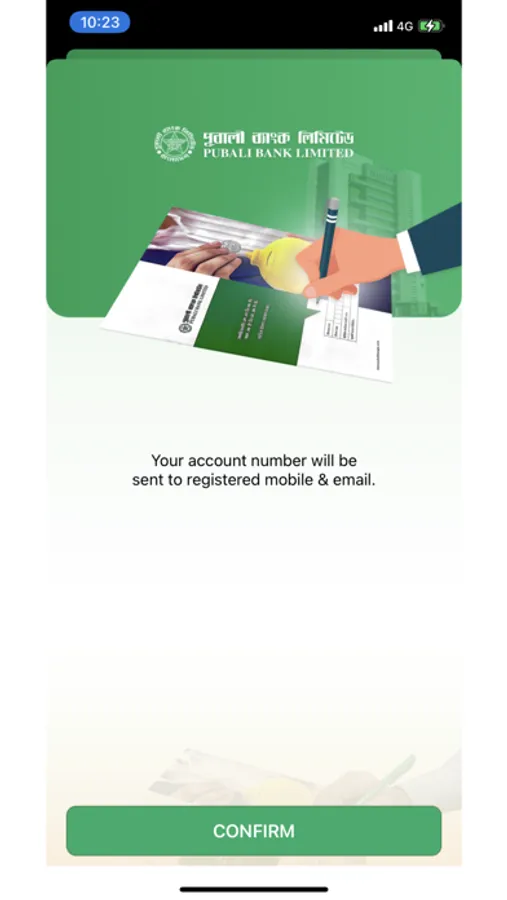
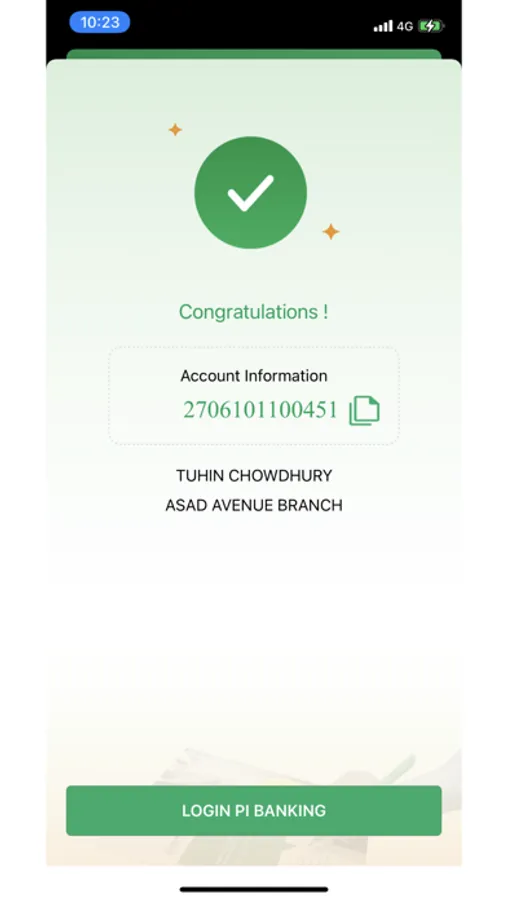
PI Banking Screenshots
Tap to Rate:
Reviews for PI Banking
Mohammad Sazzad
UI & UX
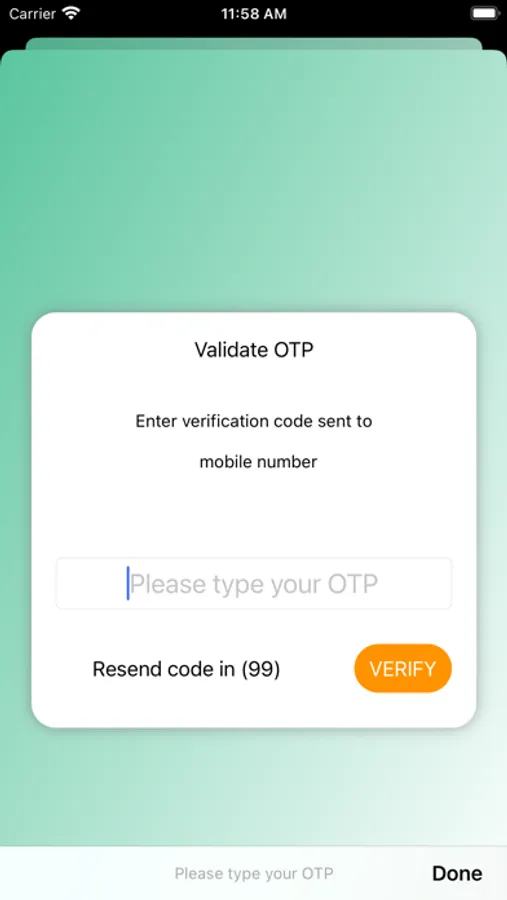
The overall experience with this banking app remains below average. While it manages to perform basic banking functions, the user experience feels uncomfortable and needs significant improvement. The OTP system is unreliable, with email OTPs often arriving after a 3–4 minute delay, which creates frustration, delays transactions, and reduces user confidence in the app’s security flow. The UI/UX design is a major concern. The interface is not visually appealing and feels outdated. The fonts are overly congested, making screens feel crowded and difficult to read, especially for important financial information. On top of that, the intense use of green color feels aggravated and overwhelming, which creates visual fatigue instead of a calm, professional banking experience. A banking app should feel clean, minimal, and reassuring—but this design feels cluttered and stressful. Another serious usability issue appears during fund transfers. After completing a transaction, the app does not display the receiver’s name on the success screen, which creates confusion and uncertainty about whether the money was sent to the correct recipient. This can easily lead to user mistakes and trust issues. Overall, with improvements in OTP reliability, cleaner UI design, better typography, balanced color usage, and clearer transaction confirmations, this app could become much more user-friendly. In its current form, it feels functional but uncomfortable to use, leading to a disappointing experience.
IMZAT
BEST WALLET AND BANKING SYSTEM IN BANGLADESH WITHOUT ANY DOUBT
Actually,PI Banking APP benefits me too much for transfer money in mobile banking like bkash,Nagad,Rocket,Upay,OK wallet,Tap etc.And many bank money transfer facility by NPSB. Finally I want to say I love P I ❤️ Recommend for everyone for too much facility in transaction in Everywhere [note:THIS IS NOT AN ADVERTISEMENT.iT’s my personal Review 👍