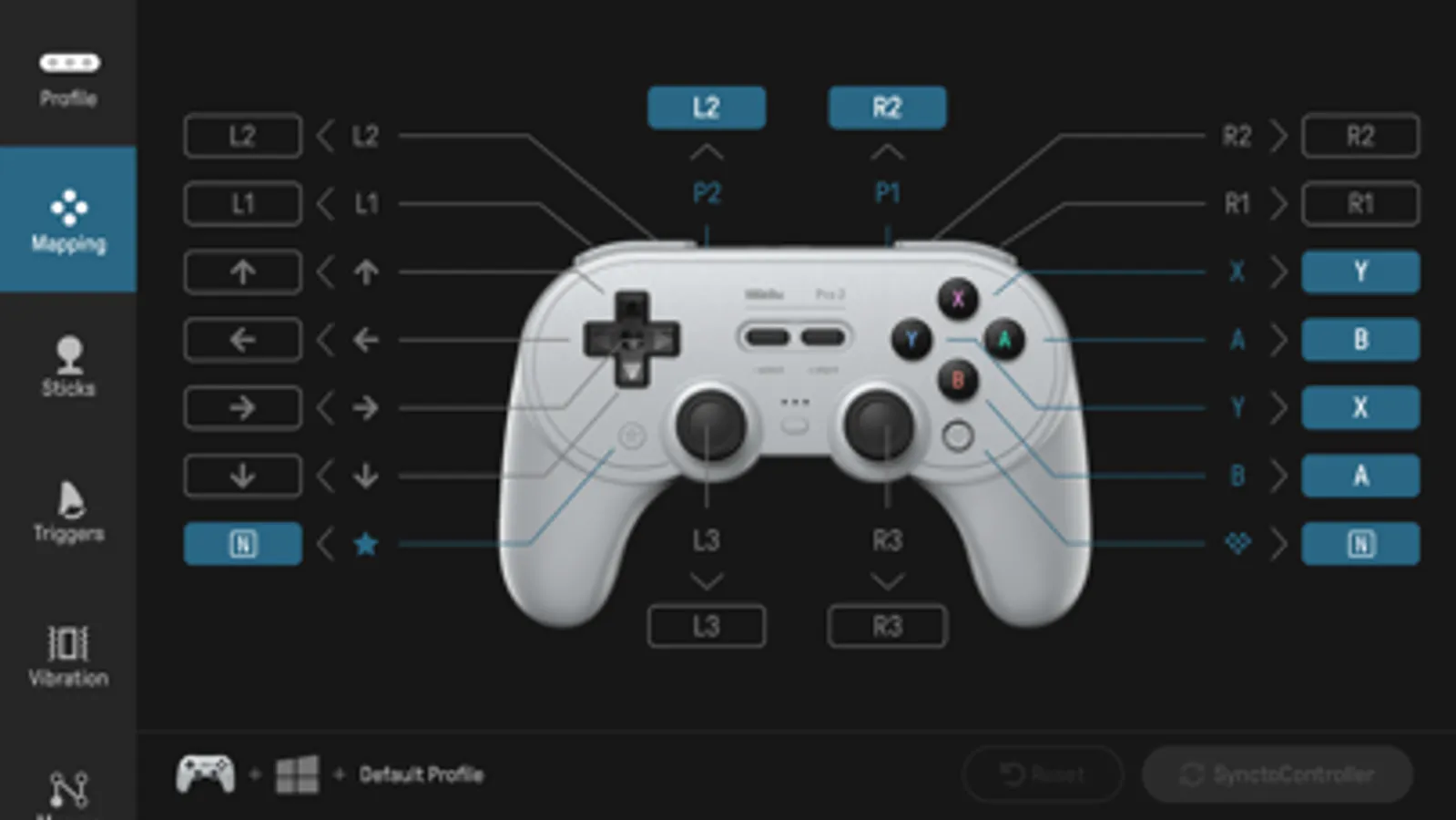
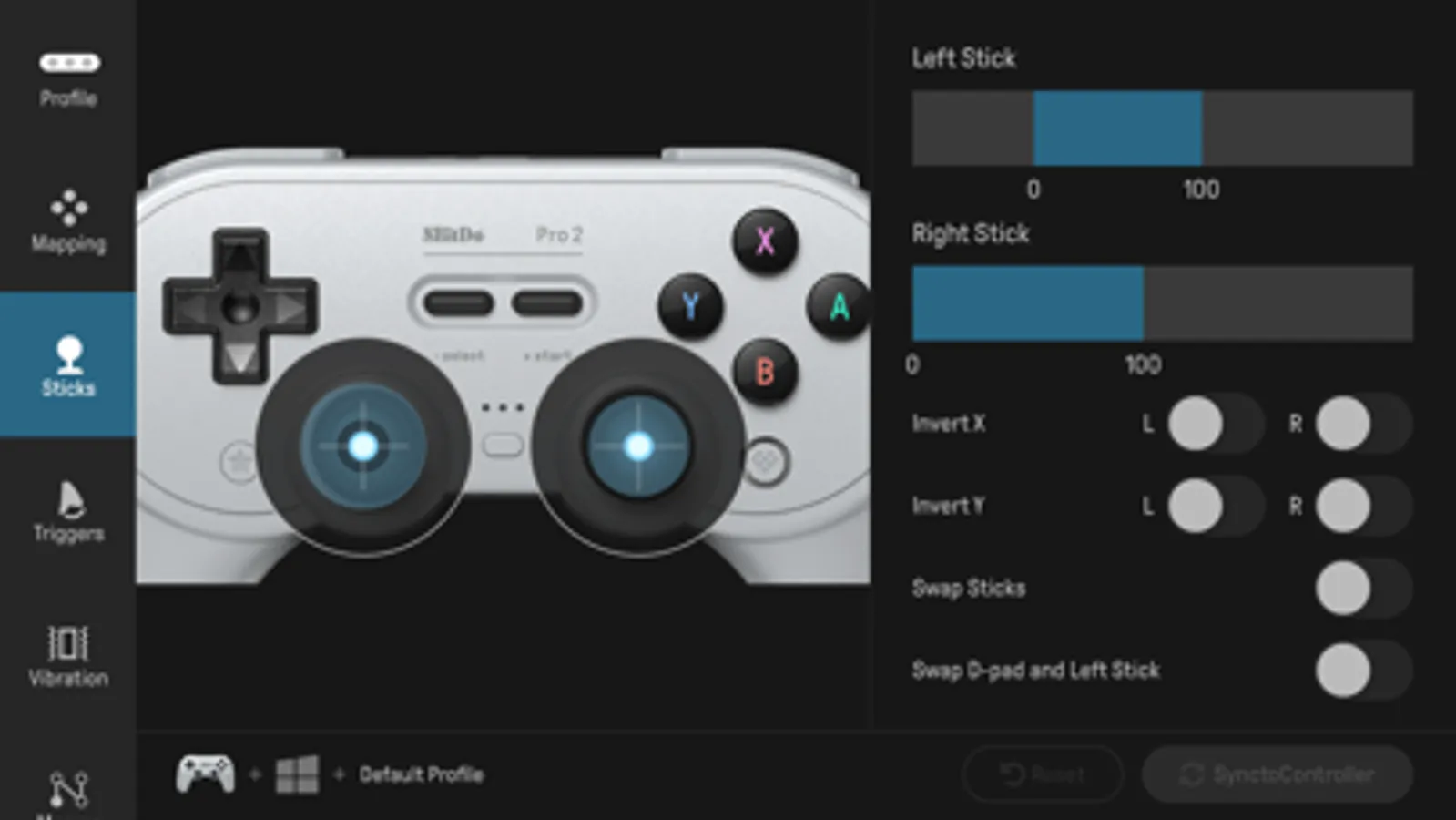
With this software, you can customize button mapping, adjust sensitivity, and create macros for compatible controllers. Includes controller profiles, sensitivity settings, and macro editing tools.
AppRecs review analysis
AppRecs rating 2.2. Trustworthiness 74 out of 100. Review manipulation risk 22 out of 100. Based on a review sample analyzed.
★★☆☆☆
2.2
AppRecs Rating
Ratings breakdown
5 star
22%
4 star
7%
3 star
8%
2 star
6%
1 star
57%
What to know
✓
Low review manipulation risk
22% review manipulation risk
⚠
Mixed user feedback
Average 2.3★ rating suggests room for improvement
⚠
High negative review ratio
63% of sampled ratings are 1–2 stars
About 8BitDo Ultimate Software
Controller Compatibility:
* 8BitDo Pro 2 Bluetooth Controller
* 8BitDo Pro 2 Wired Controller for Xbox
* 8BitDo Ultimate Wired Controller for Xbox
* 8BitDo Ultimate Bluetooth Controller
* 8BitDo Micro Gamepad
* 8BitDo Ultimate 3-mode Controller for Xbox
Please visit support.8bitdo.com for further information and additional support.
8BitDo Ultimate Software Screenshots
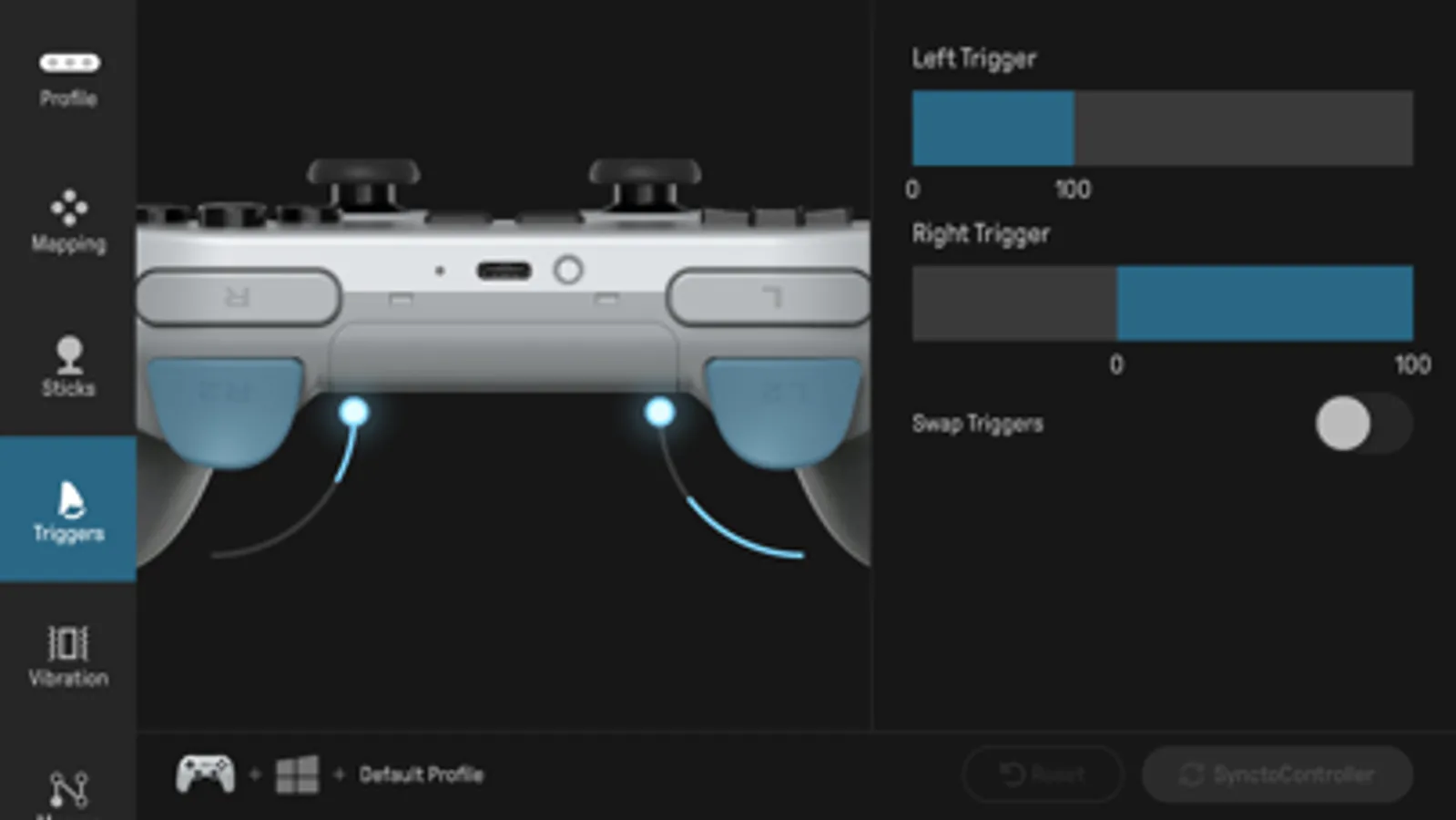
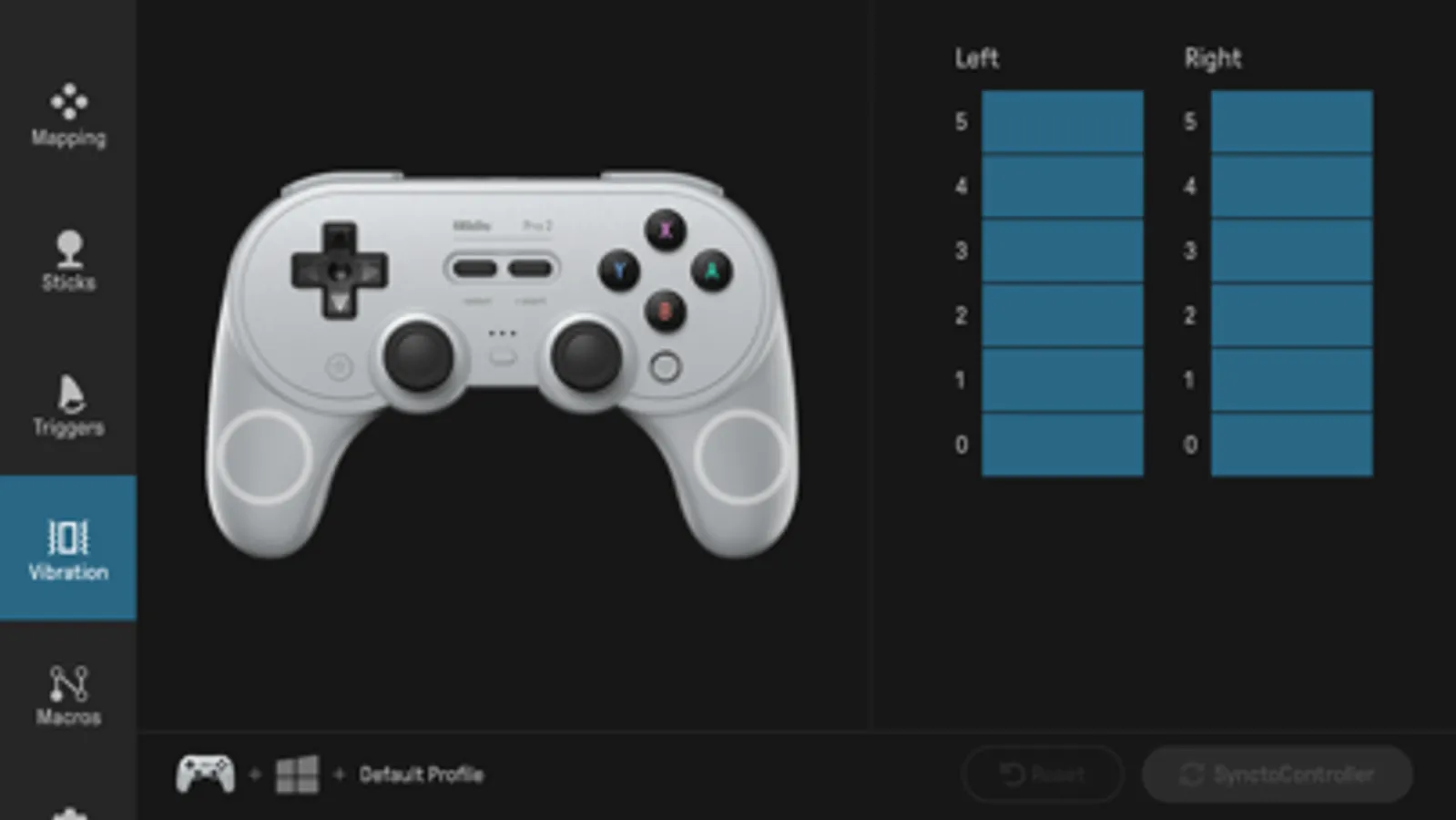
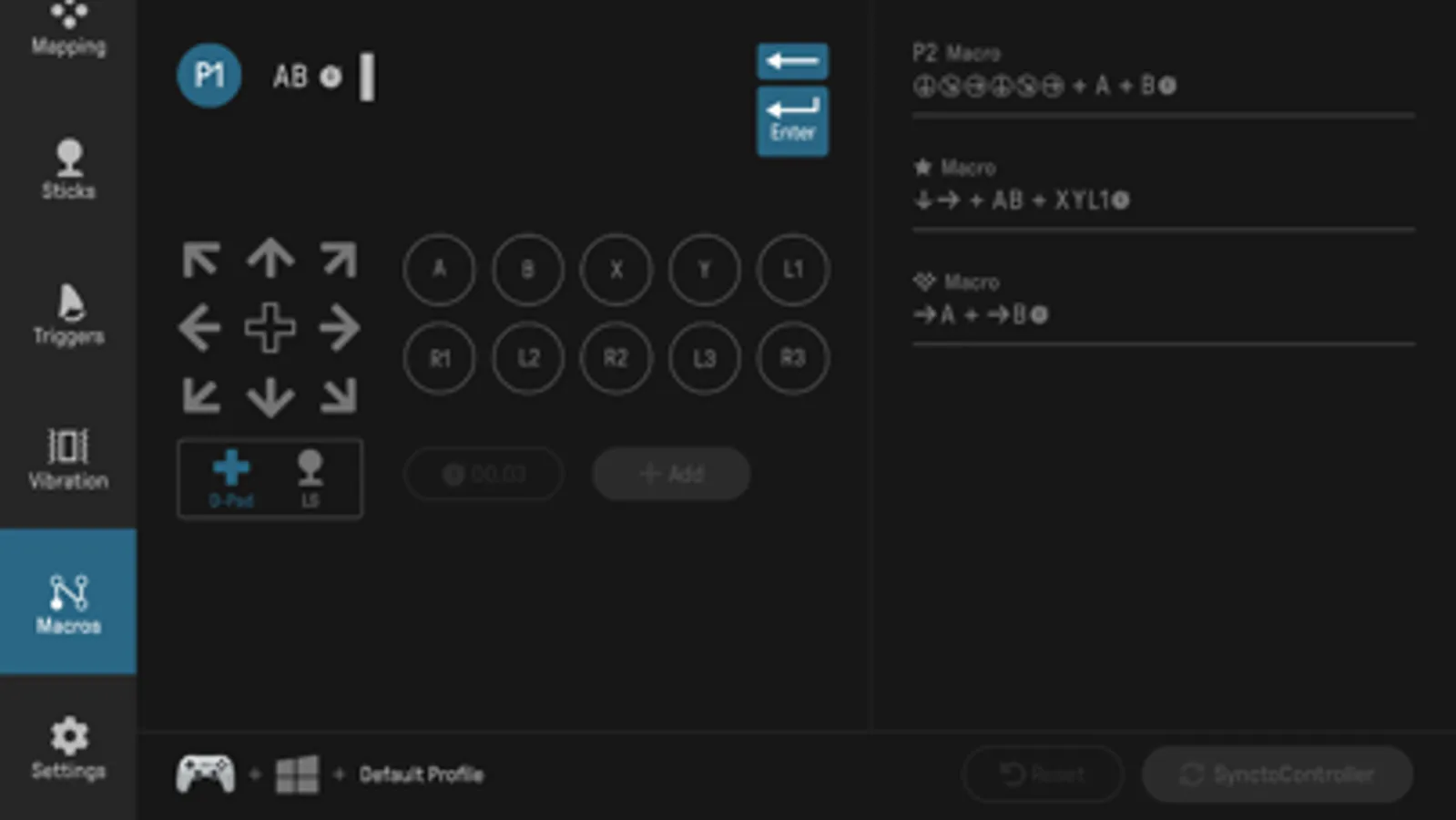
Tap to Rate:
Reviews for 8BitDo Ultimate Software
+-_____
Confusing, but Works
This program has a small learning curve, but it works. Key mapping tutorial (Bluetooth Ultimate, but should work for other models): - Connect controller to mobile via bluetooth - Open app and select your controller - Select what platform your controller will be connecting to (PC or Console) - "Button mapping" vs "Other" I prefer "other" because that option includes; keybinds, macros, vibration settings, stick controls, etc. - Other -> Scroll down and click profiles -> set up to 3 layouts - Pick a layout and name it - Adjust as needed (change your setting, "sync to device" on the app, on controller press the button above the 3 dots [your different profiles. Each dot represents what profile it's changing] to confirm, repeat this process until you've changed all your settings one by one.) - Disconnect the controller and reconnect it to the device you need it for. If it's not working it could be a bug, but genuinely please check any of these first: - make sure the right config was edited ("pc" vs "console") Settings don't cross-platform. - In the "app -> pc/console -> other" check your profiles to see where the settings got saved to - while the controller is connected to your device, click the button above the three dots to toggle between profiles or disable the profiles altogether.
morget?
unusable app
literally could not get past the initial connection screen. this app is, at least for me, completely useless.