DYCD docUP
Department of Information Technology And Telecomm
4.6 ★
100 ratings
Free
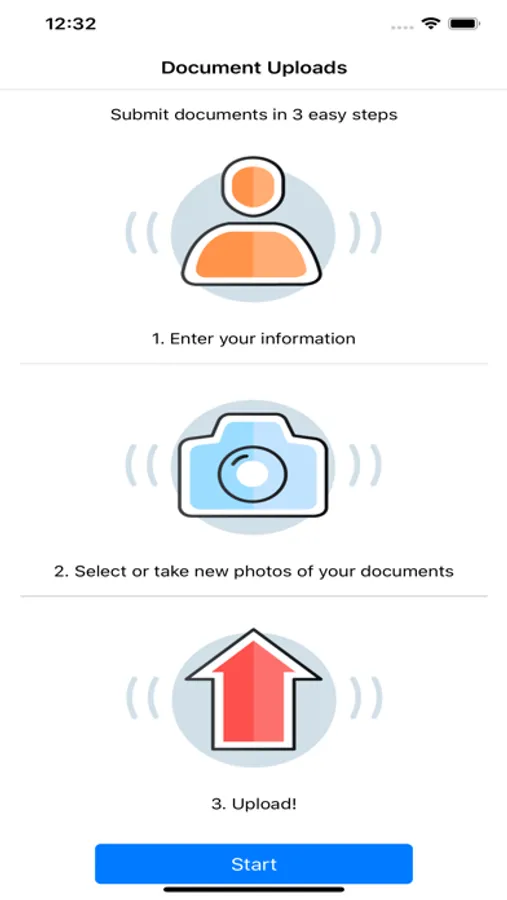
With this document upload app, you can submit supporting documentation for DYCD funded programs by entering program-specific information and uploading files. Includes features for multiple uploads and document review.
AppRecs review analysis
AppRecs rating 4.6. Trustworthiness 0 out of 100. Review manipulation risk 0 out of 100. Based on a review sample analyzed.
★★★★☆
4.6
AppRecs Rating
Ratings breakdown
5 star
85%
4 star
4%
3 star
5%
2 star
0%
1 star
6%
What to know
✓
High user satisfaction
85% of sampled ratings are 5 stars
✓
Authentic reviews
No red flags detected
About DYCD docUP
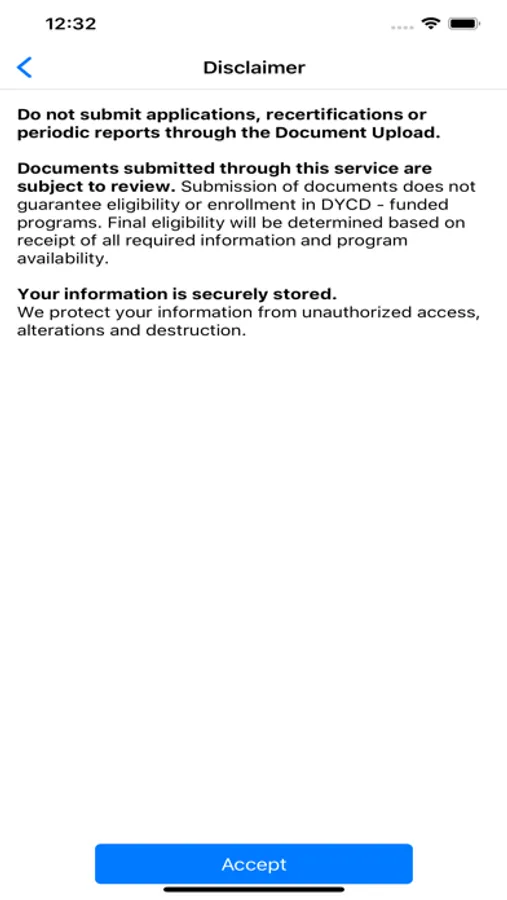
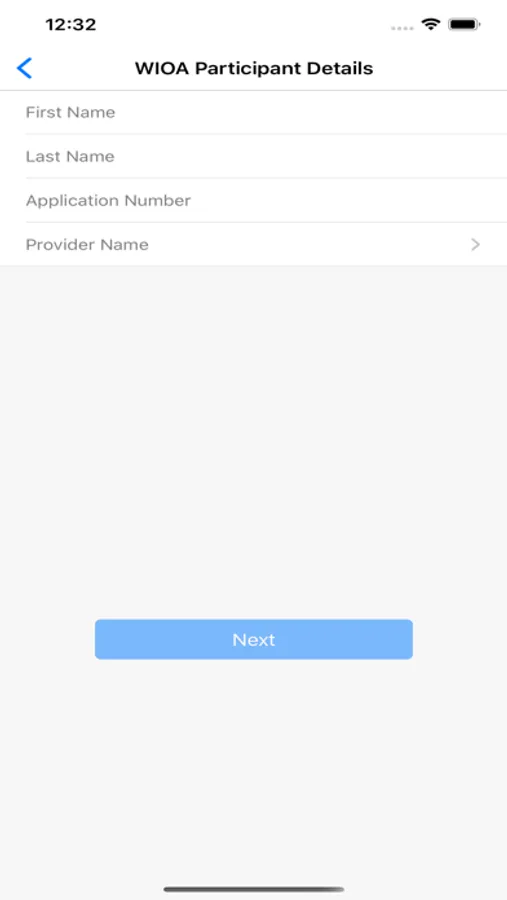
docUP Secure Document Upload is a mobile app that allows users to upload supporting documentation, to help them apply to DYCD funded programs, using their mobile device. They will need to enter basic information specific to the program and they are ready to go. No account creation is required, and the app can be used as many times as needed to upload all the supporting documents the DYCD program requires.
Once uploaded via the mobile upload app, the provider and DYCD users will access to review and process an applicant’s documentation. Each client’s application will have its own document inbox where submitted documents can be reviewed and validated. Due diligence will be completed by the provider and DYCD users to determine if the documents uploaded are sufficient for accepting the applicant into the program. Once all the needs are met, the application is ready to be processed and approved in DYCD Connect.
Once uploaded via the mobile upload app, the provider and DYCD users will access to review and process an applicant’s documentation. Each client’s application will have its own document inbox where submitted documents can be reviewed and validated. Due diligence will be completed by the provider and DYCD users to determine if the documents uploaded are sufficient for accepting the applicant into the program. Once all the needs are met, the application is ready to be processed and approved in DYCD Connect.
DYCD docUP Screenshots
Tap to Rate: