About RS10 Viewer for remote control
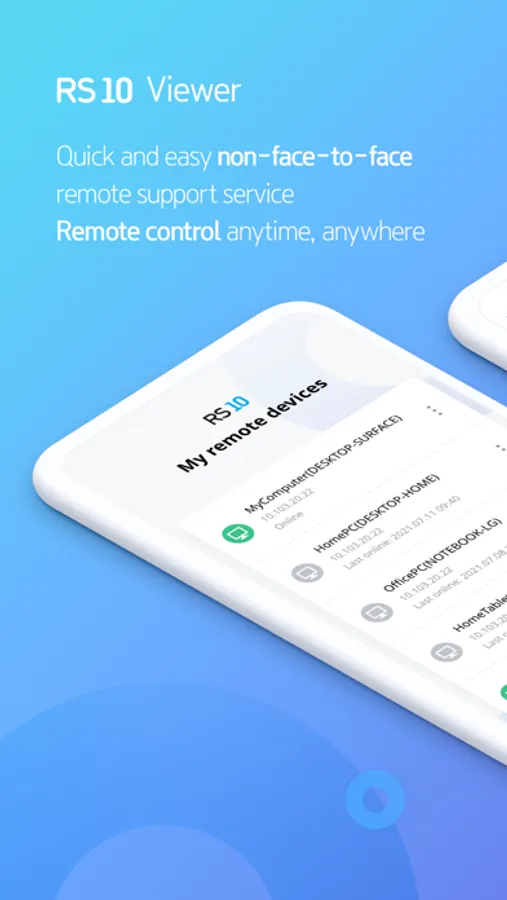
Solve problems quickly and easily with RS10 non-face-to-face remote support service.
You can use a remote computer as your own PC anytime, anywhere
[Characteristic]
- Simultaneous monitoring of multiple PCs or use for management purposes
- Network security through SSL communication, etc.
[main function]
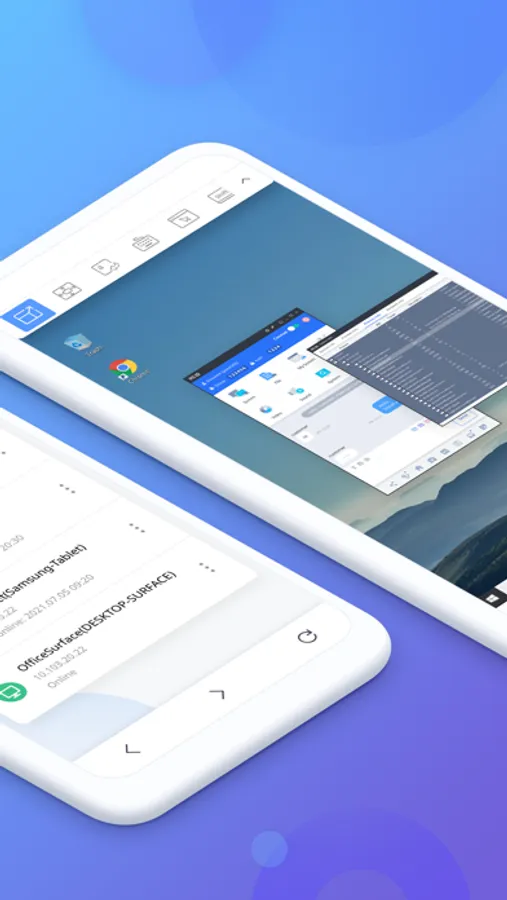
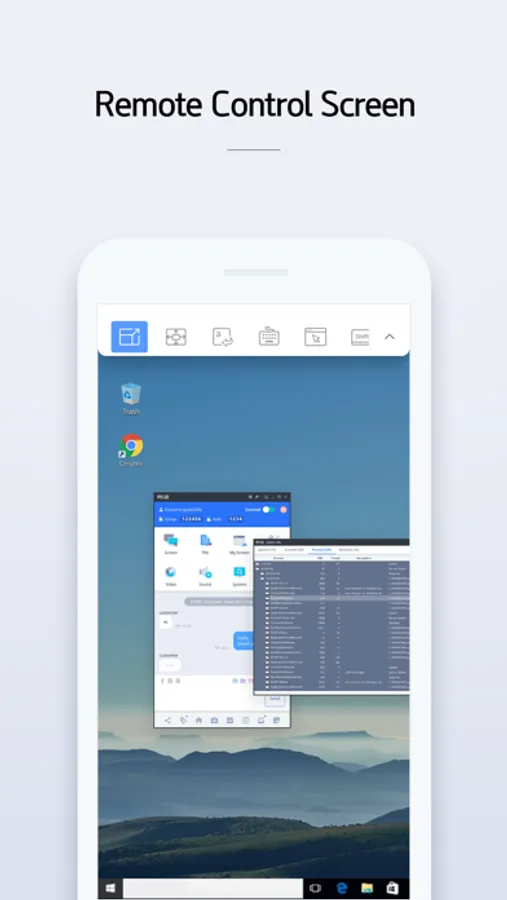
- Screen sharing and full remote control of other devices
- Convenient touch and gesture
- Perfect operation of keyboard and mouse even on mobile
[Optional access rights]
does not exist
[Supported device]
[Quick Guide]
1. Download RS10 Agent from the PC you want to connect and log in.
2. Install this app and log in.
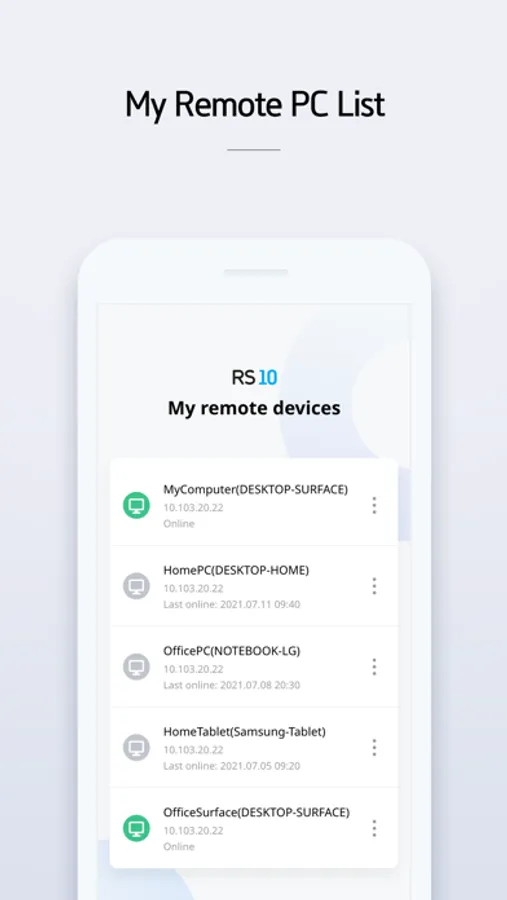
3. Select the PC list you want to control.
4. Connect and control.
You can use a remote computer as your own PC anytime, anywhere
[Characteristic]
- Simultaneous monitoring of multiple PCs or use for management purposes
- Network security through SSL communication, etc.
[main function]
- Screen sharing and full remote control of other devices
- Convenient touch and gesture
- Perfect operation of keyboard and mouse even on mobile
[Optional access rights]
does not exist
[Supported device]
[Quick Guide]
1. Download RS10 Agent from the PC you want to connect and log in.
2. Install this app and log in.
3. Select the PC list you want to control.
4. Connect and control.
RS10 Viewer for remote control Screenshots
Tap to Rate: