Samsung Smart Switch Mobile
Samsung Electronics Co., Ltd.
3.2 ★
169 ratings
Free
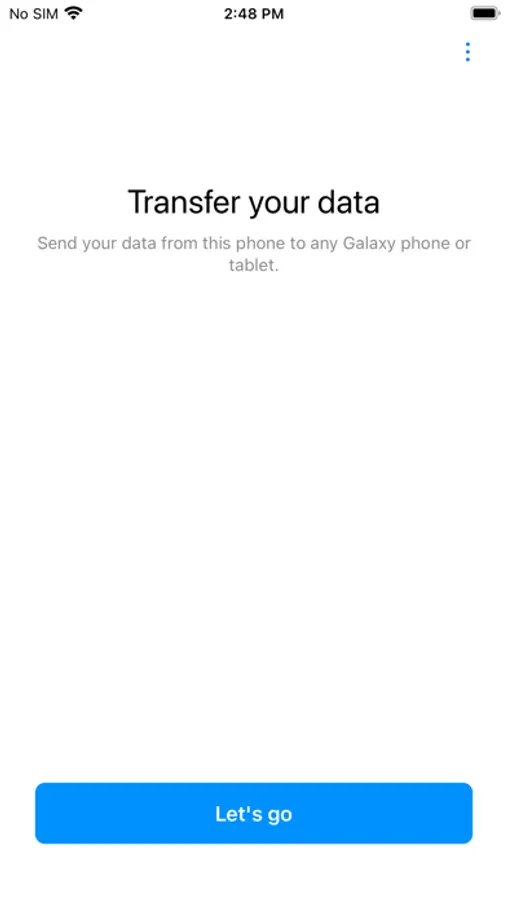
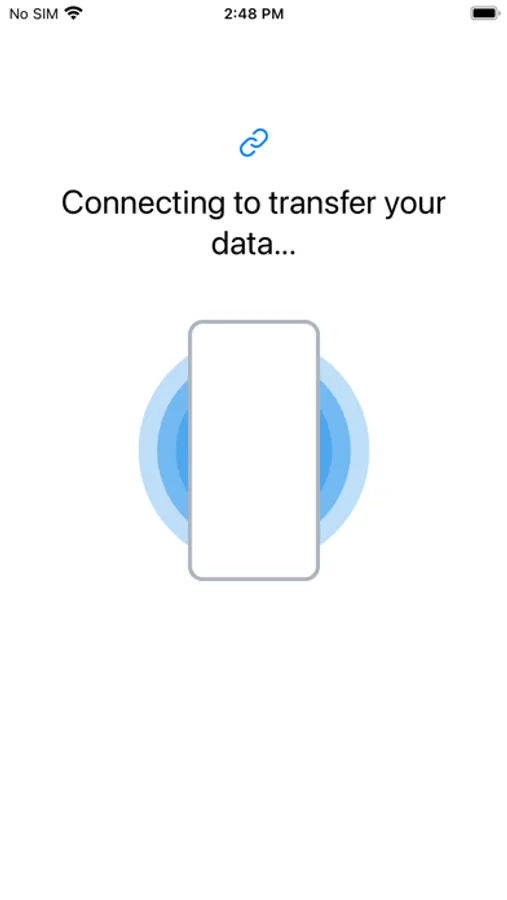
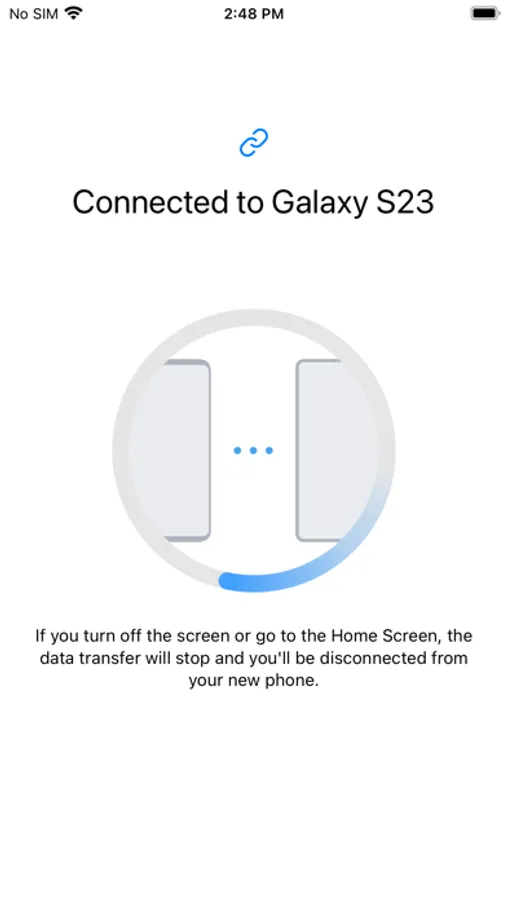
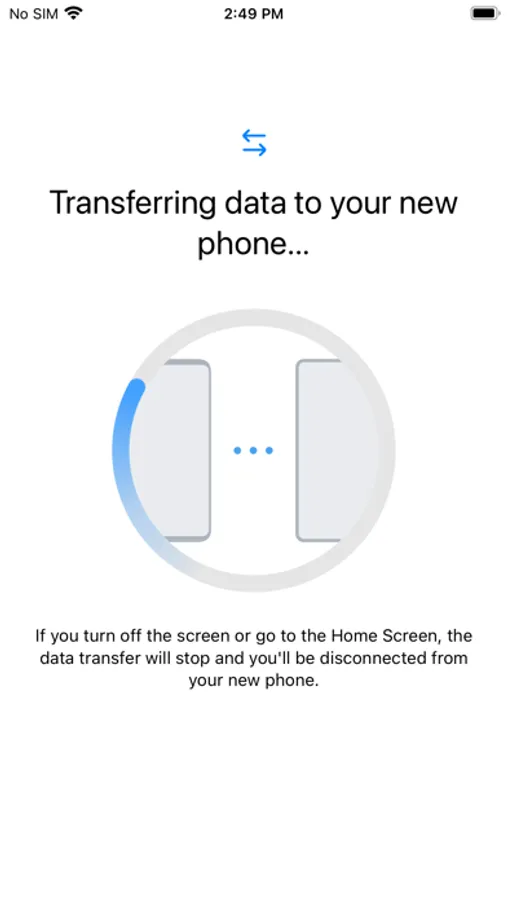
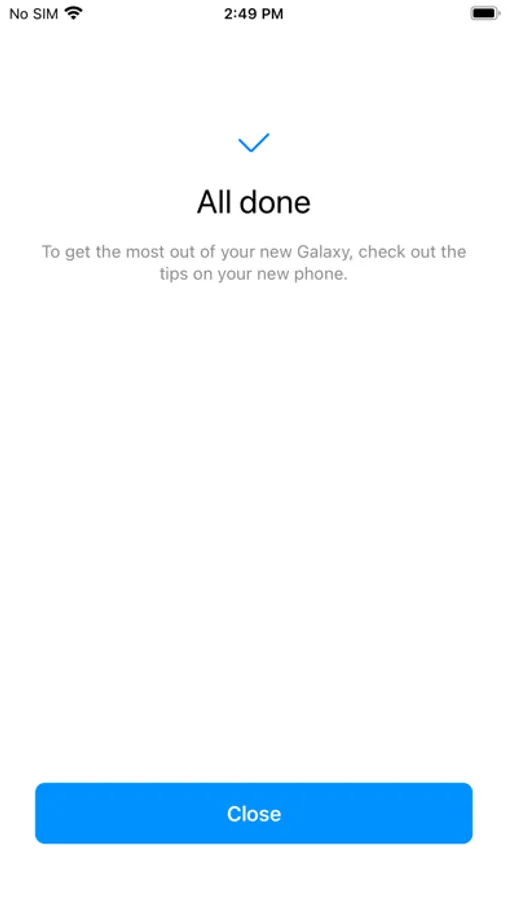
With this data transfer app, you can move contacts, photos, videos, and other content from iPhone to Galaxy devices. Includes contacts, calendar events, reminders, and media files.
AppRecs review analysis
AppRecs rating 3.1. Trustworthiness 79 out of 100. Review manipulation risk 23 out of 100. Based on a review sample analyzed.
★★★☆☆
3.1
AppRecs Rating
Ratings breakdown
5 star
46%
4 star
8%
3 star
6%
2 star
5%
1 star
36%
What to know
✓
Low review manipulation risk
23% review manipulation risk
✓
Credible reviews
79% trustworthiness score from analyzed reviews
⚠
High negative review ratio
41% of sampled ratings are 1–2 stars
About Samsung Smart Switch Mobile
▣ How to easily transmit content from iPhone to Galaxy.
Smart Switch can move contacts, calendar events, reminders, photos, and videos to Galaxy devices.
* Note: After the data transfer is completed, the data of the sender device is maintained. (Not deleted).
▣ How can I send it?
- Search and run Smart Switch in the settings of Galaxy device.
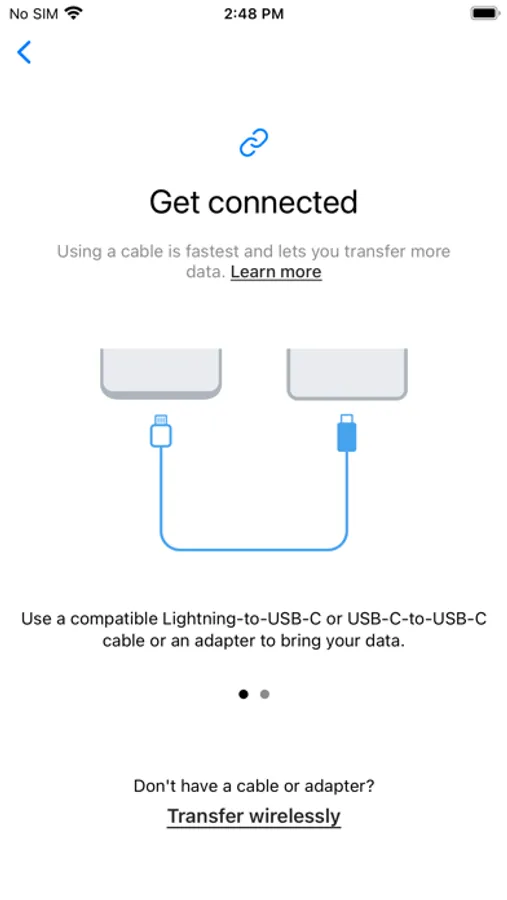
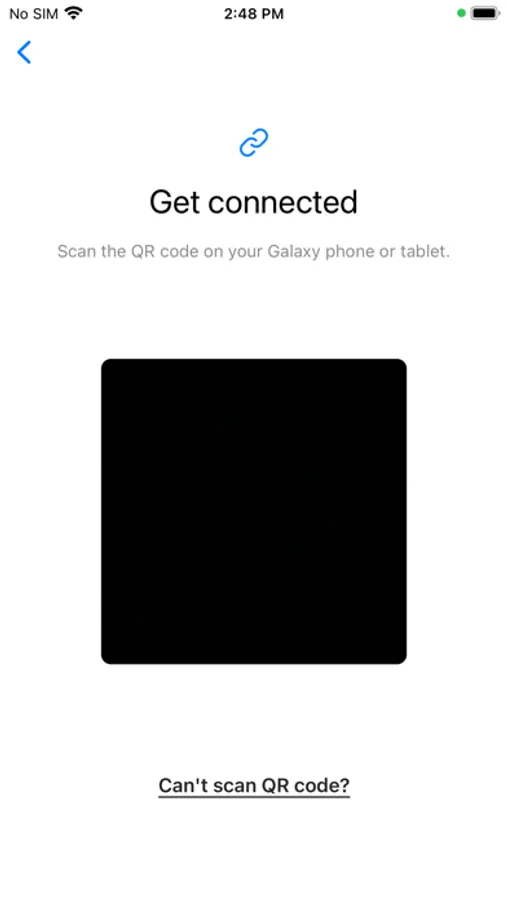
- Search and download “Samsung Smart Switch” from App Store and connect and send it according to the guide.
▣ What can I send?
- Contacts, calendar events, reminders, photos, videos
* You can use the USB connector to send more items when connecting.
Smart Switch can move contacts, calendar events, reminders, photos, and videos to Galaxy devices.
* Note: After the data transfer is completed, the data of the sender device is maintained. (Not deleted).
▣ How can I send it?
- Search and run Smart Switch in the settings of Galaxy device.
- Search and download “Samsung Smart Switch” from App Store and connect and send it according to the guide.
▣ What can I send?
- Contacts, calendar events, reminders, photos, videos
* You can use the USB connector to send more items when connecting.
Samsung Smart Switch Mobile Screenshots
Tap to Rate:
Reviews for Samsung Smart Switch Mobile
JohnJohn3000
its
good
@Gambler95
Bug
When I want to receive file with wifi there is no qr code and when i use cable it say there is no space but my memory is 100 gb free and the file I want to send is only 6 gb