
AppRecs review analysis
AppRecs rating 3.8. Trustworthiness 65 out of 100. Review manipulation risk 31 out of 100. Based on a review sample analyzed.
★★★☆☆
3.8
AppRecs Rating
Ratings breakdown
5 star
60%
4 star
0%
3 star
0%
2 star
40%
1 star
0%
What to know
✓
Good user ratings
60% positive sampled reviews
About The Secret Santa
But this year, it's back better than ever! Completely re-built, brand new infrastructure, and new features make this THE #1 app for Secret Santa groups.
Using The Secret Santa mobile app allows you to invite people into your Secret Santa group in a fun and easy way.
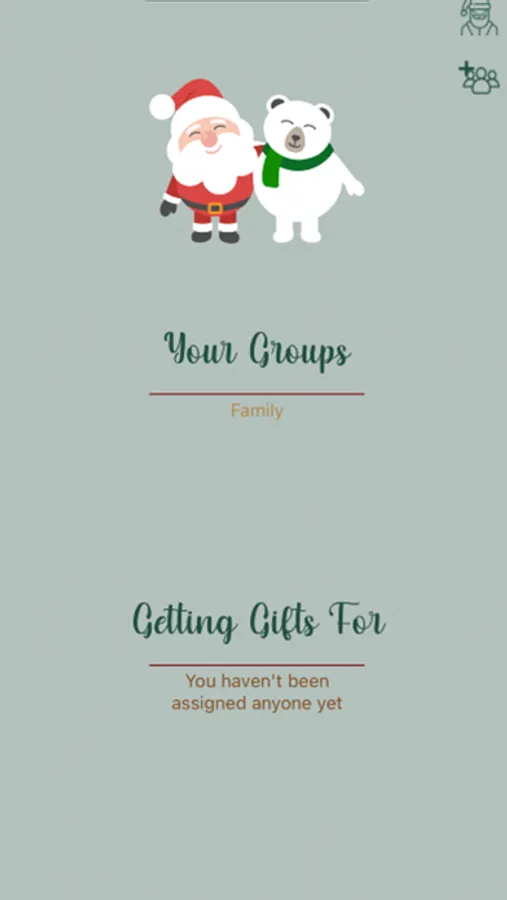
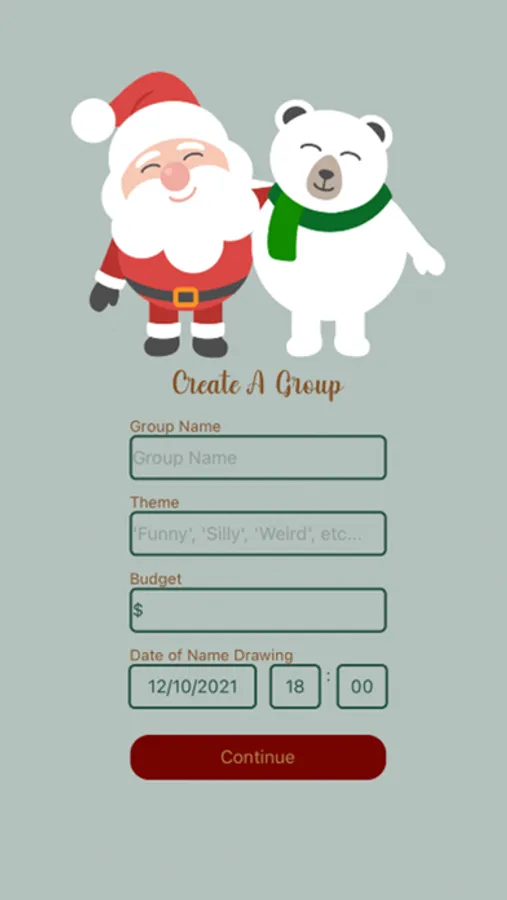
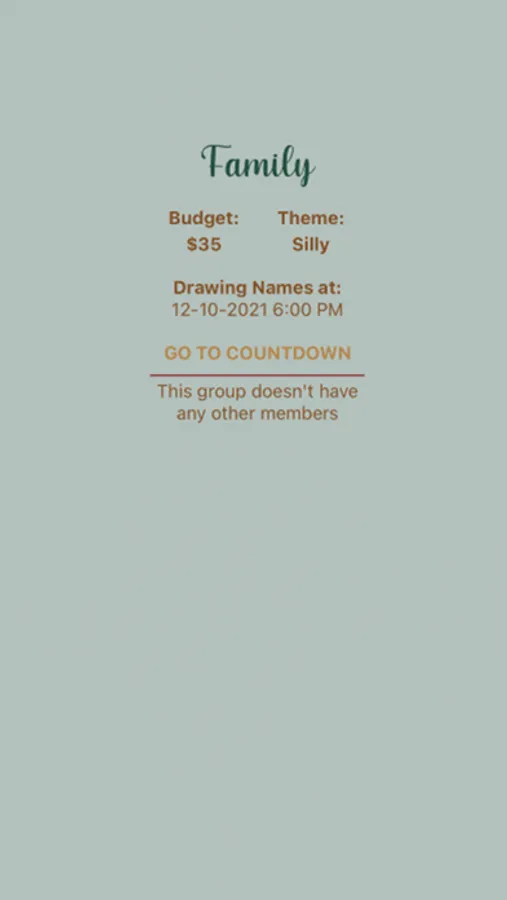
Simply create a group, set a budget, theme, and date/time to draw names, and then invite people! The app will automatically send out Text Messages to each person invited with a link to accept the invitation and to download the app for themselves. You'll be able to see who has accepted the invite, a fun countdown for the name drawing, and then you'll see a list of everyone you'll be buying gifts for this year. In your profile options (click on the top right), you'll even be able to add a note for others to see (we recommend including things such as allergies or gift ideas!).
When you click on a group, you can also click on the names within a group who have accepted the invite to see their profile and contact info. Users can only join a group if they've been invited!
This app is great for groups, workplaces, schools, etc!
The Secret Santa Screenshots


Tap to Rate:
Reviews for The Secret Santa
lily_lotus
Need more directory
I’ve been trying to delete the account and join the group that I got the code for. But it’s not working. There should be more things on the app that will allow you to join a group instead of creating one.
bsbebnsbc1536
Sign in issue, needs help ASAP!!!
I’m trying to log out of this thing but I can’t find anyway of doing so. I accidentally registered myself using my own signup code, instead of the one that was sent to me by my group. I’ve been trying to figure out a way to logout so that I can register myself to my assigned group but there’s no option for me to do that. Can someone help please!