
About VISER AR Experience
VISER AR Experience unlocks augmented reality experiences from Queensland University of Technology (QUT)
This app is primarily for use across events and exhibitions within the university community for QUT
Note: This app requires connection to the internet
Step 1:
Open the VISER AR Experience app on your smartphone and allow camera access.
NB: The app cannot work without access to your smartphone’s camera. If permission is denied or missed, you will need to manually grant access in your phone’s system preferences or settings before you can use the app.
Step 2:
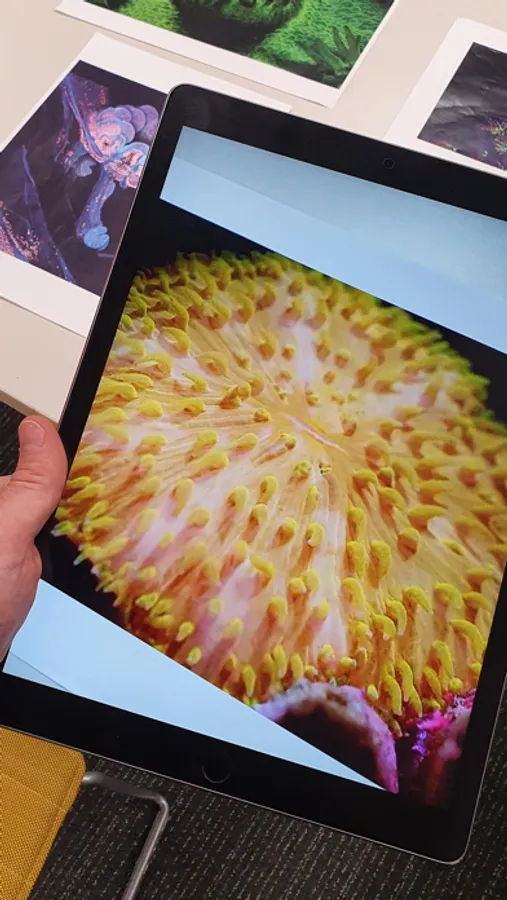
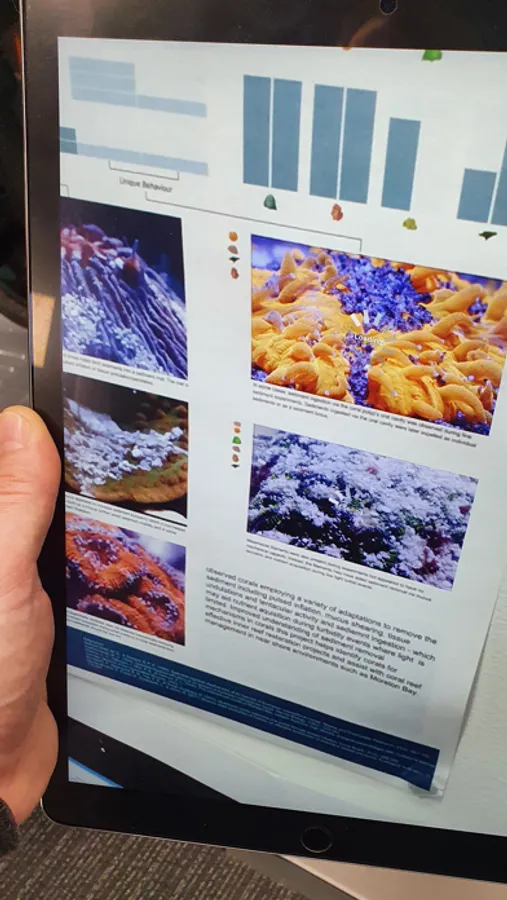
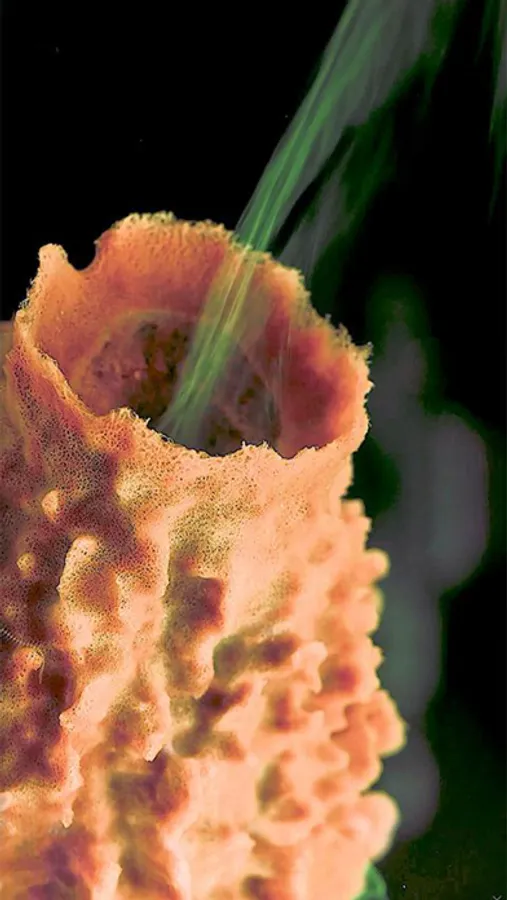
Hold your smartphone camera over an activated image while the VISER AR Experience app is active and watch the image come to life. The app will work with a printed images as well as digital images on a screen.
Questions?
Contact viser@qut.edu.au
Credits
The VISER AR Experience app was developed by QUT's Visualisation and Interactive Solutions team (VISER). Visit https://research.qut.edu.au/viser
Privacy Policy
https://viserar.myglobe.app/privacy-policy.html
Visit www.qut.edu.au for more information about QUT
This app is primarily for use across events and exhibitions within the university community for QUT
Note: This app requires connection to the internet
Step 1:
Open the VISER AR Experience app on your smartphone and allow camera access.
NB: The app cannot work without access to your smartphone’s camera. If permission is denied or missed, you will need to manually grant access in your phone’s system preferences or settings before you can use the app.
Step 2:
Hold your smartphone camera over an activated image while the VISER AR Experience app is active and watch the image come to life. The app will work with a printed images as well as digital images on a screen.
Questions?
Contact viser@qut.edu.au
Credits
The VISER AR Experience app was developed by QUT's Visualisation and Interactive Solutions team (VISER). Visit https://research.qut.edu.au/viser
Privacy Policy
https://viserar.myglobe.app/privacy-policy.html
Visit www.qut.edu.au for more information about QUT
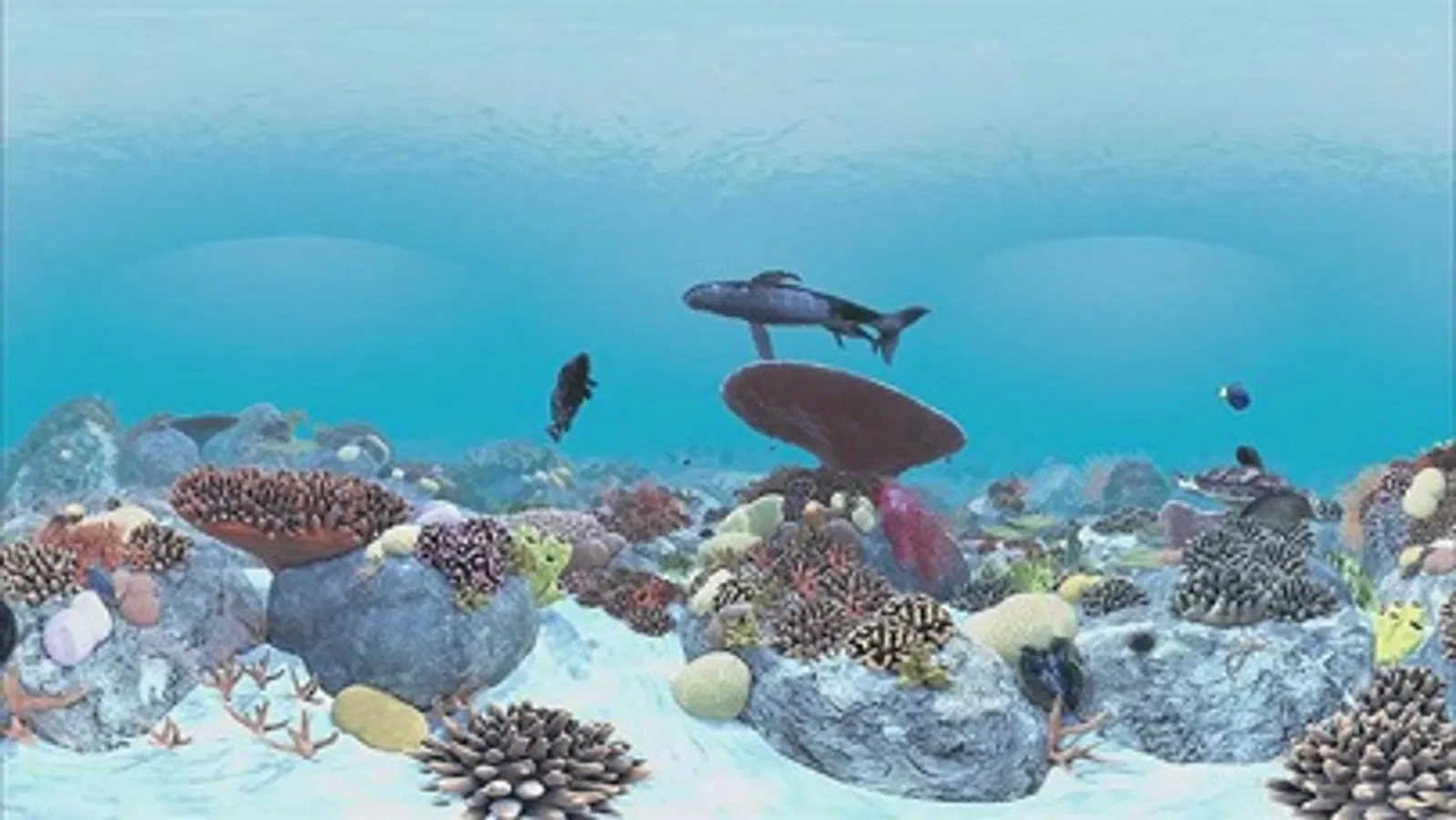
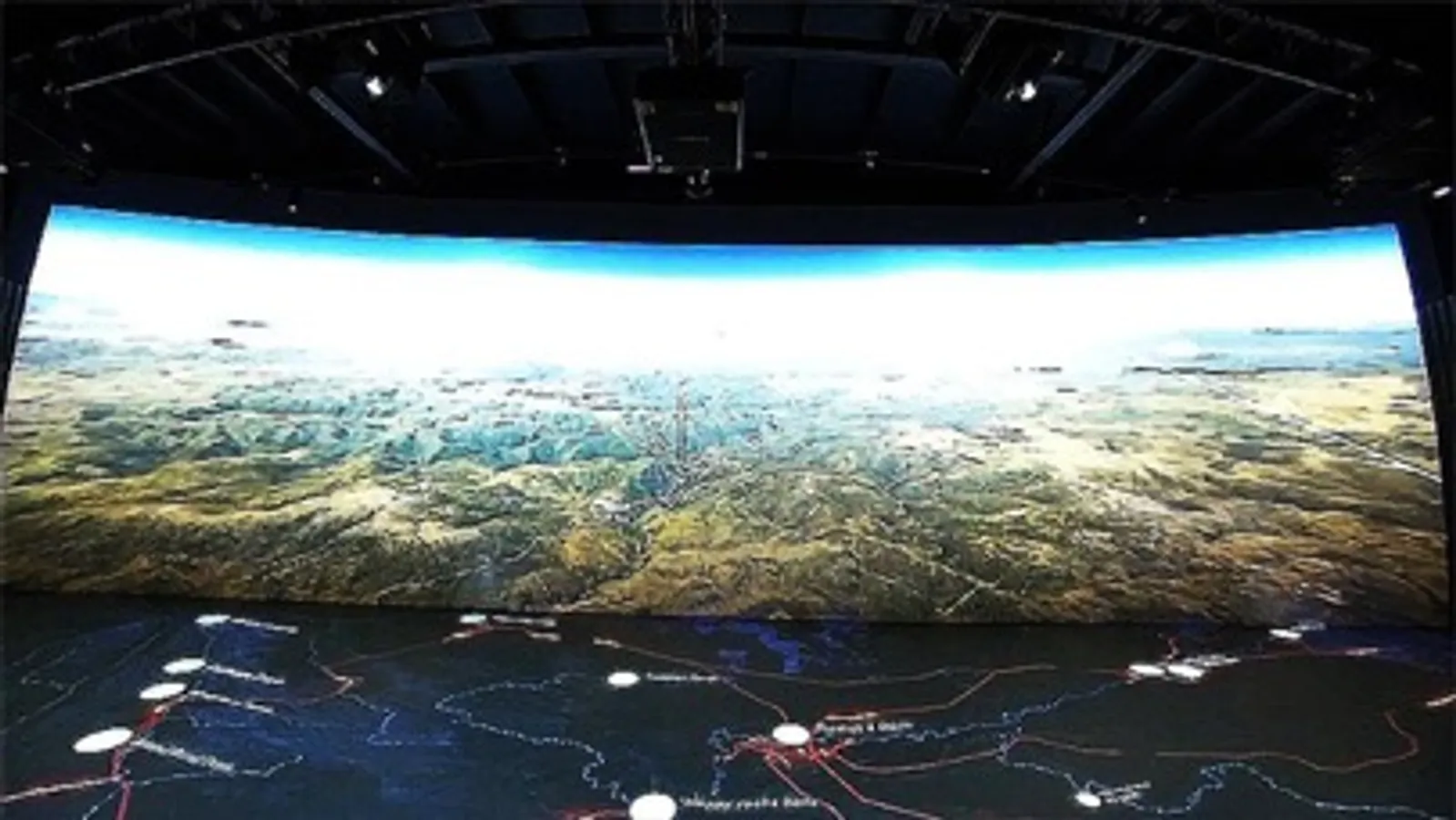
VISER AR Experience Screenshots

Tap to Rate: