
IQ Installer Interface
Tyco Safety Products Canada, Ltd.
3.0 ★
7 ratings
Free
AppRecs review analysis
AppRecs rating 3.0. Trustworthiness 74 out of 100. Review manipulation risk 22 out of 100. Based on a review sample analyzed.
★★★☆☆
3.0
AppRecs Rating
Ratings breakdown
5 star
29%
4 star
0%
3 star
29%
2 star
29%
1 star
14%
What to know
✓
Low review manipulation risk
22% review manipulation risk
✓
Credible reviews
74% trustworthiness score from analyzed reviews
About IQ Installer Interface
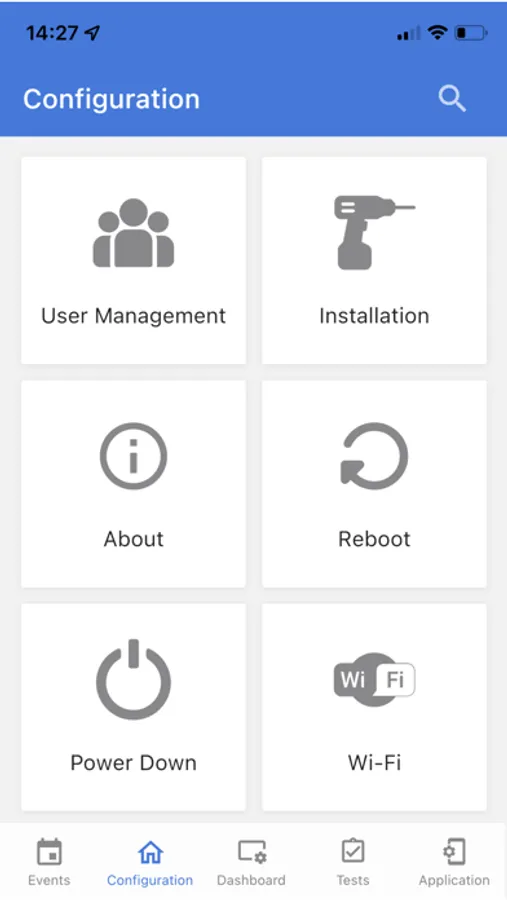
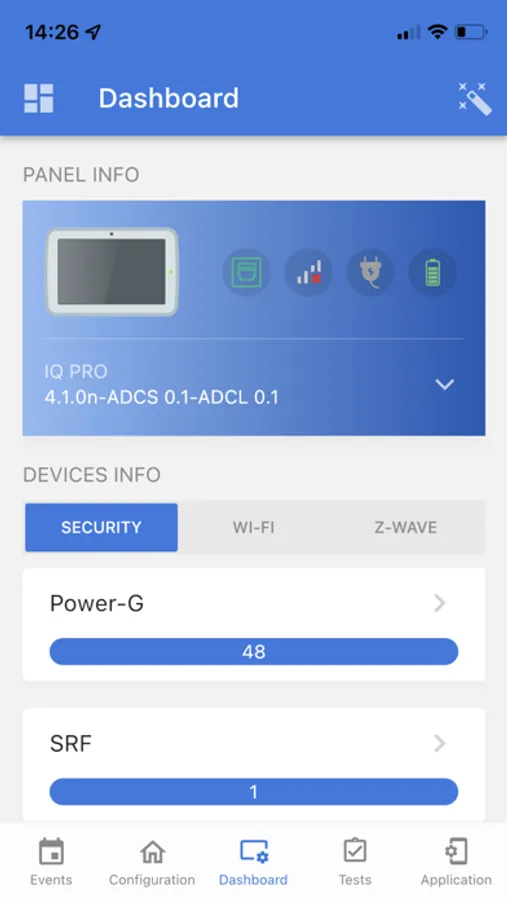
The intuitive interface includes a centralized dashboard and a step-by-step installation wizard, providing streamlined access to all essential setup functions.
Key features include:
◦ Device Programming – Easily add, configure, and manage security devices.
◦ User Management – Create and modify user profiles, access levels, and credentials.
◦ Software Upgrades – Update panel firmware directly through the app for optimal performance and new features.
◦ System Configuration – Customize panel behavior, automation rules, network settings, and more.
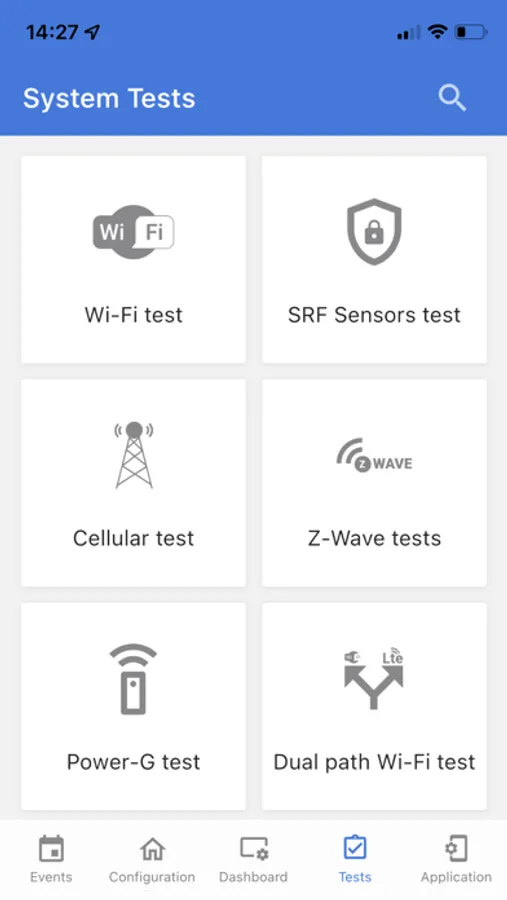
To ensure a successful installation, the app also provides built-in system tests, including sensor checks and communication diagnostics, as well as access to event history logs for real-time verification and troubleshooting.
Whether deploying a single panel or managing a complex installation, IQ Installer delivers the tools and visibility professionals need for a reliable and efficient setup process.
IQ Installer Interface Screenshots
Tap to Rate:
Reviews for IQ Installer Interface
Cruison
Horrible idea for a security system
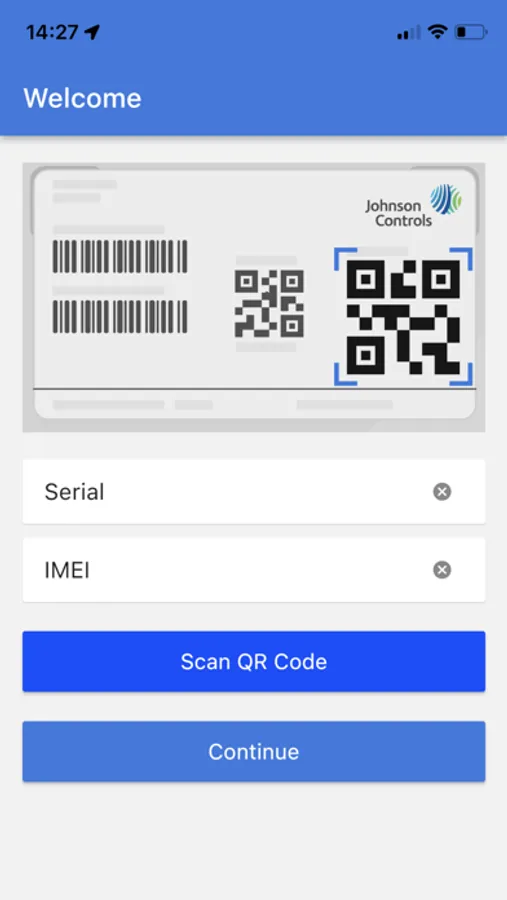
Having ZERO local programming control is something only a truely clueless individual would create. This is honestly the worst board, system, and overall app to work with. The fact you have to have an app….. to program a security system…. Have you people ever heard of *8 command? Do you know what DSC actually is? Wow actually the worst idea ever. You did it, there’s also a tiny PLASTIC BLUETOOTH BUTTON! Yay!! What an idea. You did the idea thing. Literally man, a Bluetooth button I have to press , scan QR code . Connection, stay within range on my phone…. You absolute numskulls.
kev5688
could use work a little bit
I use VoiceOver on the iPhone to navigate the app, since I am visually impaired. I can't seem to get past the screen that allows you to accept the terms of service.