
AppRecs review analysis
AppRecs rating 3.4. Trustworthiness 0 out of 100. Review manipulation risk 0 out of 100. Based on a review sample analyzed.
★★★☆☆
3.4
AppRecs Rating
Ratings breakdown
5 star
45%
4 star
5%
3 star
14%
2 star
18%
1 star
18%
About MotiveWave Mobile: Trading
The mobile application supports multiple broker connections within the same Workspace or you can create separate Workspaces for each broker.
The application supports two layout modes:
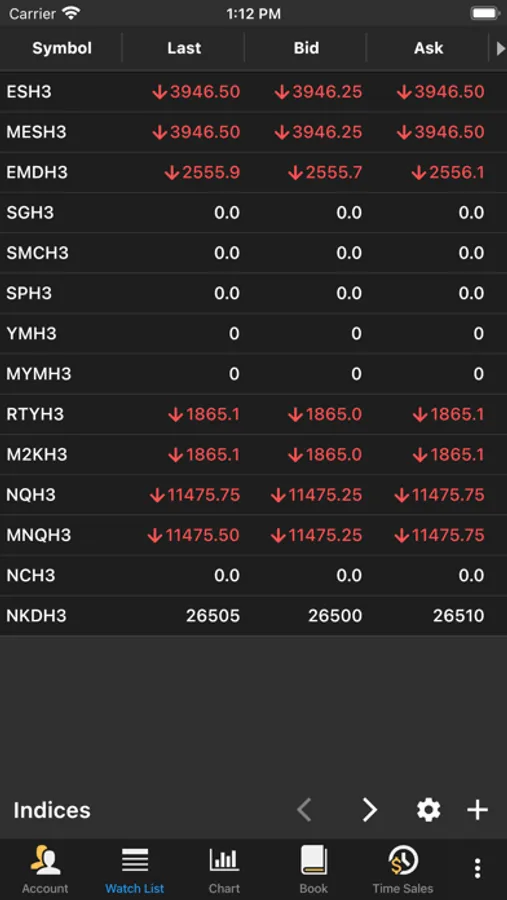
Phone - optimized layout (portrait mode) that shows a single screen at a time
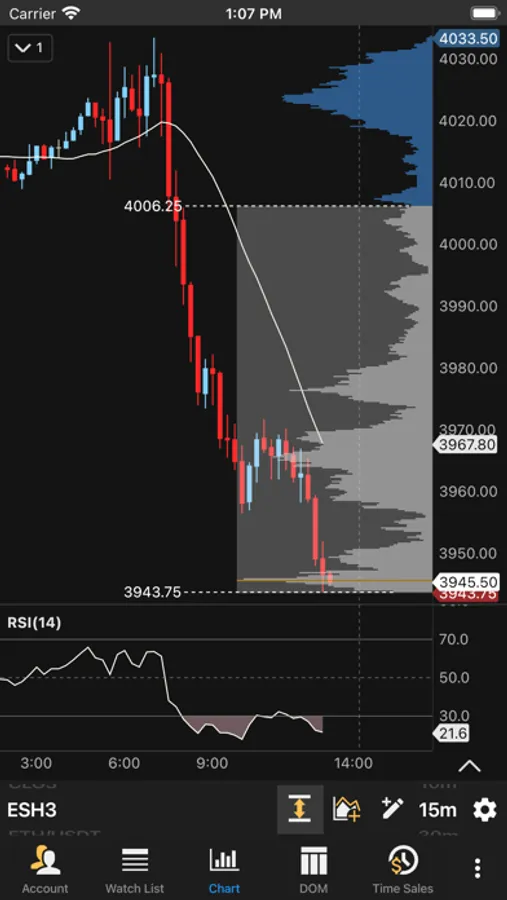
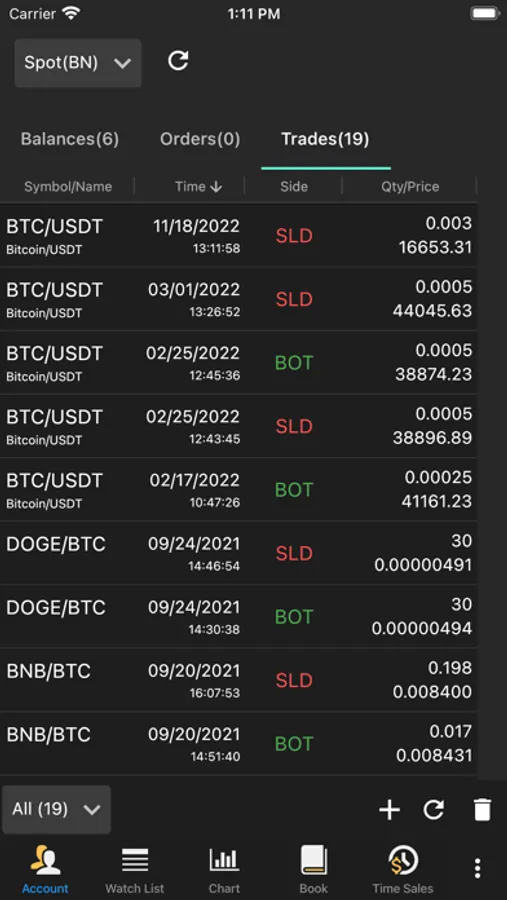
Tablet - Docking framework for displaying multiple docks (charts, watch lists, account info, order book, Time/Sales and Depth of Market)
As an incredibly feature-rich trading platform, here are some of the highlights below showing the capabilities that you can find in our trading software.
Our trading software is available in 4 different editions to meet your charting and trading needs.
Key Features (available features will depend on edition):
4 Supported Brokers:
(CQG, OANDA, Rithmic, TD-Ameritrade)
Multiple Brokers/Data Feeds per Workspace
Chart Tools:
Trend Line, Horizontal and Vertical Line, Price and Time Labels, Fork, Modified Schiff Fork, Channel, Time and Price Range, Arrows, Support and Resistance Areas, P&L Calculator/PL Targets, Cycle, Time Cycle, Wedges, Angles, Curves, Regression Tools, Circles, Triangle, Quad Polygon, Sine Wave, Quadrant Lines, Tirone Levels, Speed Lines, Cross Line
Fibonacci: Retracement, Extension, Expansion, Circle, Arc, Fan, Regression Tools, Customizable Ratio Presets.
Callouts (Balloon, Line, Box), Annotation, Note, Comment, Ellipse, Boxes, Arrows, Shapes, Numbers, Letters
170+ Built-in Studies/Indicators
Indicator on Indicator:
Use one indicator as an input for another
Chart Linking:
Link Instrument - All charts have same instrument
Link Bar Size - All charts have the same bar size
Multiple Chart Bar Types:
OHLC bars, HLC bars, Candlesticks, Trend Candlesticks, Hollow Candlesticks, Heikin-Ashi, Percent Change, Line, Square Line, Bars, No Bars
Non-Linear and Second-Based Bars:
Tick, Range, Renko, Hybrid Renko, Volume, Point & Figure, Reversal
Second-Based Bars (Requires Historical Tick Data)
Time Frame Visibility Options:
Time frame visibility enables you to specify the bar sizes where a component is visible. For example, show a Trend Line only on bar sizes smaller than or equal to 1 hour.
Order Flow Tools and Studies:
Volume Profile and VWAP Studies
Order Flow Studies: TPO, Volume Imprint, Depth of Market, Bid/Ask Volume, Order Heatmap, Big Trades, Delta Volume, Cumulative Delta
TPO and Volume Profile Components
Time and Sales
Harmonic Tools:
Bull/Bear versions of Gartley, Butterfly, Crab, Deep Crab, Bat, Alternate Bat, Shark, Cypher, AB=CD, Alternate AB=CD, 5-0, 3 Drives
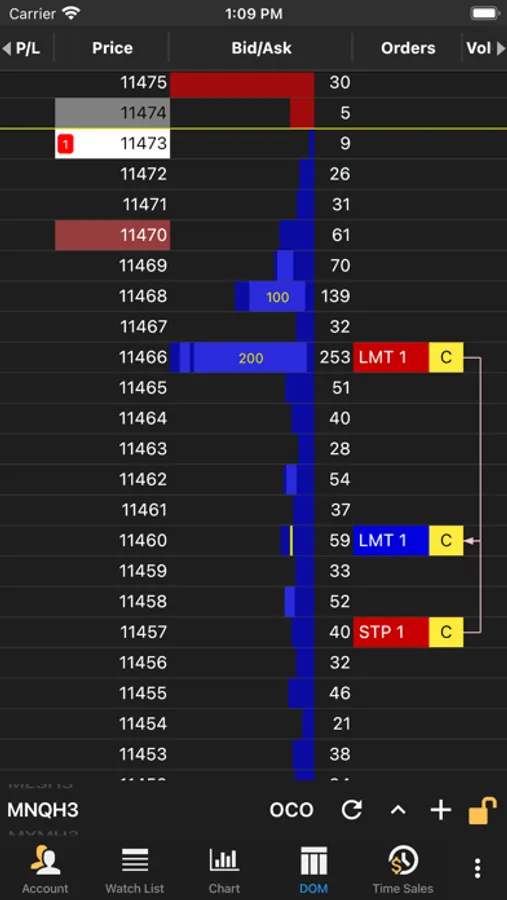
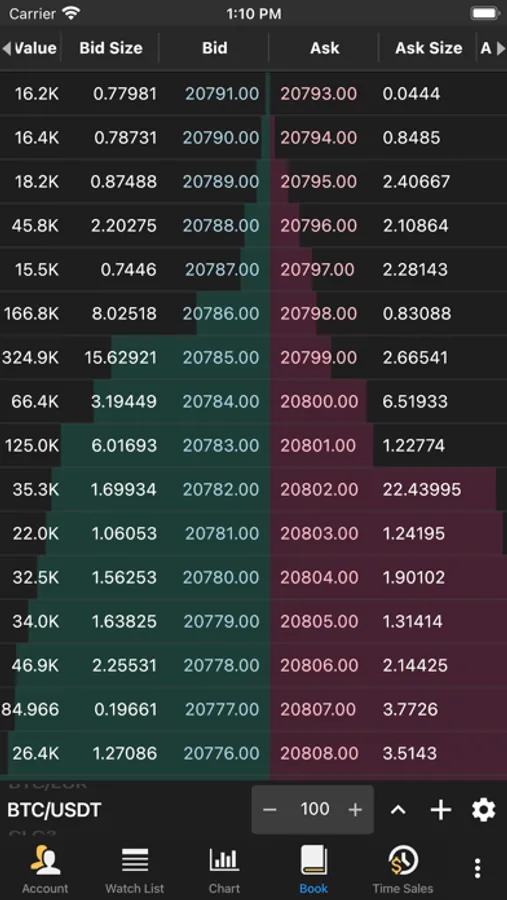
Advanced DOM (Depth of Market):
Track recent trades at the bid and ask
Track pulling and stacking
Volume profile (with separate bid and ask volume profiles)
Market by Order, which will display individual order sizes in the book (currently Rithmic only)
Full Market Depth beyond 10 levels
Position in Queue
Trading:
Trading directly from a chart or the chart axis
Trading from the Trade Panel
Trading from the DOM
Privacy Policy: https://www.motivewave.com/company/privacy_policy.htm
Terms of Service: https://www.motivewave.com/company/terms_of_service.htm
MotiveWave Mobile: Trading Screenshots
Tap to Rate:
Reviews for MotiveWave Mobile: Trading
Palo Alyo
Worst trading app ever
Zero support. They will never respond to any email you send them. iPad app freezes and never loads. Try restarting the app and freezes on the launch screen. Complete trash. Motivewave should be ashamed to release garbage like this.
Tashley777
Be Careful
It’s a good app, but I highly recommend caution when using it. Crosstrade doesn’t function the same way as on a desktop, IE it doesn’t work when chart trading, only from the DOM. So that’s kind of a big deal. Additionally, there’s no way to use exit strategies upon entering a position. You’d need to manually enter an OCO after. This is all fine and not a very big deal provided you’re trading small and in a spot where potentially losing the trade over timing on these isn’t a big deal. I’d use this more for managing something you where already in over anything else.