
With this remote control app, you can manage your Mac functions including launching applications, controlling volume, and navigating files. Includes customizable commands for various Mac applications, keyboard and mouse control, and app launching features.
AppRecs review analysis
AppRecs rating 4.3. Trustworthiness 78 out of 100. Review manipulation risk 25 out of 100. Based on a review sample analyzed.
★★★★☆
4.3
AppRecs Rating
Ratings breakdown
5 star
76%
4 star
13%
3 star
2%
2 star
3%
1 star
7%
What to know
✓
Low review manipulation risk
25% review manipulation risk
✓
Credible reviews
78% trustworthiness score from analyzed reviews
✓
High user satisfaction
88% of sampled ratings are 4+ stars (4.5★ average)
About FullControl: Remote for Mac
Why is FullControl so different?
• there are specific commands for each Mac application, for ALL Mac applications!
• high commands customization;
• launch applications;
• volume control;
• navigate through Mac filesystem and open files;
• remote keyboard and mouse.
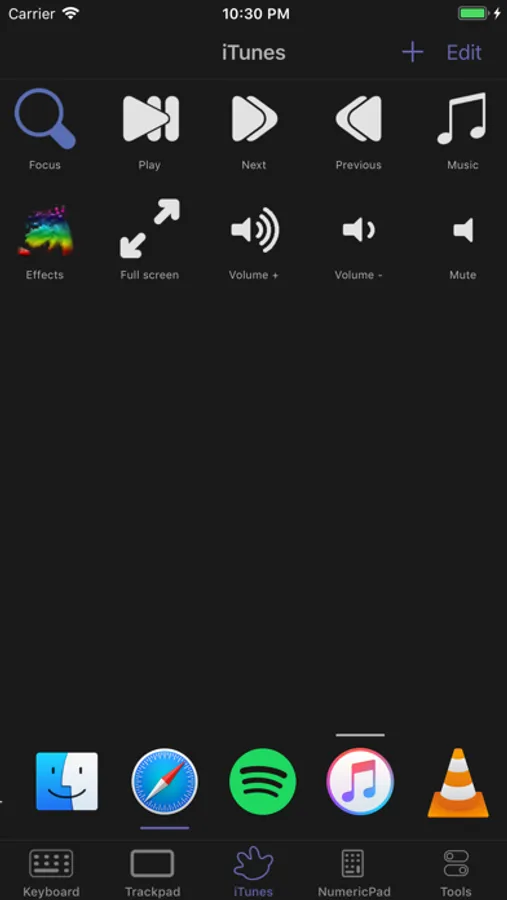
Do you want to skip to the next track? There is a fast command for this! Do you need to stop the movie? There is a command for this!
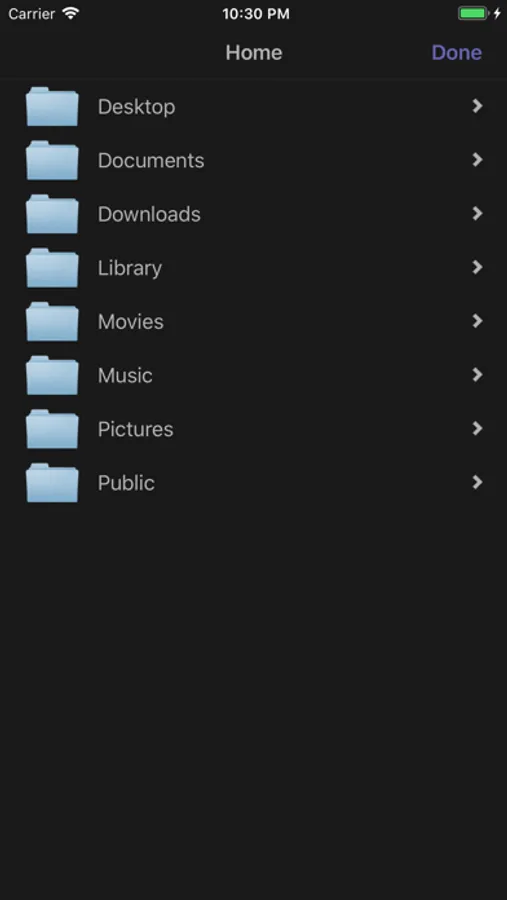
Want to start a video? Do not look for it with the mouse, FullControl allows you to access the contents of folders on your Mac and launch files with the program of your choice!
### ALL FEATURES ###
• Custom command FOR EACH Mac application
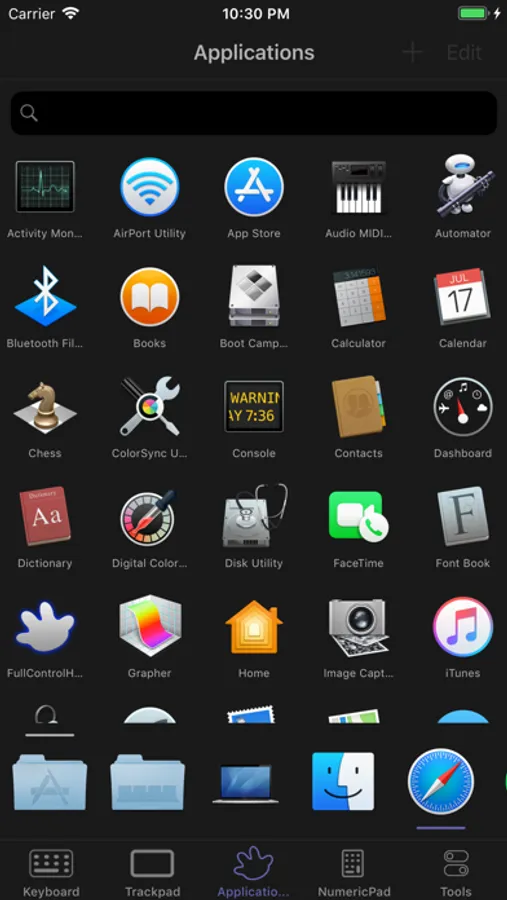
• Launch applications in the folder "Applications" and in the Dock
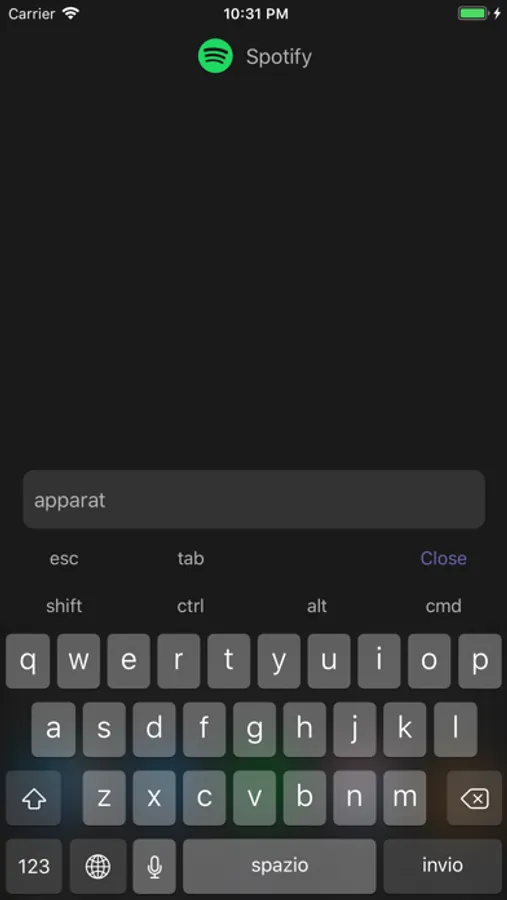
• Remote keyboard
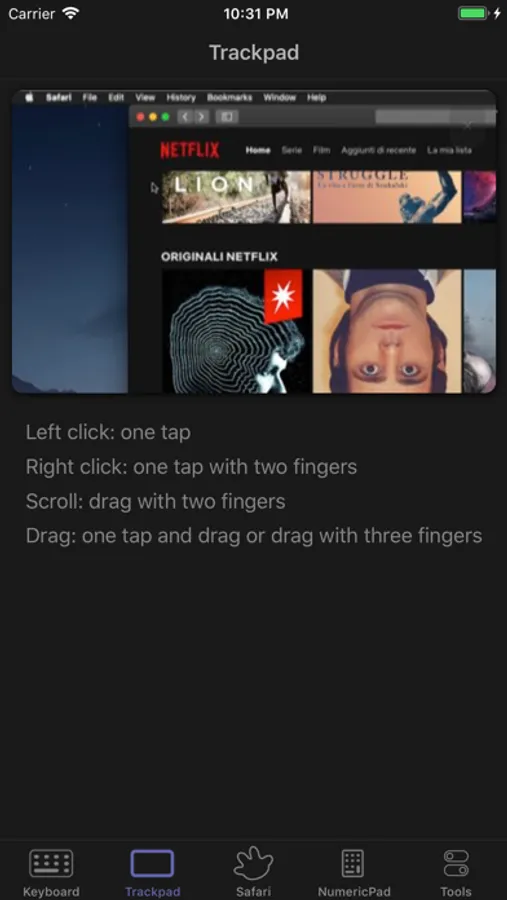
• Remote trackpad
• Shutdown, restart, and putting to sleep the Mac
• File browser and file launcher
• Automatic server detection
# In-App Purchases FEATURES #
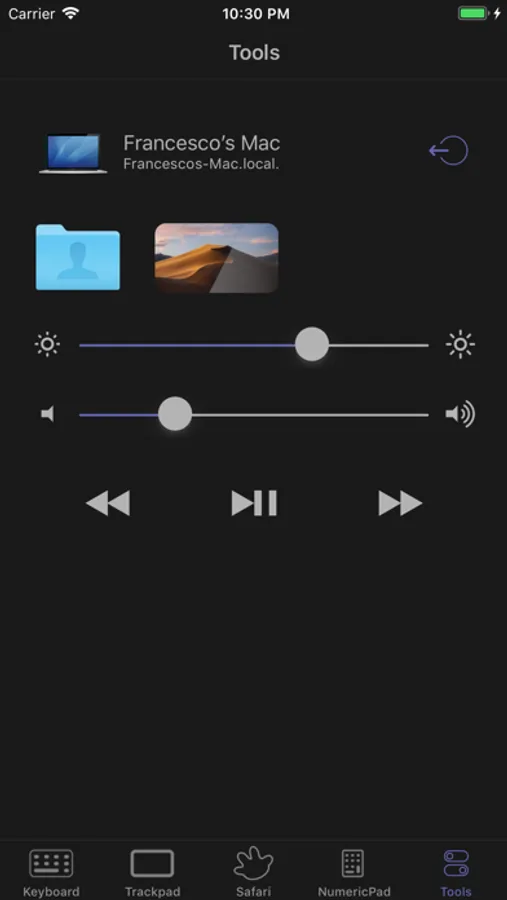
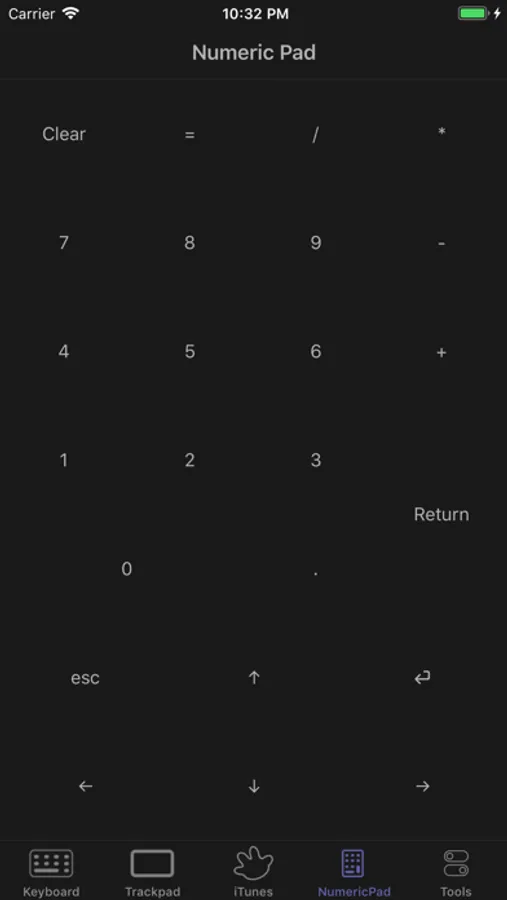
• Numeric pad
• Live screenshots of your Mac
• Volume control
• Brightness control
• Music control (play, pause, next, previous)
• Prevent device screen lock toggle
FullControl just installed, you have already provided the commands to control your music on iTunes, Spotify, the videos play on VLC, QuickTime, manage live TV on EyeTV!
Requirements
• Mac Intel with Mac OS 10.14 (or higher)
• FullControlHelper (3.1.9 or higher) installed on your Mac
• Accessibility API enabled for FullControlHelper
• Wifi/LAN
FullControlHelper is available for free at http://fullcontrol.cescobaz.com/
FullControl: Remote for Mac Screenshots
Tap to Rate:
Reviews for FullControl: Remote for Mac
EatingYourBassClarinet
fully functional free and with a worth-it pro ugrade
this is a hardy app that i use all the time to watch tv on my laptop plugged in with on hdmi. i can fully control my computer with my phone. it stays connected even to my slow old and dying laptop that i use primarily for tv in her old age. only today i even realized they had a pro version, a testament to how subtle their advertising is, which i respect in this day and age because advertisers are always all up in our face recently. This app just works. Then the premium version has simple tools to do things like volume up and down, brightness up and down, and also getting to see your screen with your phone. I was happy to buy the premium version because I use this app so often. But even if you don’t buy premium, you can still do everything even without that. You just have to custom input the controls yourself, but you can choose an icon and make a set up that looks really smooth. Make sure you’re exploring the “custom“ selection options because that’s how you can add volume control up down left right buttons, etc. The trackpad can be a little finicky to use, but my computer has an old battery and is running slow. Zooming in usually fixes problems. Thank you for making and supporting such a good app for so long :-) smile
bts86em
no longer functions
i’ve loved this app for years but with newer iOS and newer macOS versions it no longer functions. hopefully the developer is able to update soon.