With this painting app, you can create pencil illustrations using various tools and layers. Includes color blending, layer management, and support for stylus devices.
AppRecs review analysis
AppRecs rating 4.4. Trustworthiness 79 out of 100. Review manipulation risk 22 out of 100. Based on a review sample analyzed.
★★★★☆
4.4
AppRecs Rating
Ratings breakdown
5 star
50%
4 star
30%
3 star
20%
2 star
0%
1 star
0%
What to know
✓
Low review manipulation risk
22% review manipulation risk
✓
Credible reviews
79% trustworthiness score from analyzed reviews
✓
High user satisfaction
80% of sampled ratings are 4+ stars (4.3★ average)
About Colored Pencil
Colored Pencil is a painting application designed to represent a illustration in pencils
for the iPhone, and iPad.
To use this application, you can enjoy artwork easily everywhere and always.
I hope to support a representation of your imagination and idea.
Features:
- color mixture by the unique processing
- simple and easy interface (you need not knowledge of color system such as RGB, HSV and others)
- quick gesture control UI
- many colored pencils & erasers
- blender tools using color smoothing
- saving favorite color
- canvas size: 320 - 4096 pixels
- layers (copy, merge, rearrange, adjust transparency, and add to max 16 layers)
- transform layer processing.
- smart canvas is fully-zoomable from about 12.5% to 3200%, rotatable in 360-degree circle, and reversible
- undo / redo with max 300 steps
- upload to Facebook & Twitter
- Apple Pencil compatible
- Apple Pencil 2 compatible
- Adonit Jot Touch compatible
- Wacom Bamboo Stylus compatible
- 3D Touch compatible
* If you have anything questions and problems
Please send me e-mail.(tiziano at kengolab.net)
I'll do my best about update.
Please write some information, your device,
your iOS version, situation about problem, and anything else.
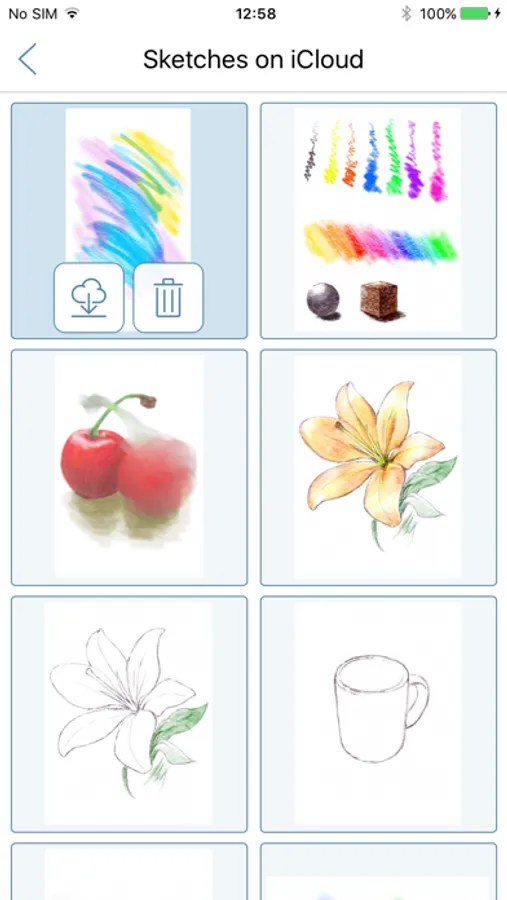
Colored Pencil Screenshots
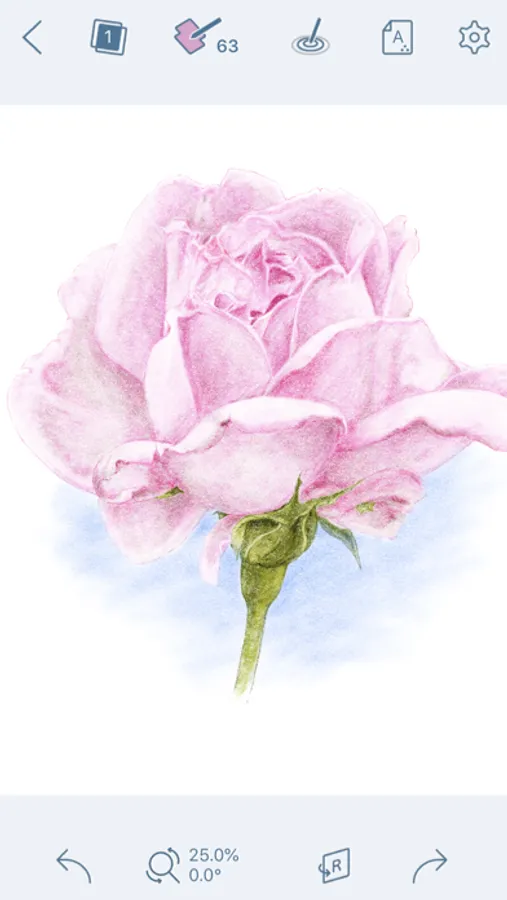

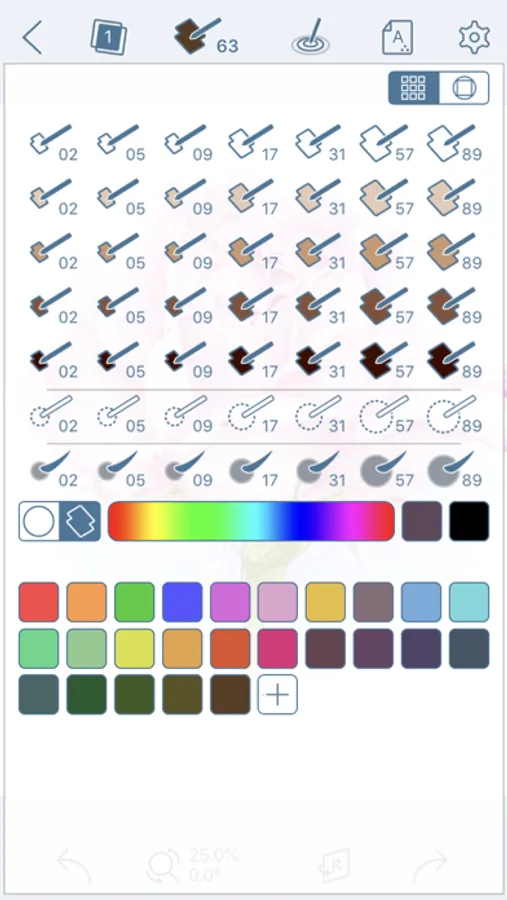
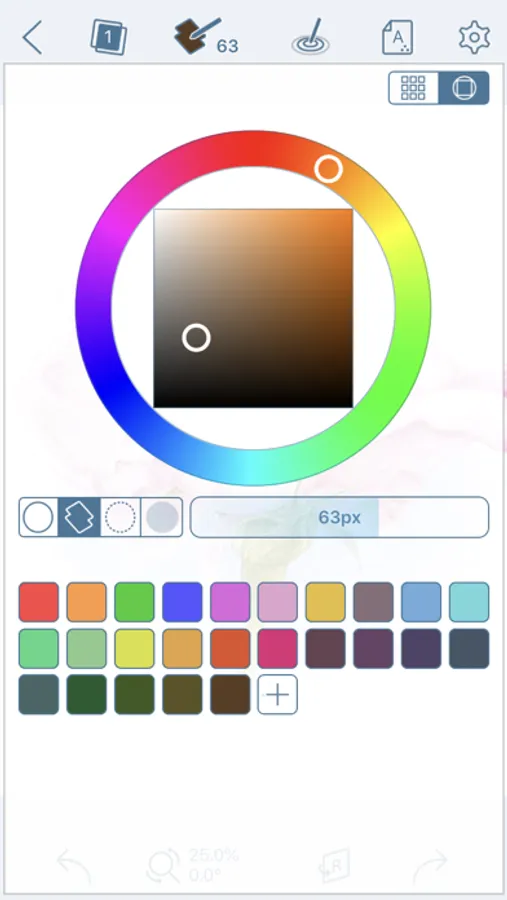


Tap to Rate:
Reviews for Colored Pencil
shedraws
Nice app - rename layers
Hi - just bought app - nice colored pencil feel However - I am lost in the layers - can you add a way to rename a layer - thanks Also - where is the eye dropper tool Thank you Would love to see a video tutorial for the pink flower so I could follow along Nice work 😊
Sbweetie
Eye dropper
I am having trouble finding the eye dropper if there is one. When I press on a color in my painting one colored spot will color but the lines of the rest of them remain the color they were before.