In this app, you can generate time-based or counter-based verification codes for multiple accounts and sync them across devices. Includes QR code setup, account transfer, and offline code generation features.
AppRecs review analysis
AppRecs rating 4.0. Trustworthiness 70 out of 100. Review manipulation risk 33 out of 100. Based on a review sample analyzed.
★★★★☆
4.0
AppRecs Rating
Ratings breakdown
5 star
93%
4 star
4%
3 star
1%
2 star
0%
1 star
2%
What to know
✓
High user satisfaction
93% of sampled ratings are 5 stars
✓
Proven track record
Strong volume of user ratings
⚠
Review quality concerns
47% of sampled 5-star reviews are very short
About Google Authenticator
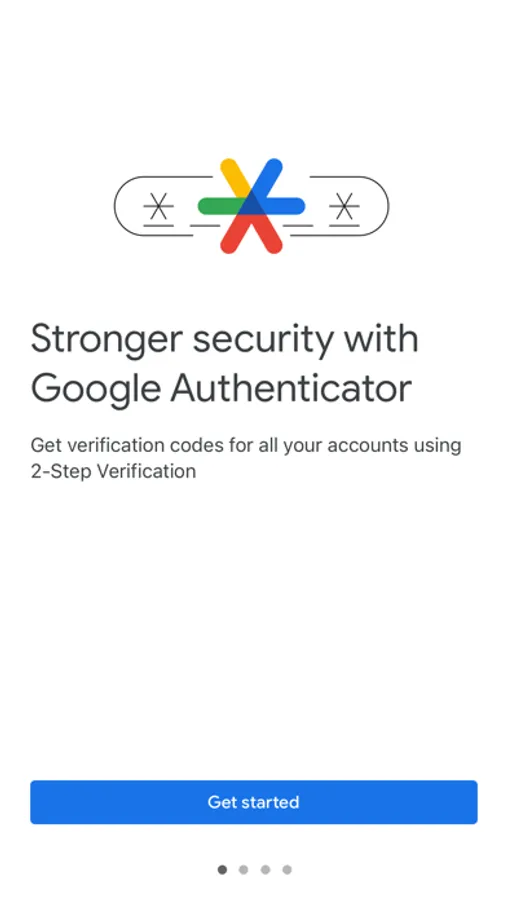
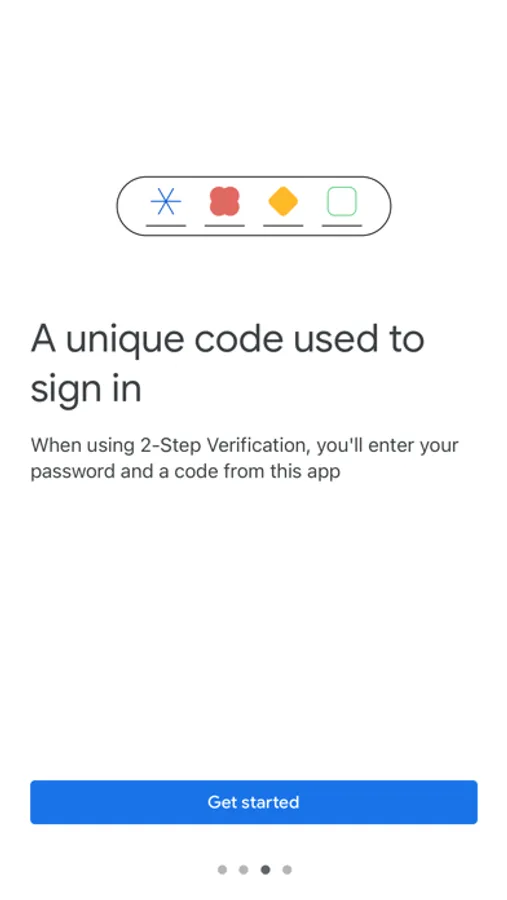
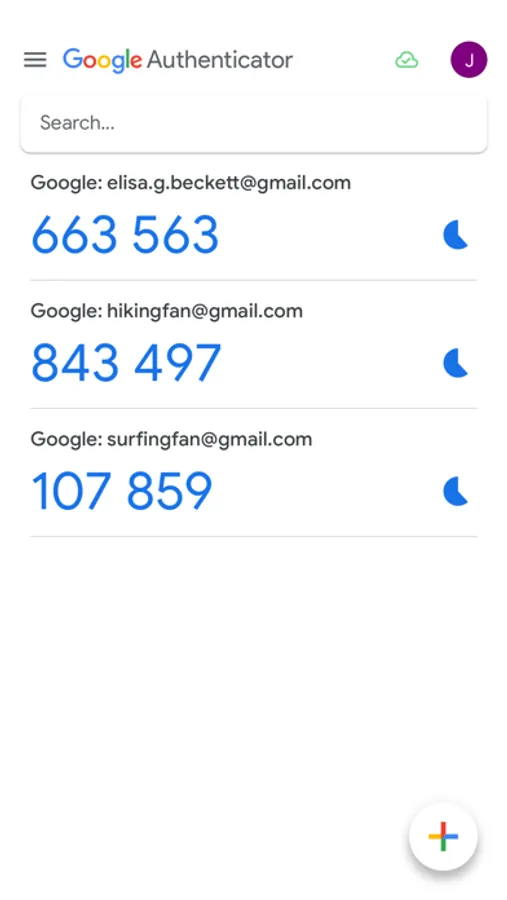
The verification code can be generated by the Google Authenticator app on your phone, even if you don't have a network or cellular connection.
• Sync your Authenticator codes to your Google Account and across your devices. This way, you can always access them even if you lose your phone.
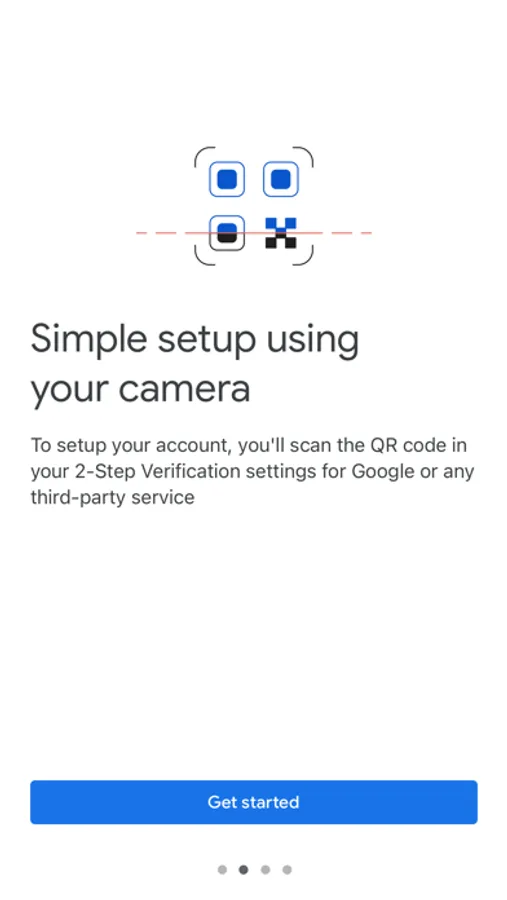
• Set up your Authenticator accounts automatically with a QR code. This is quick and easy, and it helps to ensure that your codes are set up correctly.
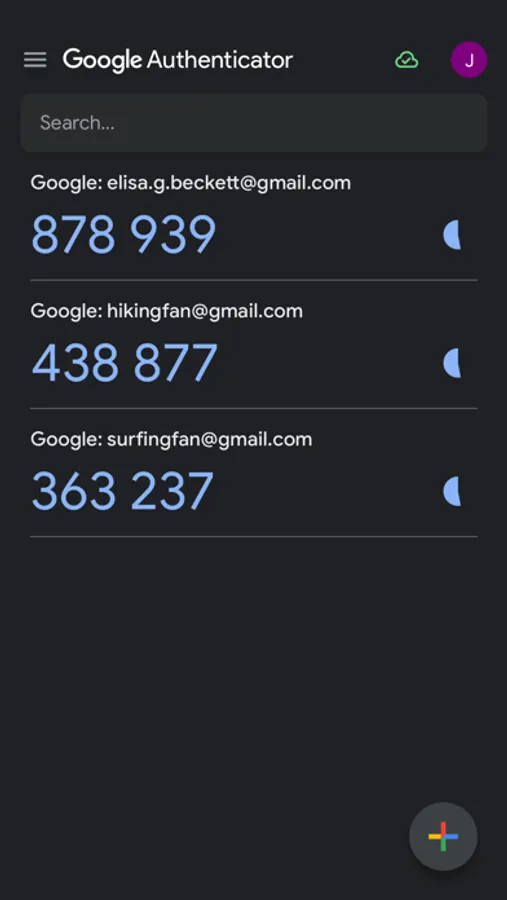
• Support for multiple accounts. You can use the Authenticator app to manage multiple accounts, so you don't have to switch between apps every time you need to sign in.
• Support for time-based and counter-based code generation. You can choose the type of code generation that best suits your needs.
• Transfer accounts between devices with a QR code. This is a convenient way to move your accounts to a new device.
To use Google Authenticator with Google, you need to enable 2-Step Verification on your Google Account. To get started visit http://www.google.com/2step
Google Authenticator Screenshots
Tap to Rate:
Reviews for Google Authenticator
Shad0wCliff
The headache
I have been going through a lot of head and heartache because of this app. It’s all for starters. I had a Google account and a Discord account linked to this authenticator and unknowingly. I lost my phone and lost the authenticator app that was on the phone. So I got a new phone expecting the codes that I had set up to be on this new phone because I have the same account. I was very mistaken so for the last two weeks I have been emailing support of both places to no avail. Unfortunately, I will not be getting those accounts back even with other ways to log in…..
gaderson
You bug me in the app you get ONE STAR
You bug me in the app you get ONE STAR