In this cycling app, you can track speed, distance, and route in real-time and switch between digital, analog, and map displays. Includes ride history management, background operation, and sharing options.
AppRecs review analysis
AppRecs rating 4.2. Trustworthiness 70 out of 100. Review manipulation risk 26 out of 100. Based on a review sample analyzed.
★★★★☆
4.2
AppRecs Rating
Ratings breakdown
5 star
81%
4 star
12%
3 star
3%
2 star
1%
1 star
3%
What to know
✓
Low review manipulation risk
26% review manipulation risk
✓
Credible reviews
70% trustworthiness score from analyzed reviews
⚠
Ad complaints
Many low ratings mention excessive ads
About CycleComputer
Main features
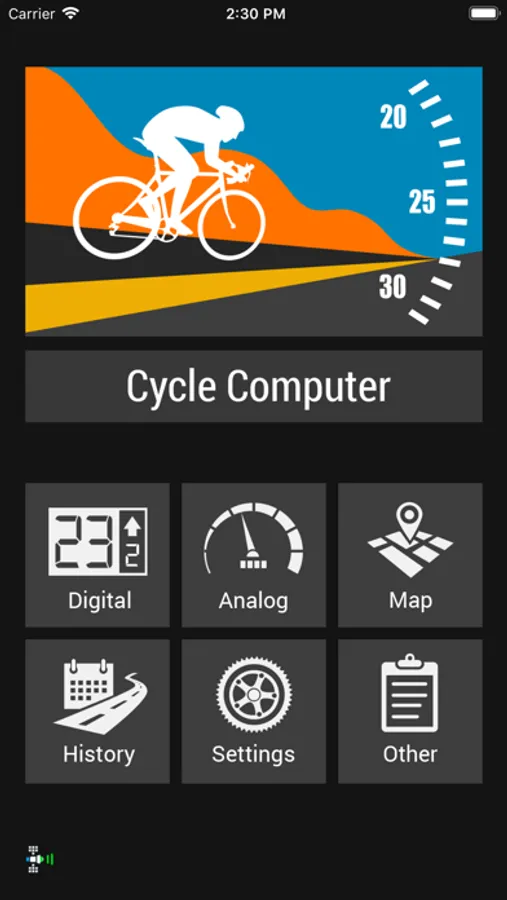
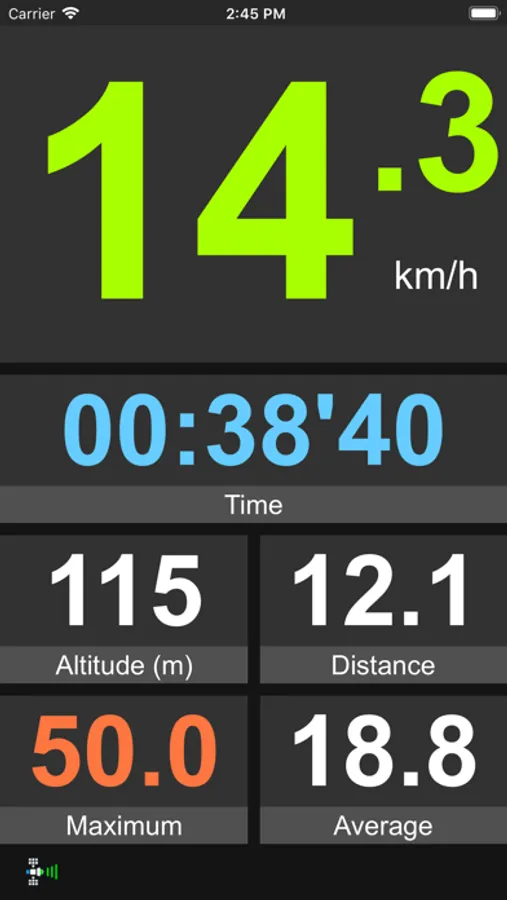
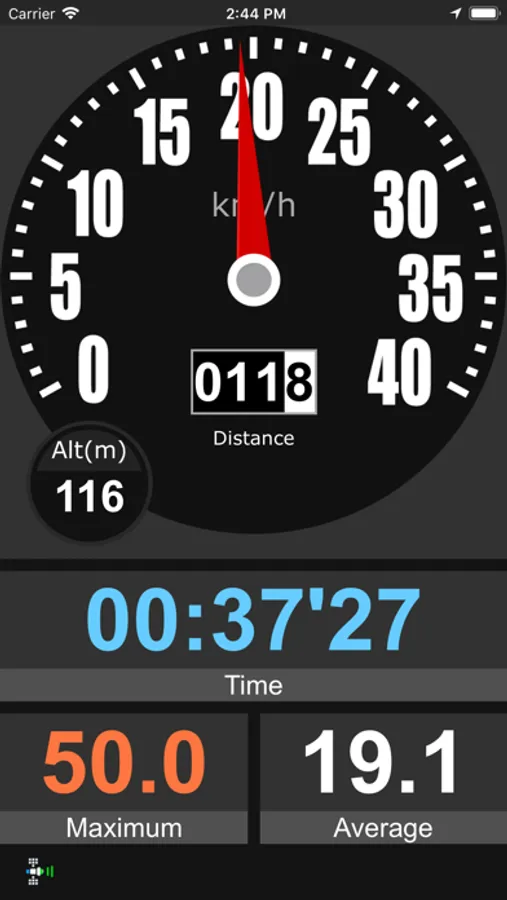
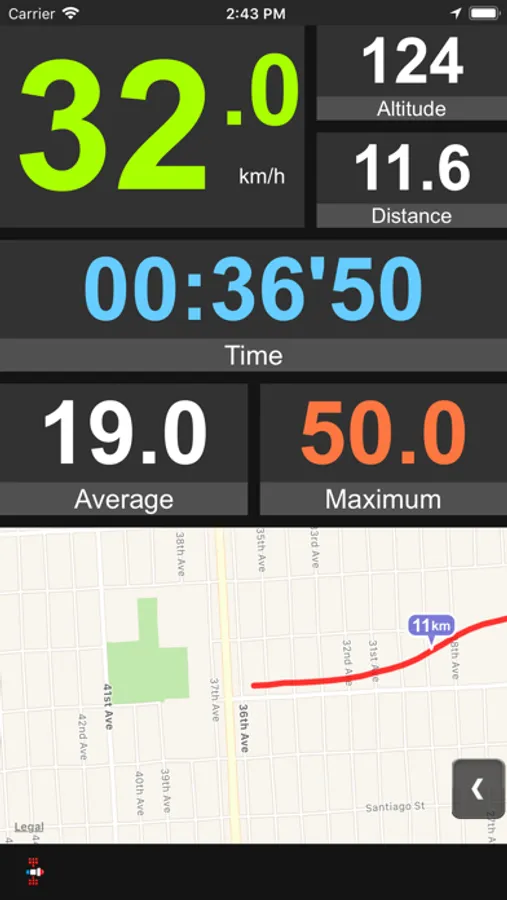
- Three different displays to choose from : digital, analog and map, each with large readings that let you capture all the information with just a glance
- Easy to use, number of screens kept to a minimum
- "Automode" that automatically stops the timer when you stop moving
- Swipe horizontally to switch between digital, analog and map screens
- Support for both metric(km) and imperial(mi) readings
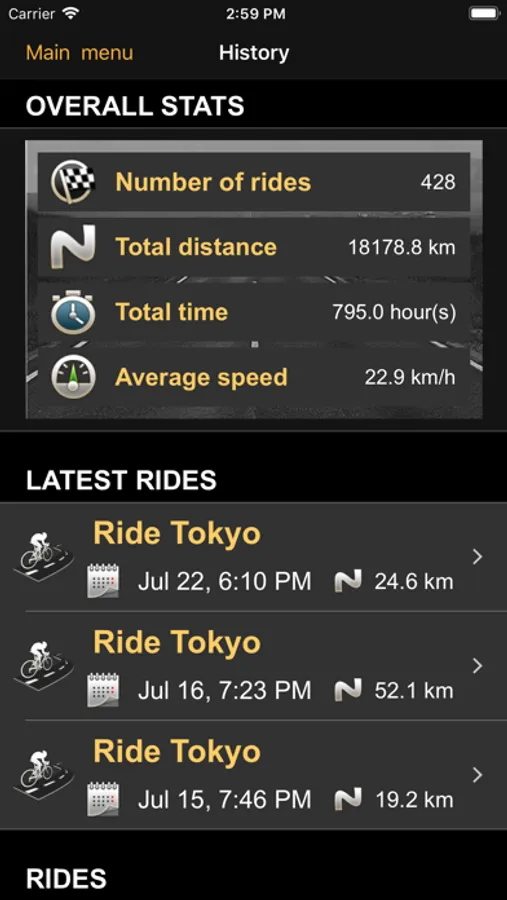
- Save, browse and review rides
- Calculate total ascent and calories for each ride
- Background operation
- Sharing ride details by email, on Facebook/Twitter
- Share ride data(distance/calories) with Apple Health
DISPLAYS
-Digital
Looks like an actual cyclocomputer. Uses very large fonts to let you capture all the information with just a glance. Uses very little power, good for cyclists who go for long rides.
- Analog
Looks like a car speedometer.
- Map
Displays the speed, time and distance, tracks your ride on a map(Apple standard, hybrid, satellite or Google map) with optional distance markers.
NOTE
- The background operation option must be enabled for the app to keep running in the background
Warning : Continued use of GPS running in the background can dramatically decrease battery life.
CycleComputer Screenshots
Tap to Rate:
Reviews for CycleComputer
Tony the P
You can ditch your dedicated cycle computer
I have been running this app for 2 years and have gotten rid of my expensive dedicated cycling computers because they seem lame by comparison The displays are super easy to read day or night I have even noticed other riders taking note of the data being displayed while on the move And have been asked how to get it at stops The app is very easy on the phone and battery even though it forces the the phone to stay unlocked and the display brightness stays put while on the move ( really cool feature) The free version works great but pay the lousy one time $5 for the pro version The saved trip logging in the pro version has a lot of great data The Bluetooth connection via iPhone allows for heart and other monitors to come into play
Munecks
Very good app
Nice app, easy to use, numbers on the screen large enough to be seen, it helps to keep my cadence, very accurate, several options in the screen. You have the option for free which it could be enough but for under 8 dollars it can be upgraded with more options. I am satisfied so far. I am not sure if you can keep active in the background, I remember I used to do it.