AppRecs review analysis
AppRecs rating 5.0. Trustworthiness 0 out of 100. Review manipulation risk 0 out of 100. Based on a review sample analyzed.
★★★★★
5.0
AppRecs Rating
Ratings breakdown
5 star
100%
4 star
0%
3 star
0%
2 star
0%
1 star
0%
What to know
✓
High user satisfaction
100% of sampled ratings are 5 stars
About Sight Calc
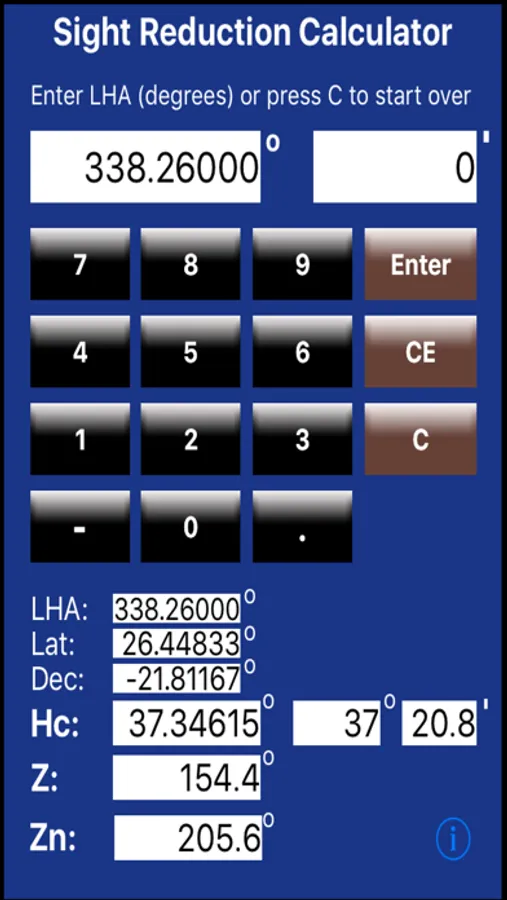
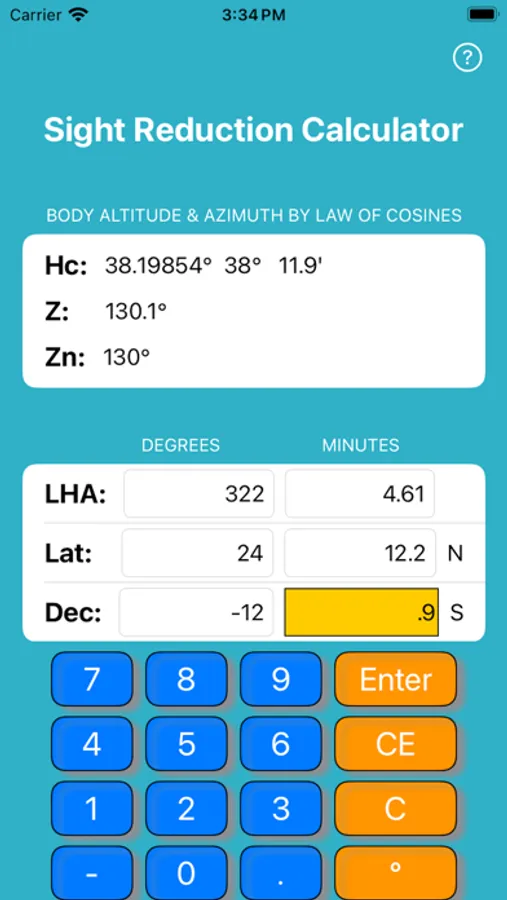
Inputs may be entered as two numbers:
Degrees - left column
Minutes - right column
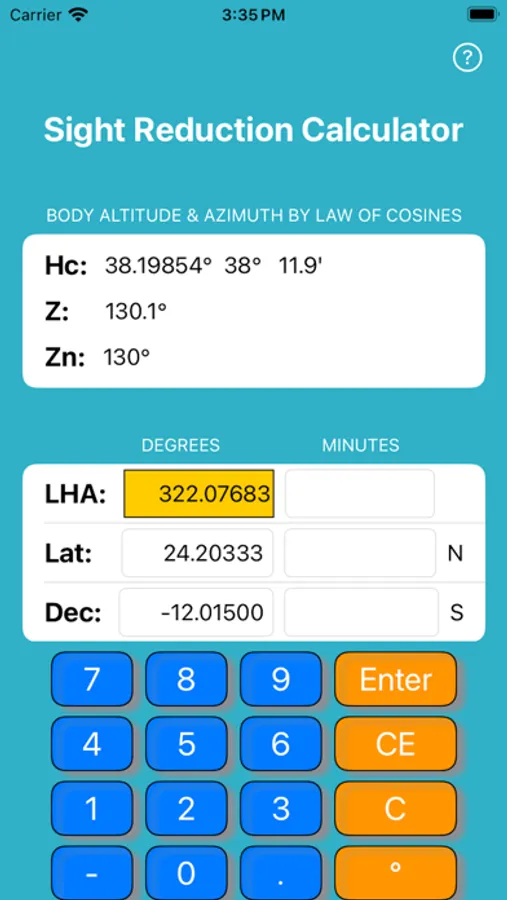
Or enter as decimal degrees (e.g., 44.48833).
Sight Calc will prompt you to enter six number in sequence:
LHA (degrees)
LHA (minutes)
Lat (degrees)
Lat (minutes)
Dec (degrees)
Dec (minutes)
In v 2.0 you may enter values in any sequence. Hc, Z and Zn are continuously computed and displayed.
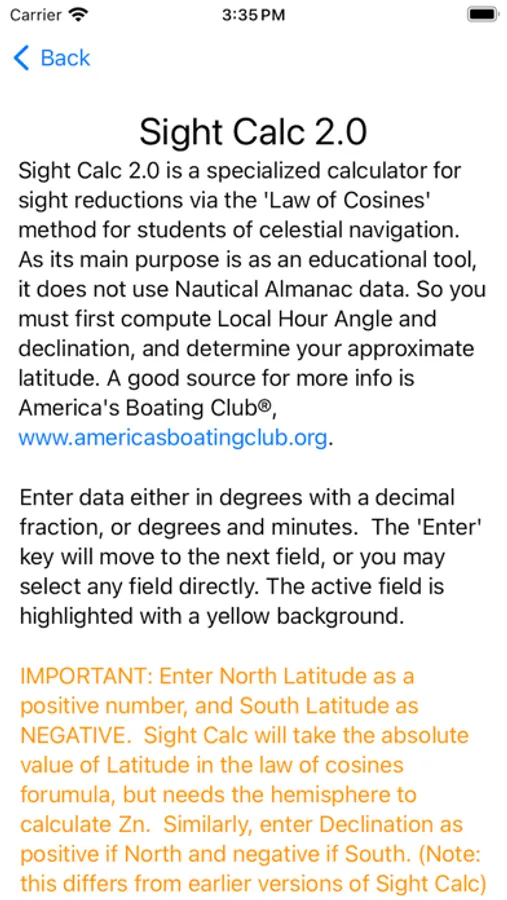
Be sure to enter North Latitude as a positive number and South Latitude as a NEGATIVE number. Sight Calc will take the absolute value of Latitude in the law of cosines formula, but needs the hemisphere to calculate azimuth (Zn). Similarly, enter Declination as positive if North and negative if South. (Note: this differs from version 1.x of Sight Calc.)
If you want to do repeated calculations with some of the same numbers, just enter the changed numbers.
To start over fresh at any time, press "C" to clear everything. "CE" key clears the Current Entry. Optionally, use the "o" key to convert minutes to decimal degrees, add that to the degrees field, and clear the minutes field. This has no effect on the calculation.
Please report any bugs or suggestions to:
sightcalc@nuvocom.com
Sight Calc Screenshots
Tap to Rate:
Reviews for Sight Calc
CGrosby
Fabulous App- Ver 2 is a much needed upgrade
Wow! What a wonderful app! If you use the US Power Squadron SR96a sight reduction form this makes the math so easy. Great job on the version 2 upgrade. So much easier to use and the results are perfect. Works perfectly. Thank you. Keep up the good work.
PeterB26
Quick Basic Sight Reduction
You put in the LHA, plus the AP Lat or DR Lat, and the declination, and out pops azimuth, true azimuth, and Hc. Couldn’t be easier to learn and use and is a great time saver. You can also input a meridian angle eastward instead of the LHA by inputting it as a negative LHA. I find that calculating a meridian angle eastward is more intuitive for rising bodies than LHA so this saves me the step of converting it into a LHA. If you understand how celestial works it will also give you great circle initial course and distances just as easily. Just substitue the difference in longitude for the LHA and the Lat of your arrival for dec. I have not yet tried using it to pre-calculate altitudes for planning sights but I’m sure it would be handy for that too. Five stars for simple easy and very useful!