AppRecs review analysis
AppRecs rating 3.7. Trustworthiness 68 out of 100. Review manipulation risk 25 out of 100. Based on a review sample analyzed.
★★★☆☆
3.7
AppRecs Rating
Ratings breakdown
5 star
46%
4 star
15%
3 star
8%
2 star
23%
1 star
8%
What to know
✓
Low review manipulation risk
25% review manipulation risk
✓
Good user ratings
62% positive sampled reviews
About Gamebook Companion
With the Gamebook Companion you can play all your favourite old school (and new edition) gamebooks on the go with this handy app. Store your SKILL, STAMINA, LUCK and equipment, battle monsters and roll dice in the easy to use and convenient layout.
Swipe left and right to navigate between the following screens:
__________
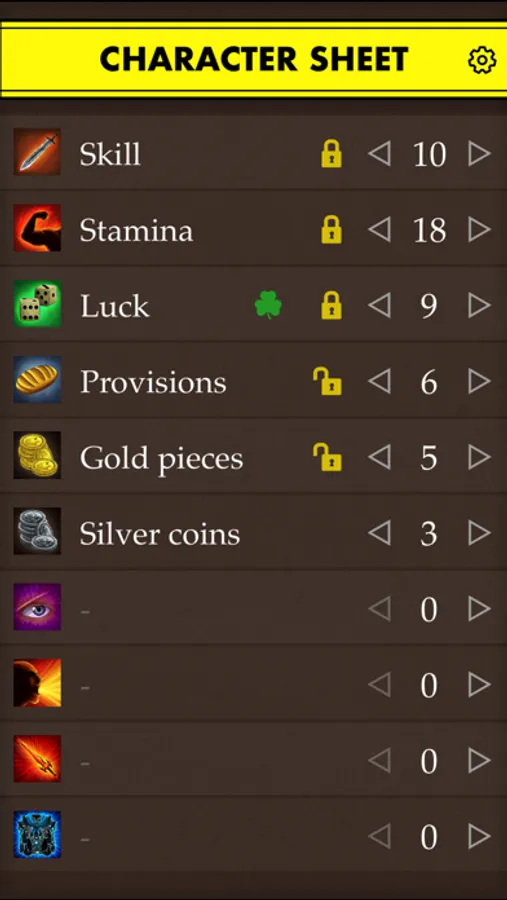
Character Sheet
On this screen you can set your scores for SKILL, STAMINA, LUCK and another seven user defined stats. Click on the icons to change them to one of 18 different choices.
The top five stats can all be 'locked' to an initial value by clicking the lock icon.
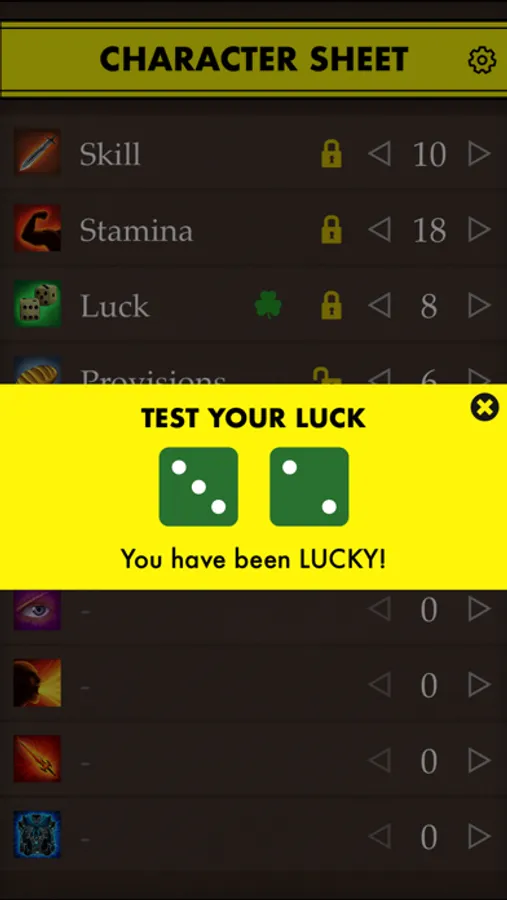
'Test your luck' by clicking on the shamrock icon.
Swipe up to roll dice.
Click the options button, top right, to access a 'Clear all' button to reset for a new game.
__________
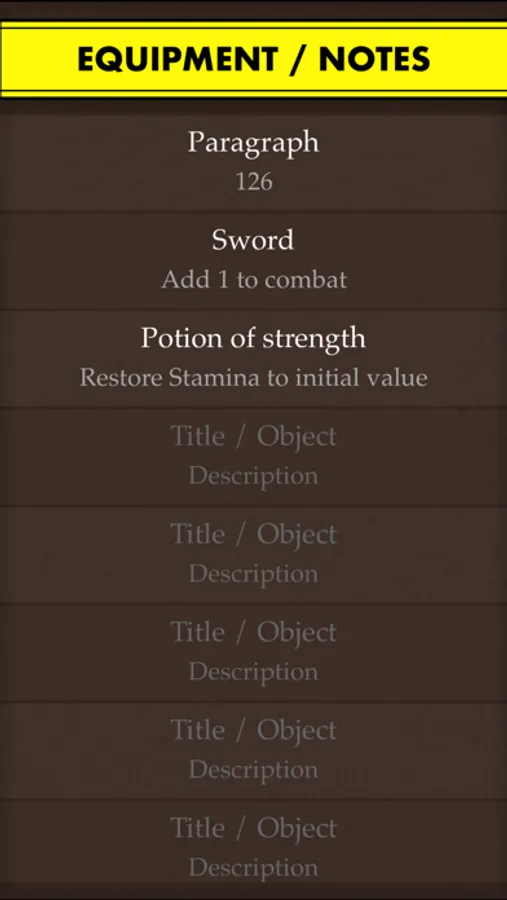
Equipment / Notes Screen
On this screen you can store a list of all the items / notes you pick up during your adventure. Each item / note has a title and description area.
_________
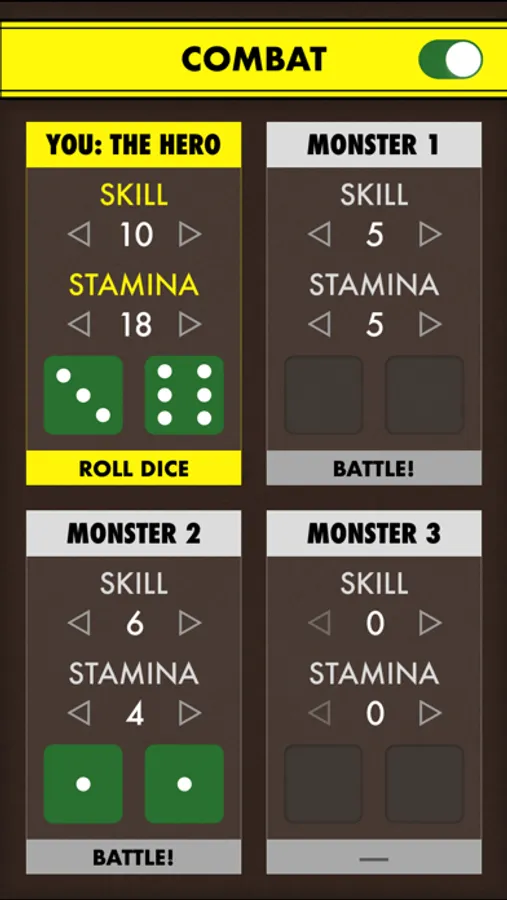
Combat Screen
Your standard stats will automatically carry across to this screen. To battle a monster, enter its SKILL and STAMINA values in one of the monster boxes. When ready click 'Battle!'. If the 'Auto-Battle' toggle is on (top-right) then the dice will roll and 2 points of STAMINA will be deducted from the losing combatant, otherwise you can amend the relevant STAMINA value yourself.
Swipe left and right to navigate between the following screens:
__________
Character Sheet
On this screen you can set your scores for SKILL, STAMINA, LUCK and another seven user defined stats. Click on the icons to change them to one of 18 different choices.
The top five stats can all be 'locked' to an initial value by clicking the lock icon.
'Test your luck' by clicking on the shamrock icon.
Swipe up to roll dice.
Click the options button, top right, to access a 'Clear all' button to reset for a new game.
__________
Equipment / Notes Screen
On this screen you can store a list of all the items / notes you pick up during your adventure. Each item / note has a title and description area.
_________
Combat Screen
Your standard stats will automatically carry across to this screen. To battle a monster, enter its SKILL and STAMINA values in one of the monster boxes. When ready click 'Battle!'. If the 'Auto-Battle' toggle is on (top-right) then the dice will roll and 2 points of STAMINA will be deducted from the losing combatant, otherwise you can amend the relevant STAMINA value yourself.