AppRecs review analysis
AppRecs rating 3.3. Trustworthiness 79 out of 100. Review manipulation risk 23 out of 100. Based on a review sample analyzed.
★★★☆☆
3.3
AppRecs Rating
Ratings breakdown
5 star
67%
4 star
6%
3 star
11%
2 star
6%
1 star
11%
What to know
✓
Low review manipulation risk
23% review manipulation risk
✓
Credible reviews
79% trustworthiness score from analyzed reviews
About Cine Meter
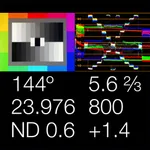
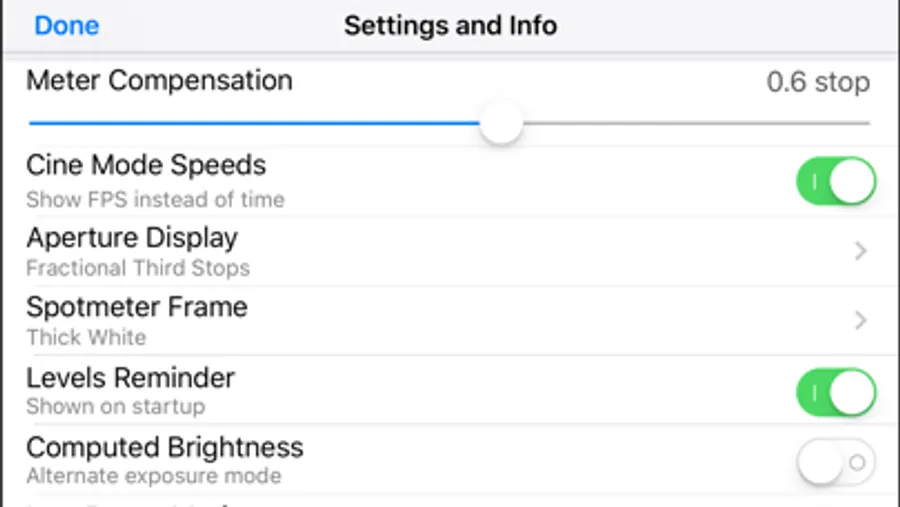
• The light meter shows you your stop as a decimal value (such as f/5.0, good for cameras with EVF iris readouts) or as a full stop and fraction (like f/4.0 ⅔, good for cine lenses with marked iris rings). You can calibrate Cine Meter to match other meters to a tenth of a stop.
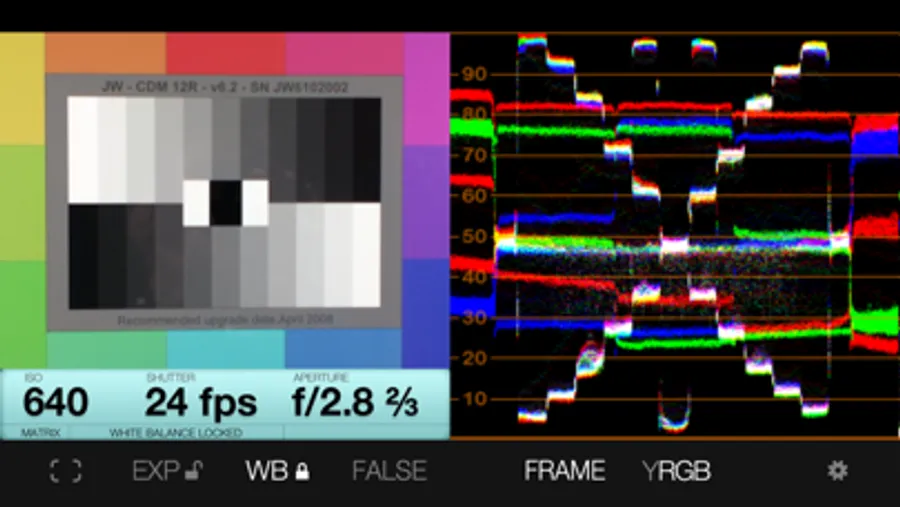
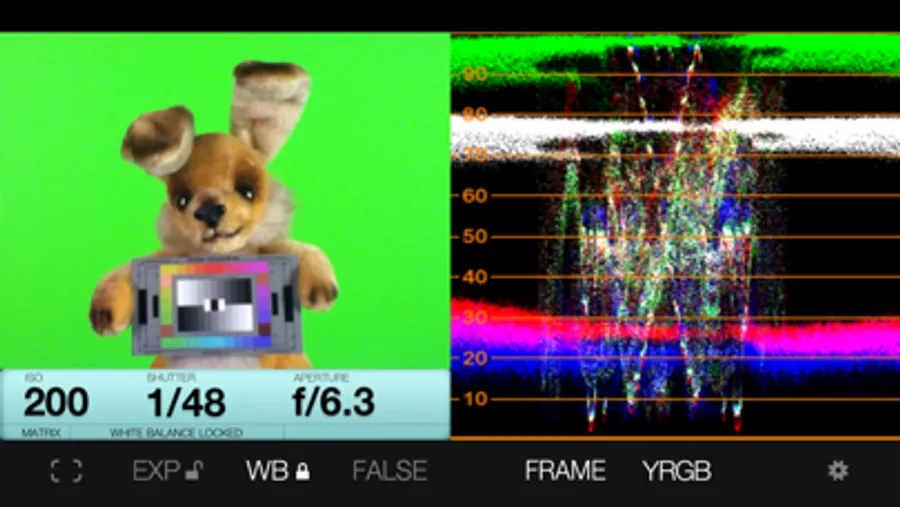
• The waveform monitor shows you how light levels vary across a scene. You'll see how smooth and even the lighting is on a greenscreen or background, and find subtle hotspots and shadows at a glance. The waveform’s RGB mode shows you color imbalances in the image and gives you a handy way to check color purity and separation for chroma-keying.
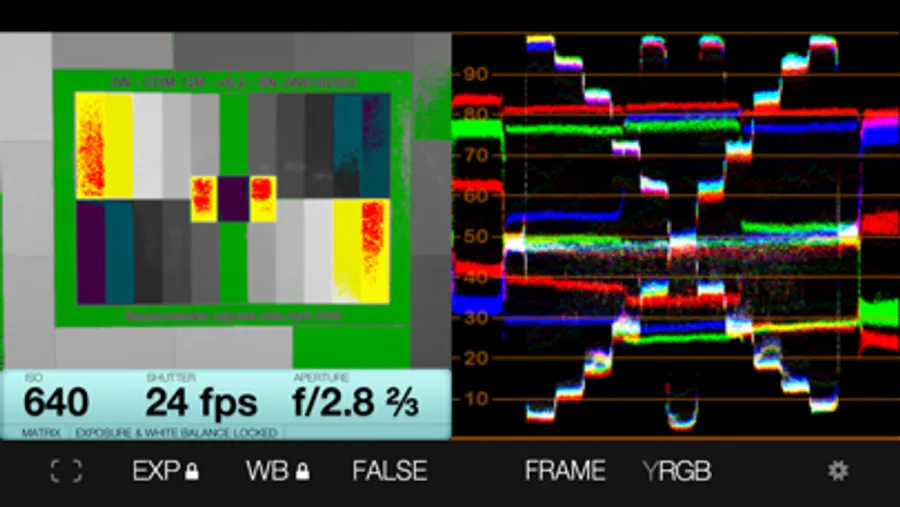
• The false-color mode lets you define allowable contrast ranges, and see instantly which shadows are underexposed and what highlights risk clipping.
_______________________
READ BEFORE YOU BUY:
Cine Meter is NOT a color-temperature meter; it can't measure white balance.
It's NOT a flash meter; it can't measure strobes.
It's designed solely for cine/video work and isn't optimized for still photography; for example, it's shutter-priority only.
Cine Meter gives you *absolute* light meter readings, but *relative* picture and waveform monitor levels:
1) Cine Meter’s picture and waveform monitor do not use the *exact* exposure shown by the light meter (they are close to the meter reading, but can differ from it slightly). The picture and waveform monitor show you *relative* levels within a scene, not *absolute* levels based on the meter reading.
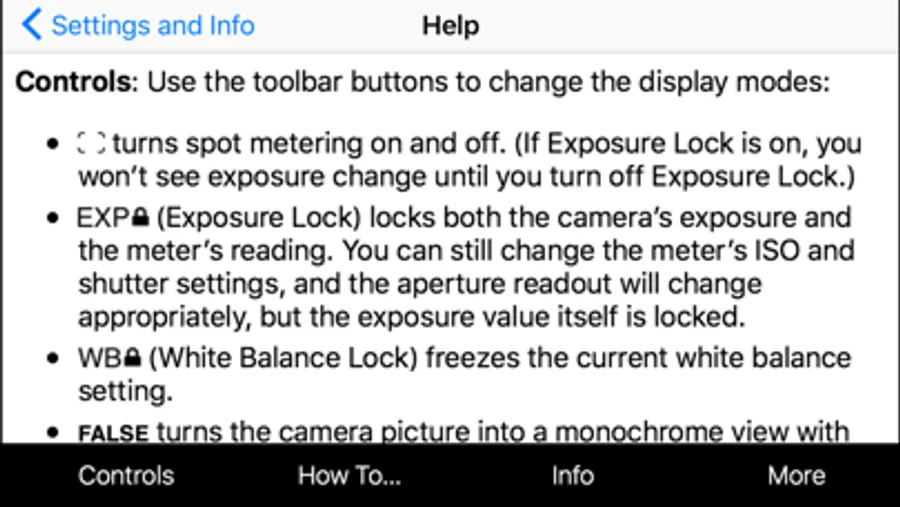
2) You can't *preset* exposure or color temperature in Cine Meter. To compare exposures and colors, you lock Cine Meter’s auto-exposure and auto-white-balance settings while looking at a known good reference, such as a gray card. The picture and waveform monitor then show you levels and colors relative to your locked settings.
See http://www.adamwilt.com/cinemeter/details.html#How_It_Works for details.
(Why am I telling you this? I would rather have you understand these limitations up-front and not buy Cine Meter, than have you buy Cine Meter unaware of them and be disappointed.)
Cine Meter Screenshots
Tap to Rate:
Reviews for Cine Meter
ScottyJNC
Stopped working.
This was a great, useful app that I actually found accurate and comprehensive enough for serious work. Loved it and used it often. But now when I try to open it on my iPhone XR, it crashes immediately. No error message, no explanation. Just shuts down. Disappointed to say the least!
Avatar Shinryu
Deserve 5* but....
Why create a new app and not upgrade the one I’ve PAID!!! Update: the developer returned a fair answer. Thanks. The new app should deserve 5* Not this one.