In this logging app, you can sync with camera timecode, generate markers, and add notes during a shoot. Includes custom timecode synchronization, quick notes, and CSV export options.
AppRecs review analysis
AppRecs rating 3.9. Trustworthiness 83 out of 100. Review manipulation risk 21 out of 100. Based on a review sample analyzed.
★★★☆☆
3.9
AppRecs Rating
Ratings breakdown
5 star
65%
4 star
9%
3 star
5%
2 star
5%
1 star
16%
What to know
✓
Low review manipulation risk
21% review manipulation risk
✓
Credible reviews
83% trustworthiness score from analyzed reviews
✓
High user satisfaction
74% of sampled ratings are 4+ stars (4.0★ average)
About Timecode+ : cameraman
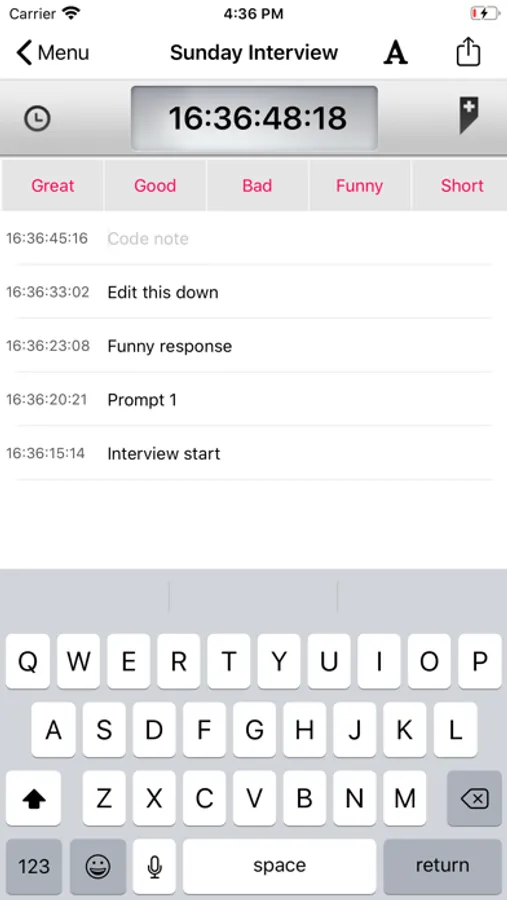
Timecode+ was designed by professional cameramen and producers as a simple way to log notes during a shoot with your iPhone or iPad in sync with your camera(s) timecode.
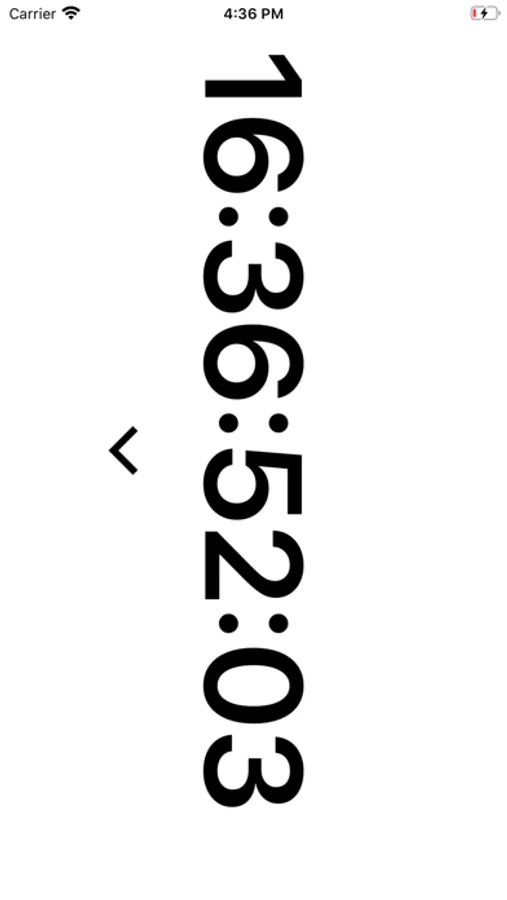
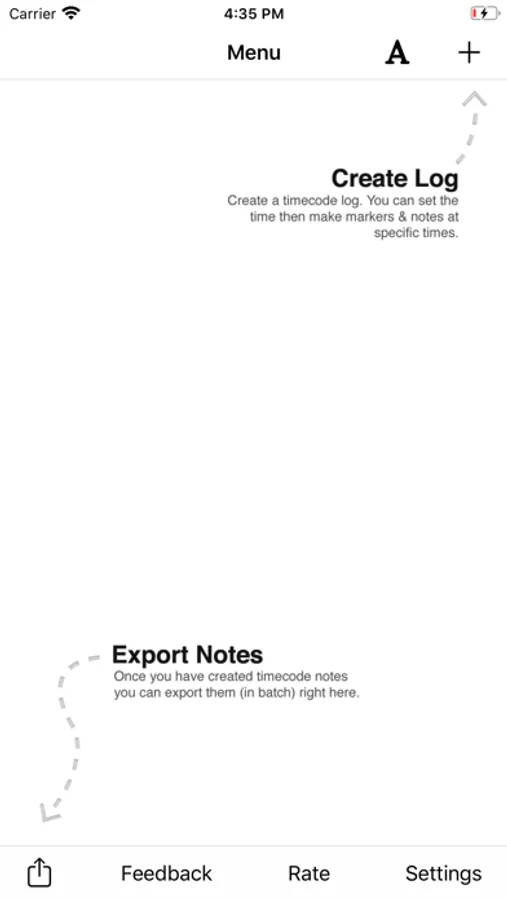
Sync the app with your camera timecode (or use the running time-of-day preset to jam your cameras) and start generating timecode markers and notes with one simple click. After you've wrapped a shoot, scene, or interview, email your notes as a CSV file (excel spreadsheet) to use during post.
HOW DOES IT WORK?
- Set the timer to match the timecode on your camera.
- Press the marker button every time you have an interesting shot.
- Write a note for the marker or use one of the 'quick note' buttons above the keyboard
SYNC TIMECODE
• Manually with keypad
• With clock time
WHAT ELSE?
• Custom set FPS
• Customize the 'Quick Notes' that you use most often when logging
CUSTOMER FEEDBACK:
- "I've tried the whole range of available TC logging apps out there - from Moviestate Pro, Logster, and most of the others that have come out, whether or not they accept external timecode input. Timecode+ is the nicest so far for straight logging."
- "TimeCode+ is essential to efficiently editing soccer games down to just the highlights."
Sync the app with your camera timecode (or use the running time-of-day preset to jam your cameras) and start generating timecode markers and notes with one simple click. After you've wrapped a shoot, scene, or interview, email your notes as a CSV file (excel spreadsheet) to use during post.
HOW DOES IT WORK?
- Set the timer to match the timecode on your camera.
- Press the marker button every time you have an interesting shot.
- Write a note for the marker or use one of the 'quick note' buttons above the keyboard
SYNC TIMECODE
• Manually with keypad
• With clock time
WHAT ELSE?
• Custom set FPS
• Customize the 'Quick Notes' that you use most often when logging
CUSTOMER FEEDBACK:
- "I've tried the whole range of available TC logging apps out there - from Moviestate Pro, Logster, and most of the others that have come out, whether or not they accept external timecode input. Timecode+ is the nicest so far for straight logging."
- "TimeCode+ is essential to efficiently editing soccer games down to just the highlights."
Timecode+ : cameraman Screenshots

Tap to Rate:
Reviews for Timecode+ : cameraman
reddirtpix
Does not display TC
I just downloaded this app, and apparently paid seven dollars for it, but unlike the photos advertised, it does not have any feature to display running time code.
Yobroness12
Sometime unreliable
Sometimes it doesn't send the email or cc the originator at all.