Use this voice clock to receive time announcements through local notifications. Includes support for three languages and customizable notification intervals.
AppRecs review analysis
AppRecs rating 4.4. Trustworthiness 76 out of 100. Review manipulation risk 21 out of 100. Based on a review sample analyzed.
★★★★☆
4.4
AppRecs Rating
Ratings breakdown
5 star
66%
4 star
17%
3 star
5%
2 star
2%
1 star
10%
What to know
✓
Low review manipulation risk
21% review manipulation risk
✓
Credible reviews
76% trustworthiness score from analyzed reviews
✓
High user satisfaction
83% of sampled ratings are 4+ stars (4.3★ average)
About Voice Over Clock
The voice is accessible in three languages: English, Italian, and Japanese. For further details, please refer to the “App Information” section within the app.
■ About URL Scheme
(Format)
voclockjp://aa/bb/cccc/dddd
vocjp://aa/bb/cccc/dddd
Parameters:
aa: Can be “on,” “off,” or “time” (to announce the current time).
bb: Time Interval.
cccc: Start Time (24-hour format, 4 digits - hhmm).
dddd: Stop Time (24-hour format, 4 digits - hhmm).
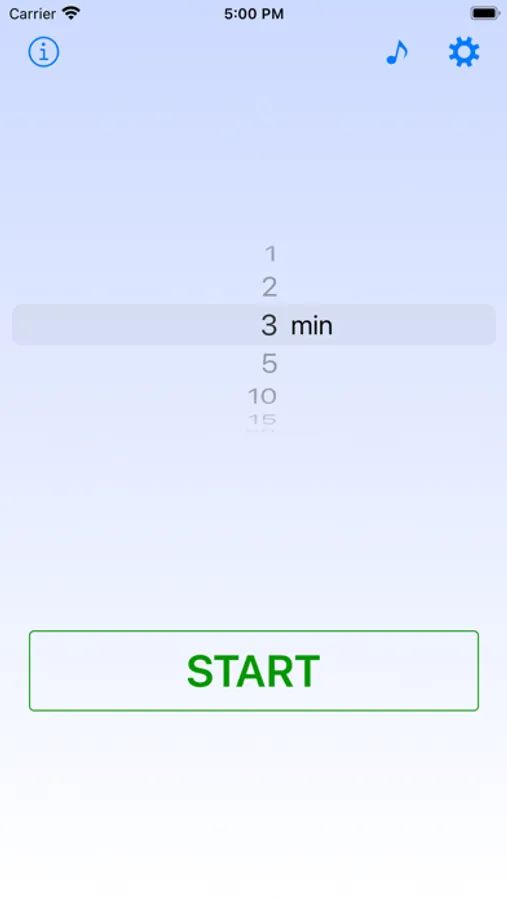
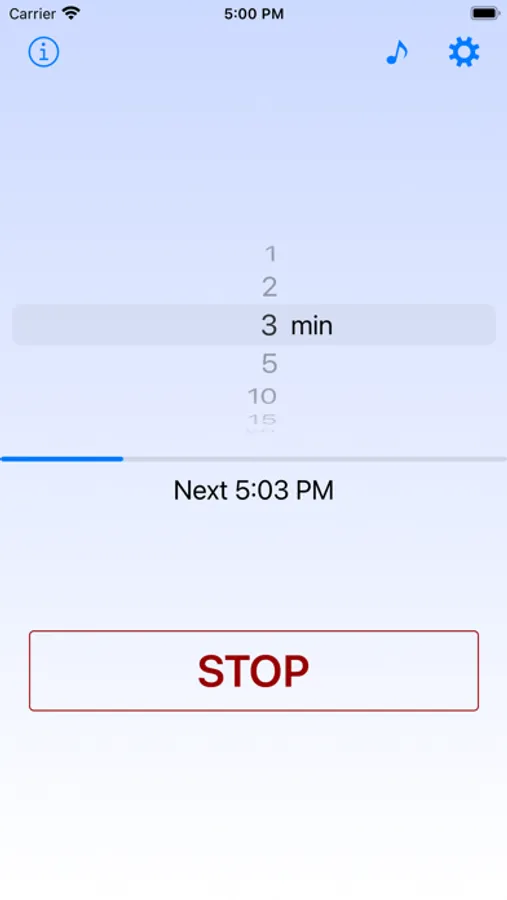
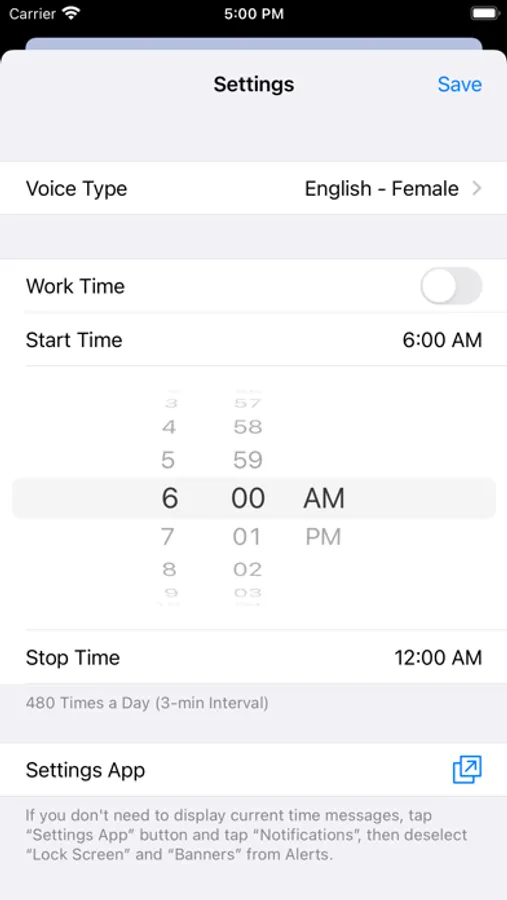
Voice Over Clock Screenshots
Tap to Rate:
Reviews for Voice Over Clock
Dr. Sundgren
Simple & Effective
This simple app has been helpful for me in being more aware of the timing of events, as well as the time passage during events. Its interface is simple to use. And with deselecting “Change with Buttons” options for “Ringtones and Alerts” in the “Sounds and Haptics” section of “Settings,” it’s possible to maintain the volume of its voiced time alert despite changes to other sounds that are effected by the volume buttons. Which is very helpful. It offers two English voice options, one female and one male, which is adequate for my needs. The developer, Takafumi, also has several other time vocalizing, management, and related apps, which I look forward to trying out soon. Thank you for this app Takafumi!
VoiceOver user.
Works inconsistently.
Running iOS 18.6, and new to this app, I made sure all settings are correct, and hit Start. For the first hour or so, it announced the time at my chosen interval, but now isn’t working. It’s still within the time range during which it should be sounding. The instructions were obviously written by someone for whom English is _not their primary language; and, when I went to App Support, everything is in Japanese, even though I chose English. When the app developer replied to a few of the customer reviews, he/she didn’t seem to understand the questions the reviewers were asking. The only notification I want is the announcement of the time, without cluttering the Notification Center or appearing as banners. Perhaps banners must be selected in order for things to work? Apparently, an update is in order. After reading all of the excellent reviews, I’m disappointed.