In this font creation app, you can design custom handwriting fonts by drawing characters and exporting them as .TTF files. Includes multilingual support, adjustable thickness, and template saving features.
AppRecs review analysis
AppRecs rating 3.7. Trustworthiness 78 out of 100. Review manipulation risk 22 out of 100. Based on a review sample analyzed.
★★★☆☆
3.7
AppRecs Rating
Ratings breakdown
5 star
65%
4 star
10%
3 star
7%
2 star
4%
1 star
14%
What to know
✓
Low review manipulation risk
22% review manipulation risk
✓
Credible reviews
78% trustworthiness score from analyzed reviews
⚠
Pricing complaints
Many low ratings mention paywalls or pricing
About Font Maker: Create Your Font
- Create & Save Forever: Design your handwriting fonts and save them permanently.
- Multilingual Support: Supports 40+ languages and alphabets. Find your own alphabet easily.
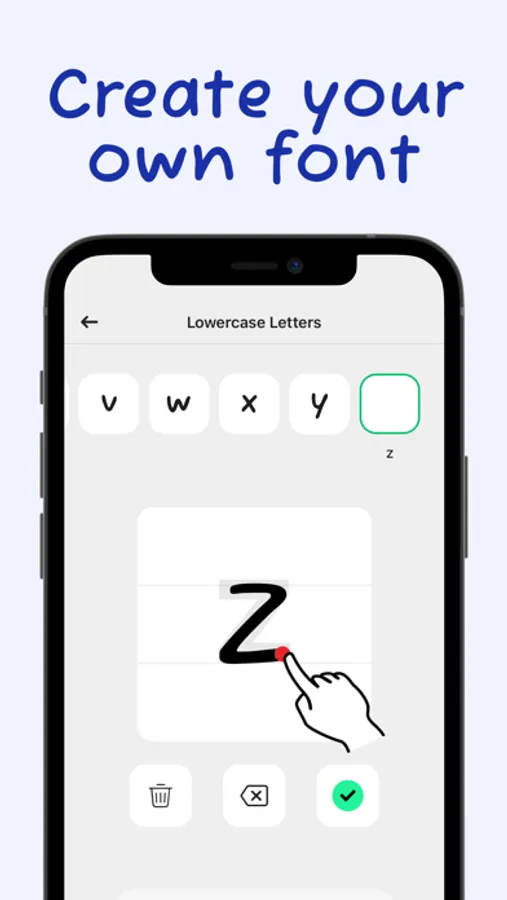
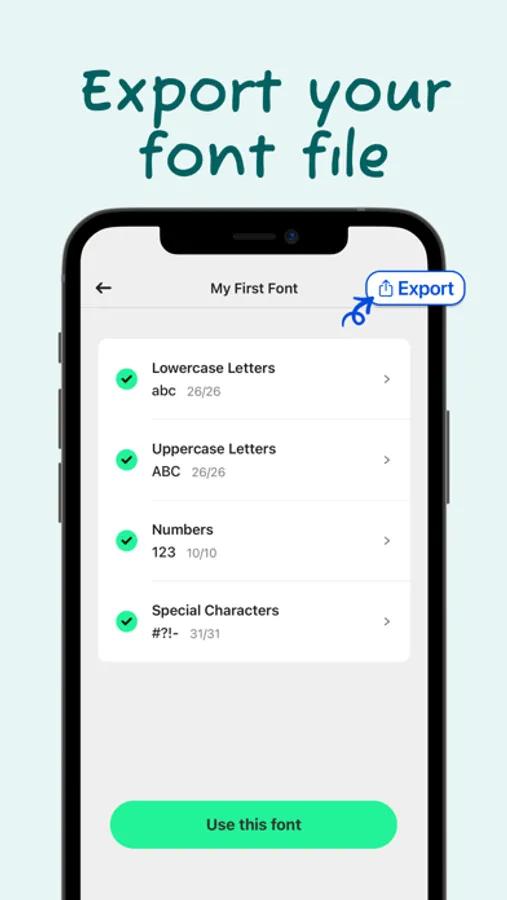
- Complete Character Set: Add lowercase, uppercase, numbers, and special characters for a comprehensive font.
- Export as .TTF: Export your font as a .TTF file and use it directly in any desktop or mobile app like Word, PowerPoint, and other design apps.
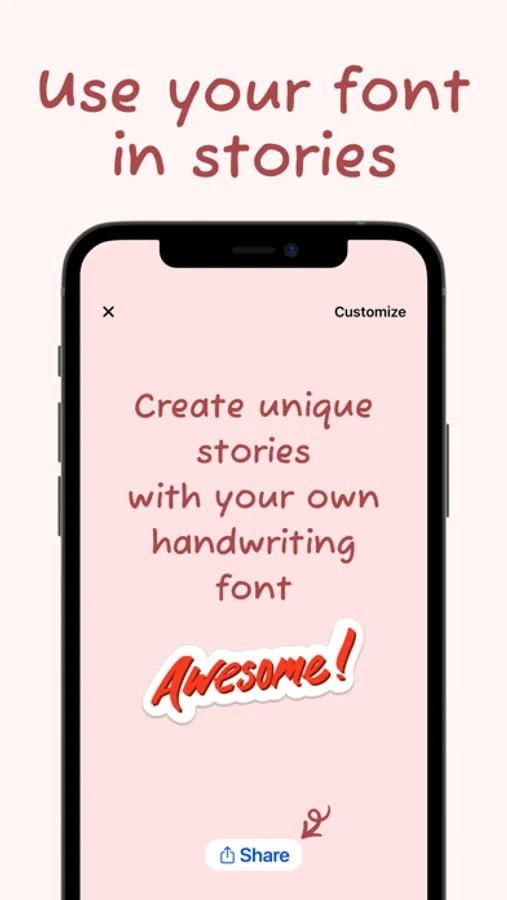
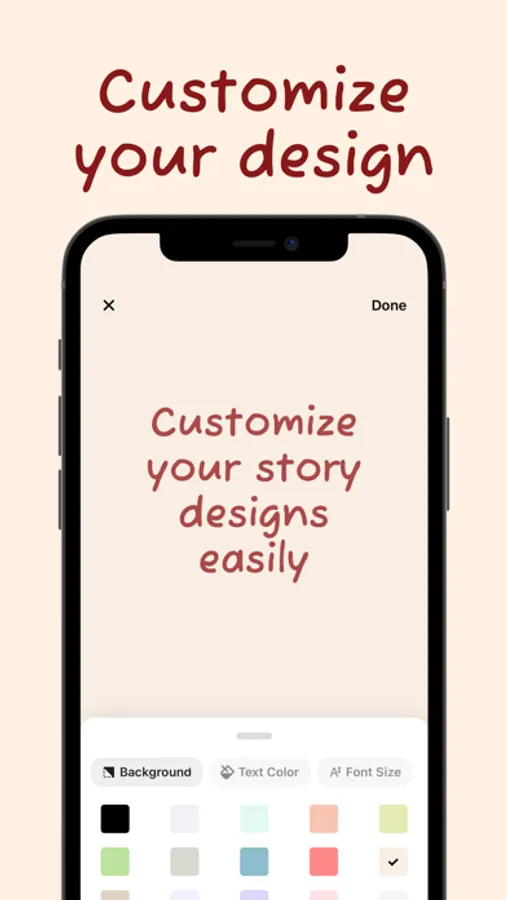
- Customizable Designs: Create amazing stories and posts, customize your design, and share them on social media to stand out.
- Adjustable Thickness: Choose your font's thickness (light, medium, or bold) according to your preference.
- Template Saving: Save your designs as templates and reuse them whenever you want.
How does Font Maker work?
1. Draw Your Characters: Draw your letters, numbers, and special characters with your own handwriting.
2. Save Your Font: Tap the "Save All" button to process your drawings and create your custom font.
3. Use Your Font: Tap the "Use this font" button and write anything you want on the screen.
4. Customize Your Design: Change the background color, text color, and font size easily.
5. Share & Export: Share your design on social media or export your font file with one tap!
Font Maker: Create Your Font offers a one-time payment option for a lifetime premium membership, currently priced at $4.99 in the United States.
If you need any assistance, please contact us: support@fontmakerapps.com
Privacy Policy: https://fontmakerapps.com/docs/privacy-policy.html
Terms of Use: https://fontmakerapps.com/docs/terms-of-use.html
Font Maker: Create Your Font Screenshots
Tap to Rate:
Reviews for Font Maker: Create Your Font
Lil bean1234
Terrible
I only made it 5 stars so you can see, but it’s really really bad. I just thought it was a cute app to make fonts but when I paid and went to download the font, it wouldn’t work. It just took me to my browser, so I went to my settings to see if it loaded as a new font, and it did not show up. Do not buy this, it’s a scam
weweweweseewwewee
Great but pay?
It’s a great app but I think you should be able to type with fonts without having to pay. Otherwise the font looks amazing and all but I would like to type with fonts without paying. Now I also would like to have the option to change my keyboard with my font. Like I said great app and all but a few small tweaks and I’ll be using this app everyday!