AppRecs review analysis
AppRecs rating 4.5. Trustworthiness 79 out of 100. Review manipulation risk 23 out of 100. Based on a review sample analyzed.
★★★★☆
4.5
AppRecs Rating
Ratings breakdown
5 star
82%
4 star
6%
3 star
3%
2 star
3%
1 star
6%
What to know
✓
Low review manipulation risk
23% review manipulation risk
✓
Credible reviews
79% trustworthiness score from analyzed reviews
✓
High user satisfaction
82% of sampled ratings are 5 stars
About Timing – Calendar & Planner
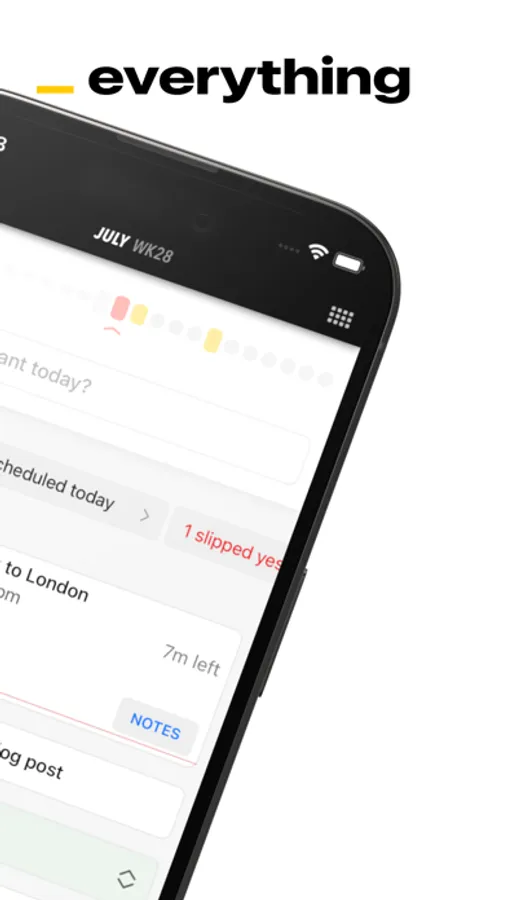
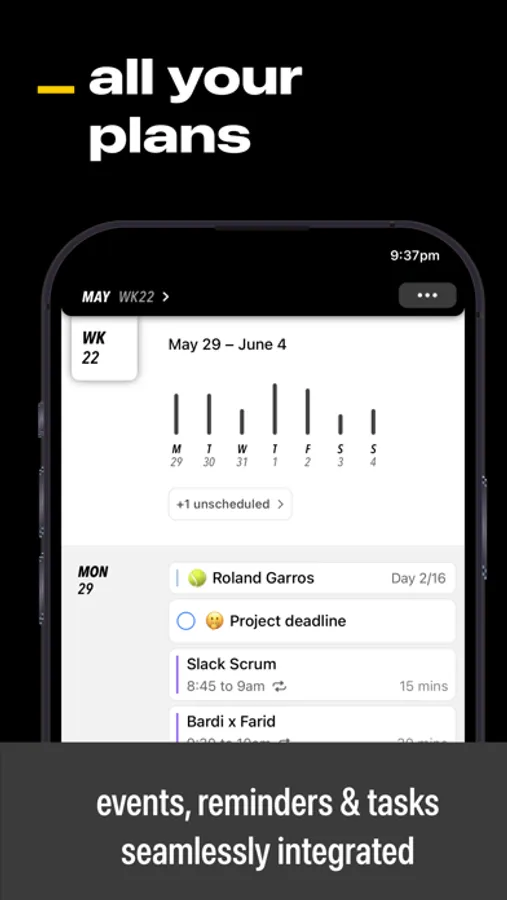
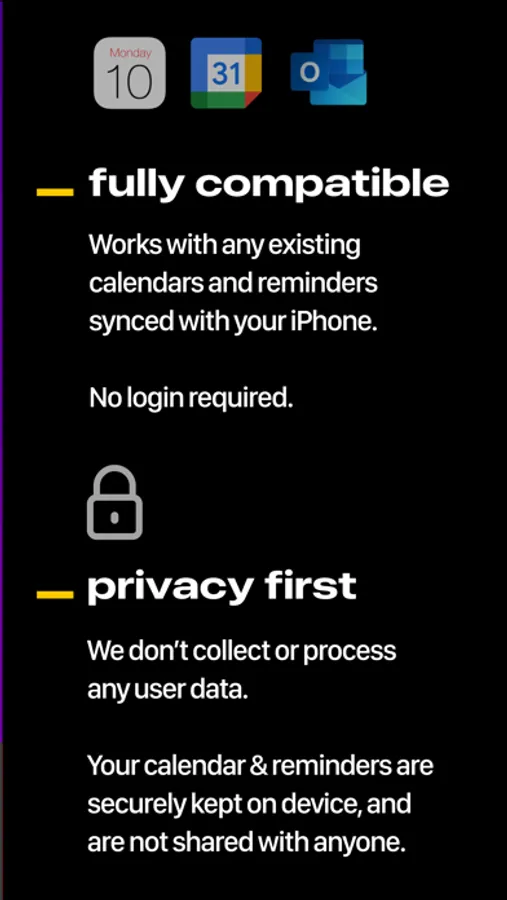
An intuitive timeline seamlessly combines your events & tasks, so no more context switching is required. And — best of all — there's no login required. timing is compatible with all your existing calendars and reminder lists synced to your device. Your data is always private and secure.
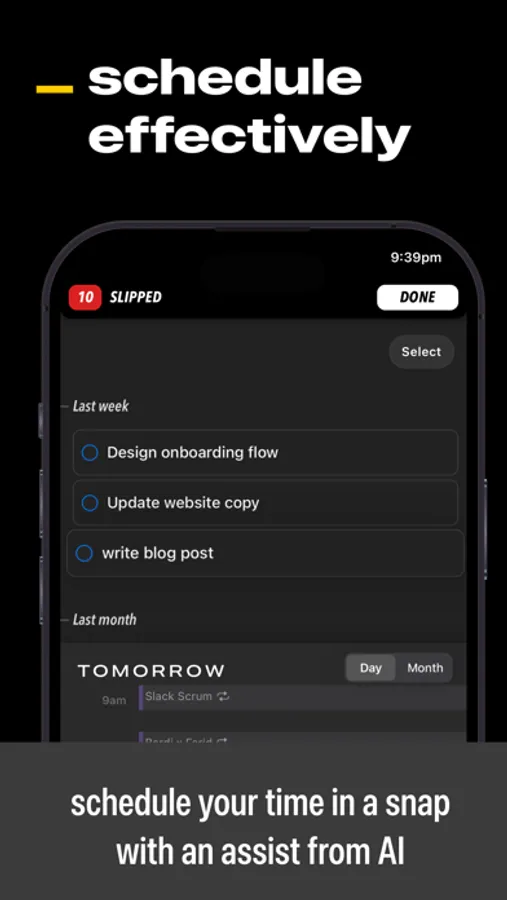
Here's how timing can help you maximize your productivity:
Focus — Our immersive timers will empower you to get through your lists, and make the most out of your time.
Recall — You can pin what’s important so it always stays on top of mind.
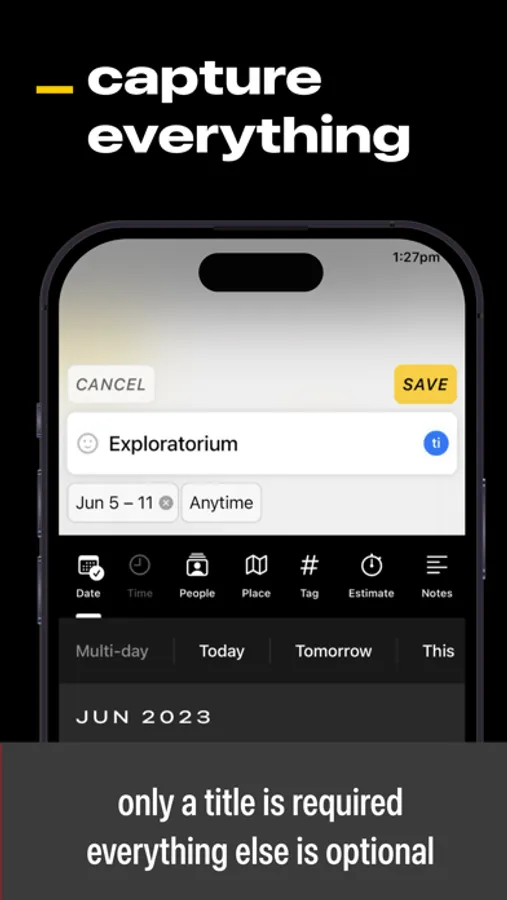
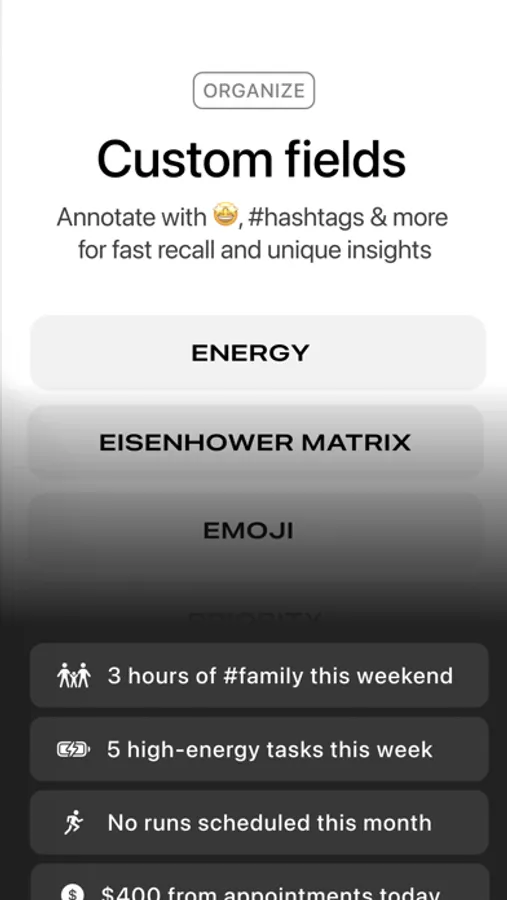
Organize – You can customise each entry leveraging our rich metadata library that includes #tags, emojis and much more, to help you stay organised.
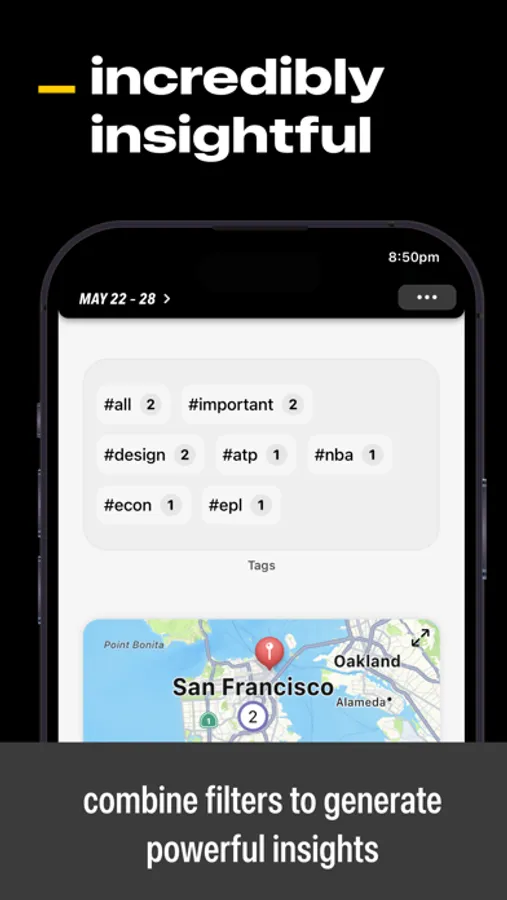
Reflect – Our powerful filters let you see how you're spending your time from a variety of perspectives. Slice and dice your commitments by the calendar or list they belong to, their day of the week, time of day, priority, tags, emojis, energy-level and so much more. You'll be amazed at the insights you gain!
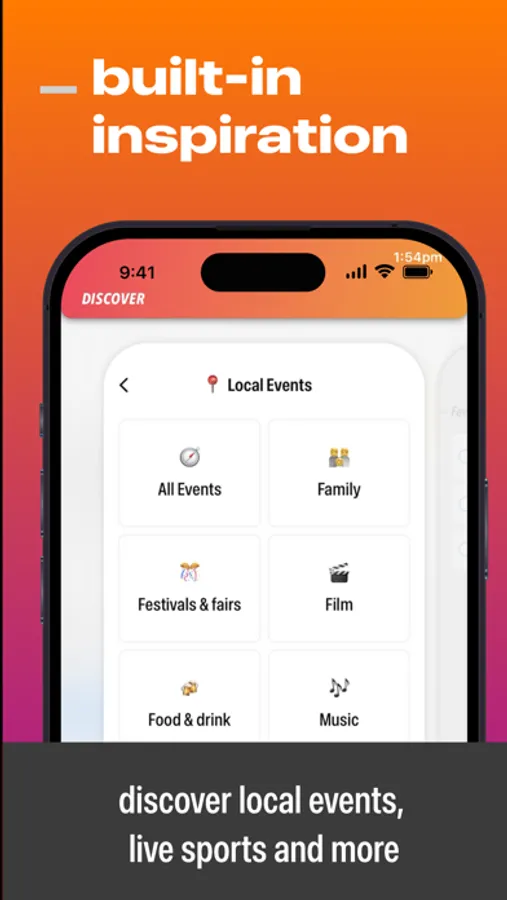
Discover — External calendars ensure you stay up-to-date and don’t ever miss out on local events, live sports & important dates.
And so much more! Note-taking, time blocking, gap management, widgets, notifications, alerts, dark mode, theming etc.
Notes:
In order to gain access to timing’s full feature set, you will need to upgrade to its Everything plan. This is available as a lifetime purchase or monthly/annual subscription. A lifetime purchase gives you access to everything for forever in return for a one-time payment.
The subscription plans come with a free 7-day trial. If you cancel the subscription within the trial period, you will not be charged. If you decide to proceed with a subscription beyond the trial, please note subscriptions will then automatically renew unless cancelled within 24 hours before the end of the current period. You can turn off auto-renewals at any time by going to your Account Settings on the App Store after a purchase.
All payments will be charged to your Apple ID account at the confirmation of purchase. To be clear, for the lifetime purchase, this occurs immediately, whereas for subscriptions, this will occur once the free trial period is complete.
Timing – Calendar & Planner Screenshots
Tap to Rate:
Reviews for Timing – Calendar & Planner
abemedfit
Premium features
I don’t see any premium features when I just subscribed. The free version the same as premium, I don’t see the features I can use as a premium user. Wish this app had a horizontal calendar view with events displayed instead of vertical view. This needs more customizable features. Ideally if you can customize a home page as soon as app launches to show what you’d like to see. Any plans on developing this app further ?
$$padrino6
Flat out lie
The advertisement is good , but we like buying these app to separate from apps like calendar and reminders and if you told people that this app doesn’t work without being connected to apple products nobody would buy in less they want to connect this app needs to fix that so as of now I will this app a 0 because it’s a lie and everything it offer a you can’t use in less you connect to app them what do I need this app for why pay money when I can use what you are requesting for free on calendars and reminders