
AppRecs review analysis
AppRecs rating 4.2. Trustworthiness 68 out of 100. Review manipulation risk 25 out of 100. Based on a review sample analyzed.
★★★★☆
4.2
AppRecs Rating
Ratings breakdown
5 star
88%
4 star
2%
3 star
2%
2 star
2%
1 star
6%
What to know
✓
Low review manipulation risk
25% review manipulation risk
✓
High user satisfaction
88% of sampled ratings are 5 stars
✓
Authentic reviews
No red flags detected
About Customize Search Engine
Safari Extension to customize your search engine.
This extension allows you to use your preferred search engines, such as non-default search engines or AI assistants.
You can also use it to change search engine settings, for example, by hiding AI Overviews or changing language settings.
### Features ###
--- Customize your Search Engine
Change Safari's default search engine.
--- CSE for Private Browse
Switch search engines in Private Browse.
--- Quick Search
Enter the keyword to switch search engines.
Example:
- Search "br something" to search in Brave Search
- Search "wiki Safari" to find Safari on Wikipedia
- Search "yt Me at the zoo" to find the oldest videos on YouTube
- Search "wbm example.com" to see past versions of the website
--- Emoji Search
If you enter only one emoji, you can search it on Emojipedia.org.
--- Switch Search Engines by Shortcuts and Focus
You can use a different custom search engine or disable CSE while at work, school, etc.
This extension allows you to use your preferred search engines, such as non-default search engines or AI assistants.
You can also use it to change search engine settings, for example, by hiding AI Overviews or changing language settings.
### Features ###
--- Customize your Search Engine
Change Safari's default search engine.
--- CSE for Private Browse
Switch search engines in Private Browse.
--- Quick Search
Enter the keyword to switch search engines.
Example:
- Search "br something" to search in Brave Search
- Search "wiki Safari" to find Safari on Wikipedia
- Search "yt Me at the zoo" to find the oldest videos on YouTube
- Search "wbm example.com" to see past versions of the website
--- Emoji Search
If you enter only one emoji, you can search it on Emojipedia.org.
--- Switch Search Engines by Shortcuts and Focus
You can use a different custom search engine or disable CSE while at work, school, etc.
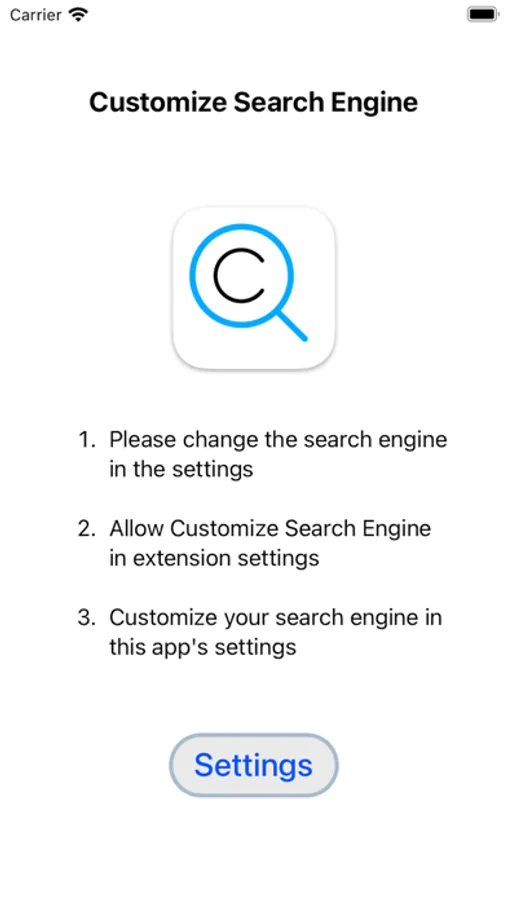
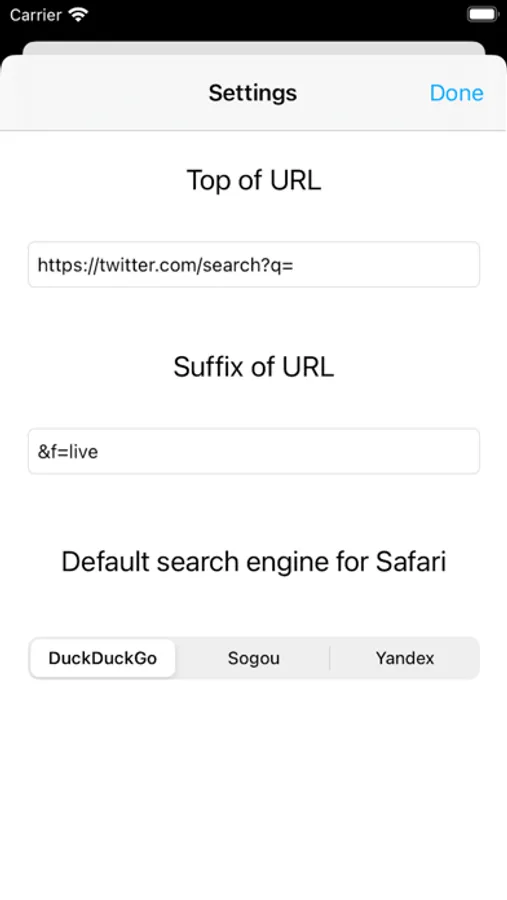
Customize Search Engine Screenshots
Tap to Rate:
Reviews for Customize Search Engine
2016 ally
I need help
I can't search anything on it please tell me how
Giant Microbe
Fixes a major Safari annoyance
Installation is a little fiddly, but it is well worth the time and effort. If you find Apple’s list of search engines too limited give this a try. There is no fee or link to donate-I would gladly pay for this functionality.